
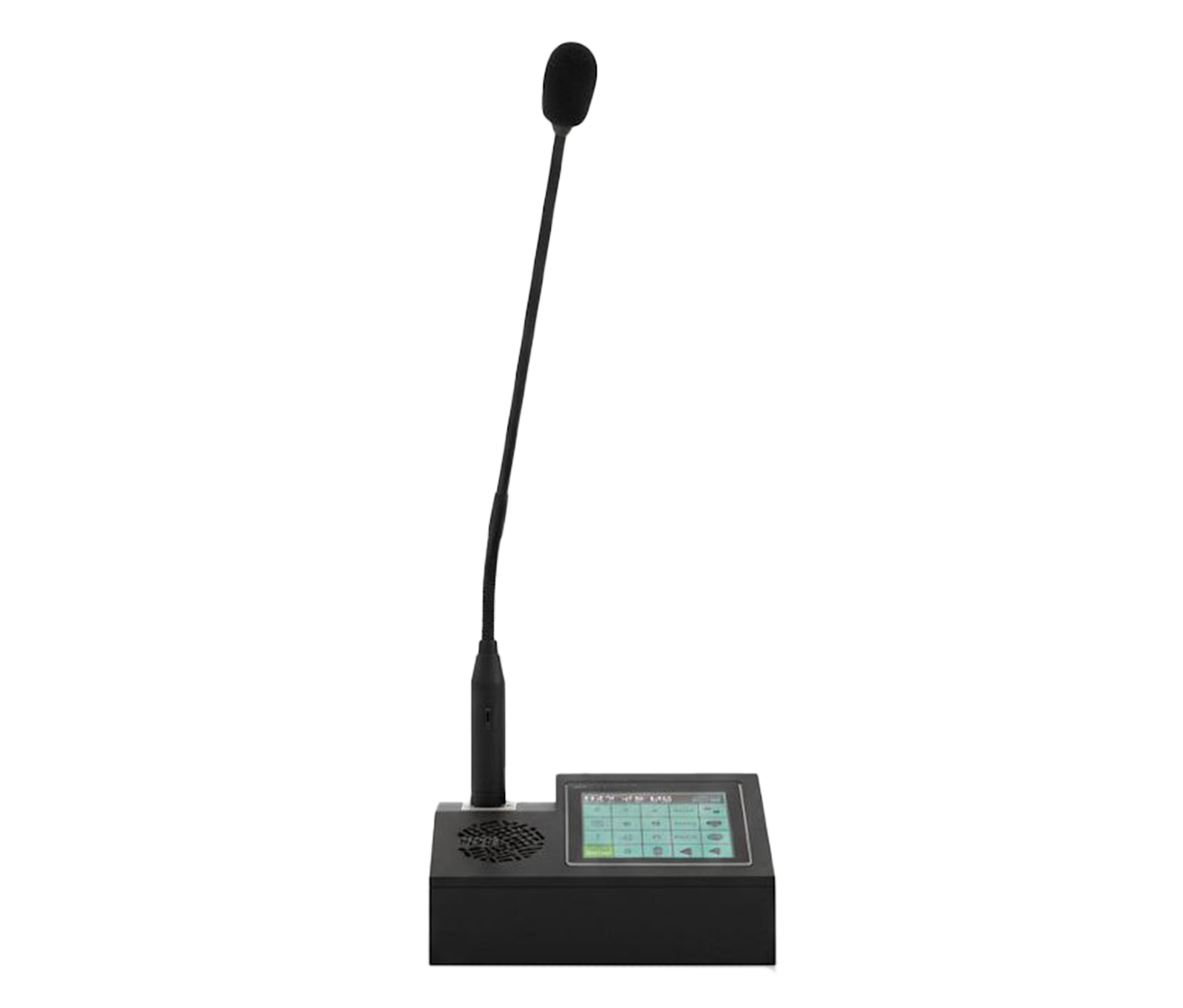
The KV-TDC-ISM-P IP desktop microphone from the Radonium series is an advanced paging console developed for managing audio and public address systems in control rooms.
-
 MQTT
MQTT
MQTT
MQTT
-
 Protocol
SIP
Protocol
SIP
-
 Power
POE
Power
POE
Overview
The KV-TDC-ISM-P IP desktop microphone from the Radonium series is an advanced paging console developed for managing audio and public address systems in control rooms. It features a 4-inch color touchscreen, 3 programmable DSS keys and an XLR microphone input for high-quality audio. Support for the SIP and MQTT protocols, power via PoE or a 12–18 V adapter, and a powerful built-in speaker make it the perfect tool for integrated management of IP paging systems.
User Interface
- Display
- 4-inch Color Touch Screen
- Function Keys
- 3x Programmable DSS Keys (Soft keys)
Network & Management
- Network Interface
-
10/
100 Mbps Ethernet Port - Protocol Support
- MQTT SIP (Session Initiation Protocol)
- Compatibility
- Asterisk FreePBX Standard IP-PBX Platforms
- Configuration
- Web-based management portal (HTTP)
Audio
- Microphone Input
- XLR Interface
- Audio Output
- Built-in High-Quality Speaker
- Codecs
- G.711, G.722
General
- Power Supply
- 12~18V DC / PoE
- Installation
- Desktop
- Dimensions
- 160*100*75 mm
- Operating Temp
- -10°C ~ 40°C
Downloads
Documentation
-
KV-TDC-ISM-P
Compare products
Compare this product with similar products
Please wait
Frequently asked questions
Questions about this product
Where should I start when choosing the right IP phones?
Start by defining the intended use, the number of devices, the installation environment, the capacity required and your plans for future expansion. Then choose the model and technical specifications based on what the project actually needs.
Which technical specifications matter most for IP phones?
Depending on the project, the most important specifications are capacity, speed, compatibility, environmental ratings, management features and scalability. Basing your choice on a single figure is usually not enough.
Is a cheaper IP phone model always the right choice?
No. The purchase price is only one factor. You also need to consider reliability, features, service life, after-sales service and maintenance costs.
How do I work out how much capacity an IP phone system needs?
Base the calculation on the number of devices, actual usage, how long the system will be in use and how much the project is likely to grow. It is also wise to keep some capacity in reserve.
Can IP phones be upgraded later?
In many cases, some of the capacity or equipment can be upgraded. However, this depends on the product's architecture and its hardware limitations, so check before you buy.
Frequently asked questions: IP Phones
Answers to common questions about this product line, from the KDT Help Center.
Why isn't my IP phone working properly?
First check the power, the cable or connection, the settings, the network address and the software status. Then you can move on to more in-depth checks and the logs.
Where should I start when choosing the right IP phones?
Start by defining the intended use, the number of devices, the installation environment, the capacity required and your plans for future expansion. Then choose the model and technical specifications based on what the project actually needs.
Which technical specifications matter most for IP phones?
Depending on the project, the most important specifications are capacity, speed, compatibility, environmental ratings, management features and scalability. Basing your choice on a single figure is usually not enough.
Is a cheaper IP phone model always the right choice?
No. The purchase price is only one factor. You also need to consider reliability, features, service life, after-sales service and maintenance costs.
How do I work out how much capacity an IP phone system needs?
Base the calculation on the number of devices, actual usage, how long the system will be in use and how much the project is likely to grow. It is also wise to keep some capacity in reserve.
Didn’t find your answer?
Related products
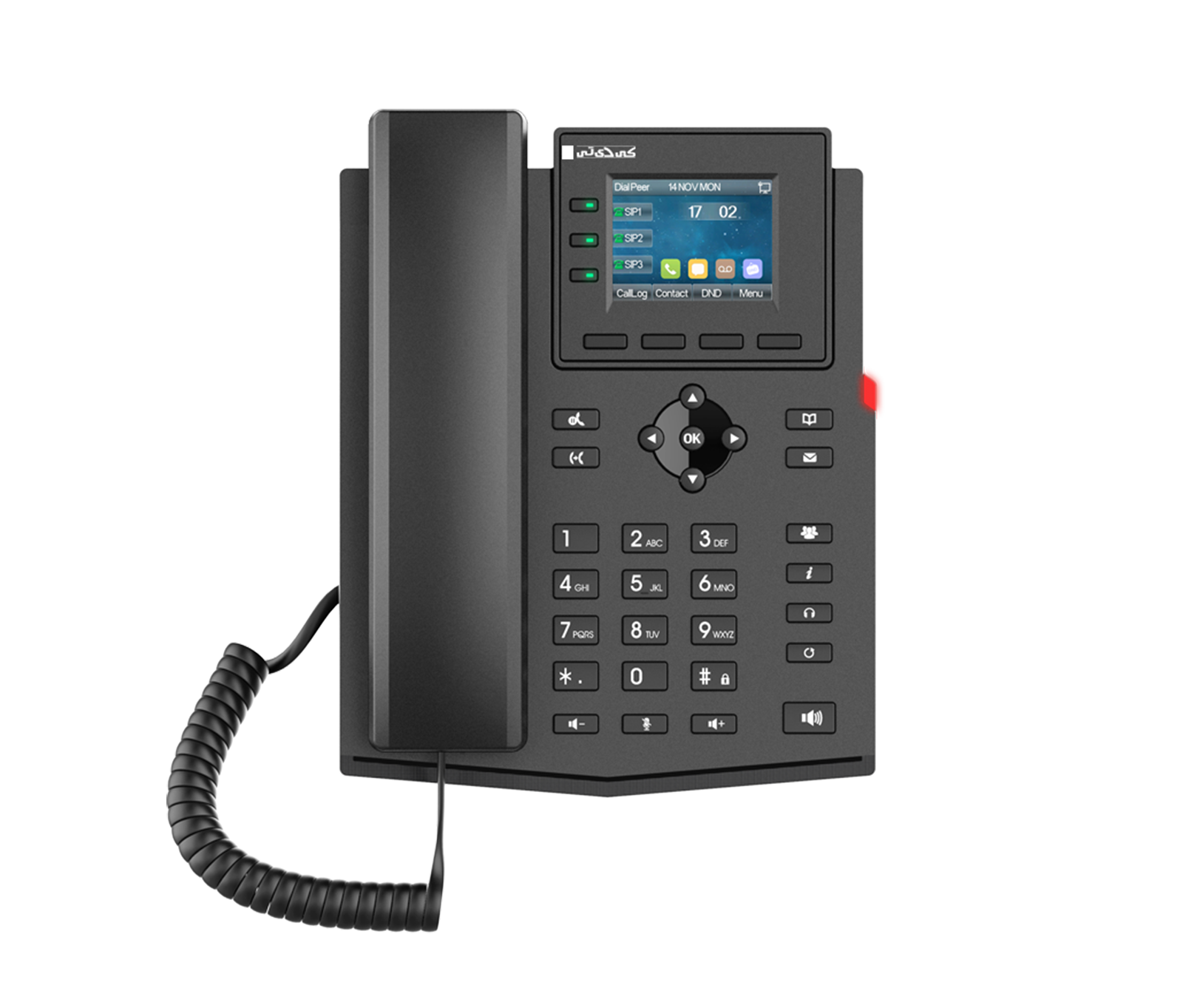 Entry Level Business IP PhoneKV-N2S4-P
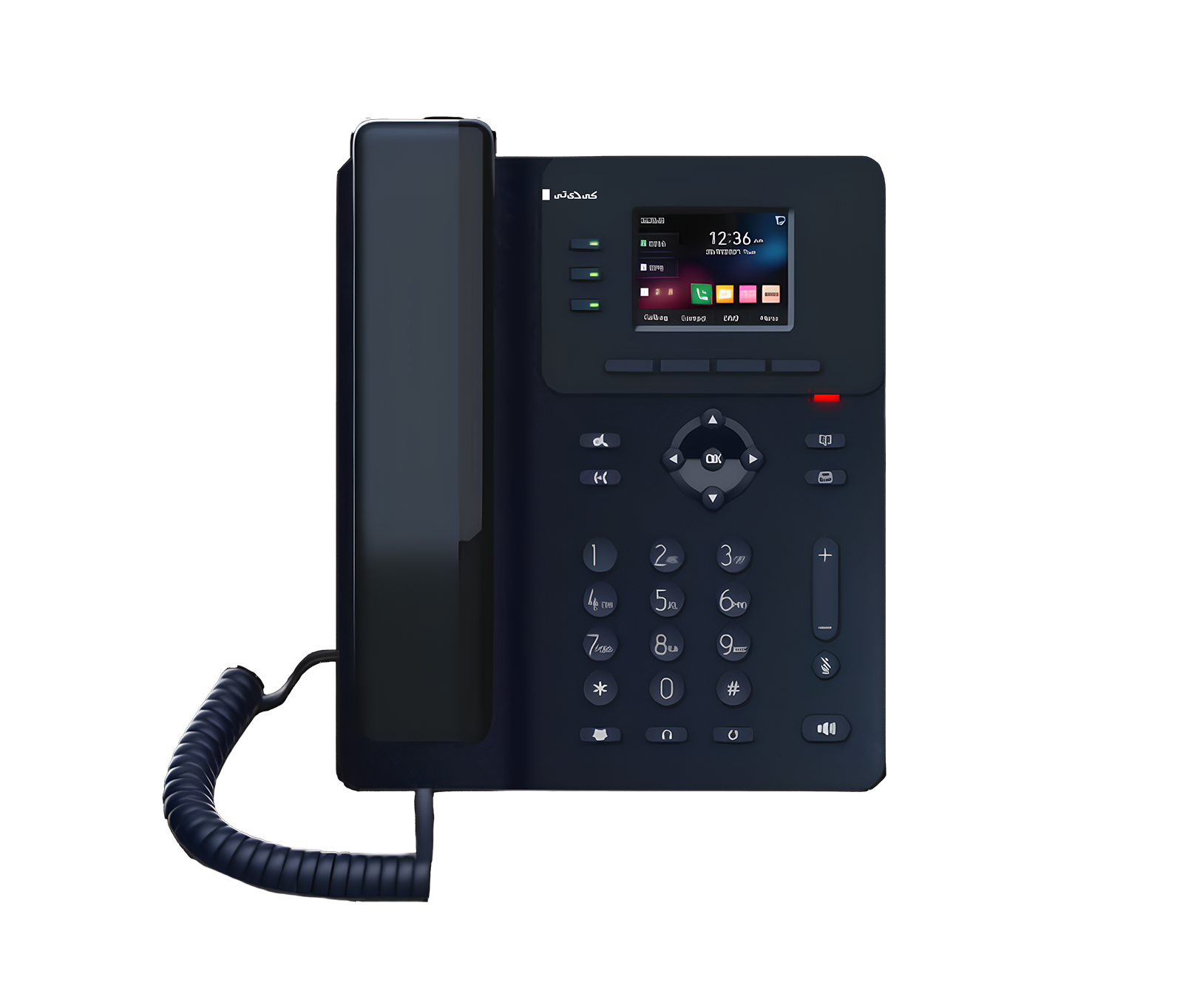 Entry Level Business IP PhoneKV-N2S4-P/V3
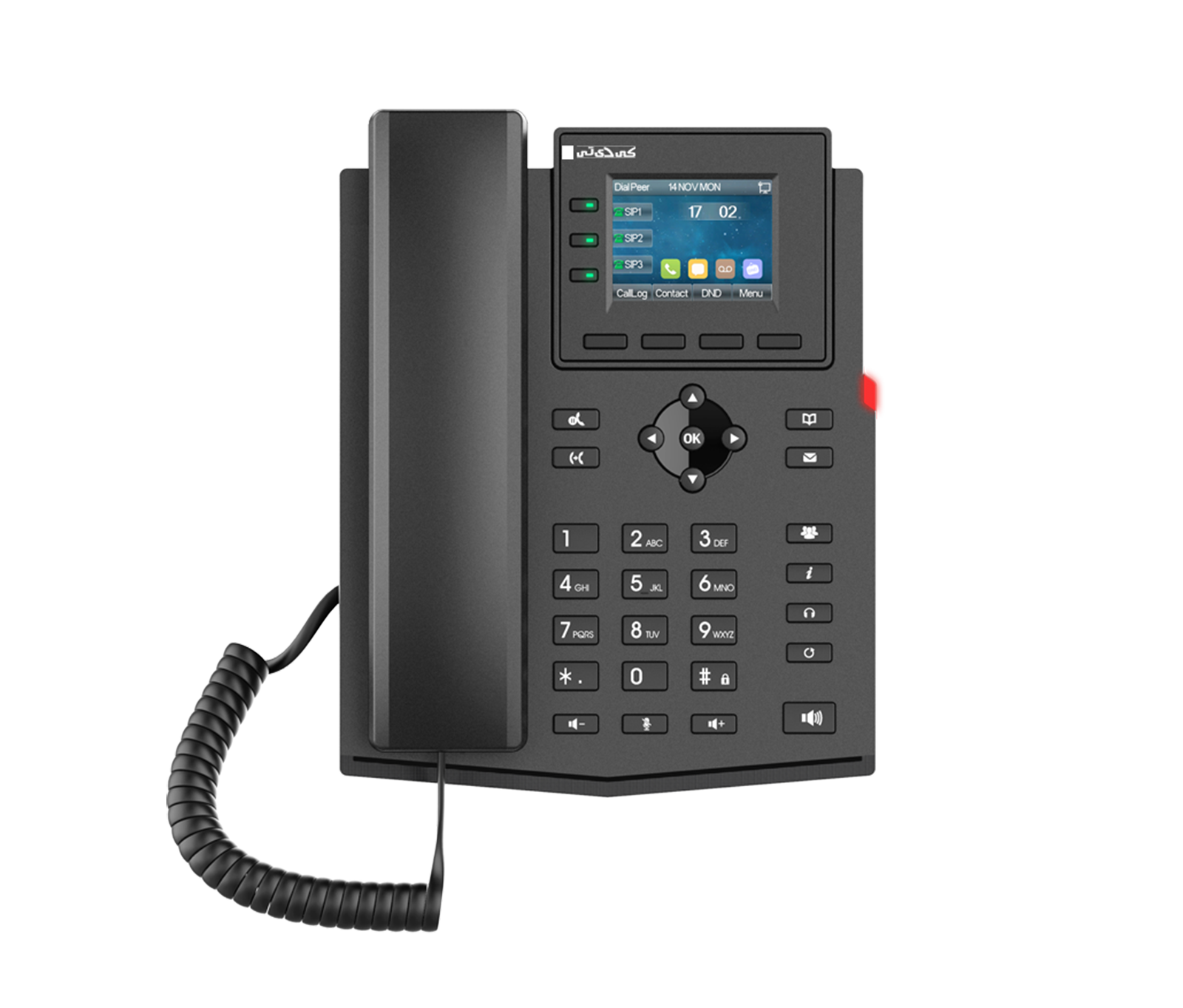 Entry Level Business IP PhoneKV-N2S4-PF
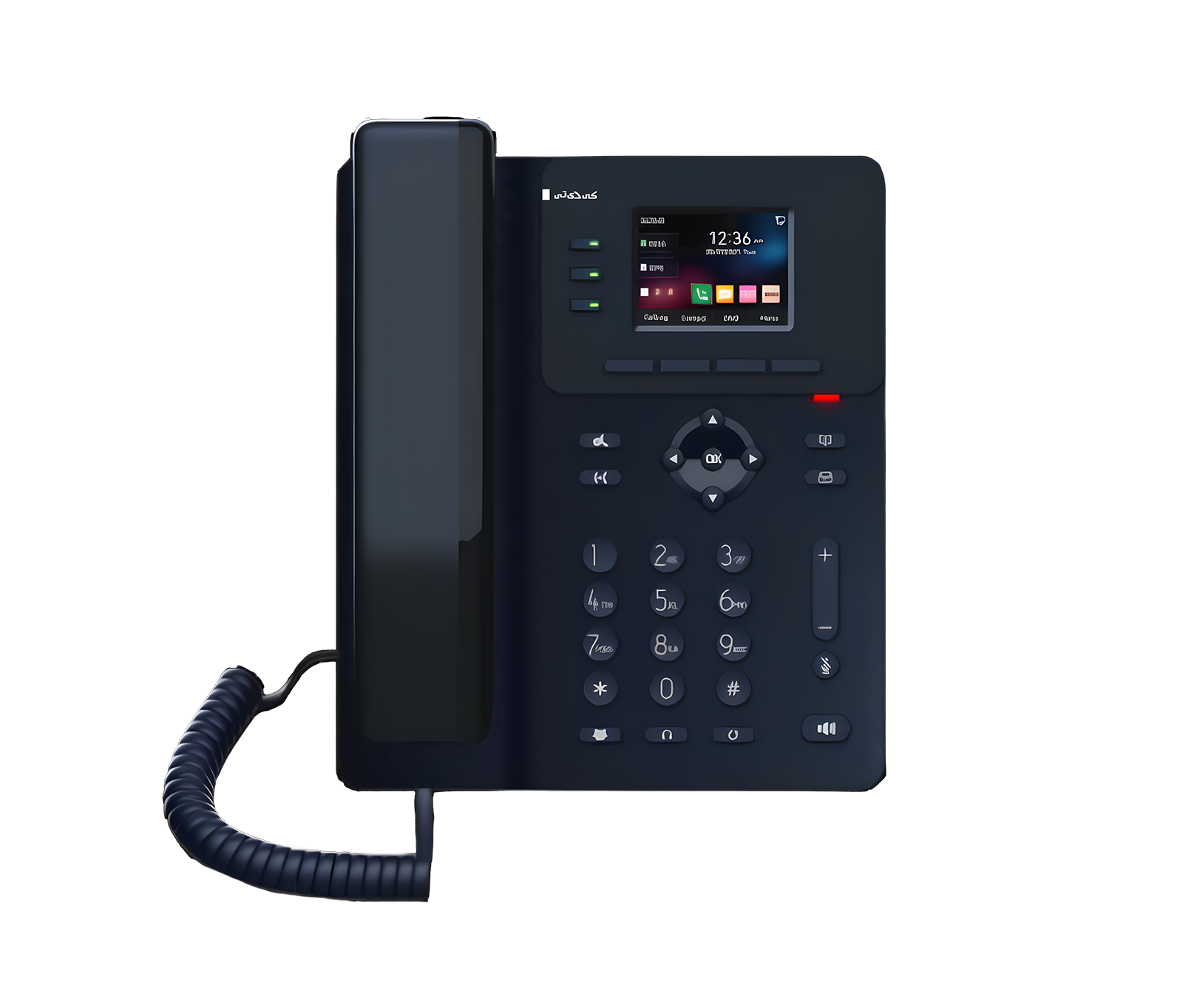 Entry Level Business IP PhoneKV-N2S4-PF/V2
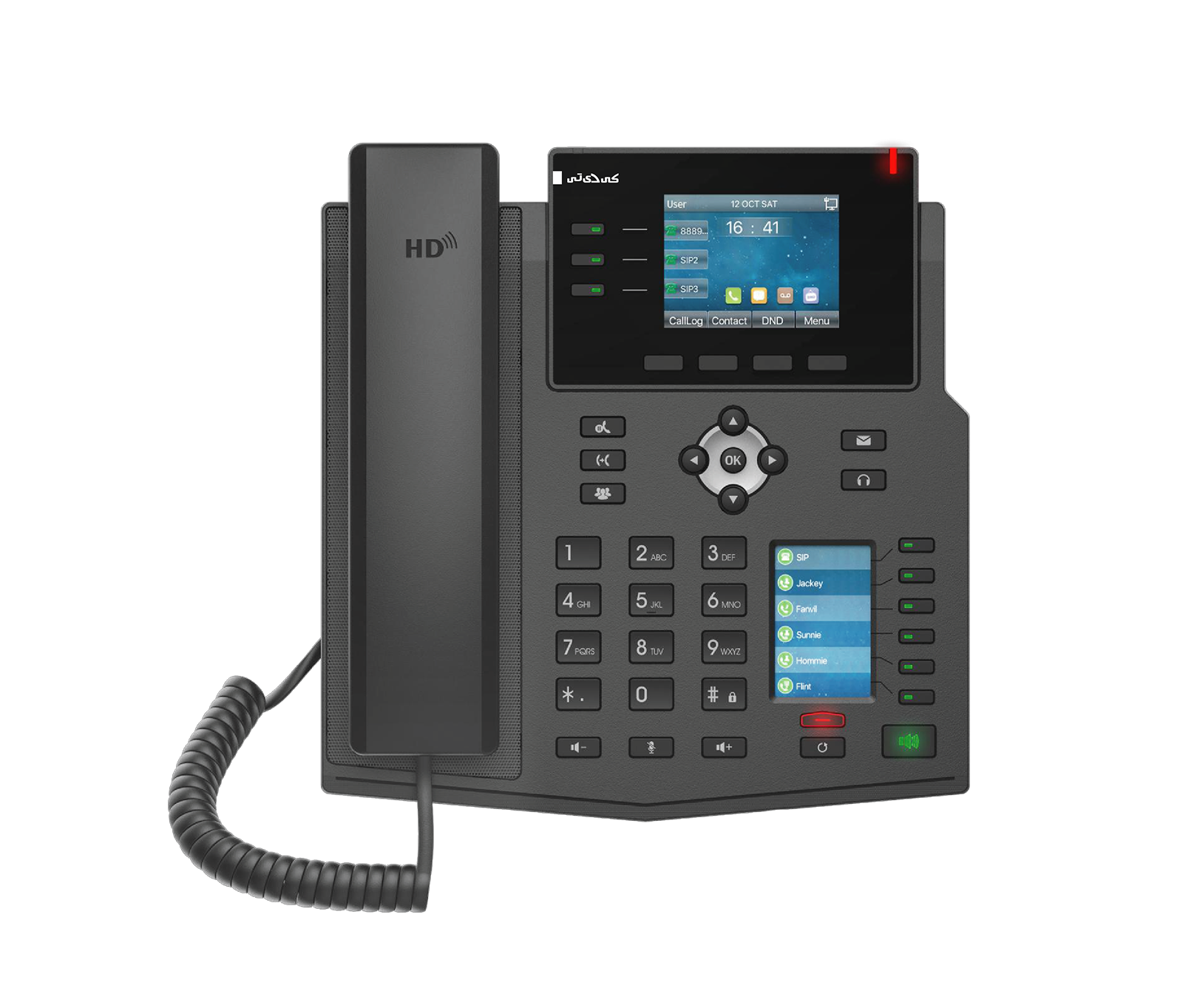 Enterprise IP PhoneKV-M3S12-P
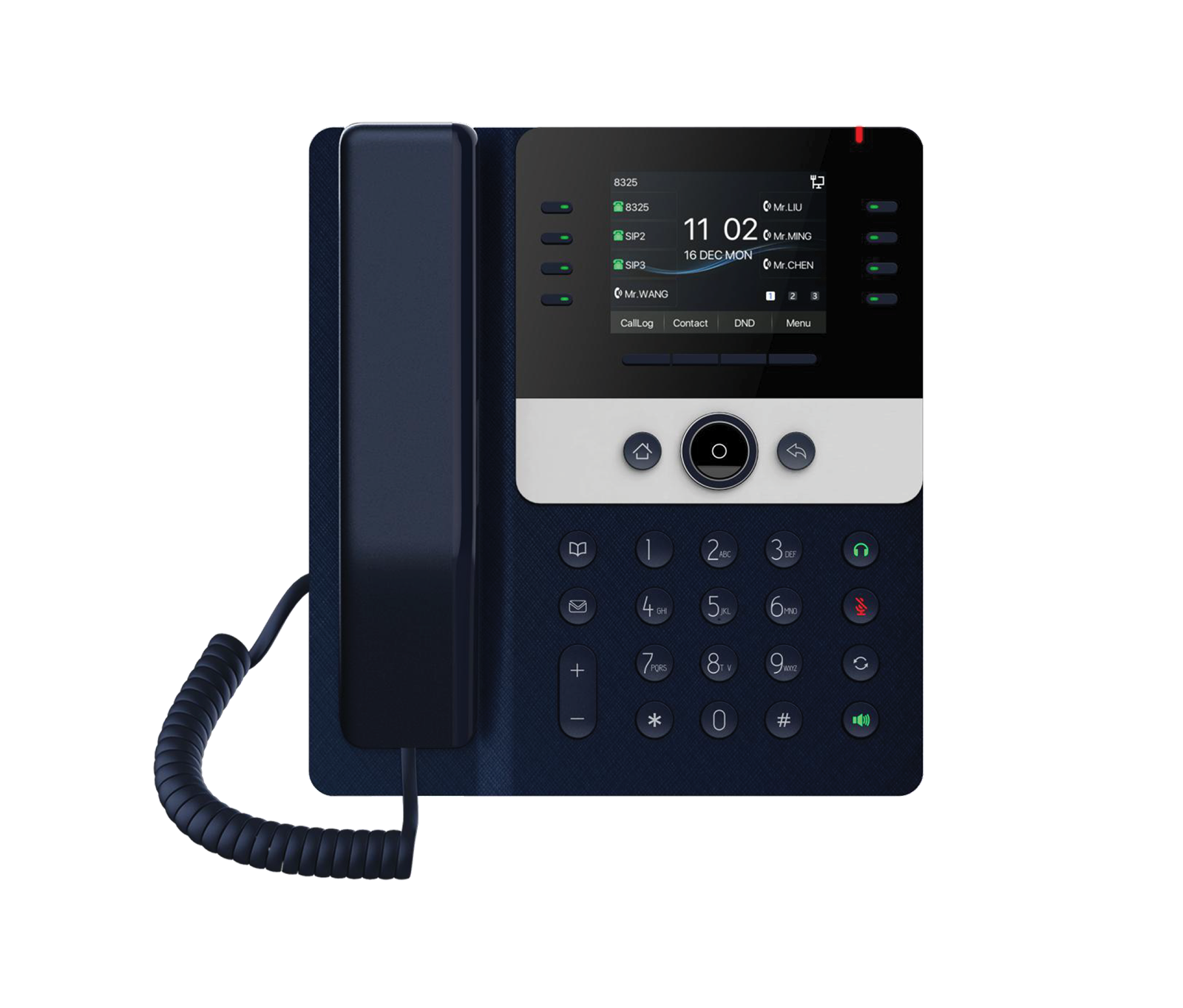 Prime Business IP PhoneKV-N4S12-P
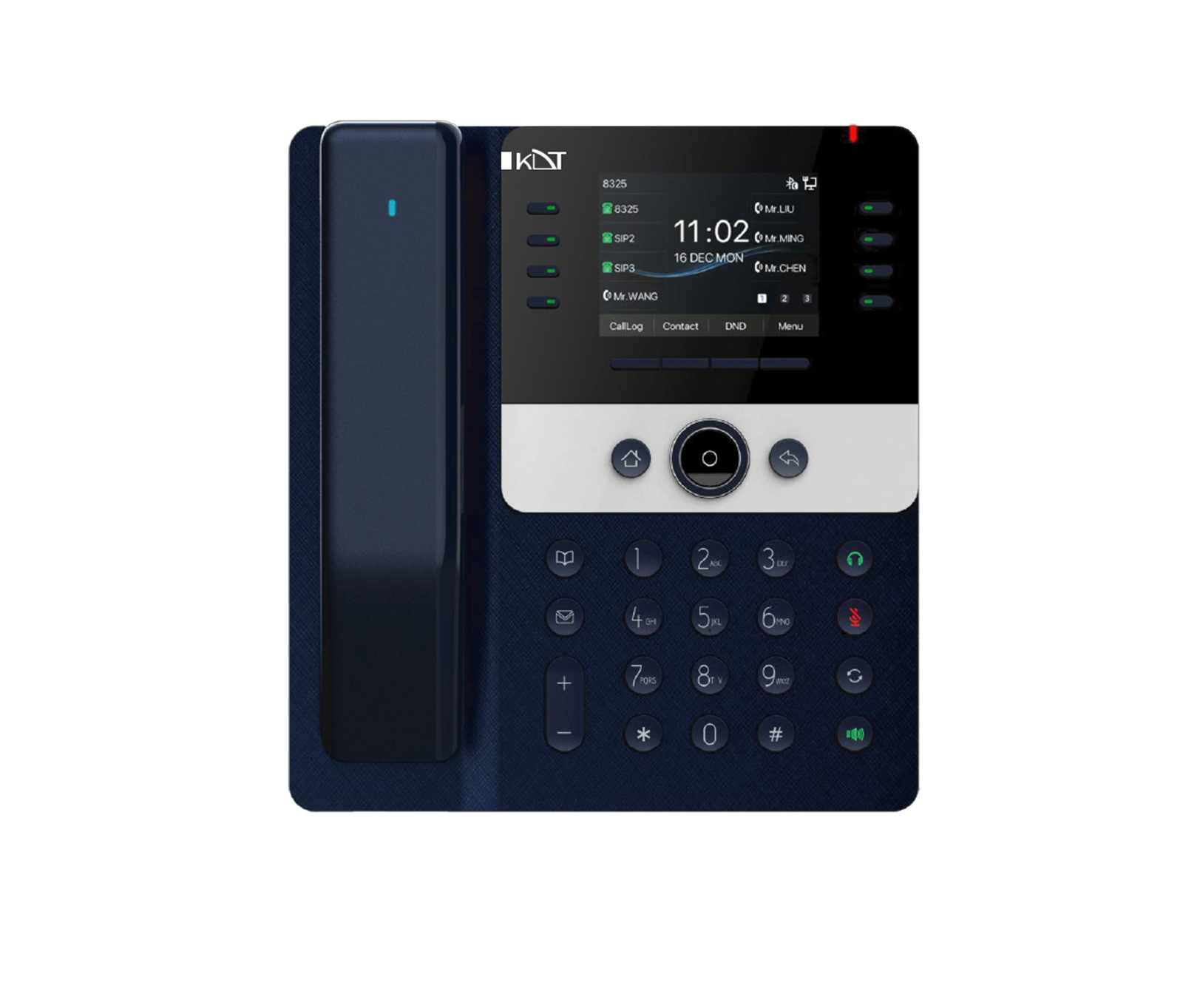 Prime Business IP PhoneKV-N4S12-PH
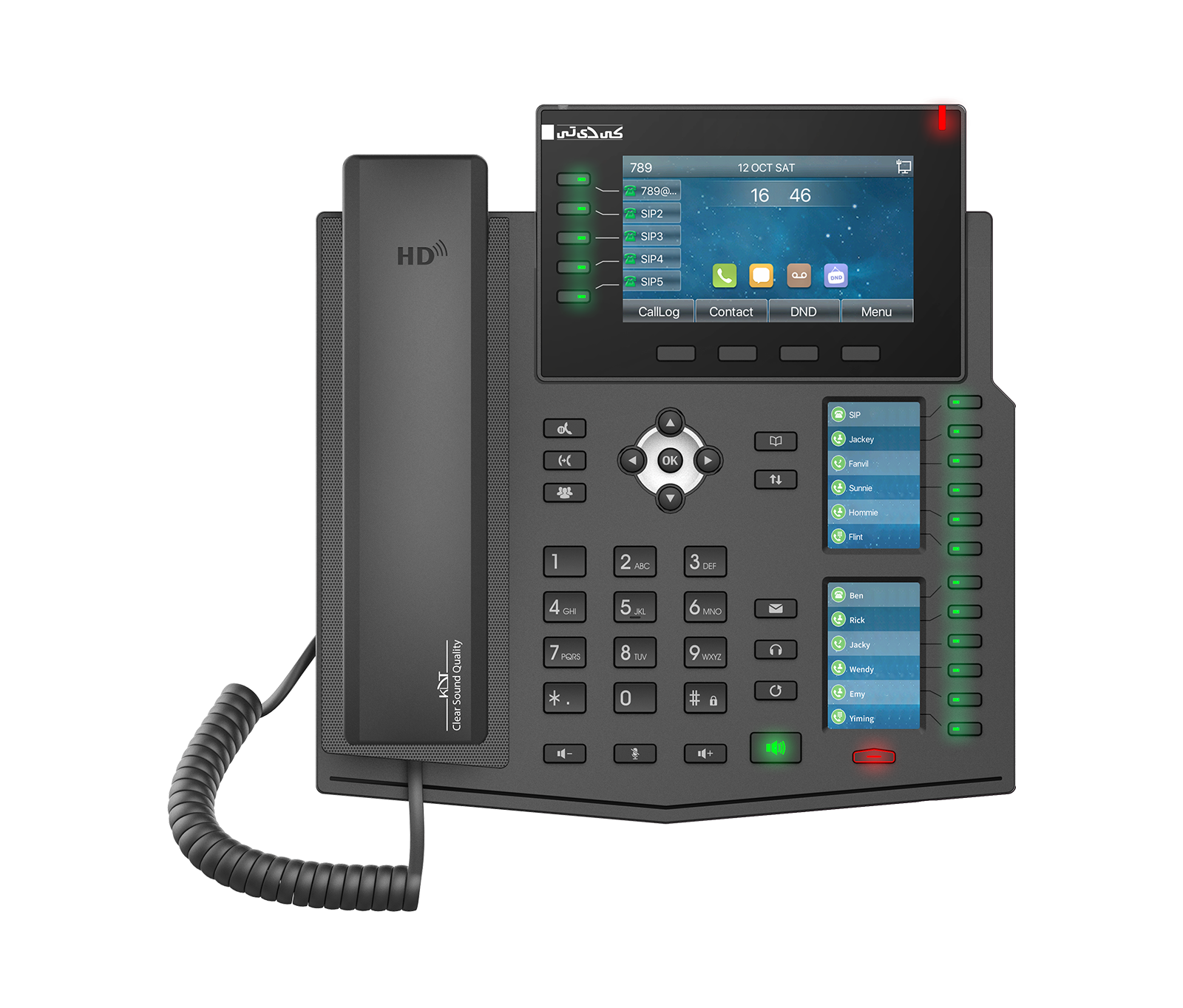 Enterprise IP PhoneKV-M4S20-P
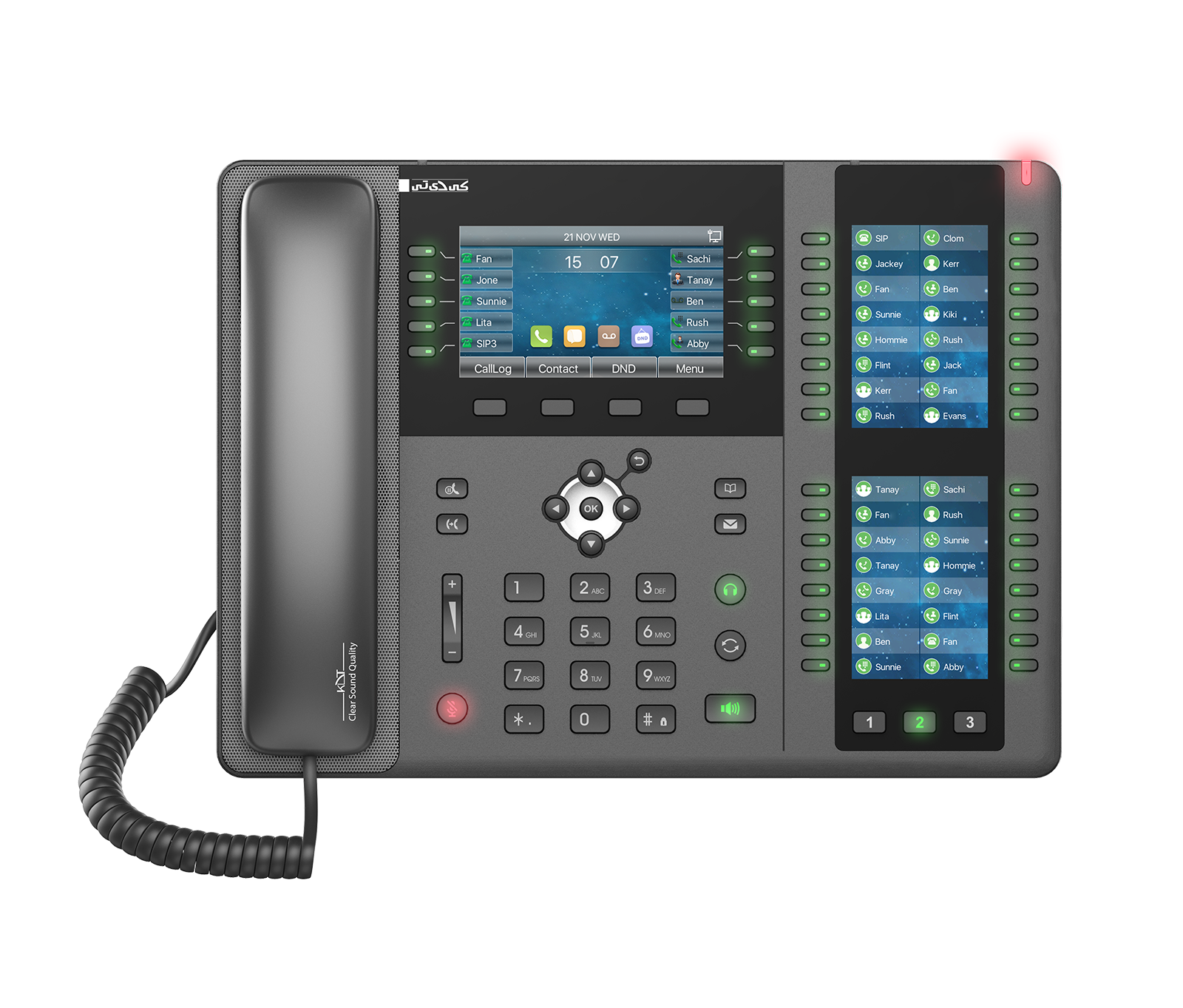 Enterprise IP PhoneKV-M4S20-PX
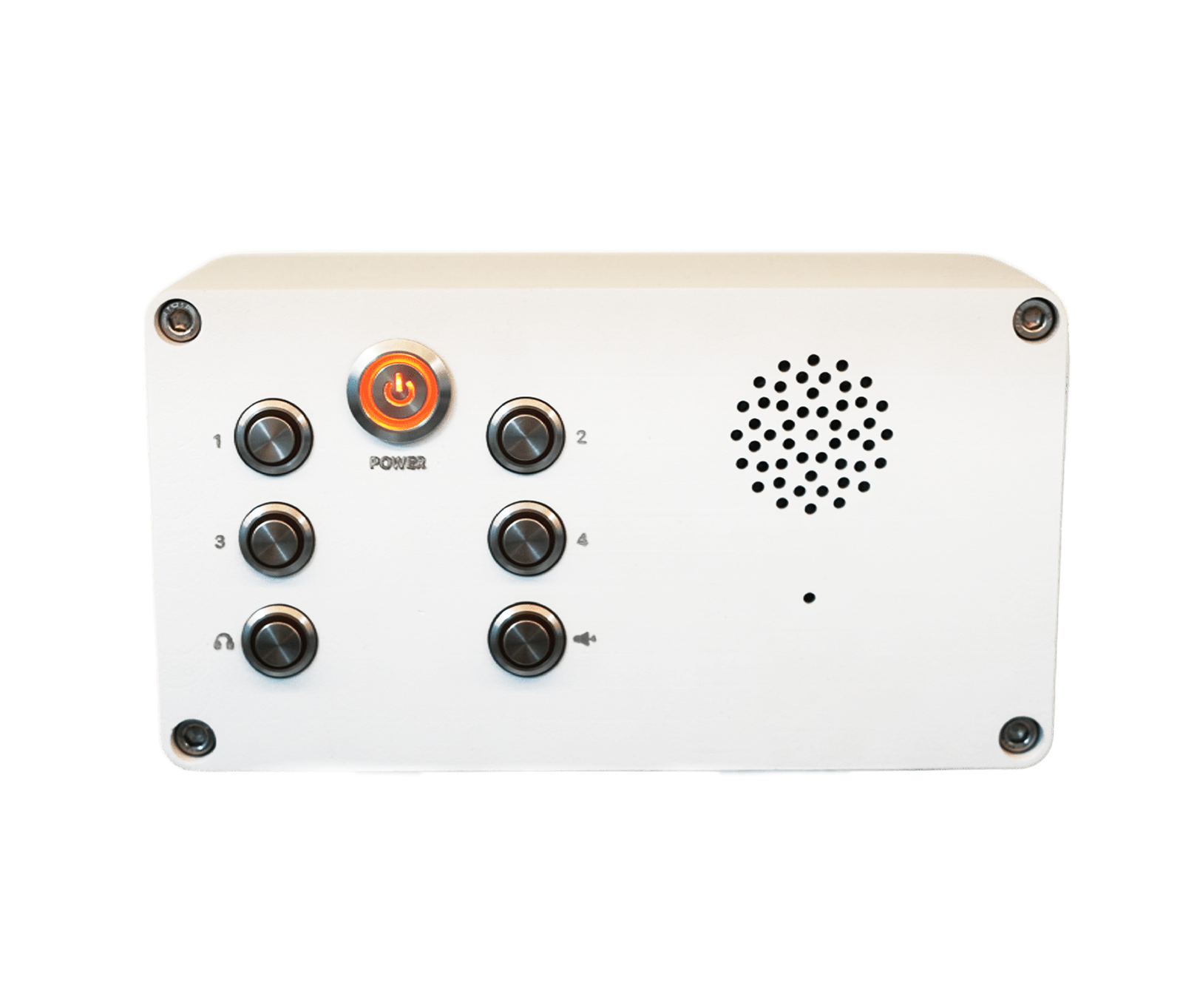 Professional SIP IntercomKV-IC06-ISMO