
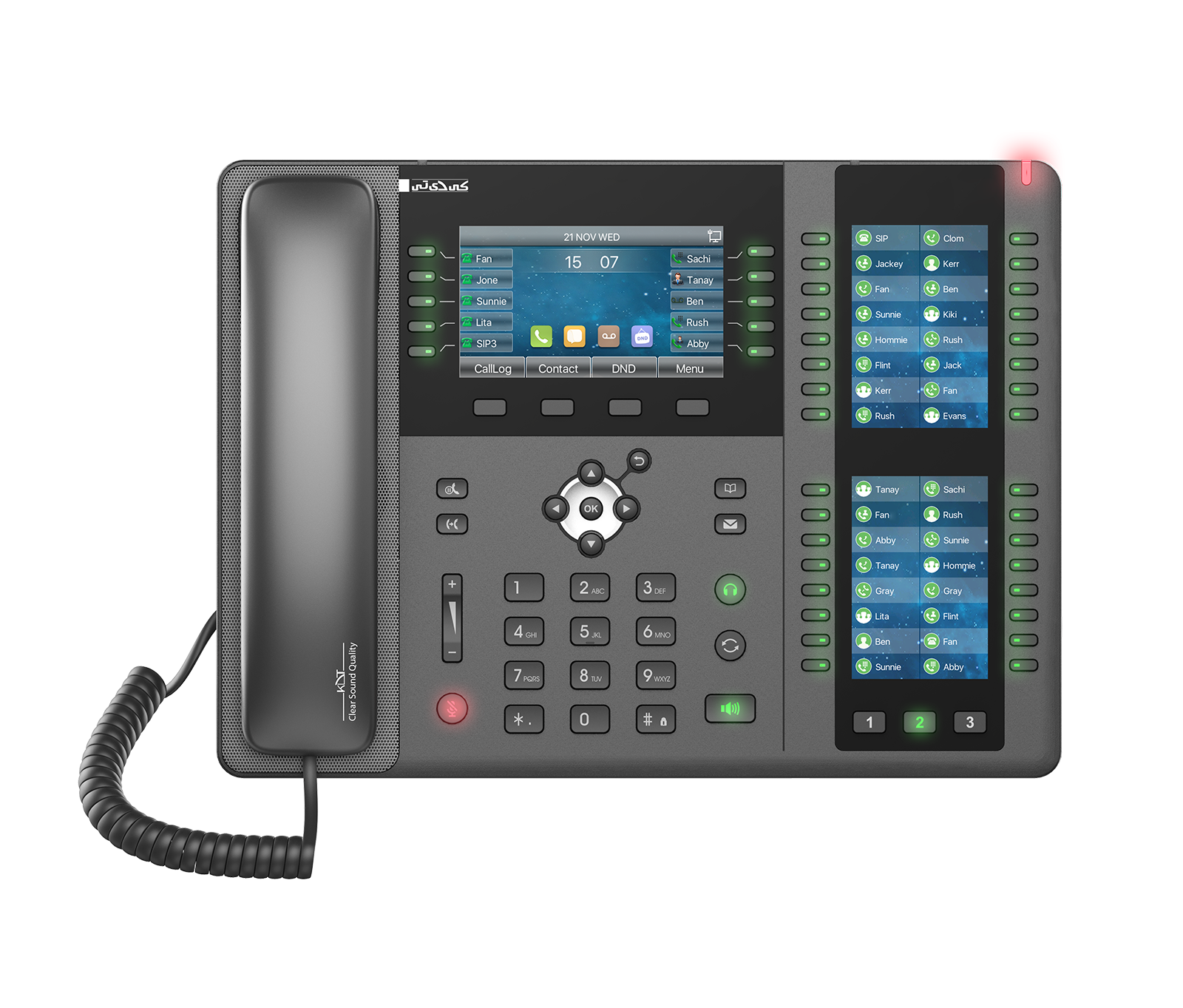
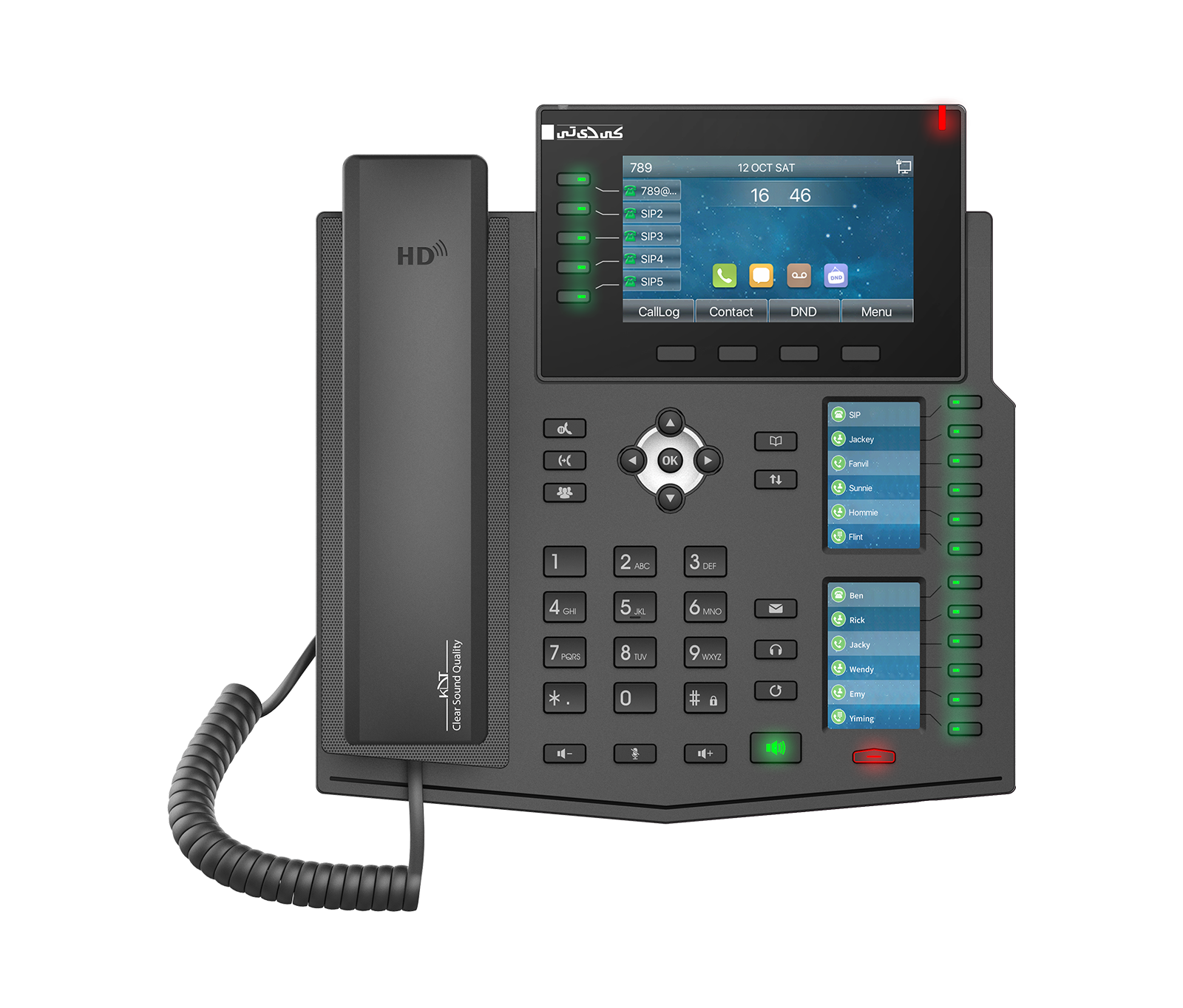
The KV-M4S20-PX IP phone from the Radonium series is the flagship enterprise model, engineered with an unmatched number of control keys for call centers and executive assistants.
-
 Protocol
SIP
Protocol
SIP
-
 Ability
Conference
Ability
Conference
-
 Power
PEO
Power
PEO
Overview
The KV-M4S20-PX IP phone from the Radonium series is the flagship enterprise model, engineered with an unmatched number of control keys for call centers and executive assistants. It is equipped with a 4.3-inch main display and two large 3.5-inch side displays, and supports 20 SIP accounts alongside 106 smart DSS keys. Video call reception, dual Gigabit Ethernet ports with PoE support, built-in Bluetooth and HD voice quality make it a full-fledged management console that is unrivaled on the market.
Generic
- Specification
- 20 SIP Lines 3 LCDs (Main + DSSJ) HD Voice Intelligent DSS Keys PoE Enabled Support receiving Video call
- Phone Functions
-
Action URL/
Active URI Blocked/Allowed List Call logs (In/Out/ Local Phonebook (2000 entries) Programmable DSS/Missed, 1000 entries) Soft keys Support Wi-Fi Dongle - Call Functions
-
3-way Conference
Anonymous Call (Hide Caller ID)
Auto-Answering
Call Forward (Always/
Busy/ Call Hold/No Answer) Resume Call out/Answer/ Call Parking/Reject Pick-up (Depending on server) Call Transfer (Attended/Unattended) Call Waiting Caller ID Display Do Not Disturb Hot desking Hot Line Intercom Mute/Unmute (Microphone) Redial Speed Dial Voice Message (With server) - Video
-
Video call resolution: QCIF/
CIF/ Video codec: H.264VGA
Deployment & Management
- Deployment & Management
-
Auto-Provisioning via FTP/
TFTP/ Configuration Export / Import Firmware Upgrade Packet Dump Phonebook Import/HTTP/ HTTPS/ DHCP OPT66/ SIP PNP/ TR-069 Export Syslog Web Management Portal Web-based Packet Dump
Physical Specifications
- Main LCD x1
- 4.3-inch (480x272) Color Screen
- DSS Key
- 3.5-inch (320x480) Color Screen
- Keypad
- 4 x Soft Keys, 6 x Function Keys, 77 keys
- HD Handset
- 1.5M CAT5 Ethernet Cable x 1
- Standard RJ9 Handset
- 1 x Wire
- Status Indicator Light
- x1 (Red)
- RJ9 Port x 2
- Handset x1, Headset x1
- RJ45 Port x2
- Network x1 PC x1 (Bridged to Network)
- USB2.0 Port x1
-
Connect with Wi-Fi/
BT USB dongle or Flash Driver Standard A - Safety Keyhole
- x1
- DC Power Input
- 5V/ 2A
- Power Input
-
DC 5V/
2A or PoE - Power Consumption (PoE)
- 2.6W~9W
- Power Consumption (Adapter)
- 2.4W ~8W
- Working Temperature
- 0°~45°C
- Working Humidity
- 10%~95%
- Weight
- 1.5 Kg
Audio
- Audio
-
DAC 16KHz Sampling
HAC handset
HD Voice Microphone
Speaker (Handset/
Hands-free, 0~7KHz Frequency Response) Wideband ADC - Narrowband Codec
-
AMR, G.711a/
u, G.723.1, G.726-32K, G.729AB, ILBC - Wideband Codec
- AMR-WB, Cous, G.722
Network
- Physical
-
dual bridged port for PC bypass
Physical: 10/
100/ 1000 Mbps Ethernet - IP Configuration
- 802.1x DHCP Network Access Control PPPoE Static IP
- VPN
- L2TP, OpenVPN
- VLAN
- VLAN / LLDP / Qo5/ RTCP-XR (RFC3611) VQ-RTCPXR, (RFC6035)
- WIFI (Optional)
-
WI-FI Security Mode: WPA/
WPA2-PSK/ 802.1X EAP
Network & Management
- IP Mode
-
IPv4/
IPv6/ IPv4&IPv6
Protocols
- Protocols
-
802.1x
AES128 & AES256
DHCP
FTP/
TFTP HTTP/HTTPS IPv6 L2TP LLDP OpenVPN PPPoE RTP/RTCP/ SIP2.0 over UDP/SRTP TCP/ SNTP STUN TR-069TLS
General
- Installation
- Desktop Stand; Wall-mounted (need an additional wall hanging parts)
- Dimensions
- 226x308x86.5 mm
Downloads
Documentation
-
KV-M4S20-PX
Compare products
Compare this product with similar products
Please wait
Frequently asked questions
Questions about this product
How can I make my IP phones more secure?
The key measures are using strong passwords, removing default accounts, keeping the firmware up to date, restricting access and segmenting the network logically.
Why does firmware matter for IP phones?
Firmware is the software built into the product, and it can affect performance, security and compatibility. Always upgrade it with the correct file and follow the official instructions.
What should I do before upgrading the firmware on an IP phone?
Check the exact model and the current firmware version, choose a compatible file and, if possible, back up the settings. A stable power supply and connection are essential during the upgrade.
Are IP phones compatible with products from other brands?
It depends on which standards and protocols are supported. Basic compatibility may be available, but proprietary features cannot always be guaranteed.
What role do ONVIF and similar standards play in IP phones?
Common standards like these are used to improve interoperability between equipment and software. However, you should also check the version and the exact features your project needs.
Frequently asked questions: IP Phones
Answers to common questions about this product line, from the KDT Help Center.
Why isn't my IP phone working properly?
First check the power, the cable or connection, the settings, the network address and the software status. Then you can move on to more in-depth checks and the logs.
Where should I start when choosing the right IP phones?
Start by defining the intended use, the number of devices, the installation environment, the capacity required and your plans for future expansion. Then choose the model and technical specifications based on what the project actually needs.
Which technical specifications matter most for IP phones?
Depending on the project, the most important specifications are capacity, speed, compatibility, environmental ratings, management features and scalability. Basing your choice on a single figure is usually not enough.
Is a cheaper IP phone model always the right choice?
No. The purchase price is only one factor. You also need to consider reliability, features, service life, after-sales service and maintenance costs.
How do I work out how much capacity an IP phone system needs?
Base the calculation on the number of devices, actual usage, how long the system will be in use and how much the project is likely to grow. It is also wise to keep some capacity in reserve.
Didn’t find your answer?
Related products
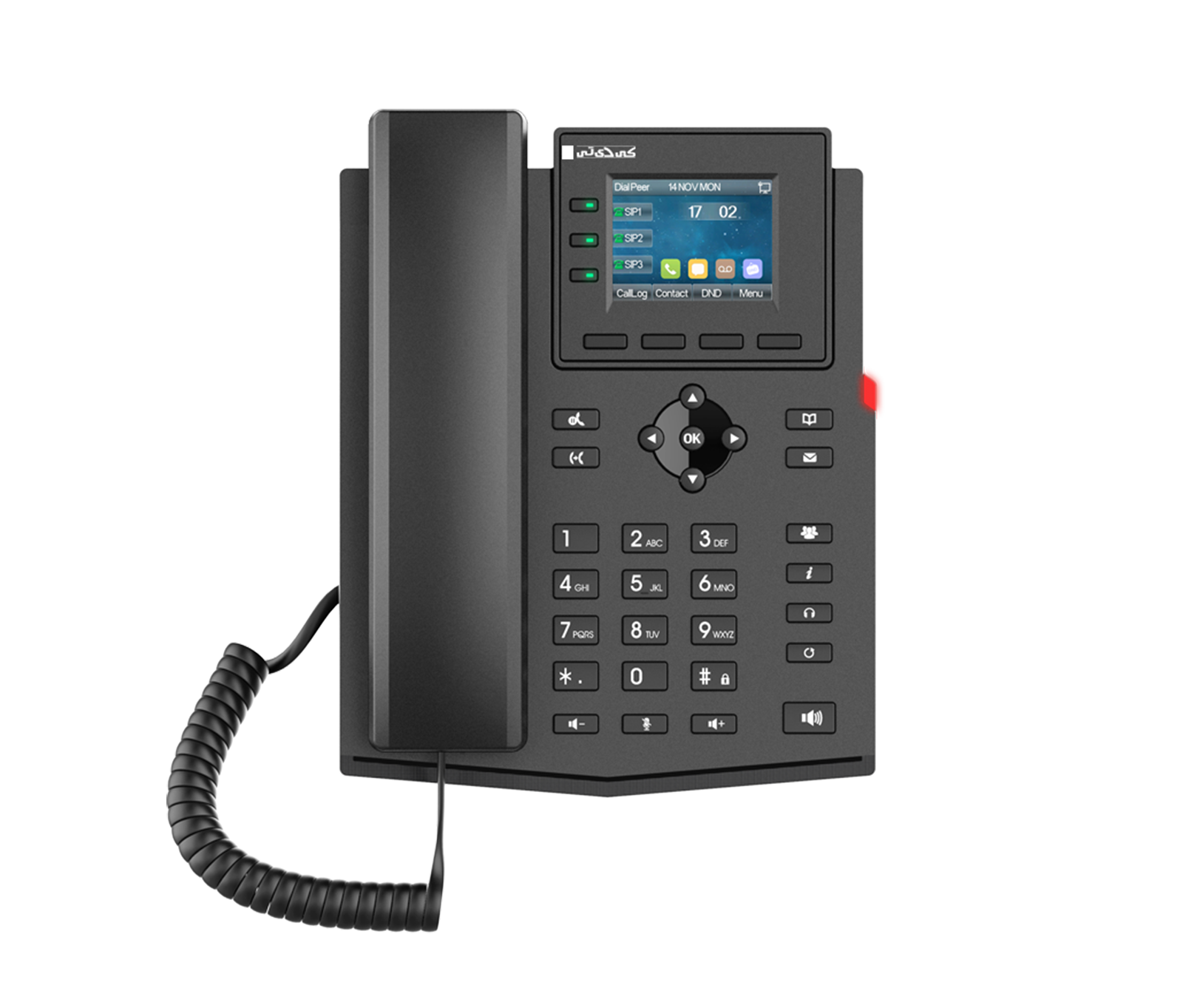 Entry Level Business IP PhoneKV-N2S4-P
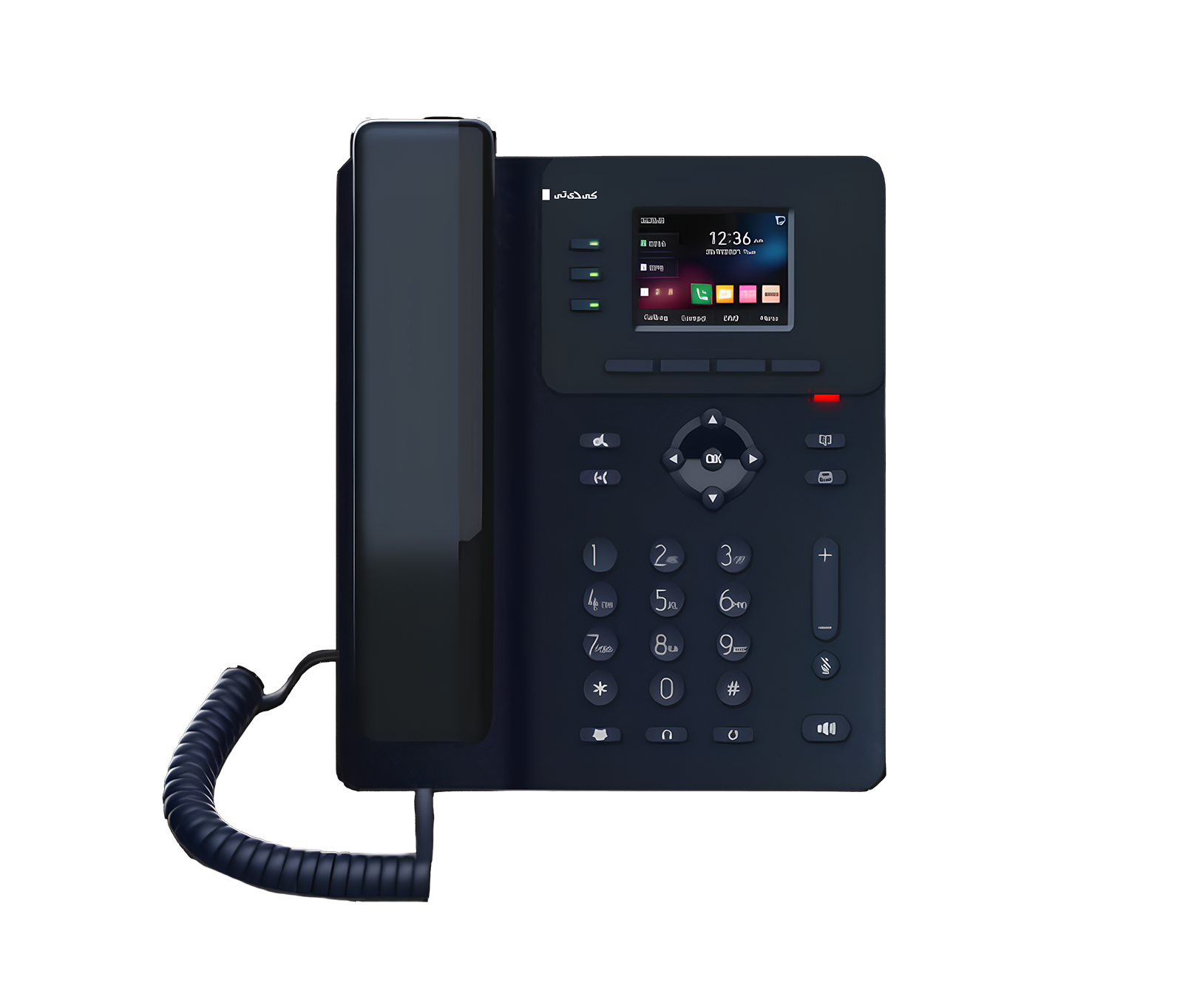 Entry Level Business IP PhoneKV-N2S4-P/V3
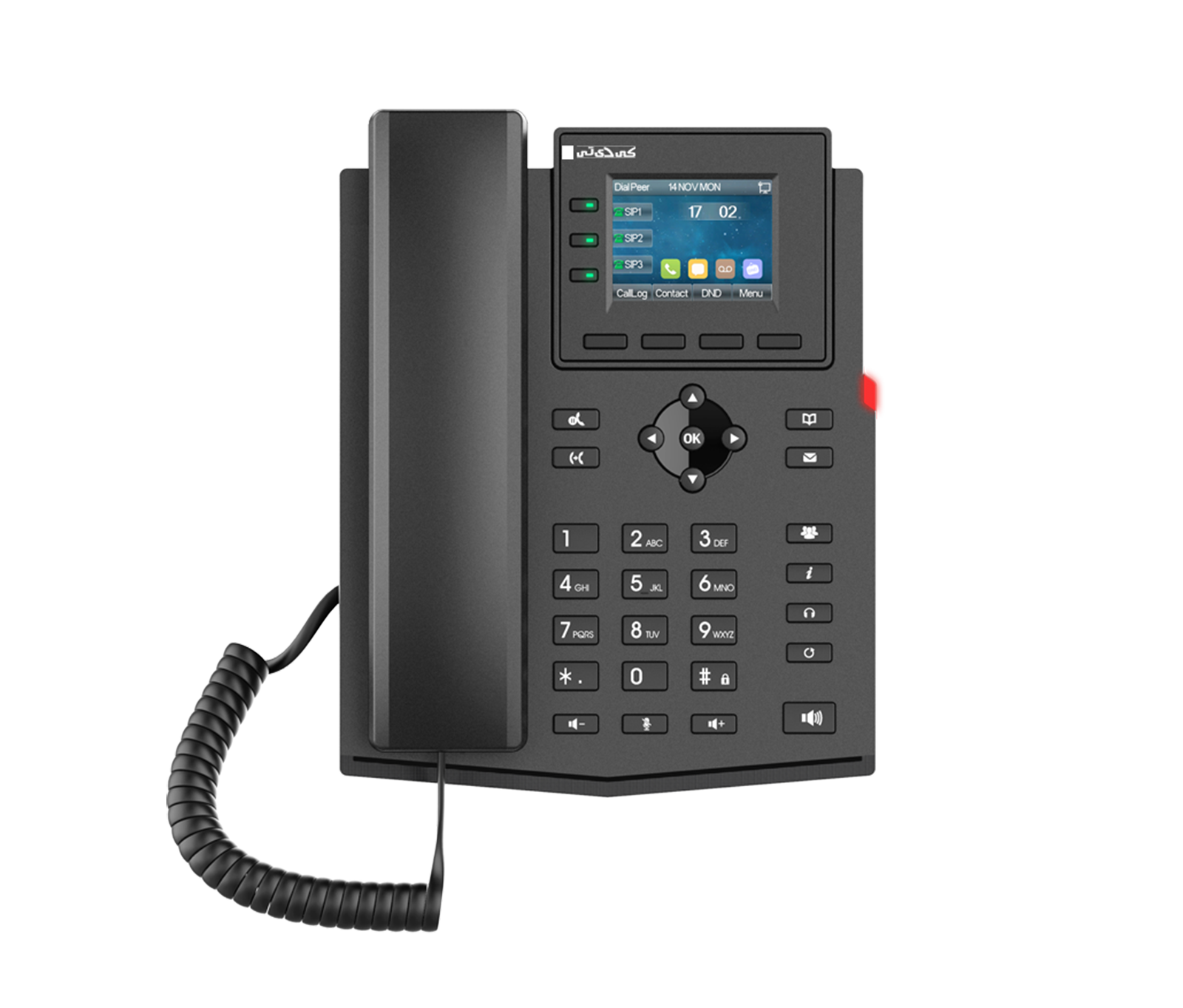 Entry Level Business IP PhoneKV-N2S4-PF
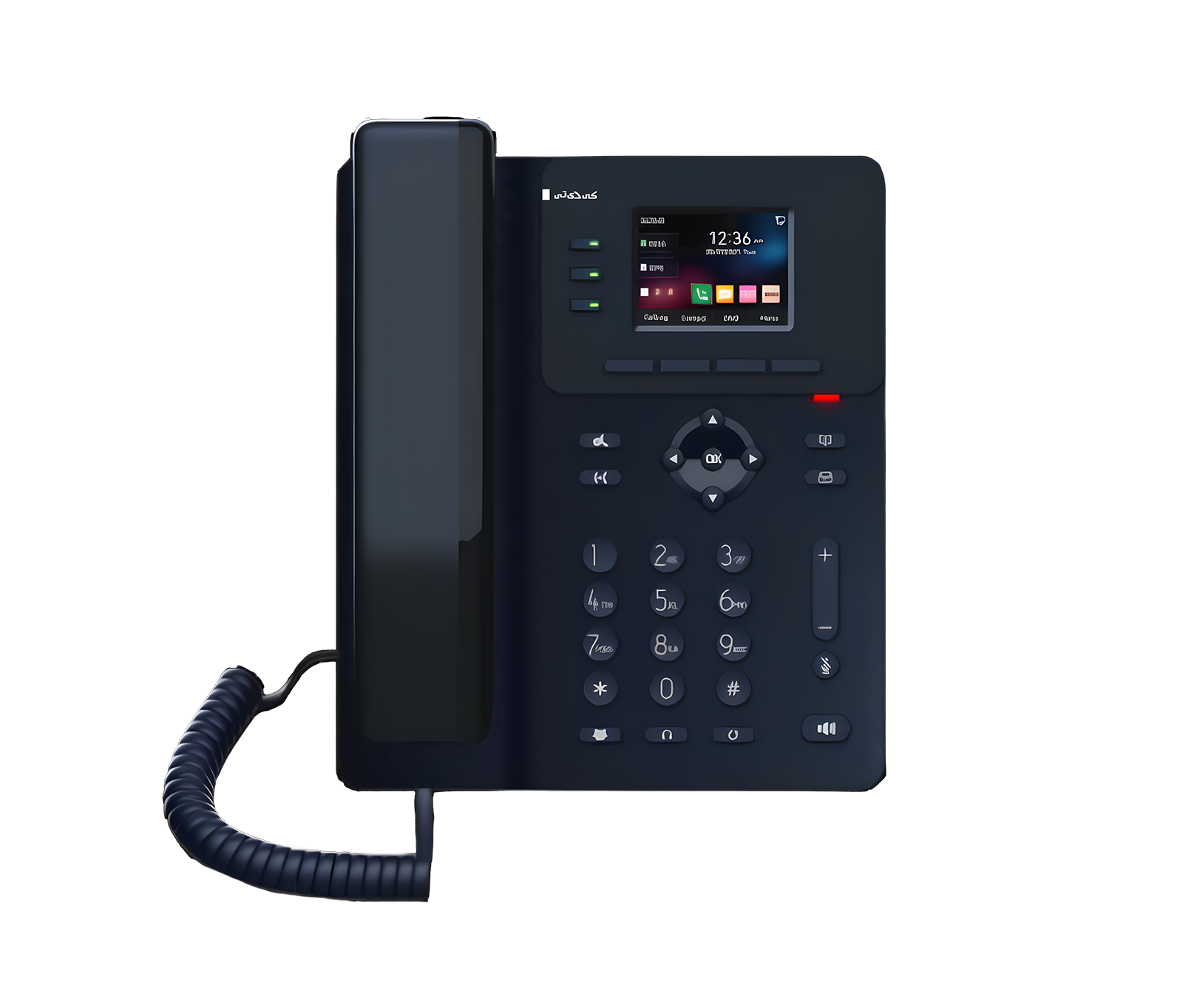 Entry Level Business IP PhoneKV-N2S4-PF/V2
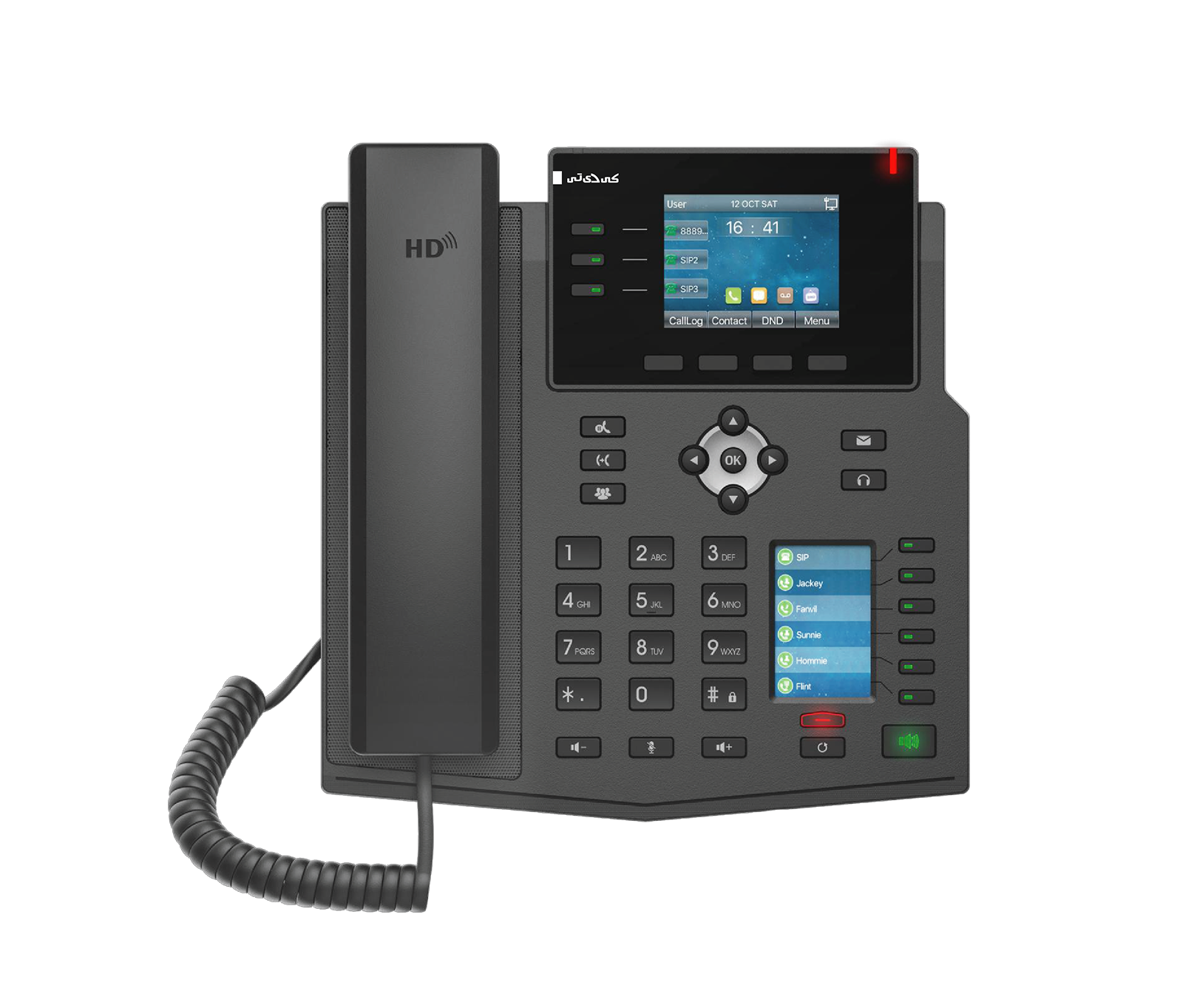 Enterprise IP PhoneKV-M3S12-P
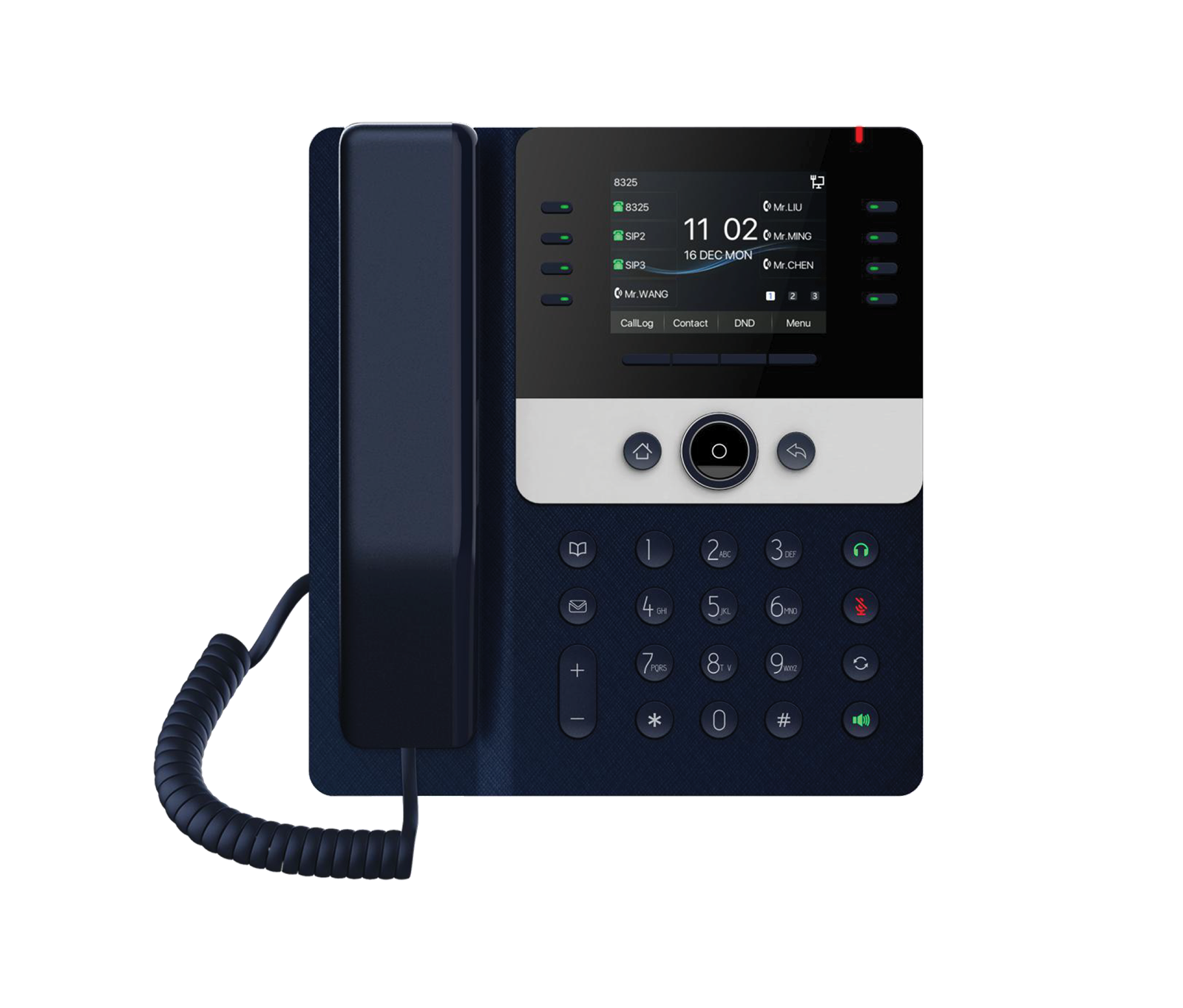 Prime Business IP PhoneKV-N4S12-P
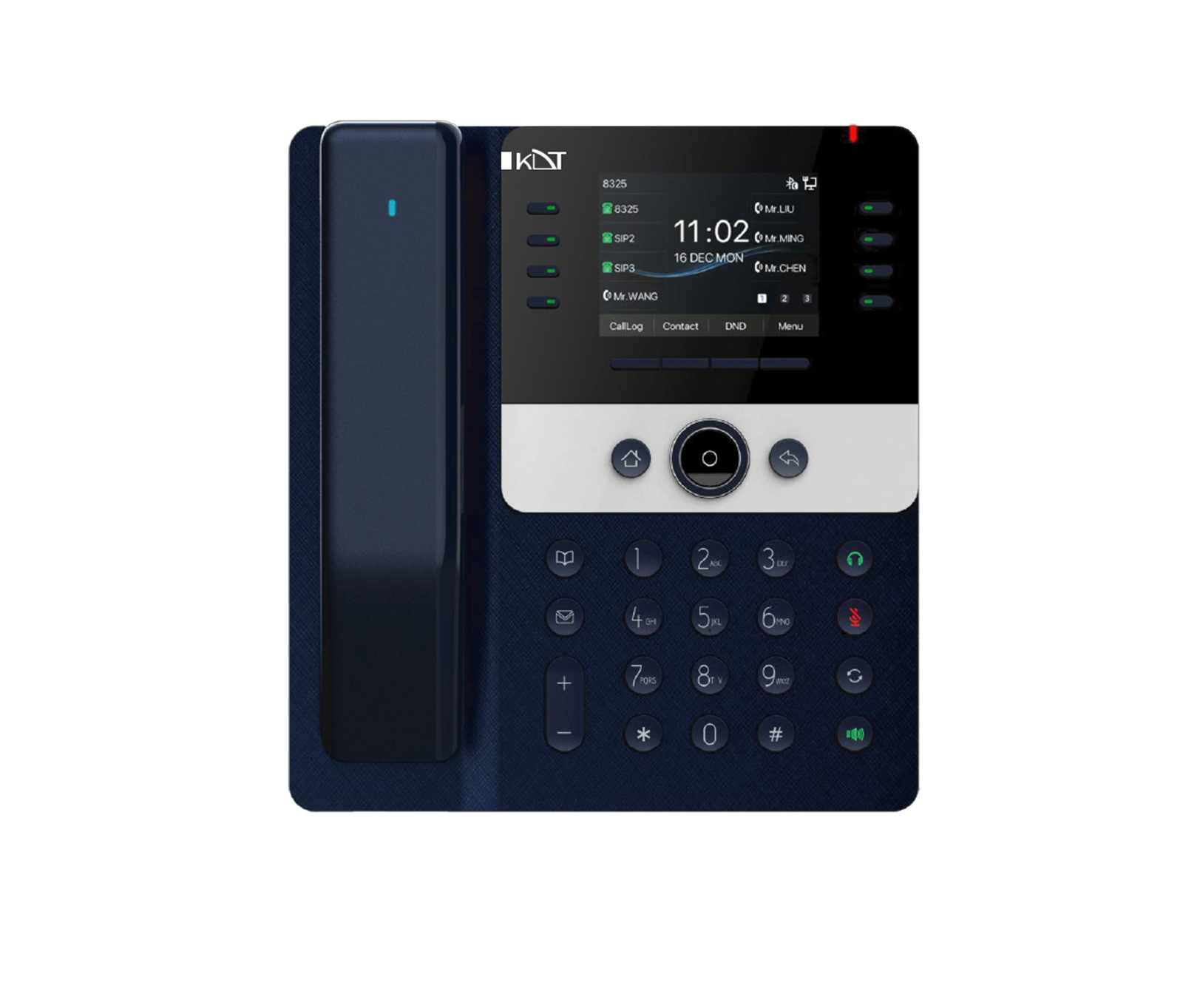 Prime Business IP PhoneKV-N4S12-PH
 Enterprise IP PhoneKV-M4S20-P
 Professional SIP IntercomKV-IC06-ISMO
 Desktop MicrophoneKV-TDC-ISM-P