
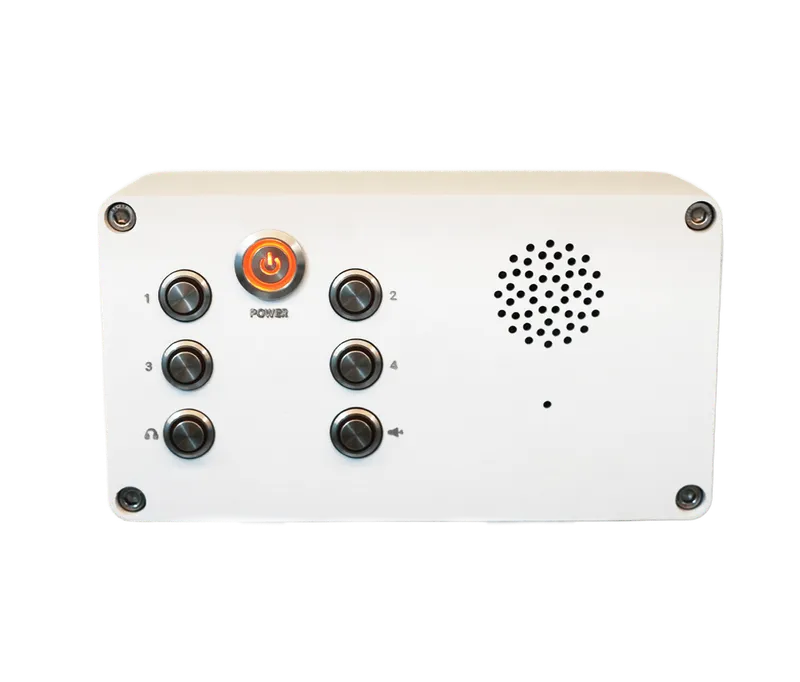
The KV-IC06-ISMO IP intercom from the Radonium series is a professional two-way communication system designed for access control and paging in industrial and commercial environments.
-
 Power
POE
-
 Protocol
SIP
-
 MQTT
MQTT
Overview
The KV-IC06-ISMO IP intercom from the Radonium series is a professional two-way communication system designed for access control and paging in industrial and commercial environments. Support for 6 SIP lines, HD voice with acoustic echo cancellation (AEC) and sensitive microphones ensures clear, noise-free conversations. A PoE-enabled network port, support for advanced security protocols such as OpenVPN and full compatibility with standard IP-PBX platforms make it a secure and dependable solution for security systems.
SIP & Lines
- SIP Accounts
- 6 SIP Lines
- Protocols
- SIP v1 (RFC2543), v2 (RFC3261)
- Transport
-
RTP/
RTCP/ SRTP, UDP/ TCP/ TLS
Network & Management
- Network Interface
-
10/
100 Mbps Ethernet (PoE Enabled) - IP Mode
- IPv4 / IPv6 / Dual Stack
- Protocol Support
- 802.1x Network Access Control LLDP QoS VLAN
- VPN Support
- L2TP, OpenVPN
- Auto
- FTP / TFTP / HTTP / HTTPS / DHCP OPT66 / SIP PNP / TR-069
- Configuration
-
Configuration Export/
Import Syslog Web Management Portal - Diagnostics
- Online Firmware Upgrade Web-based Packet Dump
Audio
- HD Voice
-
16KHz Sampling, HD Speaker, Wideband ADC/
DAC - Wideband Codecs
- G.722, Opus
- Narrowband Codecs
-
G.711a/
u, G.723.1, G.726, G.729A/ B, iLBC - Processing
- CNG Full-duplex Acoustic Echo Cancellation (AEC) VAD
General
- Power Supply
- PoE
- Dimensions
- 212x85x117 mm
- Operating Temp
- -10°C ~ 40°C
- Operating Humidity
- 10% ~ 95%
Downloads
Documentation
-
KV-IC06-ISMO
Compare products
Compare this product with similar products
Please wait
Frequently asked questions: IP Phones
Answers to common questions about this product line, from the KDT Help Center.
My IP phone is not working. Where do I start troubleshooting?
Work from the bottom up, one layer at a time, because each layer depends on the one below it. First check power and link: the screen is lit, the switch port shows link (and, if the phone runs on PoE, PoE is enabled on that port with budget left) and the cable is no longer than 100 meters. Then check that the phone has a valid IP address (no address, or 0.0.0.0, means DHCP failed, often because of a wrong VLAN or DHCP scope) and that its SIP account shows Registered; if not, verify the server address, extension, password and transport, and whether the PBX has banned the phone's IP. If calls ring but the audio is missing, one-way or choppy, look at NAT and firewall settings, RTP ports, codecs, jitter and packet loss. Finally, swap in a known-good phone, or move this phone to a known-good port, to learn whether the fault is in the phone or in the network.
How is an IP phone different from an ordinary analog phone?
An analog phone carries the voice as an electrical signal over a copper pair to a PBX or the telephone exchange and draws its power from that same line. An IP phone digitizes the voice, sends it as RTP packets over the Ethernet network, sets calls up and ends them with SIP and is powered by PoE or an adapter, so it needs an IP-PBX or another SIP device to work with. In practice a single network cable serves both the phone and the PC, the extension number follows the phone to any network outlet, and features such as HD voice, programmable keys and a shared directory become available. The price is that the phone depends on the network and on power, so the switch and the PBX need a UPS and a properly designed network. Existing analog phones and fax machines can be kept by connecting them through an FXS adapter or gateway.
What is SIP, and why does it matter that a phone supports standard SIP?
SIP (Session Initiation Protocol), defined in RFC 3261, is the IETF standard for setting up, changing and ending calls; messages such as REGISTER, INVITE, 180 Ringing, 200 OK, ACK and BYE carry the call signaling, normally on port 5060 (5061 for TLS). The voice itself does not travel inside SIP: the two ends agree on codecs and addresses using SDP inside the SIP messages, and the audio then flows as RTP (RFC 3550) on separate UDP ports, which is why a phone can ring and still have no audio. Because SIP is an open standard, phones, door stations, gateways, IP speakers and PBXs from different makers work together and you are not tied to one PBX brand. Vendor-specific extras, such as special key functions, may still depend on the PBX.
Do IP phones always need an IP-PBX, or can they call each other directly?
If the phones support direct IP calling, two SIP phones can call each other without a PBX by dialing the other phone's IP address (for example 192.168.1.20); this is enough for two or three phones, or for a door station that rings a single indoor phone. Without a PBX, however, there are no extension numbers, ring groups, voicemail, call recording or outside lines, and every device needs a fixed IP address. As soon as you have more than a handful of phones, need city lines or a SIP trunk, or want central management, use an IP-PBX such as an Asterisk-based system (for example FreePBX or Issabel), which can also run on a small server or a virtual machine. Direct IP calls inside the LAN keep working even when the PBX or the internet link is down.
Do KDT IP phones work with Asterisk, FreePBX, Issabel and other brands of PBX?
Yes. KDT Radonium phones use standard SIP 2.0 (RFC 3261) over UDP, TCP or TLS, and KDT lists their compatibility with platforms such as Asterisk, FreePBX and BroadSoft; Issabel is built on Asterisk, and any PBX that follows the SIP standard can register them as extensions. Basic features such as hold, transfer, call forwarding and local conference work with any standard PBX, while server-dependent features such as BLF, call pickup, call parking and the message-waiting indicator must also be configured on the PBX itself. For a trouble-free start, keep at least one common codec enabled on both sides and set the same DTMF method on the phone and on the PBX. As with any interoperability project, test one pilot phone against your own PBX before ordering a large quantity.
Didn’t find your answer?
Related products
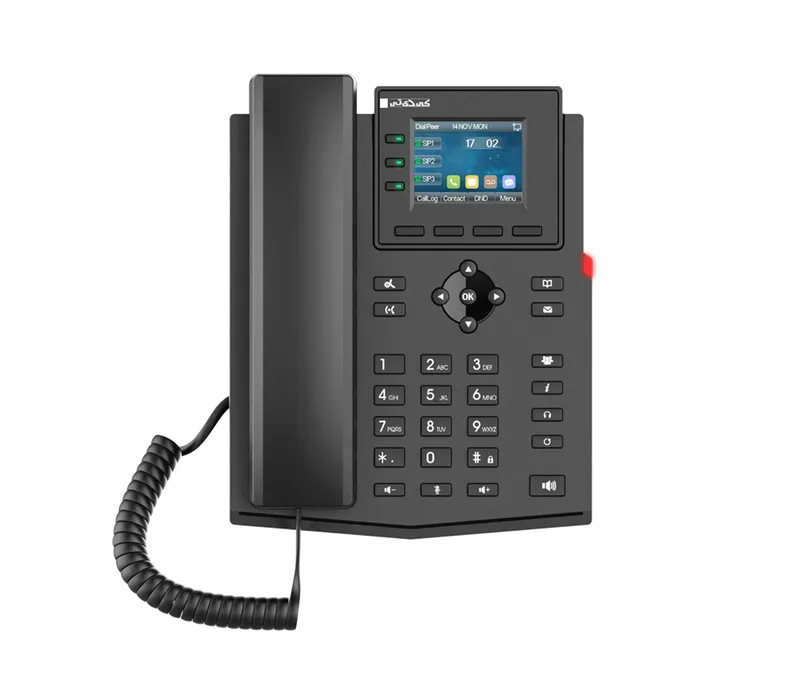 Entry Level Business IP PhoneKV-N2S4-P
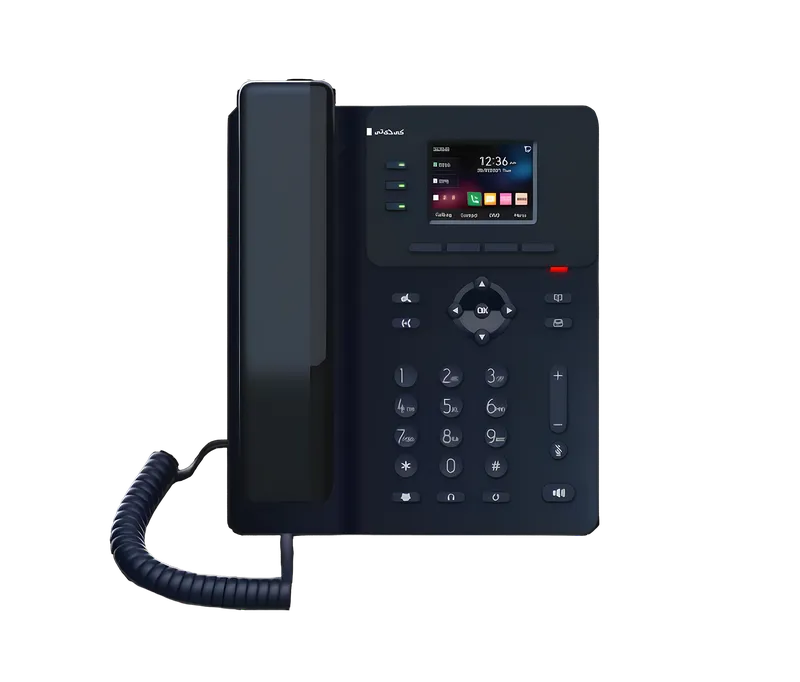 Entry Level Business IP PhoneKV-N2S4-P/V3
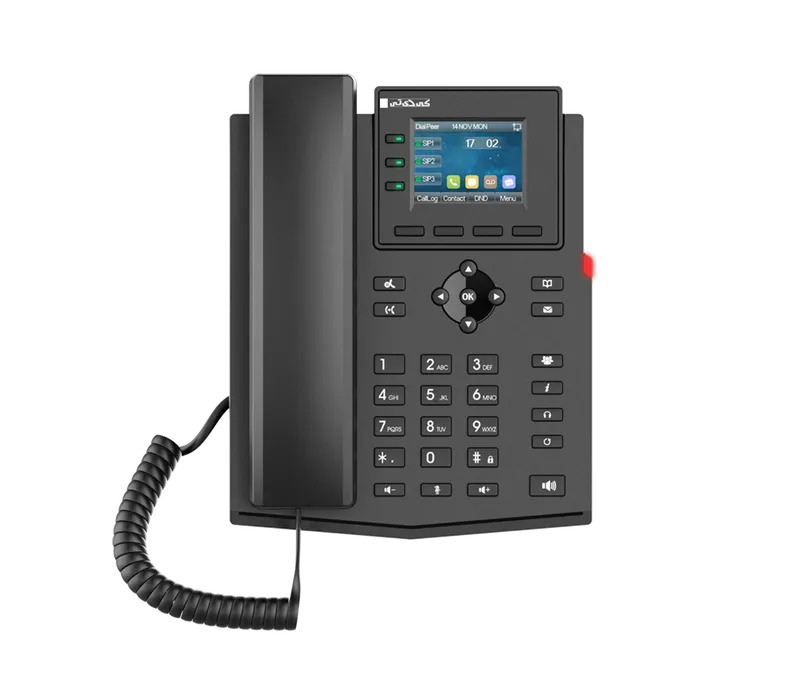 Entry Level Business IP PhoneKV-N2S4-PF
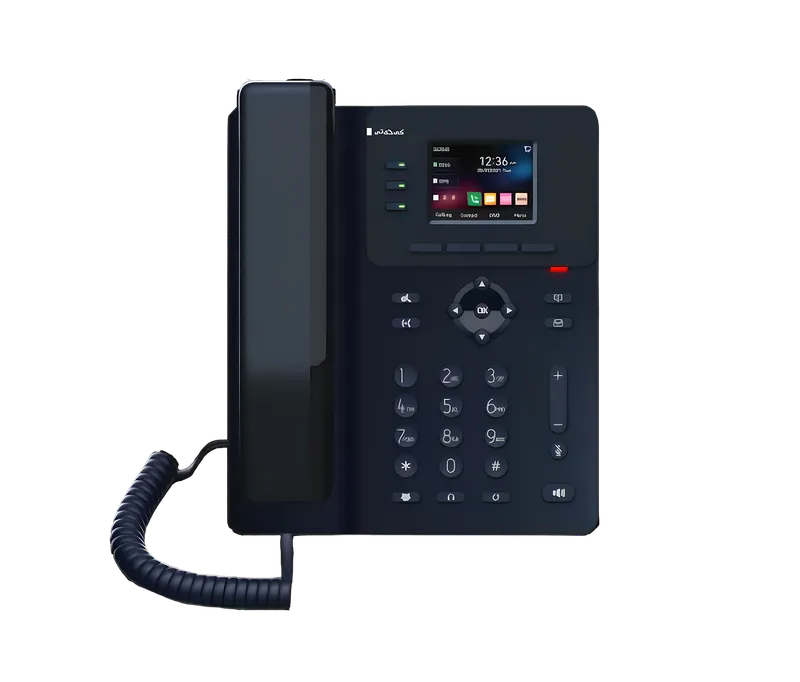 Entry Level Business IP PhoneKV-N2S4-PF/V2
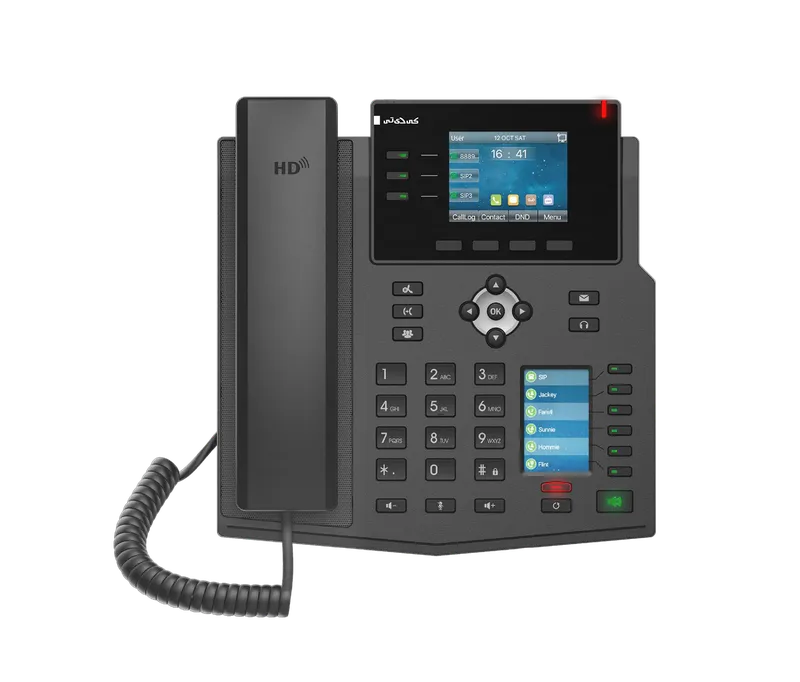 Enterprise IP PhoneKV-M3S12-P
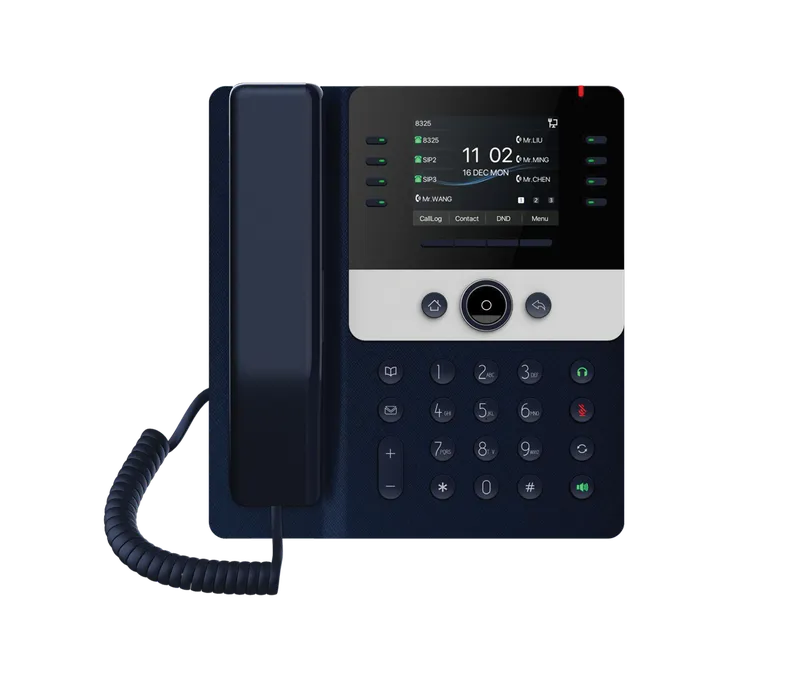 Prime Business IP PhoneKV-N4S12-P
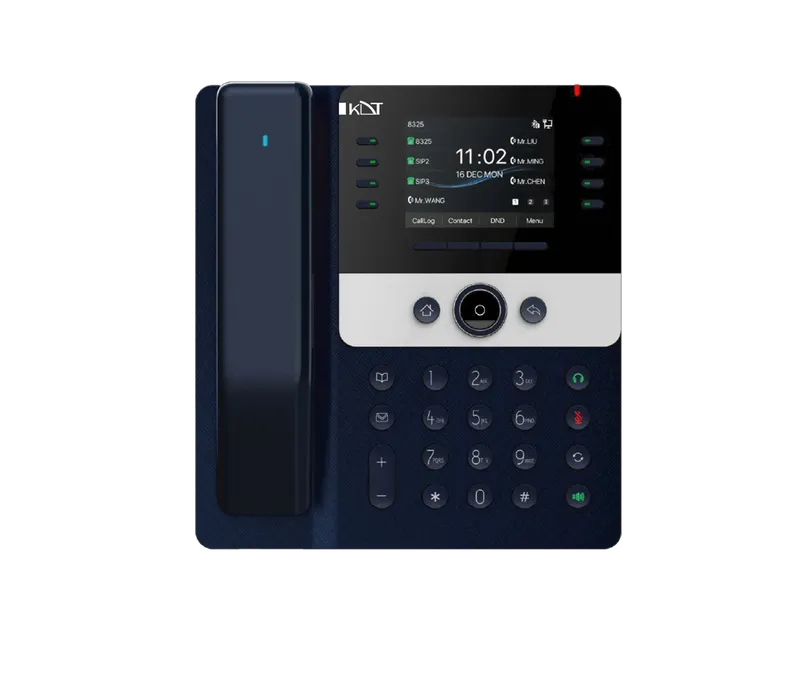 Prime Business IP PhoneKV-N4S12-PH
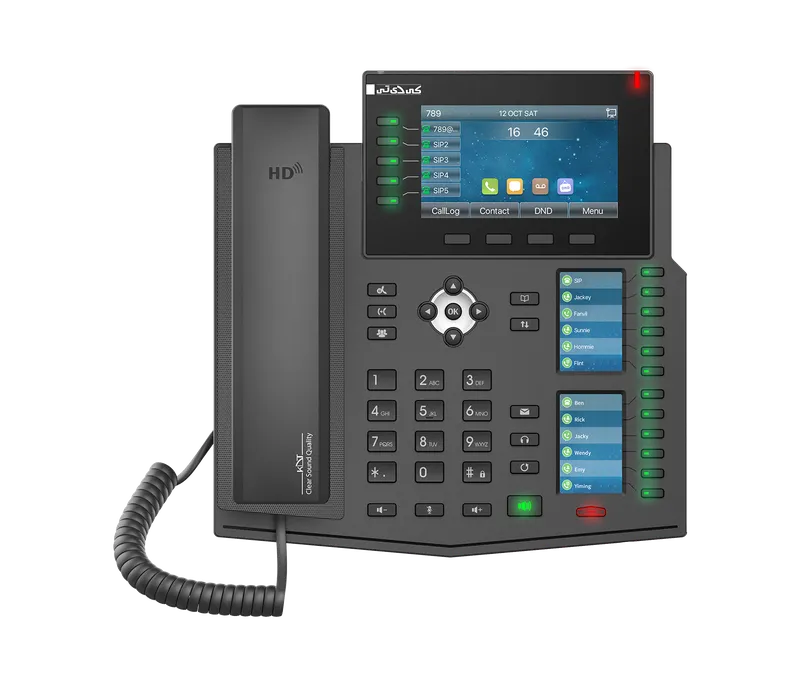 Enterprise IP PhoneKV-M4S20-P
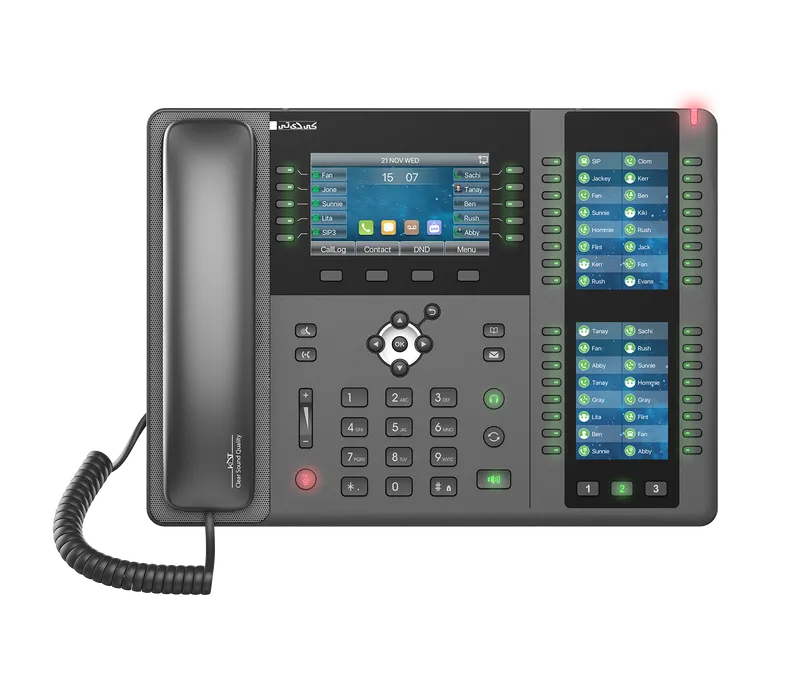 Enterprise IP PhoneKV-M4S20-PX
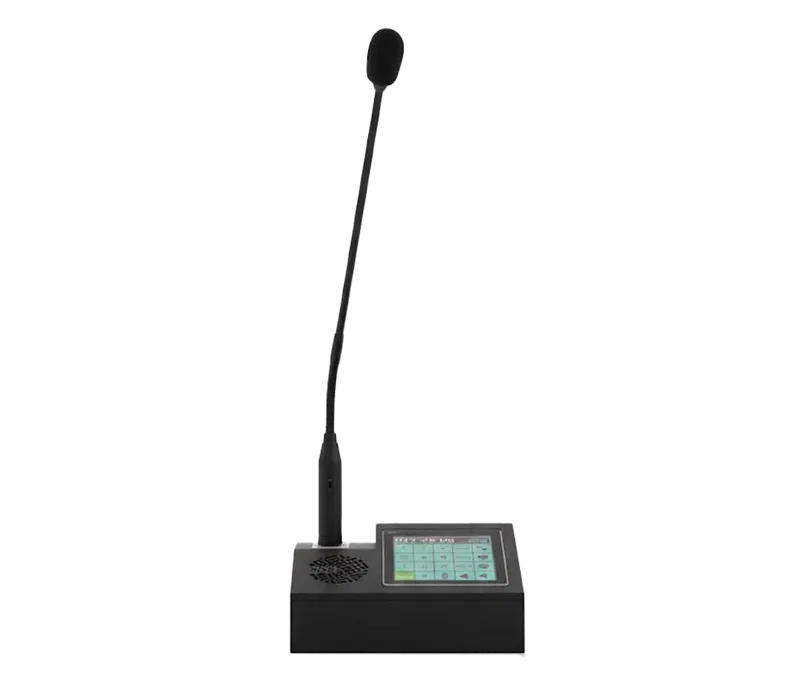 Desktop MicrophoneKV-TDC-ISM-P