
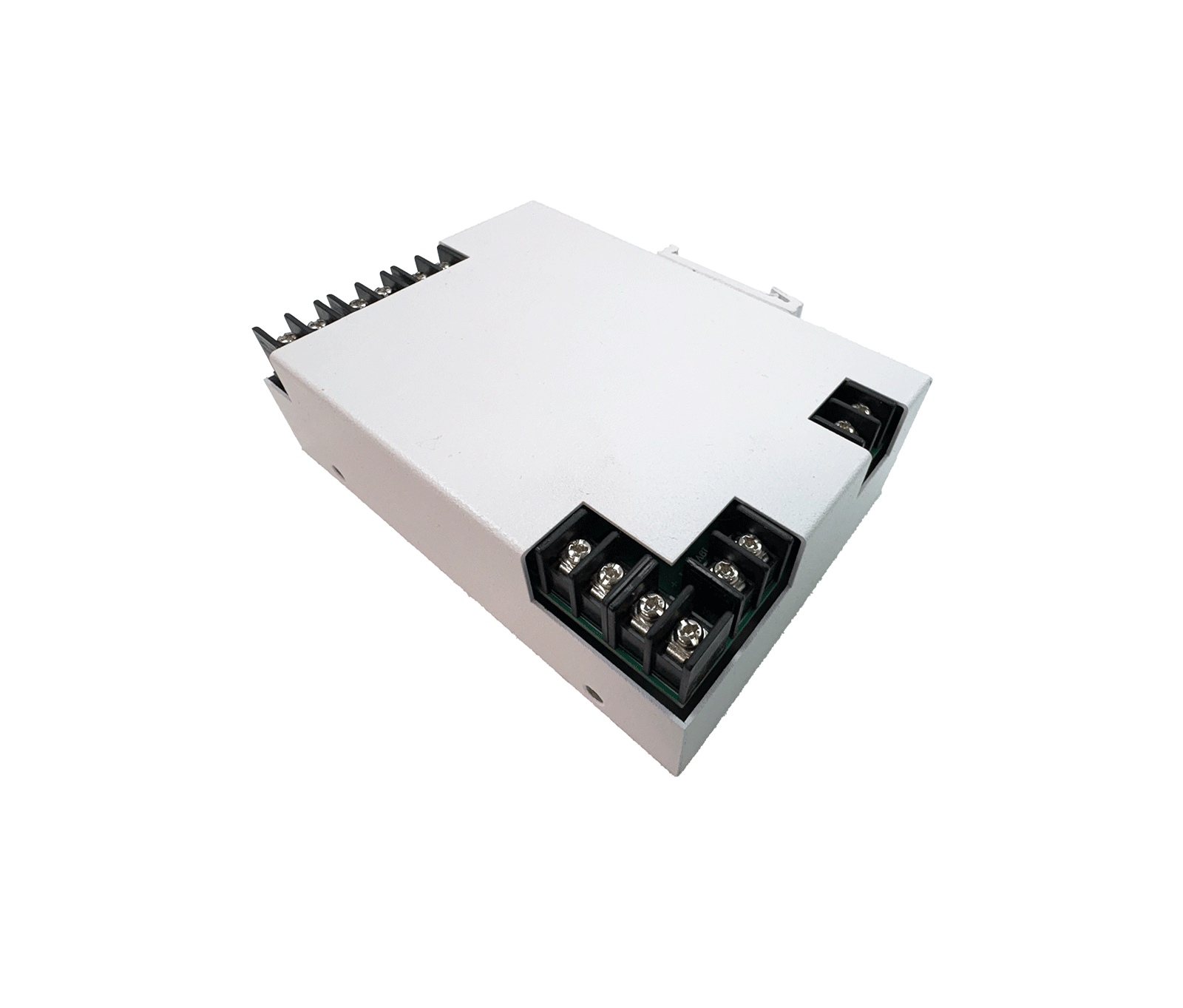
The KU-1948-SPU/D DC-to-DC converter and emergency power module, part of KDT's Cuprium passive range, is an exceptionally smart and safe solution for supplying power and uninterruptible backup (UPS) to video surveillance systems, switches and industrial racks.
Overview
The KU-1948-SPU/D DC-to-DC converter and emergency power module, part of KDT's Cuprium passive range, is an exceptionally smart and safe solution for supplying power and uninterruptible backup (UPS) to video surveillance systems, switches and industrial racks. When mains power fails, it switches to the battery circuit instantly and without interruption, delivering regulated output voltages and keeping sensitive equipment from shutting down. Intelligent thermal management, separate terminal blocks and an all-metal design that mounts easily on industrial DIN rails ensure fully stable, safe and reliable operation in network infrastructure.
Input Specifications (Mains)
- Input Voltage 1
- 12V DC
- Input Voltage 2
- 19V DC
- Input Voltage 3
- 48V DC
- Input Terminals Location
- Left side of the board
- Voltage Regulation
- Internal Buck Converters for output matching
Mechanical & Application
- Mounting Interface
- DIN Rail Mountable
- Dimensions
- 140*105mm
- Typical Applications
-
CCTV Systems
DVR/
NVR Industrial Racks Network Routing Equipment
Battery & UPS System
- Charging Mode
- Auto-charging mode when mains power is present
- Backup Mode
- Seamless auto-switch to battery upon mains failure
- Battery Terminal Location
- Right side of the board
Output Specifications (Load)
- Output Voltage 1
- 19V DC (Regulated via Boost Converter in Backup Mode)
- Output Voltage 2
- 48V DC (Regulated via Boost Converter in Backup Mode)
- Output Terminals Location
- Bottom Side of the Board
- Cooler Output Voltage
- 12V DC (Dedicated for cooling fan)
- Thermal Switch Trigger
- ≥45°C
- Fan Operation Logic
- Auto-activates output current at 45C and auto-disconnects upon cooling.
Downloads
Documentation
-
KU-1948-SPU/D
Compare products
Compare this product with similar products
Please wait
Frequently asked questions: Infrastructure
Answers to common questions about this product line, from the KDT Help Center.
Where should I start when choosing the right infrastructure equipment?
Start by defining the intended use, the number of devices, the installation environment, the capacity required and your plans for future expansion. Then choose the model and technical specifications based on what the project actually needs.
Which technical specifications matter most for infrastructure equipment?
Depending on the project, the most important specifications are capacity, speed, compatibility, environmental ratings, management features and scalability. Basing your choice on a single figure is usually not enough.
Is a cheaper infrastructure equipment model always the right choice?
No. The purchase price is only one factor. You also need to consider reliability, features, service life, after-sales service and maintenance costs.
How do I work out how much capacity network infrastructure needs?
Base the calculation on the number of devices, actual usage, how long the system will be in use and how much the project is likely to grow. It is also wise to keep some capacity in reserve.
Can infrastructure equipment be upgraded later?
In many cases, some of the capacity or equipment can be upgraded. However, this depends on the product's architecture and its hardware limitations, so check before you buy.
Didn’t find your answer?
Related products
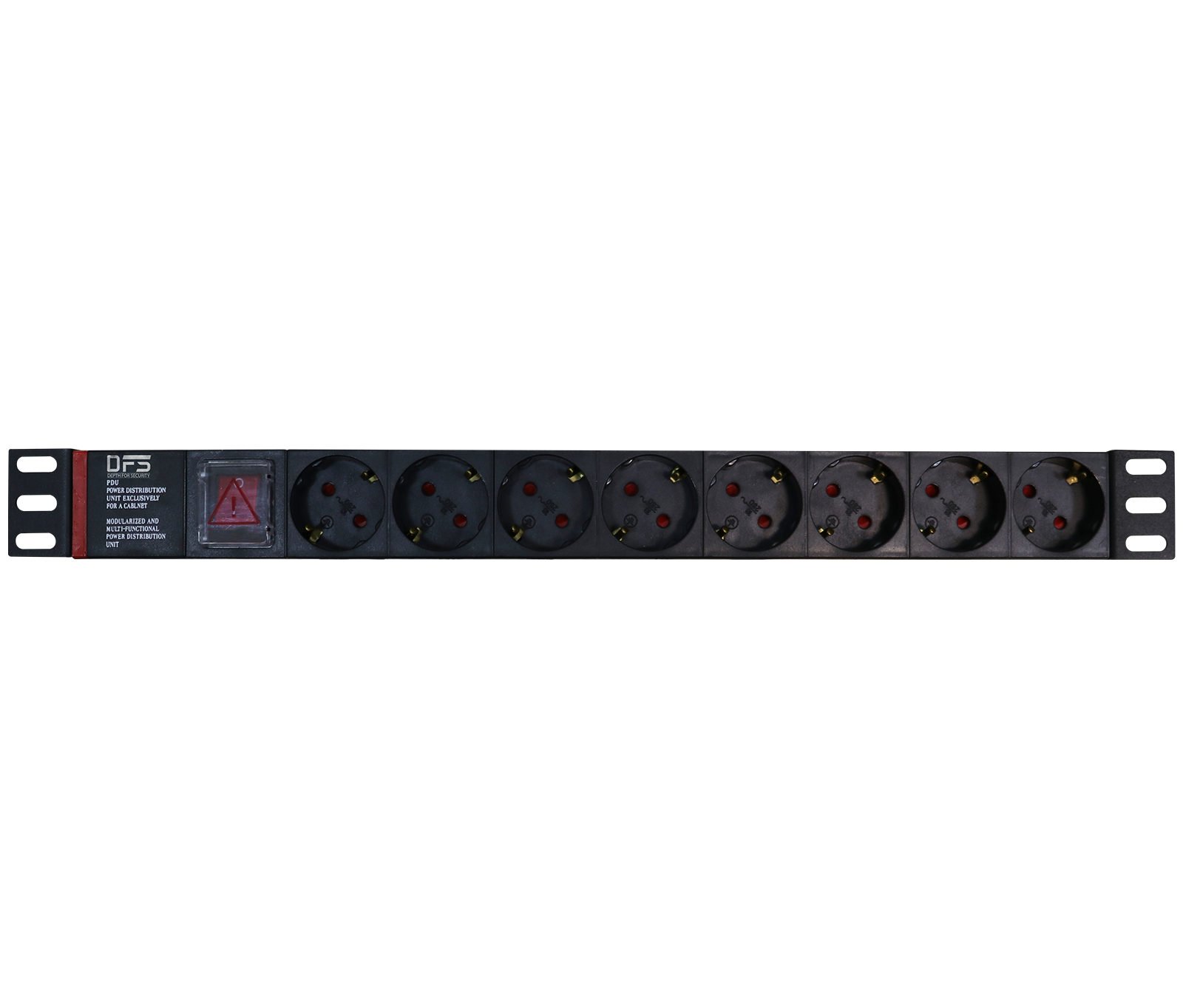 8-Port Rackmount Power StripPM-08P
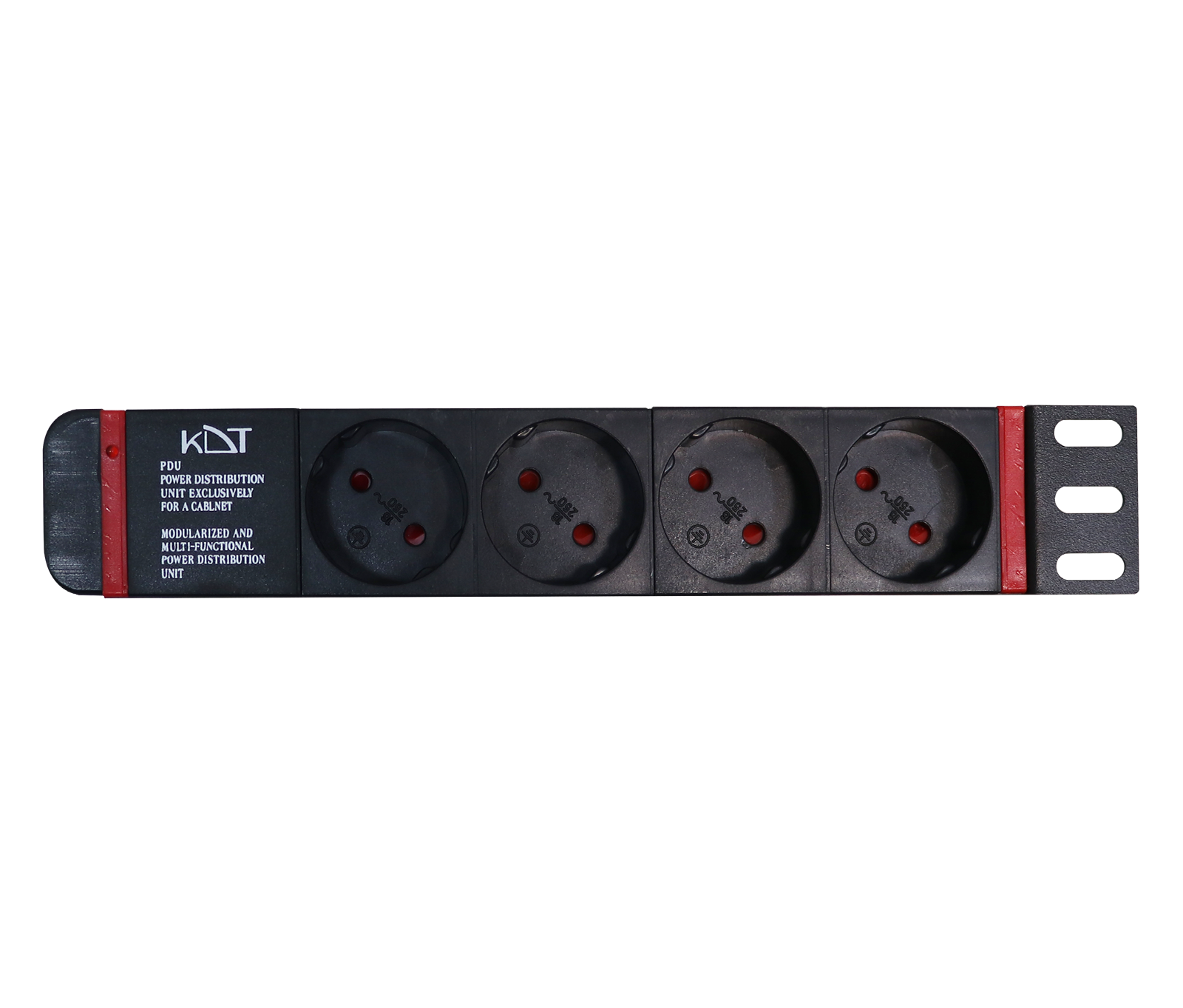 4-Port Rackmount Power Strip / Power Distribution UnitPM-04P
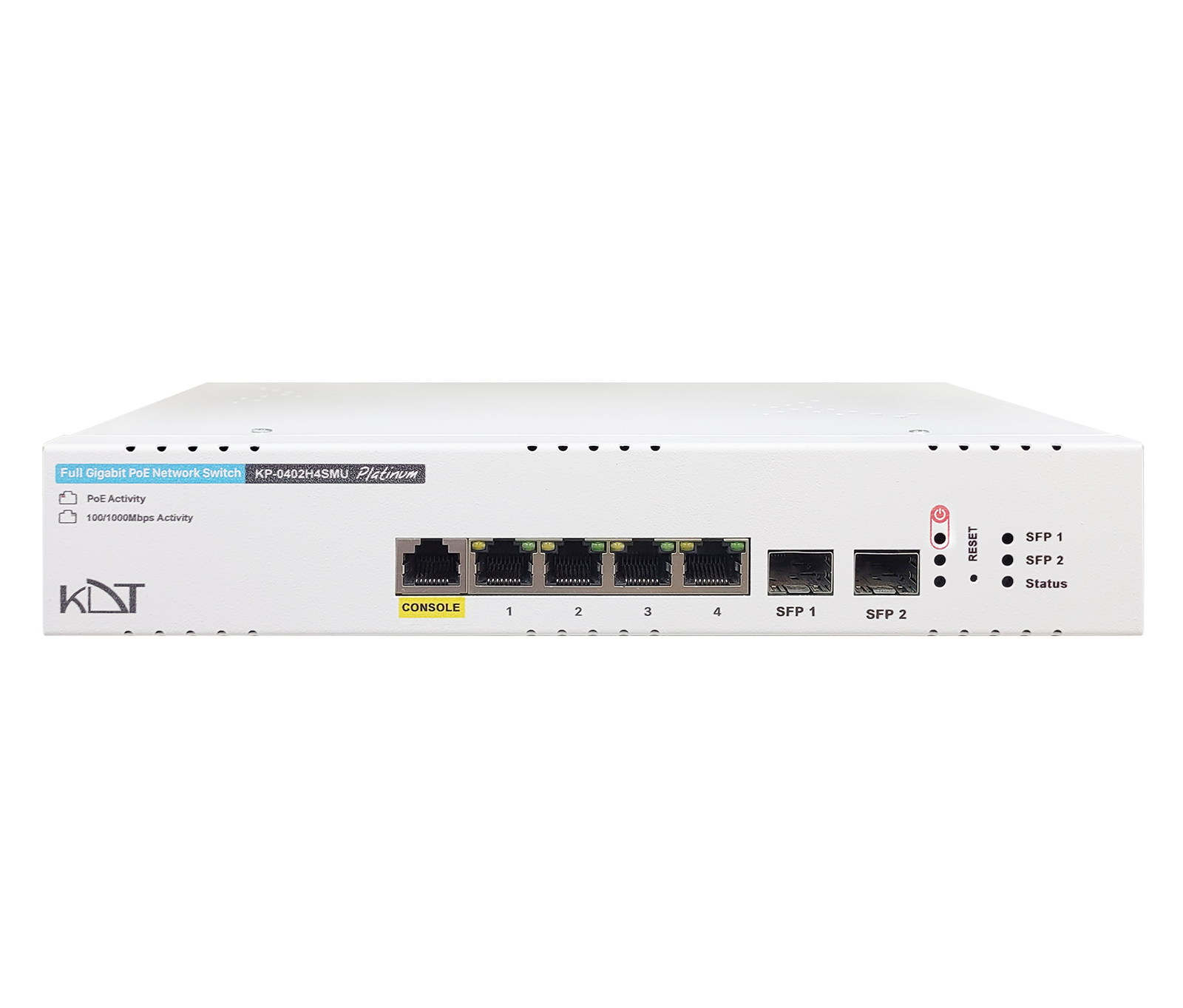 Full Gigabit Hi-PoE L2 Managed SwitchKP-0402H4SMU
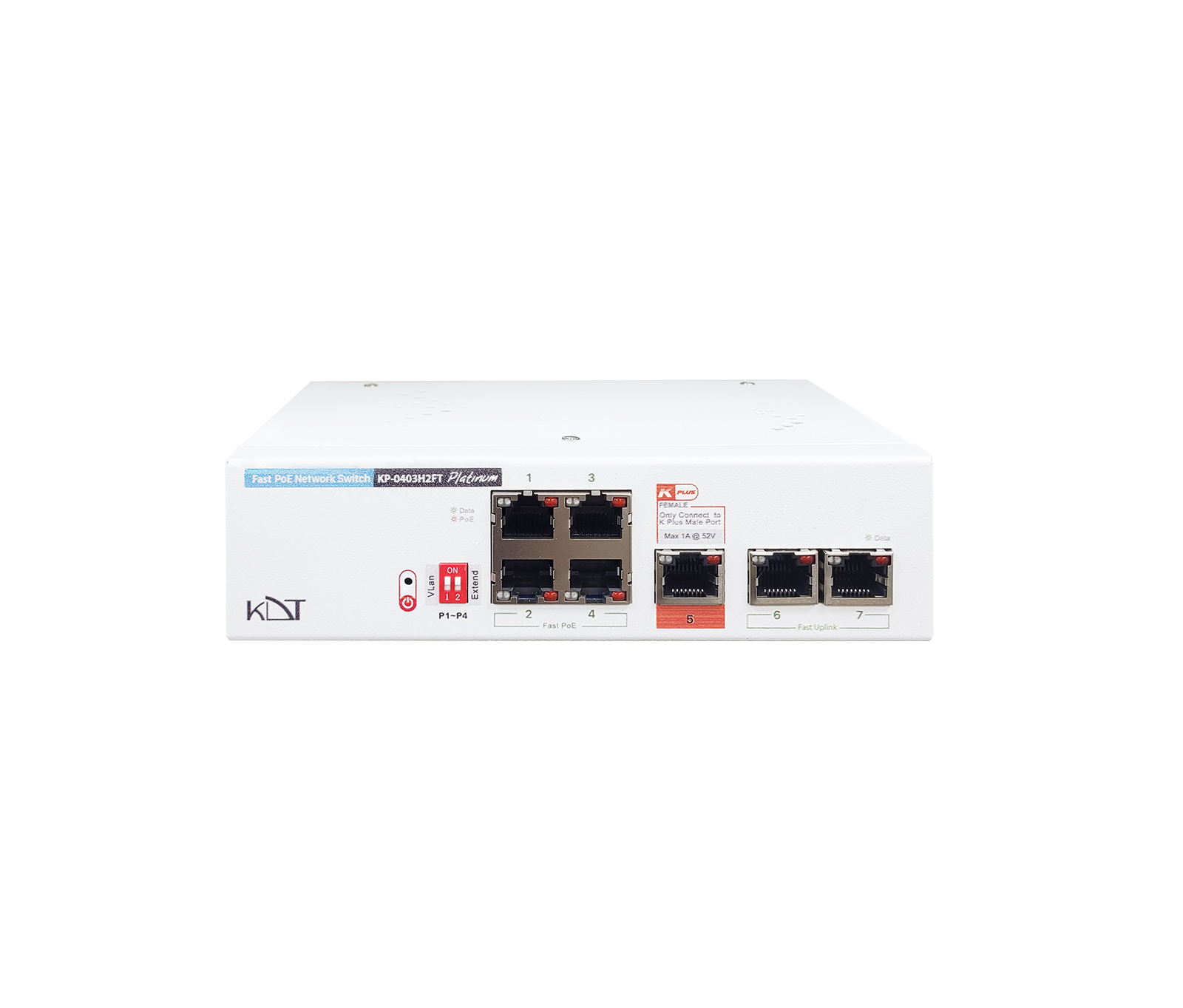 Fast Ethernet AI PoE+ SwitchKP-0403H2FT
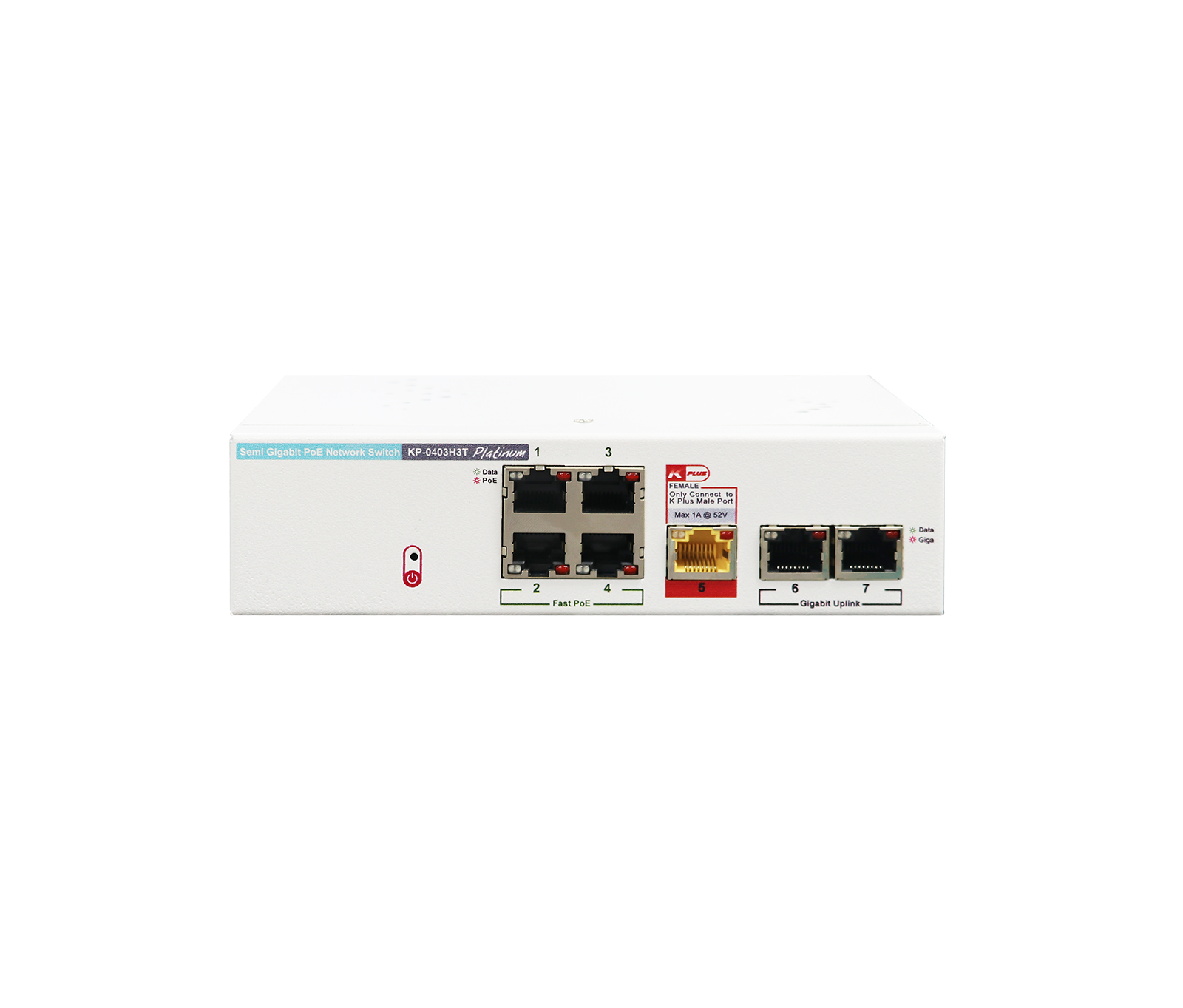 Semi Gigabit PoE+ SwitchKP-0403H3T
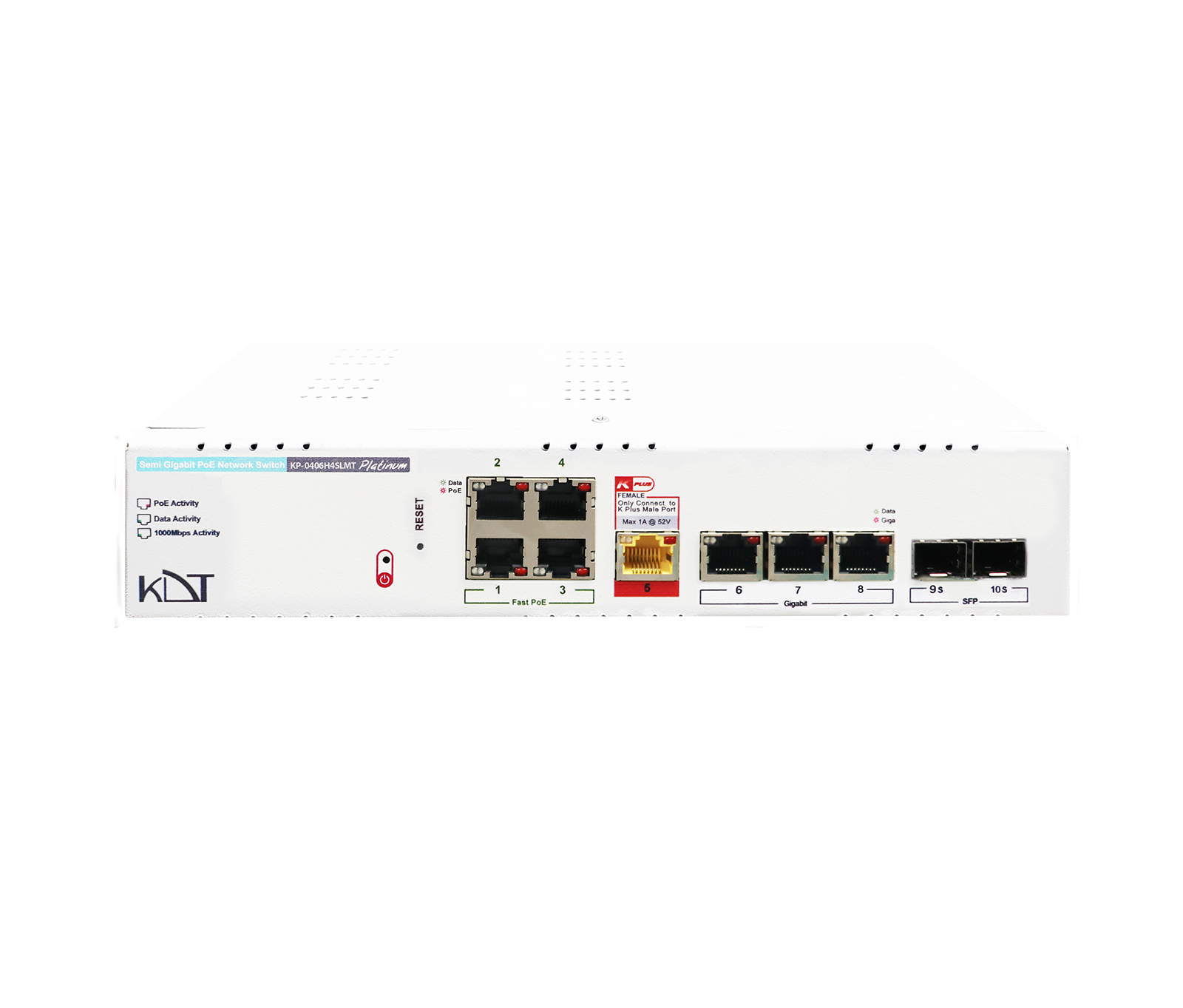 Full Gigabit PoE+ Lite-Managed SwitchKP-0406H4SLMT
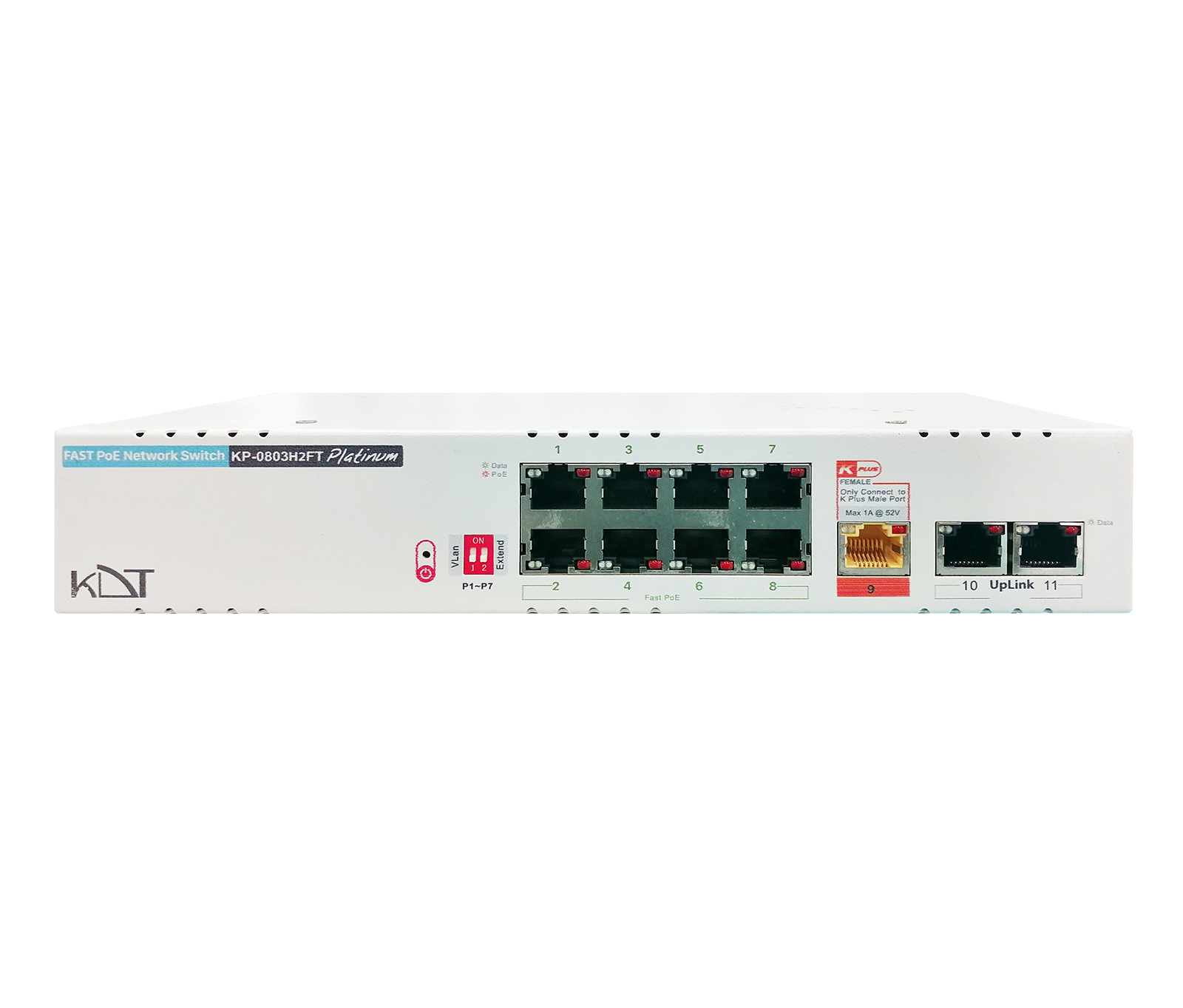 Fast Ethernet AI PoE+ SwitchKP-0803H2FT
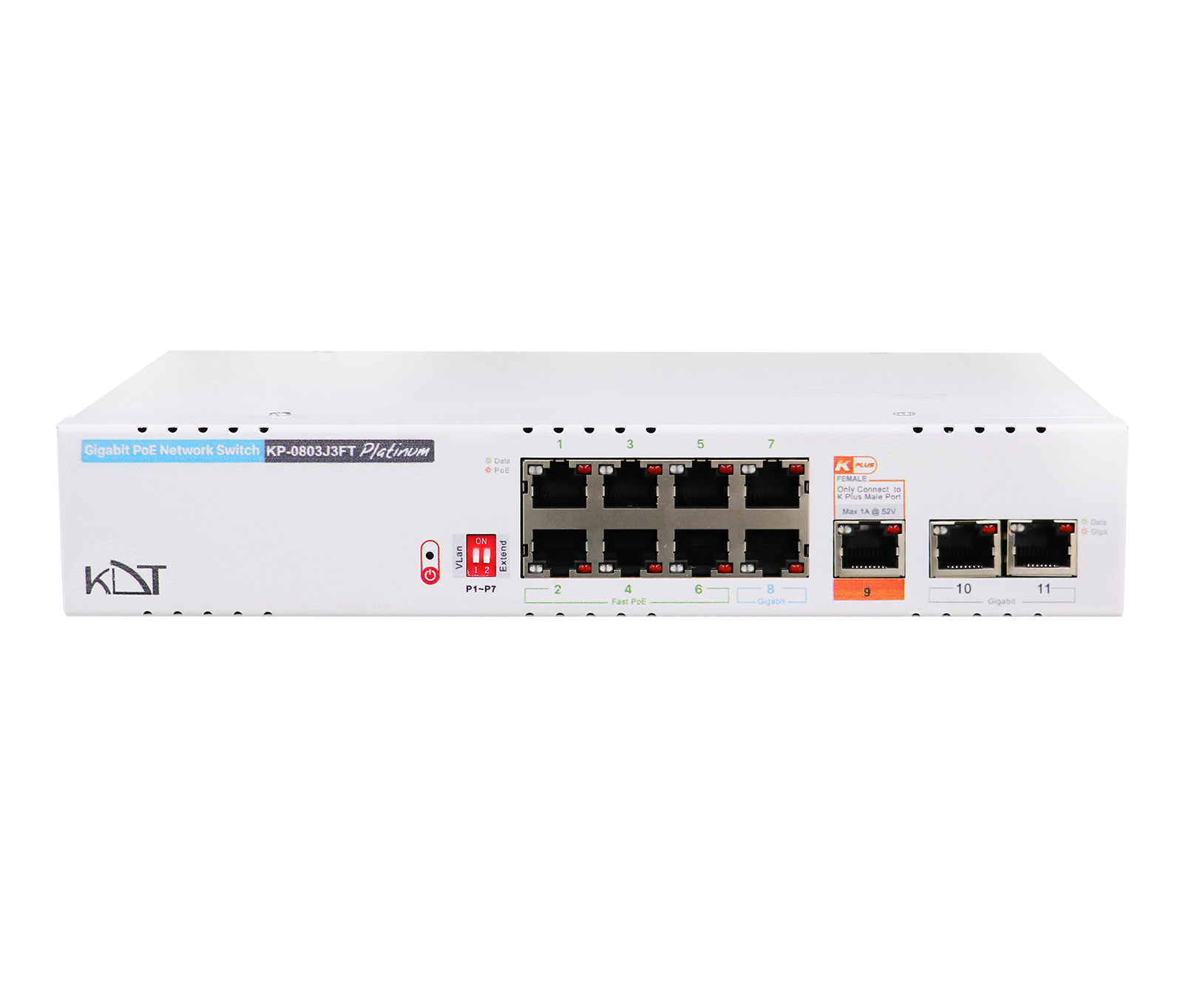 Semi Gigabit PoE+ SwitchKP-0803J3FT
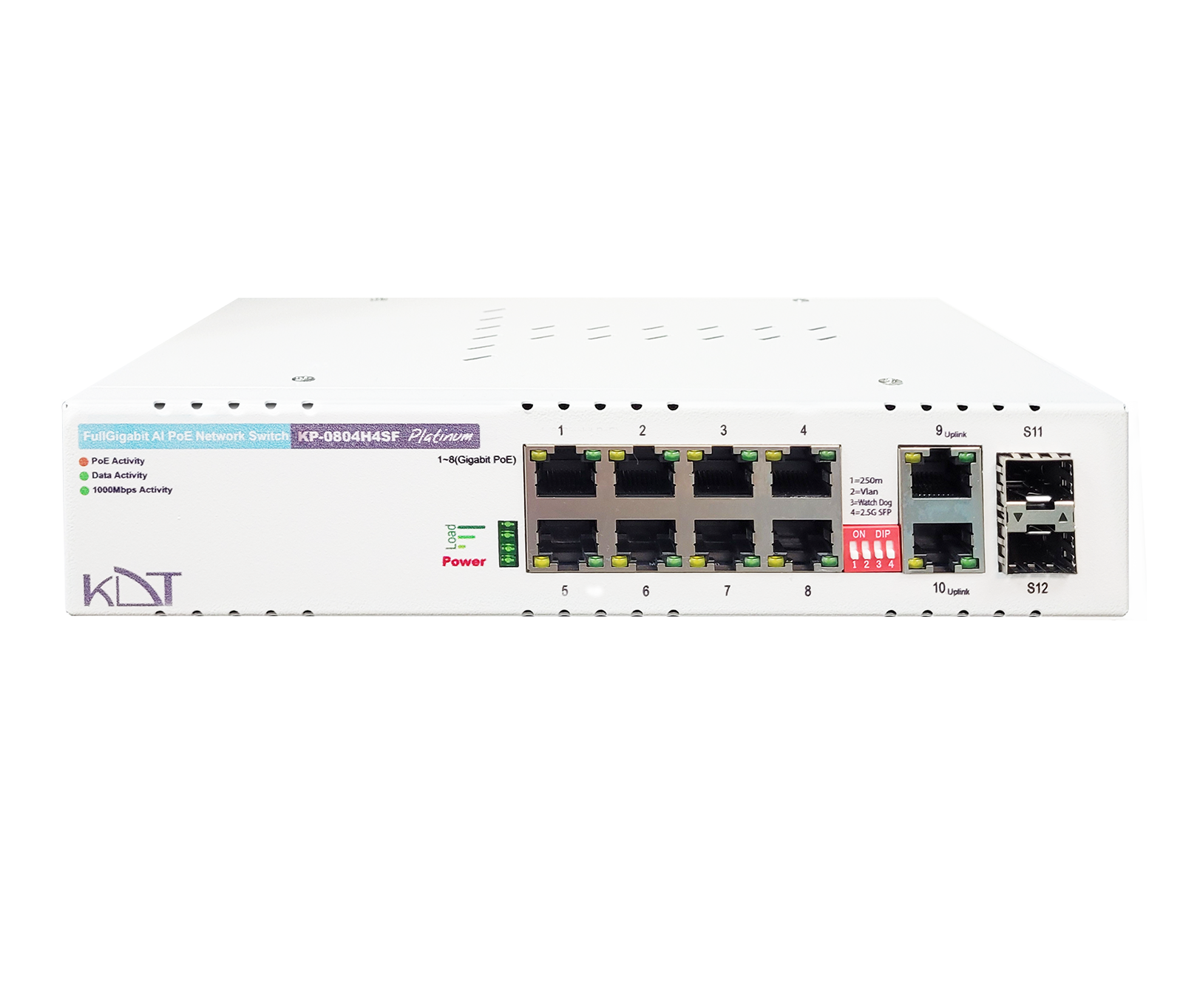 Full Gigabit AI PoE+ SwitchKP-0804H4SF
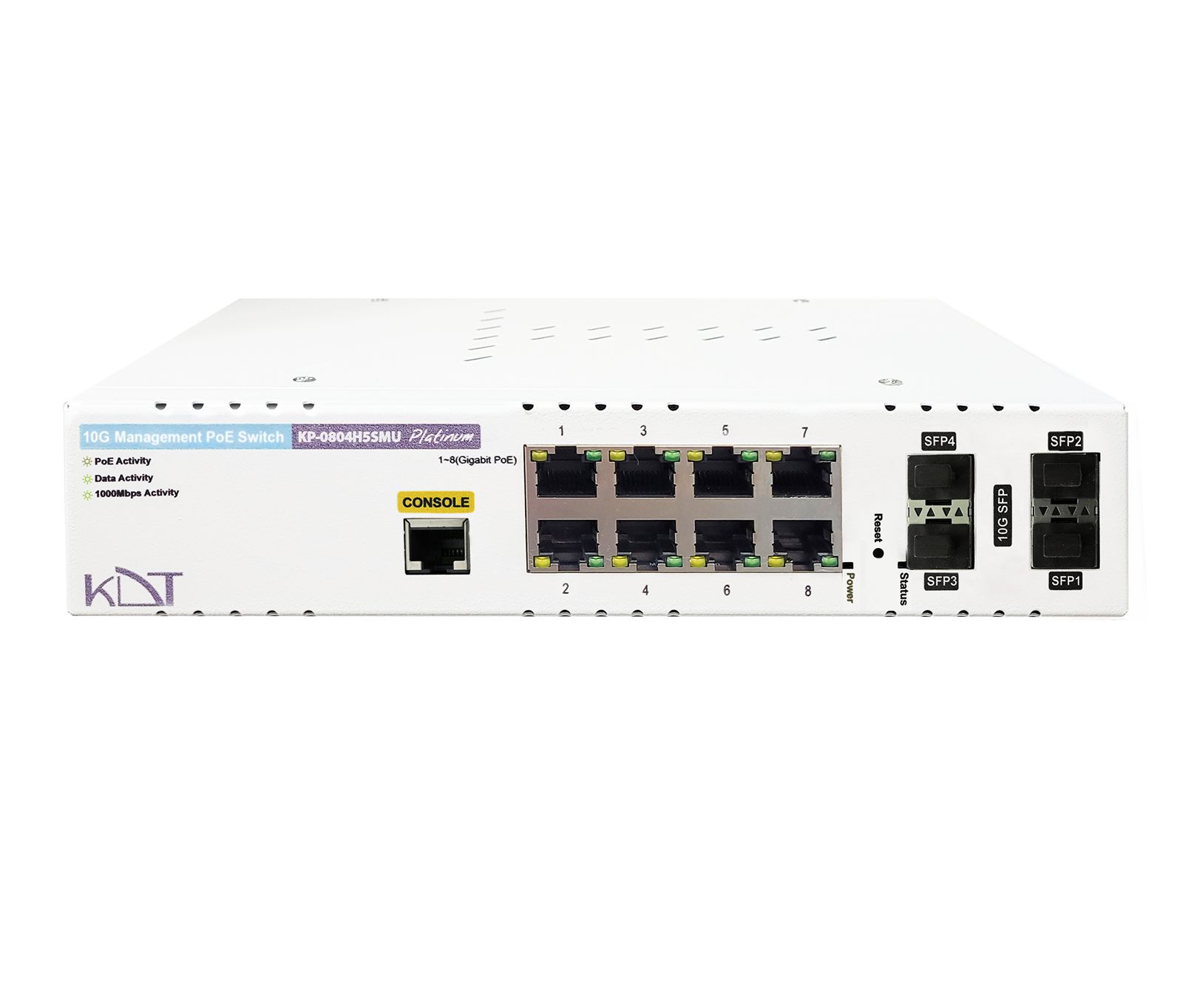 10 Gigabit Hi-PoE L2 Managed SwitchKP-0804H5SMU
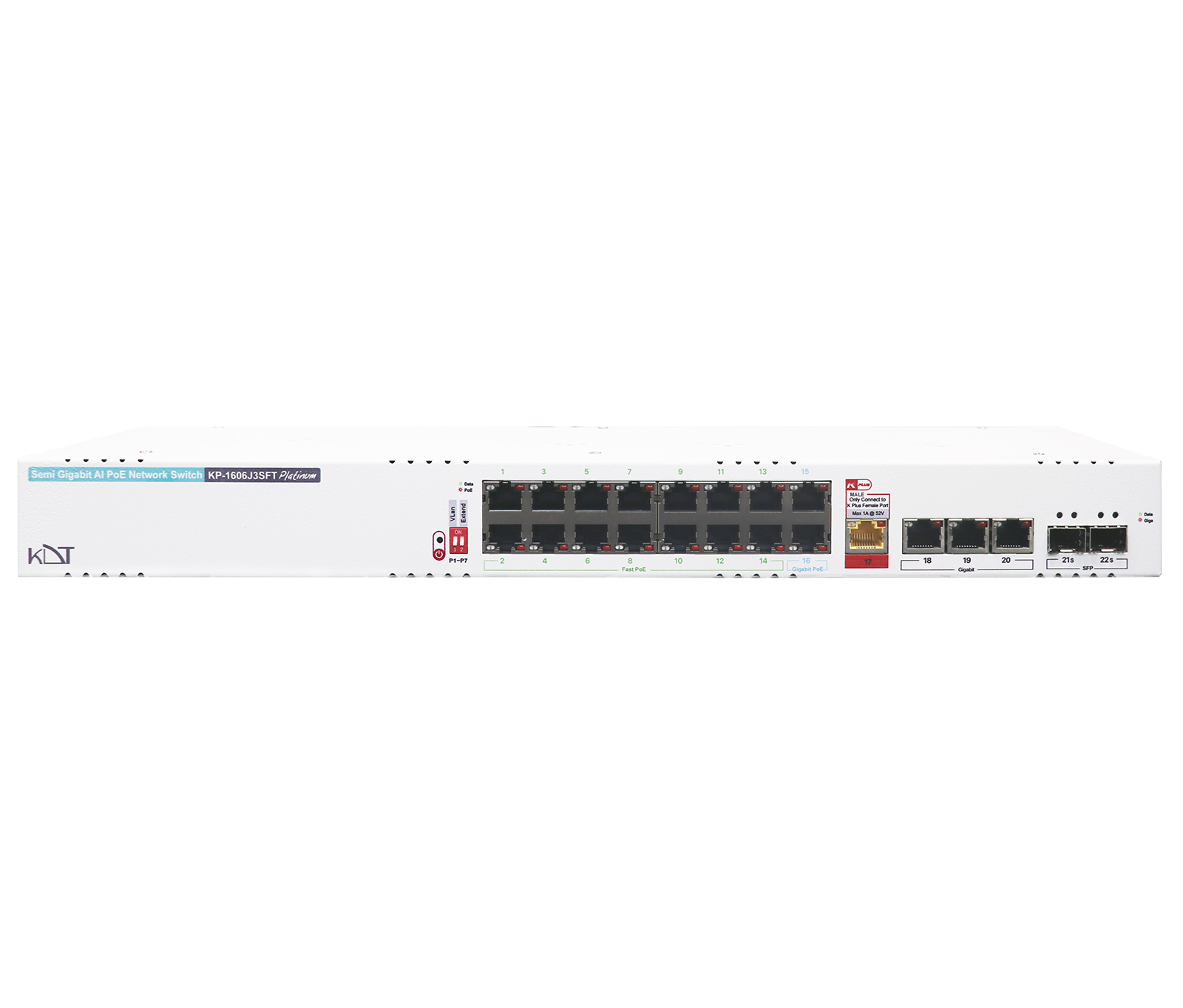 Semi Gigabit AI PoE+ SwitchKP-1606J3SFT
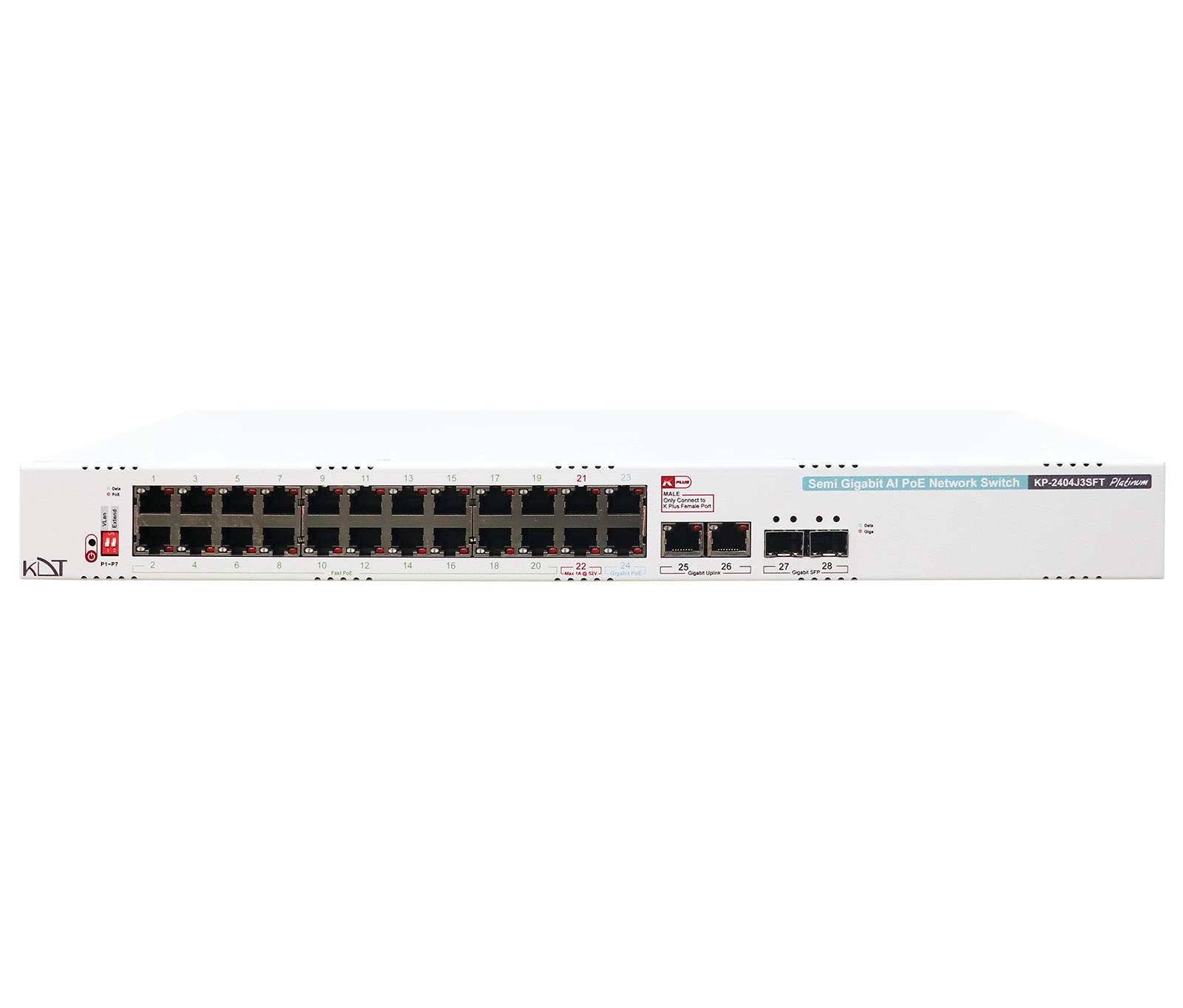 Semi Gigabit AI PoE+ SwitchKP-2404J3SFT