
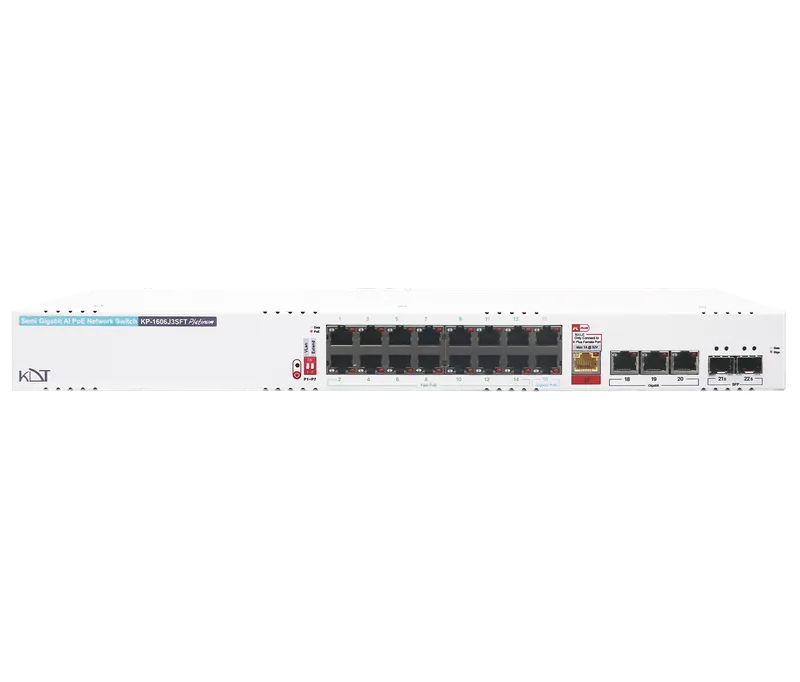
The KP-1606J3SFT from the Platinum series is a hybrid Fast Ethernet/Gigabit switch with AI features and PoE+, engineered to deliver power and data across large networks.
-
 POE
30W
-
 Function
Dip Switch AI
-
 Uplink Port
SFP
Overview
The KP-1606J3SFT from the Platinum series is a hybrid Fast Ethernet/Gigabit switch with AI features and PoE+, engineered to deliver power and data across large networks. It has 14 Fast Ethernet PoE ports, two Gigabit PoE ports, three Gigabit RJ45 uplink ports and two Gigabit SFP uplink ports, and delivers a powerful 400 W of output power. A Power Transmit port, 13.4 Gbps of internal bandwidth and a smart DIP switch for easy management make this metal rackmount switch ideal for high-density surveillance infrastructure.
Interfaces
- Total Port
- 22 Ports
- PoE Output (Max)
- 400 Watt
- PoE Port Control
- IC+ IP808AR
- Fast RJ45 PoE Port
- 14
- Gigabit RJ45 PoE Port
- 2
- Gigabit RJ45 Uplink Port
- 3
- Gigabit SFP Uplink Port
- 2
- Power Transmit RJ45
- 1 (Male)
- Combo Uplink Port
-
N/
A - Dip Switch Ai
- Yes
Hardware
- Processor Type
- IC+ / Realtek
- LED Panel
- Data Activity, PoE Activity, Power Activity, Redundant Activity
- Main Board
- Double Layer
- Case
- Metal Case
- Mounting
- Rackmount
General
- Protection Rating
- IP51
- Web Language
-
N/
A - Dimensions
- 440*130*45 mm
- Weight
- 1.985 kg
- Storage Temperature
-
-20°C ~ +
60°C / 10% ~ 90% RH - Operating Temperature
-
-15°C ~ +
50°C / 10% ~ 90% RH - Radiation Electromagnetic
- EN55016
Guarantee
- Product Guarantee
- 3 Years Platinum Guarantee
- MTBF
- 100,000 hrs min. MIL-HDBK-217F (25°)
Network Performance
- Standard
- IEEE802.3ab, IEEE802.3af, IEEE802.3at, IEEE802.3az, IEEE802.3u, IEEE802.3x
- Protocols
-
CSMA/
CD - Speed
-
Ethernet 10Mbps (half duplex), 20Mbps (full duplex); 10BASE-T: 14,880bps/
port Fast Ethernet 100Mbps (half duplex), 200Mbps (full duplex); 100BASE-TX:14,8800bps/port Gigabit Ethernet 1000Mbps (half duplex), 2000Mbps (full duplex); 1000BASE-TX: 1488000bps/port - Cabling
-
1000Base-TX: Cat 6 UTP or above (100m) PoE=250M
100Base-TX:Cat 6 UTP
(120m) PoE=250M 10Base-TX: Cat 5 or above (250m) PoE=250M - Bandwidth
- 13.4Gb Internal Bandwidth
- MAC Table
- 16Kb
- Auto MDI
- Yes All Ports
- Console
-
N/
A - Transfer Pattern
- Store & Forward
PD`S
- IP Camera
- Yes
- IP Phone
- Yes
- (+)2/1,
( - Yes
Function Ai
- Vlan
-
Yes / By Setting Dip Switch Number 1
(P1-P7) - 250 Extend
-
Yes / By Setting Dip Switch Number 2
(P1-P7) - Watchdog
- Yes / Enabled By Default (P1-P16)
Power Supply
- Power
- 200~240V AC, 50~60Hz
- Redundant
- Yes (K+ Feature)
- LED Power
- Yes
- Power Cable
- Available
Downloads
Documentation
-
KP-1606J3SFT
Compare products
Compare this product with similar products
Please wait
Frequently asked questions: Network Switches
Answers to common questions about this product line, from the KDT Help Center.
Which switch should I buy for 16 IP cameras, and how do I work out the number of ports, the PoE budget and the uplink?
Work out three numbers: ports, PoE budget and uplink speed. For ports, add one or two ports for the NVR and the uplink to the number of cameras and allow about 20% spare for growth; for 16 cameras a 24-port model fits. For power, assume 12 W per fixed camera (typically 6 to 16 W): 16 × 12 = 192 W at the cameras, divided by 0.85 for cable loss is about 226 W, and with 20% headroom about 271 W at the switch, so you need a PoE budget of roughly 300 W or more. Camera ports can be 100 Mbps for typical cameras, but the switch's link to the NVR should be Gigabit, and if you need VLANs or remote monitoring, choose a Lite-Managed or managed model. KDT examples are the KP-1606J3SFT (16 PoE ports, 400 W) if you do not plan to expand, and the KP-2408H4SMU (24 Gigabit PoE ports, 600 W) if you do.
What is the difference between unmanaged, Lite-Managed (Smart) and managed switches, and which one should I choose for CCTV?
An unmanaged switch has no settings page and works as soon as it is powered on; it is enough for a simple single-subnet network, for example the KP-0804H4SF, whose AI functions are selected with DIP switches. A Lite-Managed (Smart) switch has a web page and provides the basics such as VLAN, QoS, port mirroring, port rate limiting and PoE on/off; the KP-0406H4SLMT is an example. A managed switch adds a console and CLI to the web page and is needed for security, several VLANs, monitoring and larger networks; in the KDT range, the KP-2408H4SMU (Layer 2) and the KP-2404H5SM3U (Layer 3) are managed through the web interface, console, Telnet and SSH. As a rule of thumb: choose unmanaged if you only need PoE and connectivity, Lite-Managed if you must separate or monitor the network, and managed if you need security and full control.
What is the difference between a Layer 2 and a Layer 3 switch, and when do I need Layer 3?
A Layer 2 switch forwards frames only by MAC address inside one network (VLAN), which is enough to connect the cameras, the NVR and the computers of a single subnet. A Layer 3 switch also routes between different VLANs and subnets (Inter-VLAN Routing) at hardware speed, and larger models add static and dynamic routing. You need Layer 3 when you have several VLANs that must talk to each other (for example a camera VLAN and a VMS server VLAN), when the number of subnets is large, or when the switch sits in the network core. If you have only one subnet, Layer 2 is cheaper and simpler, and routing can be left to a router or firewall. KDT Layer 3 examples are the KC-2800H5SM3, the KP-4806H5SM3 and Carbon-series models such as the KS-C24G-T-6YQ.
What do terms such as Fast Ethernet, Semi Gigabit, Hi-PoE and AI mean in the names and descriptions of KDT switches?
In KP models the first two digits give the number of PoE ports and the next two digits the number of other (uplink) ports; for example the KP-0804H4SF has 8 PoE ports and 4 other ports, and the KP-2404H5SM3U has 24 PoE ports and 4 uplink ports. Fast Ethernet means all ports are 10/100 Mbps; Semi Gigabit means the PoE ports are 10/100 Mbps and the uplinks are Gigabit (some models also have one or two Gigabit PoE ports); Full Gigabit means every port is Gigabit; and 10 Gigabit means the model has 10 Gbps uplinks. PoE+ means the 802.3at standard with up to 30 W per port, Hi-PoE means a model with ports of up to 90 W under 802.3bt (on some models only the first few ports), AI means smart functions set with a DIP switch such as VLAN, Extend and Watchdog, and Lite-Managed means simple management through a web page. The prefix KP identifies PoE switches, KC core switches without PoE, and KS-C the Carbon series for data centers.
What is the difference between the PoE standards 802.3af, 802.3at and 802.3bt, and how many watts does each port deliver?
IEEE 802.3af (also called PoE or Type 1) delivers up to 15.4 W at the port (PSE) and at most 12.95 W reaches the device (PD); IEEE 802.3at (PoE+ or Type 2) delivers 30 W at the port and 25.5 W at the device; and IEEE 802.3bt, which is also marketed as PoE++ or Hi-PoE, delivers 60 W at the port and 51 W at the device in Type 3 and 90 W at the port and 71.3 W at the device in Type 4. The difference between the two figures is the power lost in the cable resistance, about 15% to 21% in the worst case of a 100 m cable, so compare a camera's consumption with the device-side (PD) figure, not the port figure. Standards af and at use two pairs of wires, bt can use all four pairs, and in every case the switch first detects and classifies the device and only then supplies power.
Didn’t find your answer?
Warranty
3-Year Platinum Warranty
This product comes with the official KDT warranty. Check your device’s warranty status with its serial number.
Check warrantyRelated products
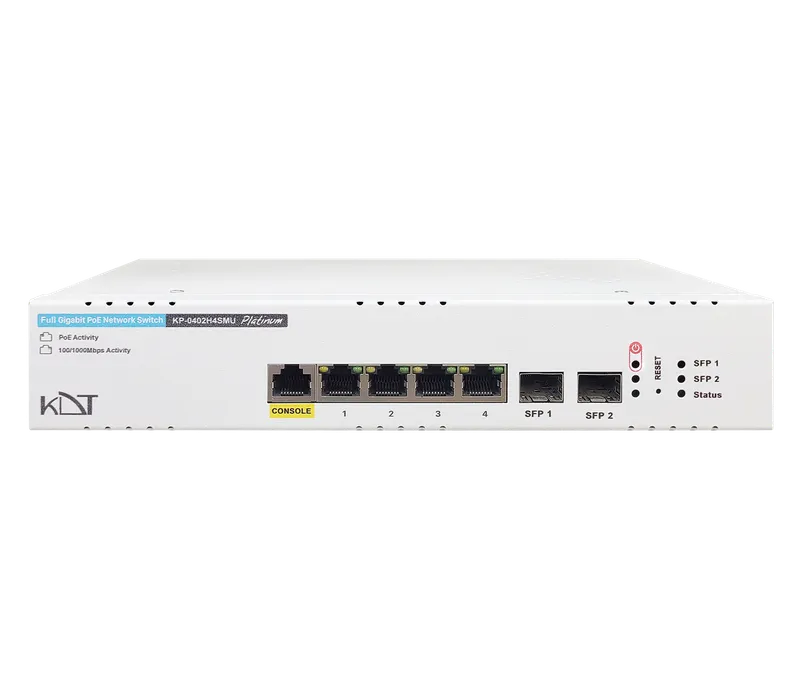 Full Gigabit Hi-PoE L2 Managed SwitchKP-0402H4SMU
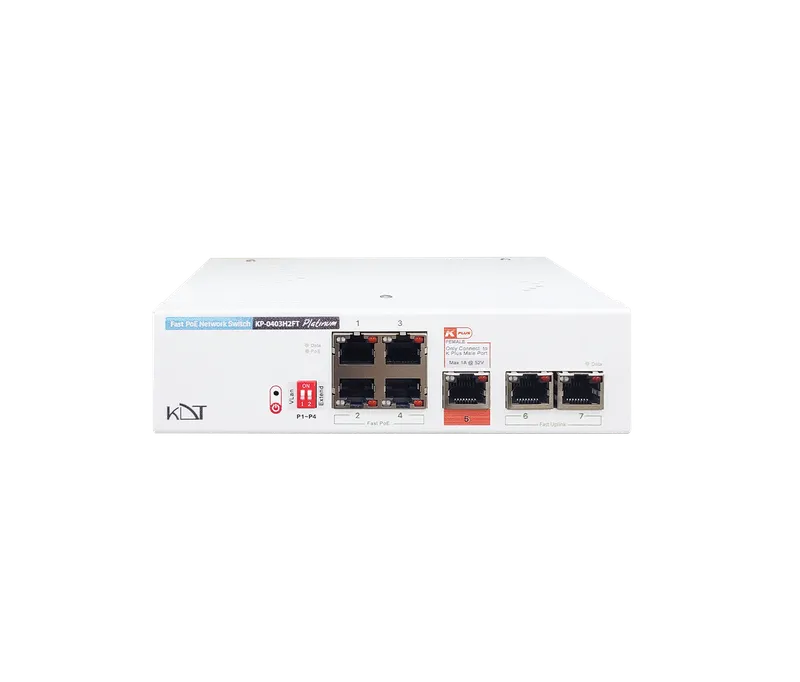 Fast Ethernet AI PoE+ SwitchKP-0403H2FT
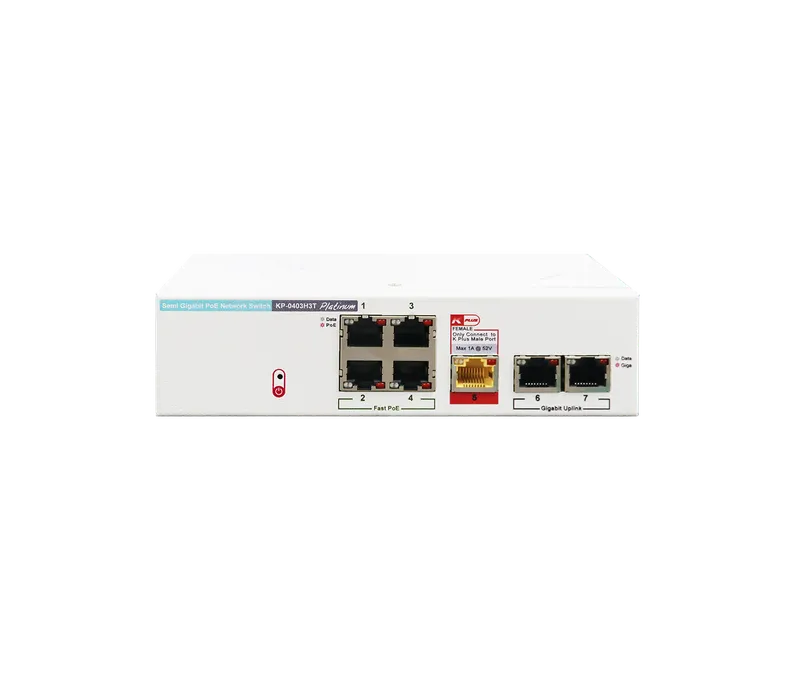 Semi Gigabit PoE+ SwitchKP-0403H3T
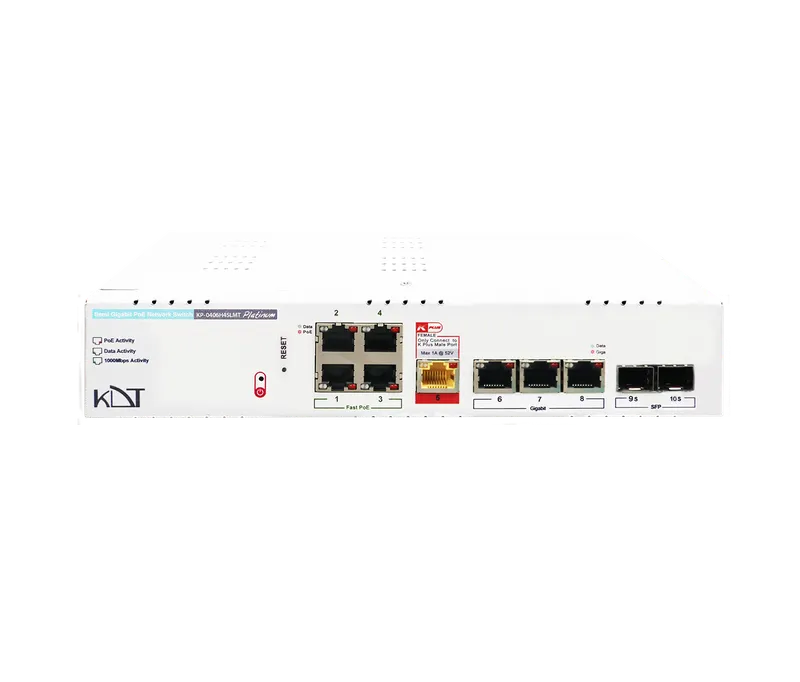 Full Gigabit PoE+ Lite-Managed SwitchKP-0406H4SLMT
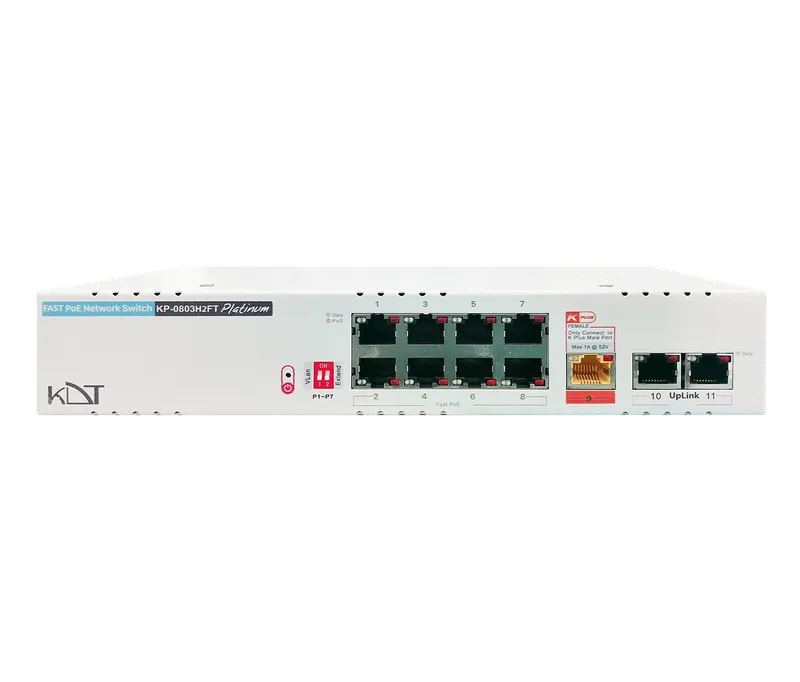 Fast Ethernet AI PoE+ SwitchKP-0803H2FT
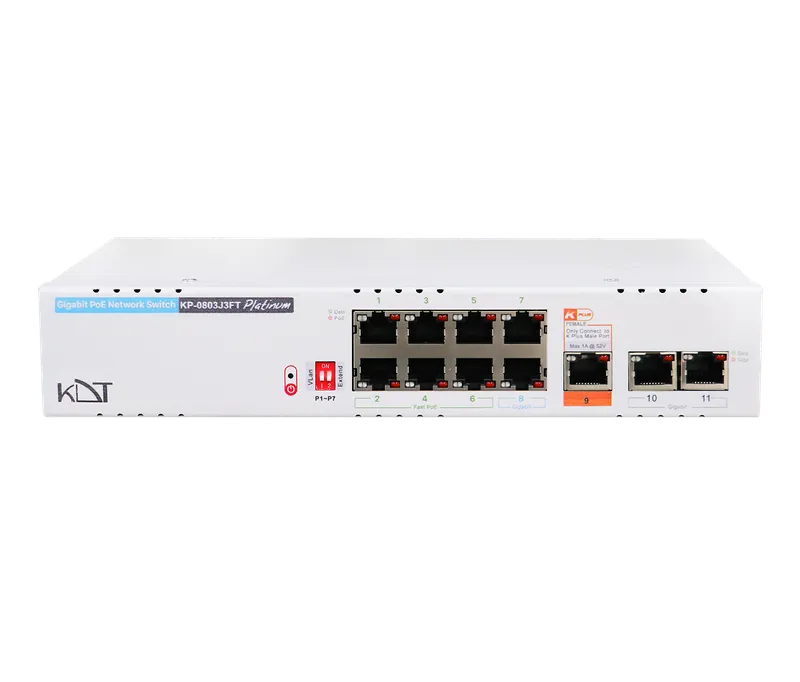 Semi Gigabit PoE+ SwitchKP-0803J3FT
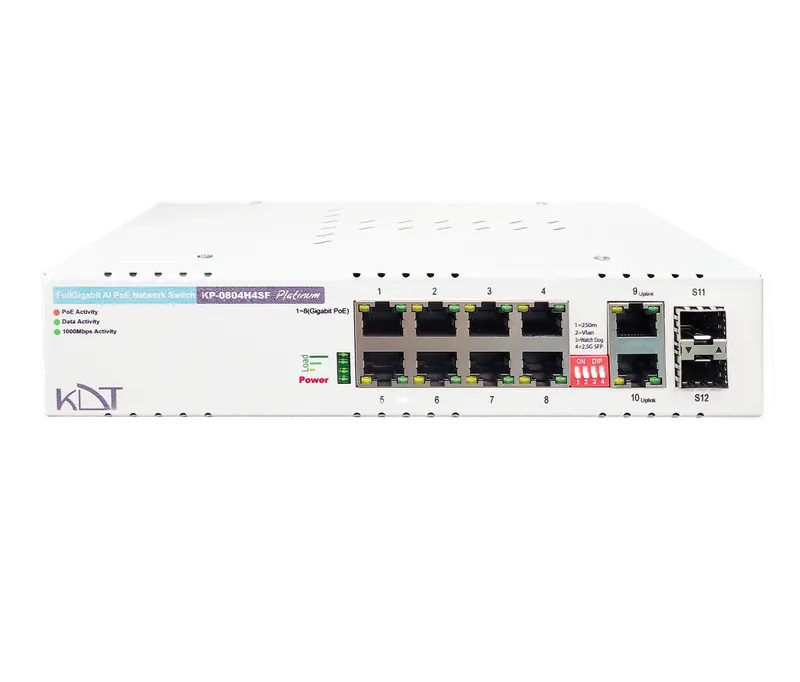 Full Gigabit AI PoE+ SwitchKP-0804H4SF
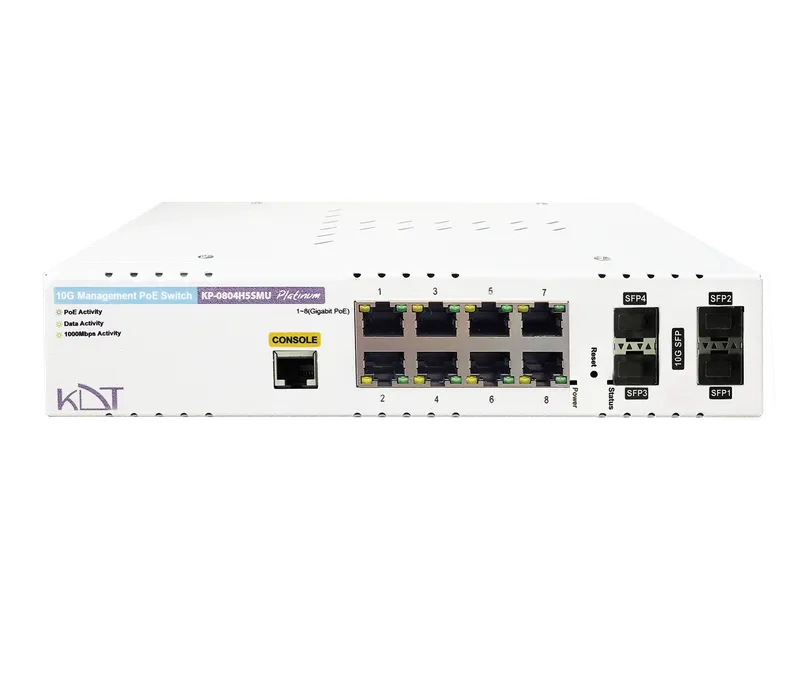 10 Gigabit Hi-PoE L2 Managed SwitchKP-0804H5SMU
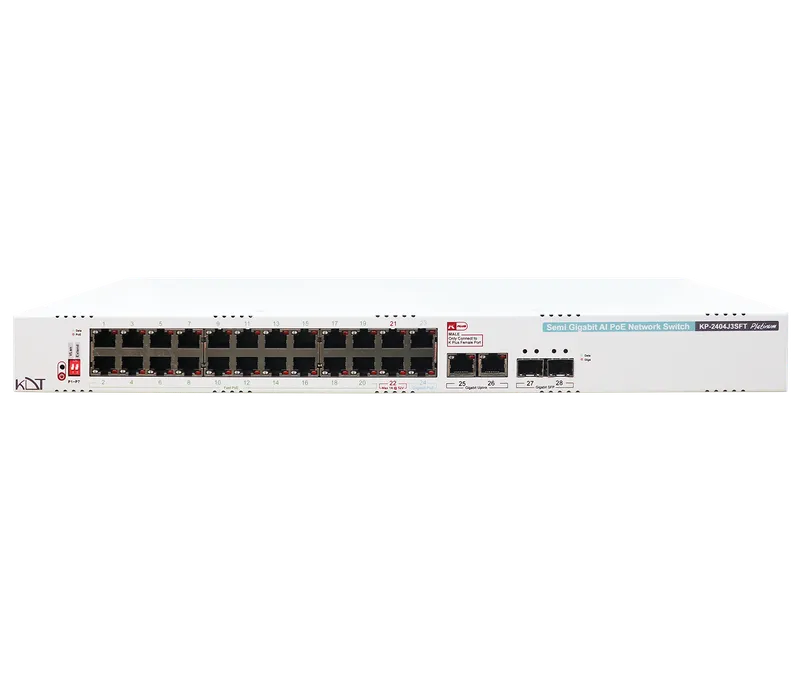 Semi Gigabit AI PoE+ SwitchKP-2404J3SFT
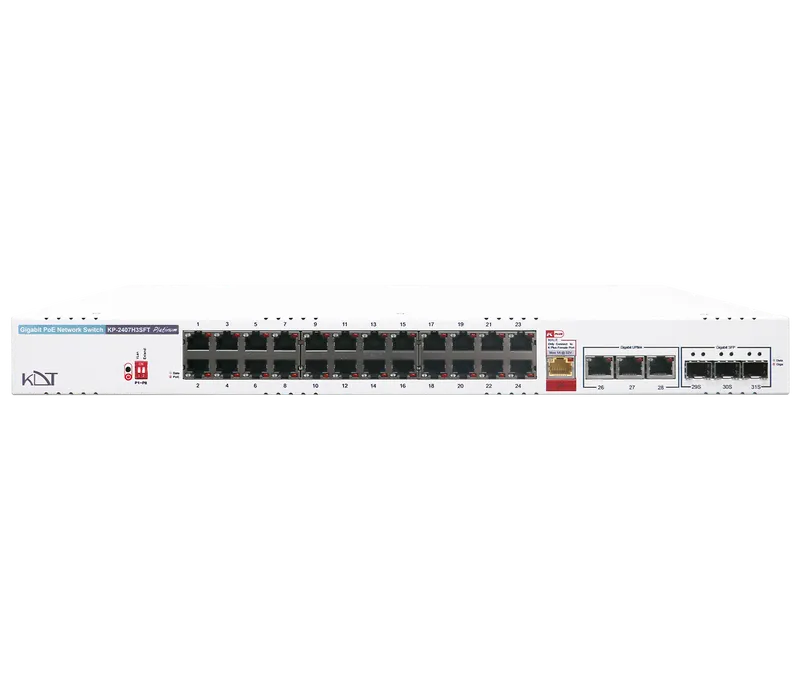 Semi Gigabit AI PoE+ SwitchKP-2407H3SFT
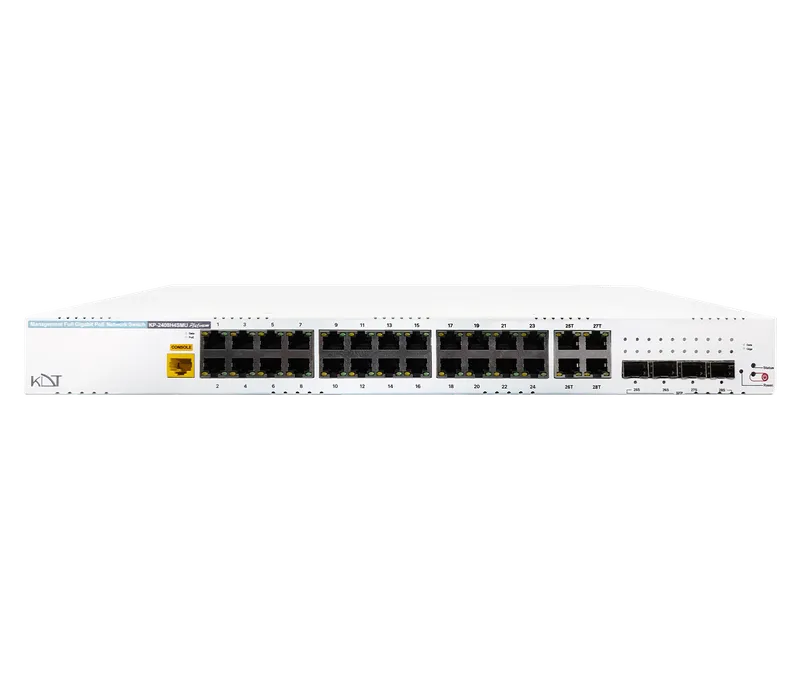 Full Gigabit Hi-PoE L2 Managed SwitchKP-2408H4SMU
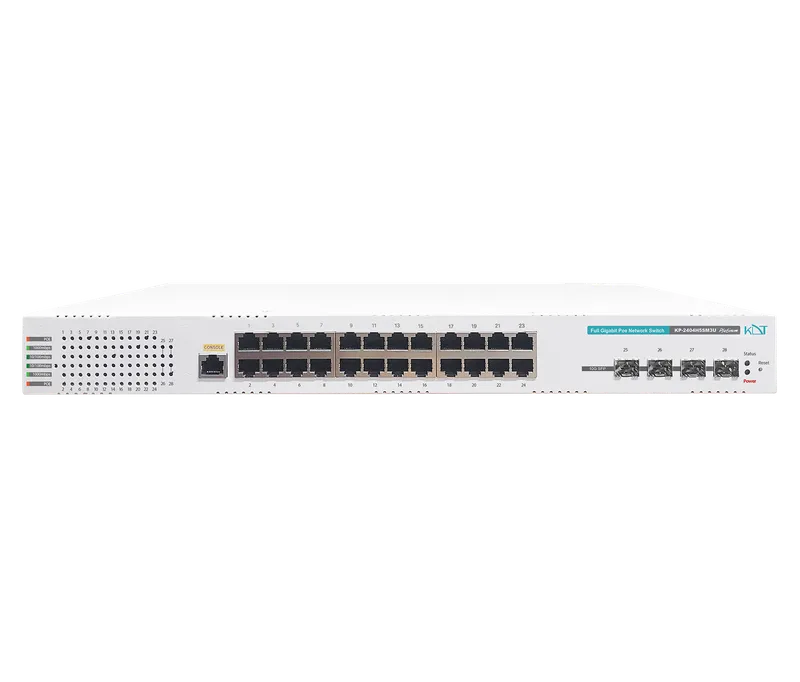 10 Gigabit Hi-PoE L3 Managed SwitchKP-2404H5SM3U