
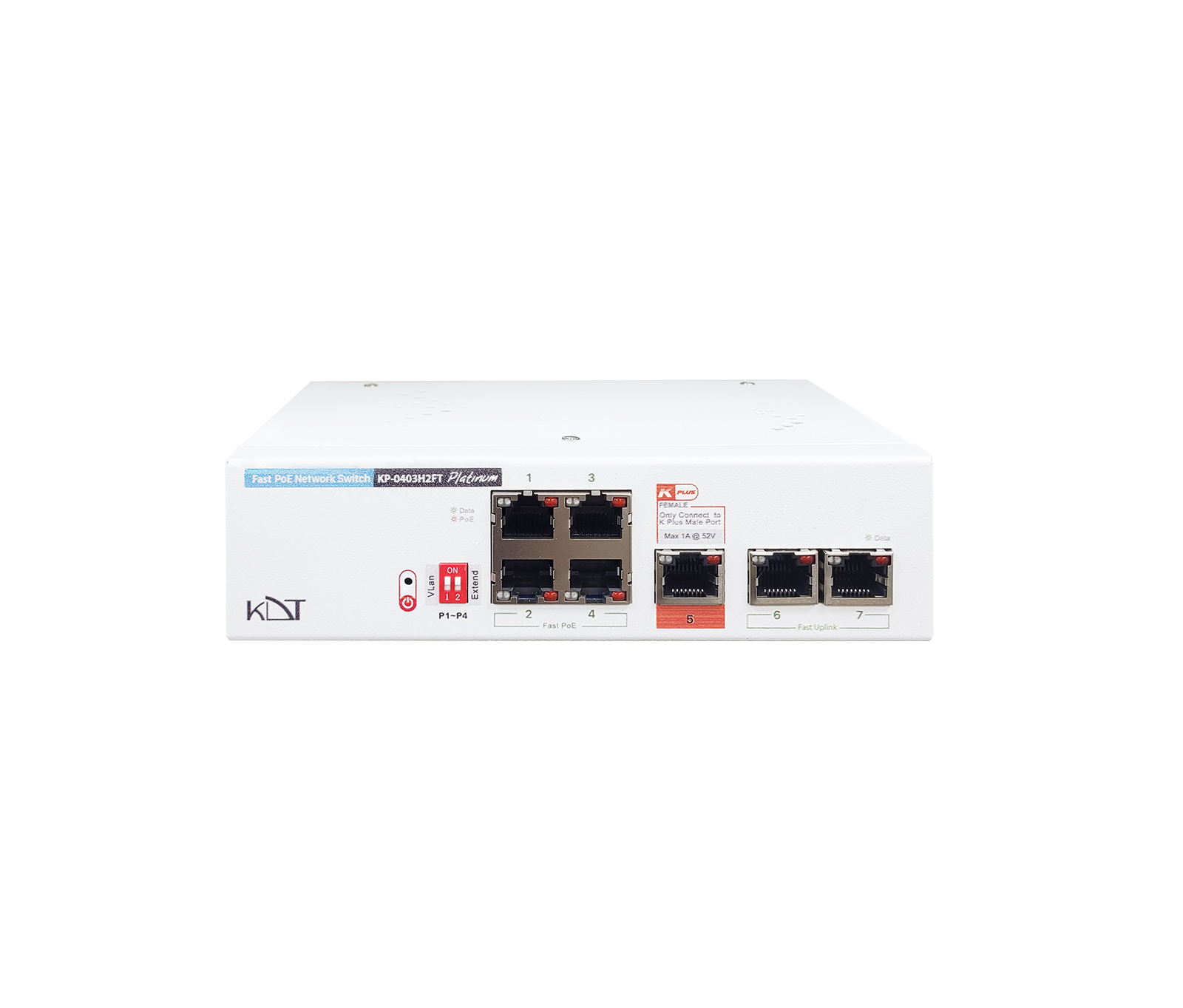
The KP-0403H2FT from the Platinum series is a smart yet very simple (Plug & Play) solution for expanding your network.
-
 Speed
100Mbps
Speed
100Mbps
-
 POE
30W
POE
30W
-
 Function
Dip Switch AI
Function
Dip Switch AI
Overview
Interfaces
- Total Port
- 7 Ports
- PoE Output (Max)
- 120 Watt
- PoE Port Control
- IC+ IP804AR
- Fast RJ45 PoE Port
- 4
- Gigabit RJ45 PoE Port
-
N/
A - Fast RJ45 Uplink Port
- 2
- Gigabit RJ45 Uplink Port
-
N/
A - Gigabit SFP Uplink Port
-
N/
A - Combo Uplink Port
-
N/
A - Power Transmit RJ45
- 1 (Female)
- Dip Switch Ai
- Yes
Hardware
- Processor Type
- IC+
- LED Panel
- Data Activity, PoE Activity, Power Activity, Redundant Activity
- Main Board
- Yes
- Case
- Metal Case
- Mounting
- Rackmount / Desktop
General
- Protection Rating
- IP51
- Web Language
-
N/
A - Dimensions
- 170*110*45 mm
- Weight
- 520 g
- Storage Temperature
-
-20°C ~ +
60°C / 10% ~ 90% RH - Operating Temperature
-
-15°C ~ +
50°C / 10% ~ 90% RH - Radiation Electromagnetic
- EN55016
Guarantee
- Product Guarantee
- 3 Years Platinum Guarantee
- MTBF
- 100,000 hrs min. MIL-HDBK-217F (25°)
Network Performance
- Standard
- IEEE802.3ab, IEEE802.3af, IEEE802.3at, IEEE802.3az, IEEE802.3bt, IEEE802.3u, IEEE802.3x
- Protocols
-
CSMA/
CD - Speed
-
Ethernet 10Mbps (half duplex), 20Mbps (full duplex); 10BASE-T: 14,880bps/
port Fast Ethernet 100Mbps (half duplex), 200Mbps (full duplex); 100BASE-TX:14,8800bps/port - Cabling
- 100Base-TX: Cat 5 UTP Or above (100m) PoE=250M 10Base-TX: Cat 5 or above (250m) PoE=250M
- Bandwidth
- 1.4Gb Internal Bandwidth
- MAC Table
- 32Kb
- Auto MDI
- Yes All Ports
- Console
-
N/
A - Transfer Pattern
- Store & Forward
PD`S
- IP Camera
- Yes
- IP Phone
- Yes
- (+)2/1,
( - Yes
Function Ai
- Vlan
-
Yes / By Setting Dip Switch Number 1
(P1-P4) - 250 Extend
-
Yes / By Setting Dip Switch Number 2
(P1-P4) - Watchdog
-
Yes / Enabled By Default
(P1-P4)
Power Supply
- Power
- 200~240V AC, 50~60Hz
- Redundant
- Yes (K+ Feature)
- LED Power
- Yes
- Power Cable
- Available
Downloads
Documentation
-
KP-0403H2FT
Compare products
Compare this product with similar products
Please wait
Frequently asked questions: Network Switches
Answers to common questions about this product line, from the KDT Help Center.
Where should I start when choosing the right network switches?
Start by defining the intended use, the number of devices, the installation environment, the capacity required and your plans for future expansion. Then choose the model and technical specifications based on what the project actually needs.
Which technical specifications matter most for network switches?
Depending on the project, the most important specifications are capacity, speed, compatibility, environmental ratings, management features and scalability. Basing your choice on a single figure is usually not enough.
Is a cheaper network switch model always the right choice?
No. The purchase price is only one factor. You also need to consider reliability, features, service life, after-sales service and maintenance costs.
How do I work out how much capacity a switched network needs?
Base the calculation on the number of devices, actual usage, how long the system will be in use and how much the project is likely to grow. It is also wise to keep some capacity in reserve.
Can network switches be upgraded later?
In many cases, some of the capacity or equipment can be upgraded. However, this depends on the product's architecture and its hardware limitations, so check before you buy.
Didn’t find your answer?
Warranty
3-Year Platinum Warranty
This product comes with the official KDT warranty. Check your device’s warranty status with its serial number.
Check warrantyRelated products
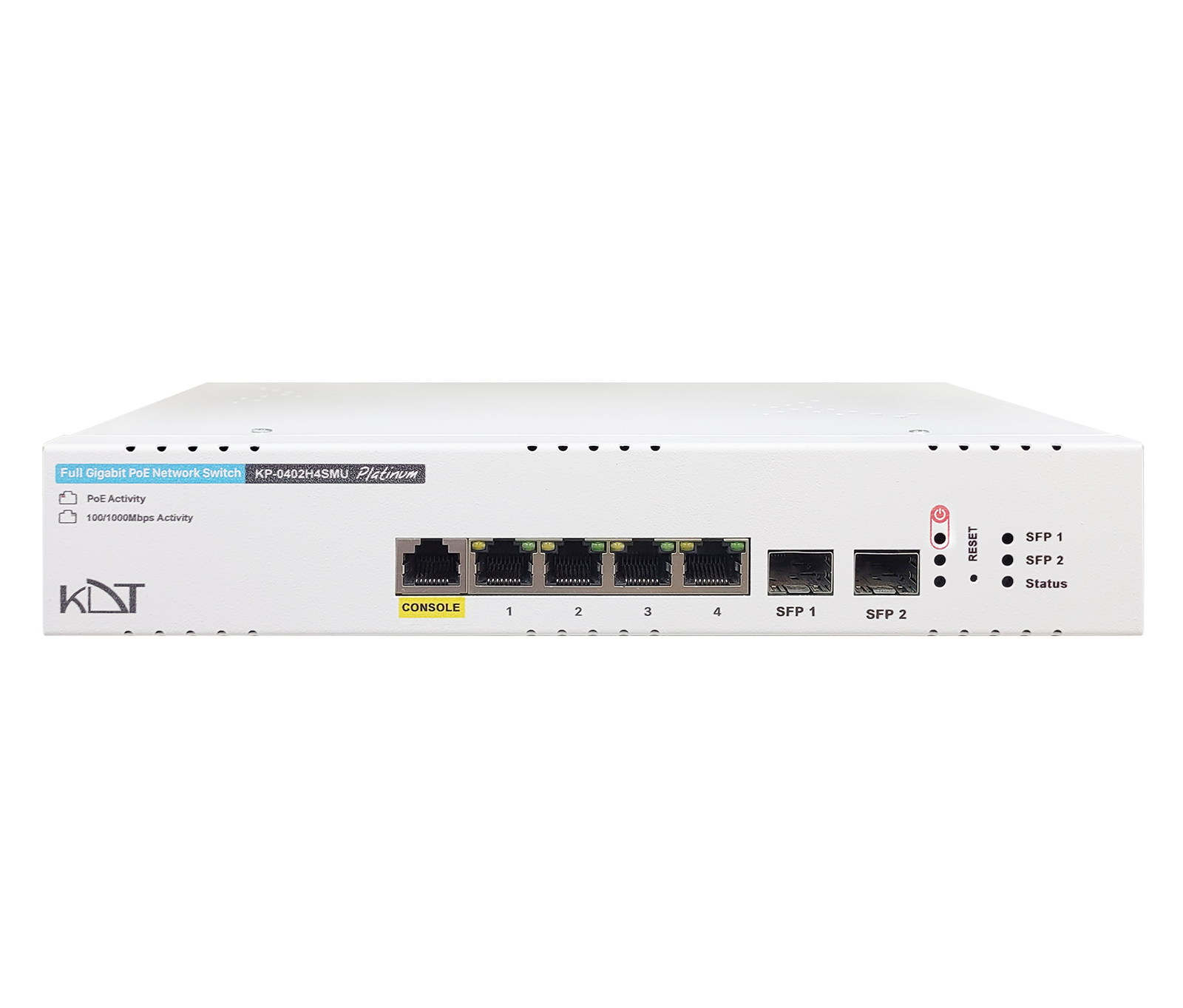 Full Gigabit Hi-PoE L2 Managed SwitchKP-0402H4SMU
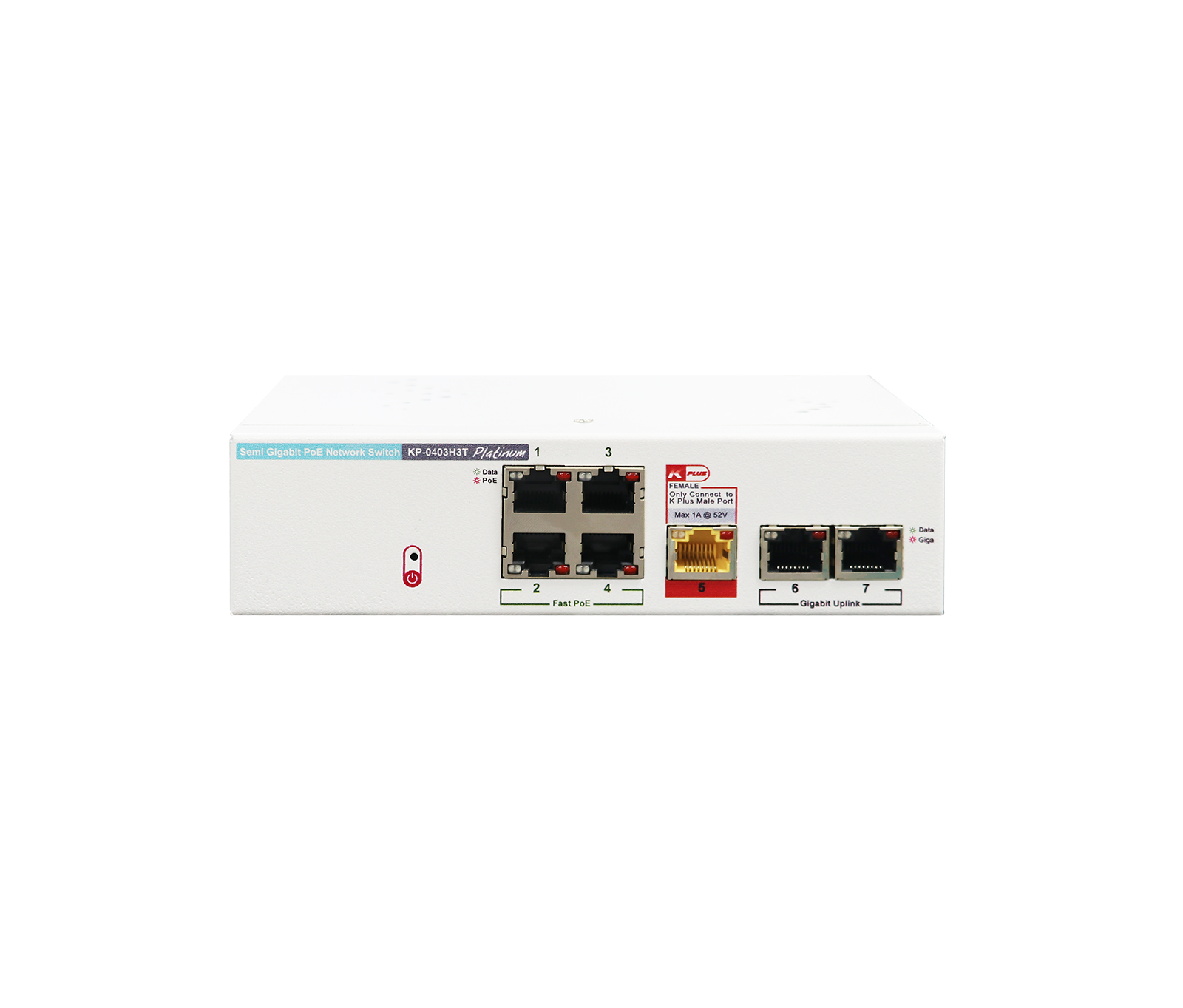 Semi Gigabit PoE+ SwitchKP-0403H3T
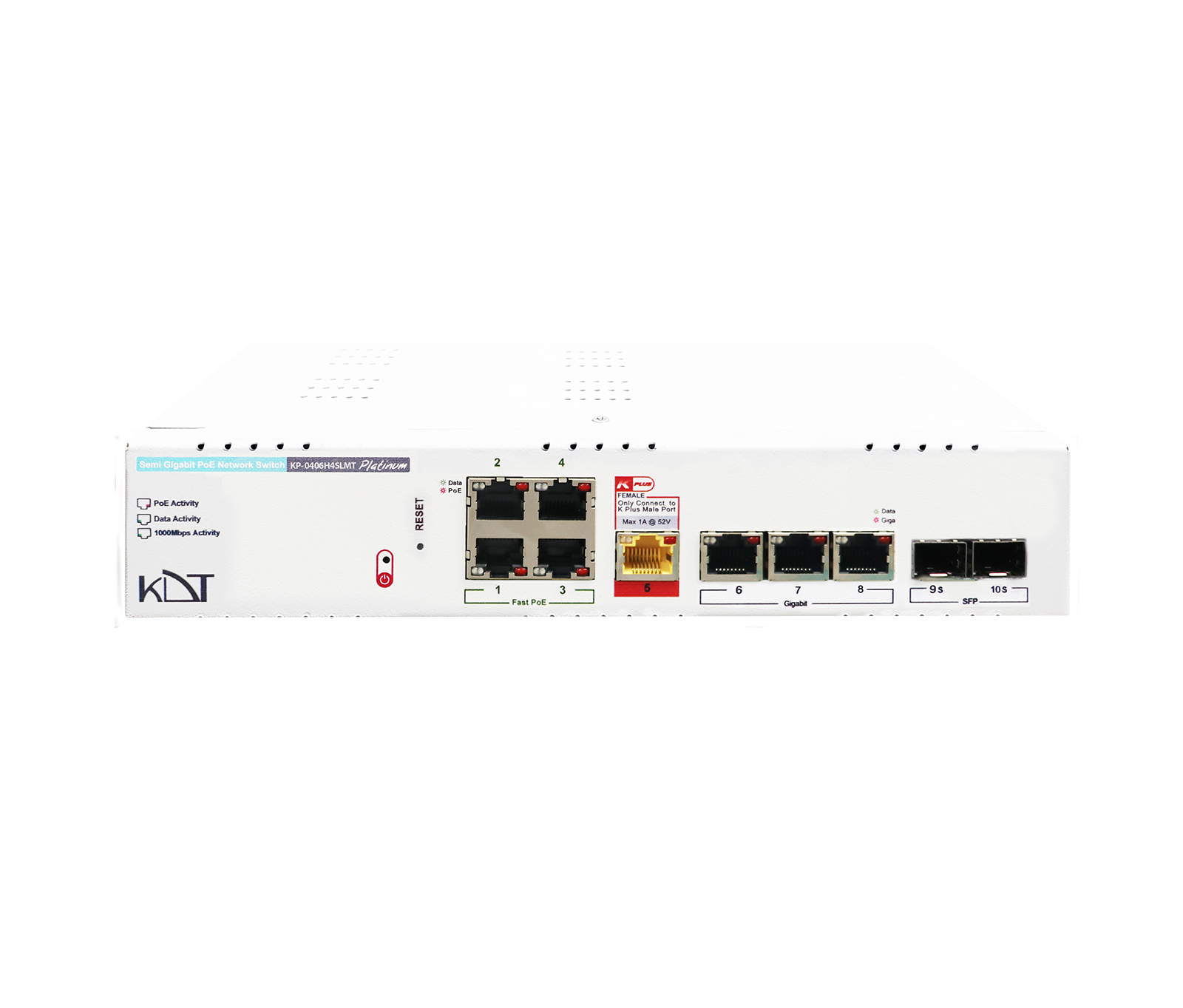 Full Gigabit PoE+ Lite-Managed SwitchKP-0406H4SLMT
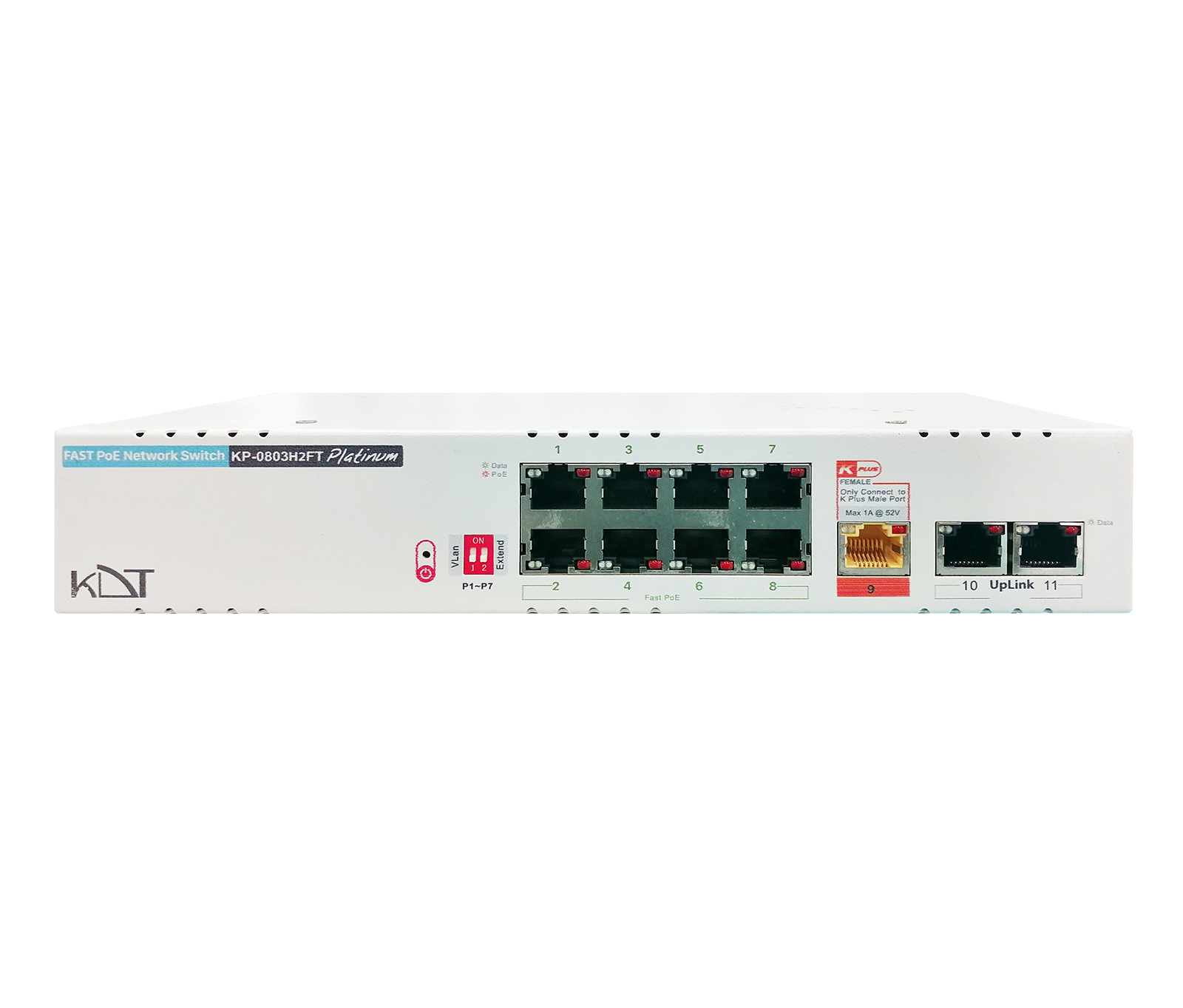 Fast Ethernet AI PoE+ SwitchKP-0803H2FT
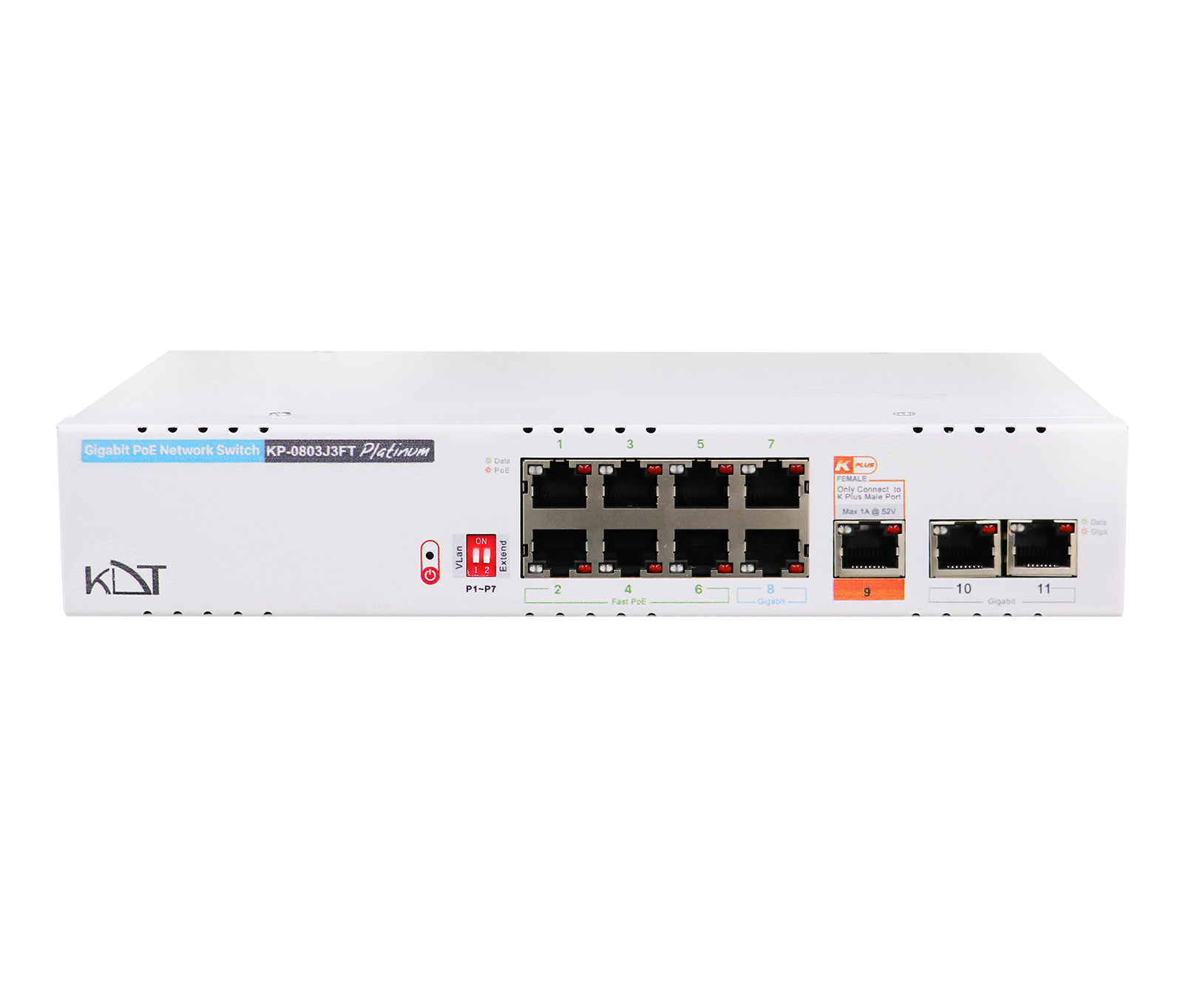 Semi Gigabit PoE+ SwitchKP-0803J3FT
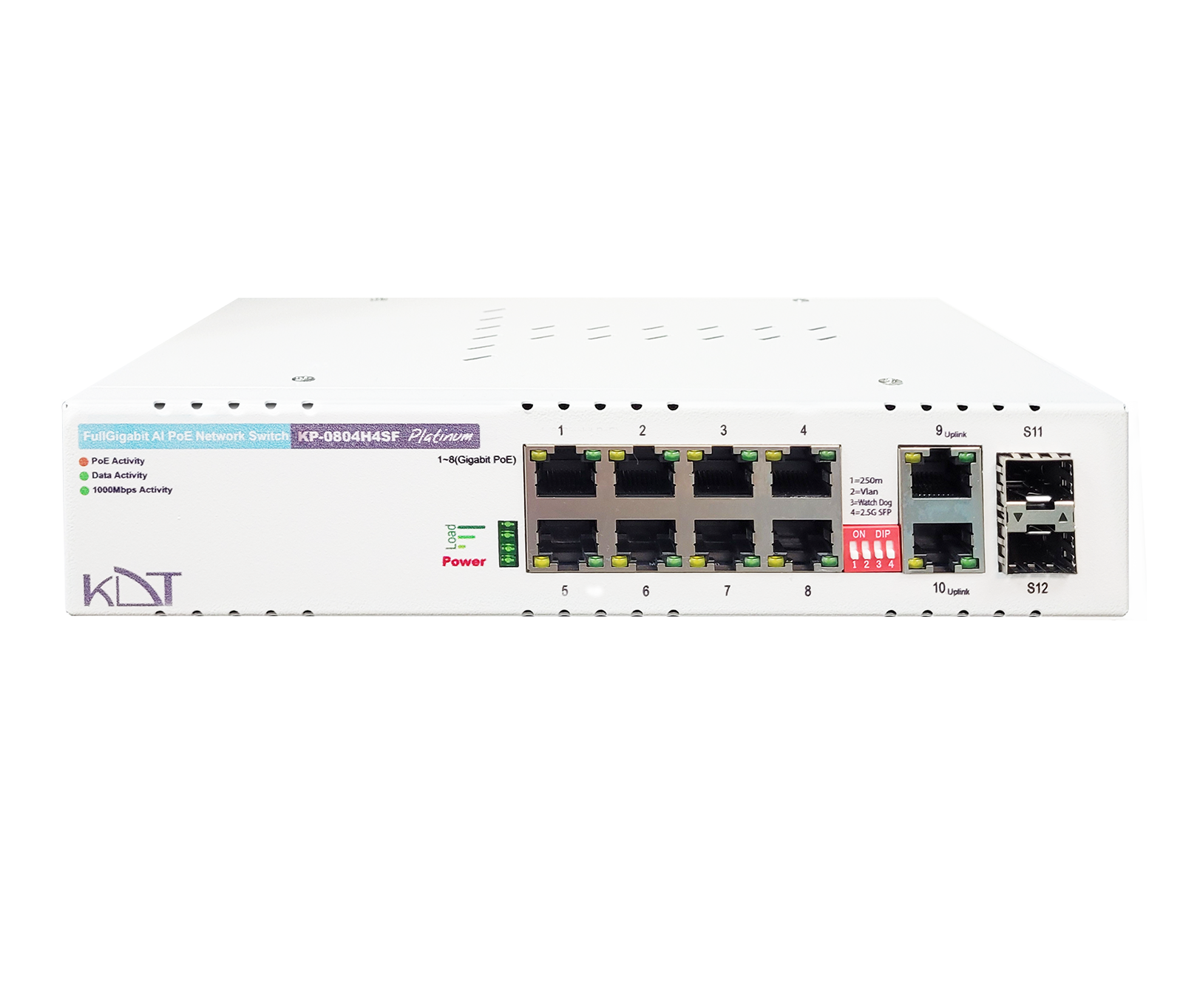 Full Gigabit AI PoE+ SwitchKP-0804H4SF
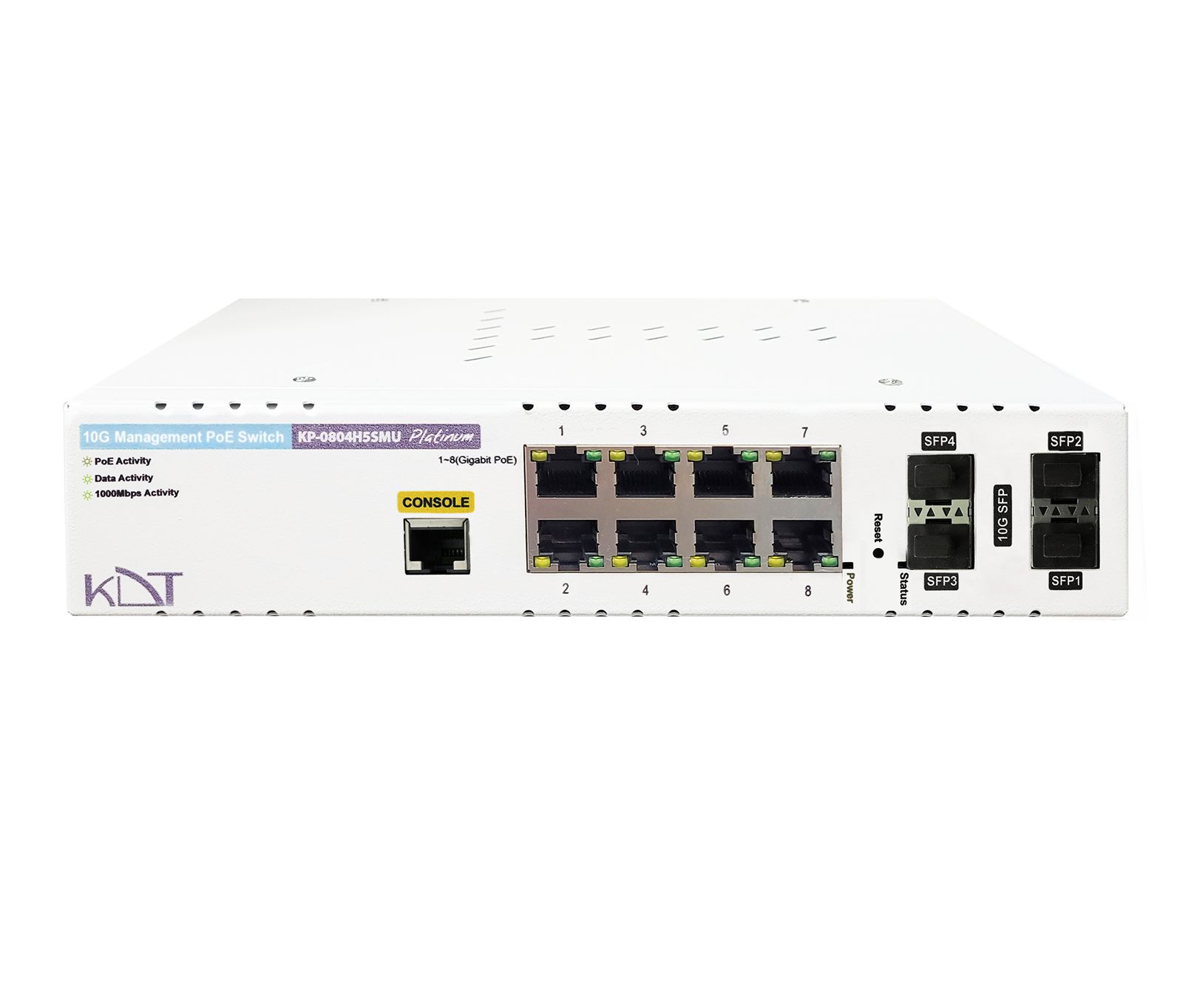 10 Gigabit Hi-PoE L2 Managed SwitchKP-0804H5SMU
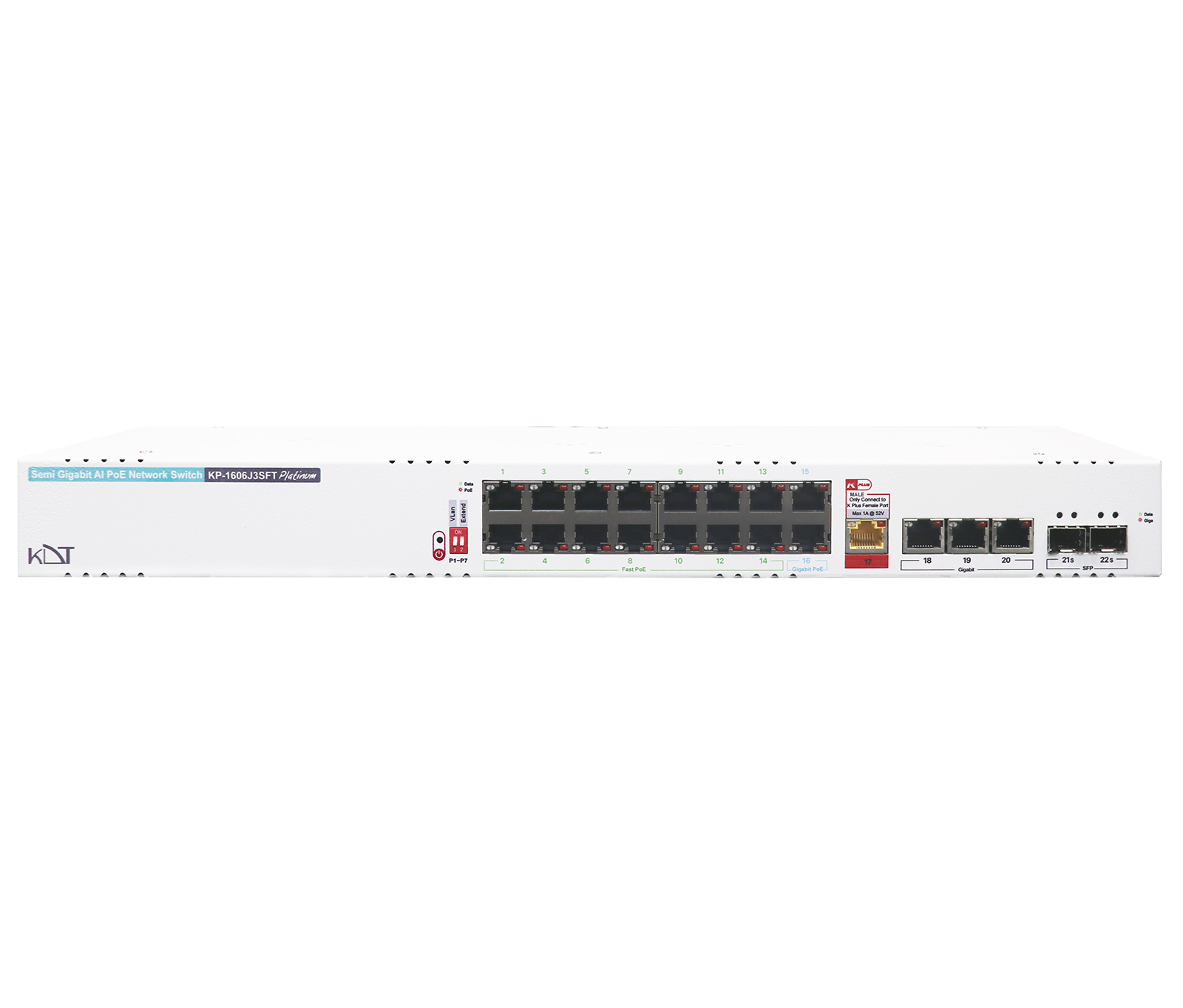 Semi Gigabit AI PoE+ SwitchKP-1606J3SFT
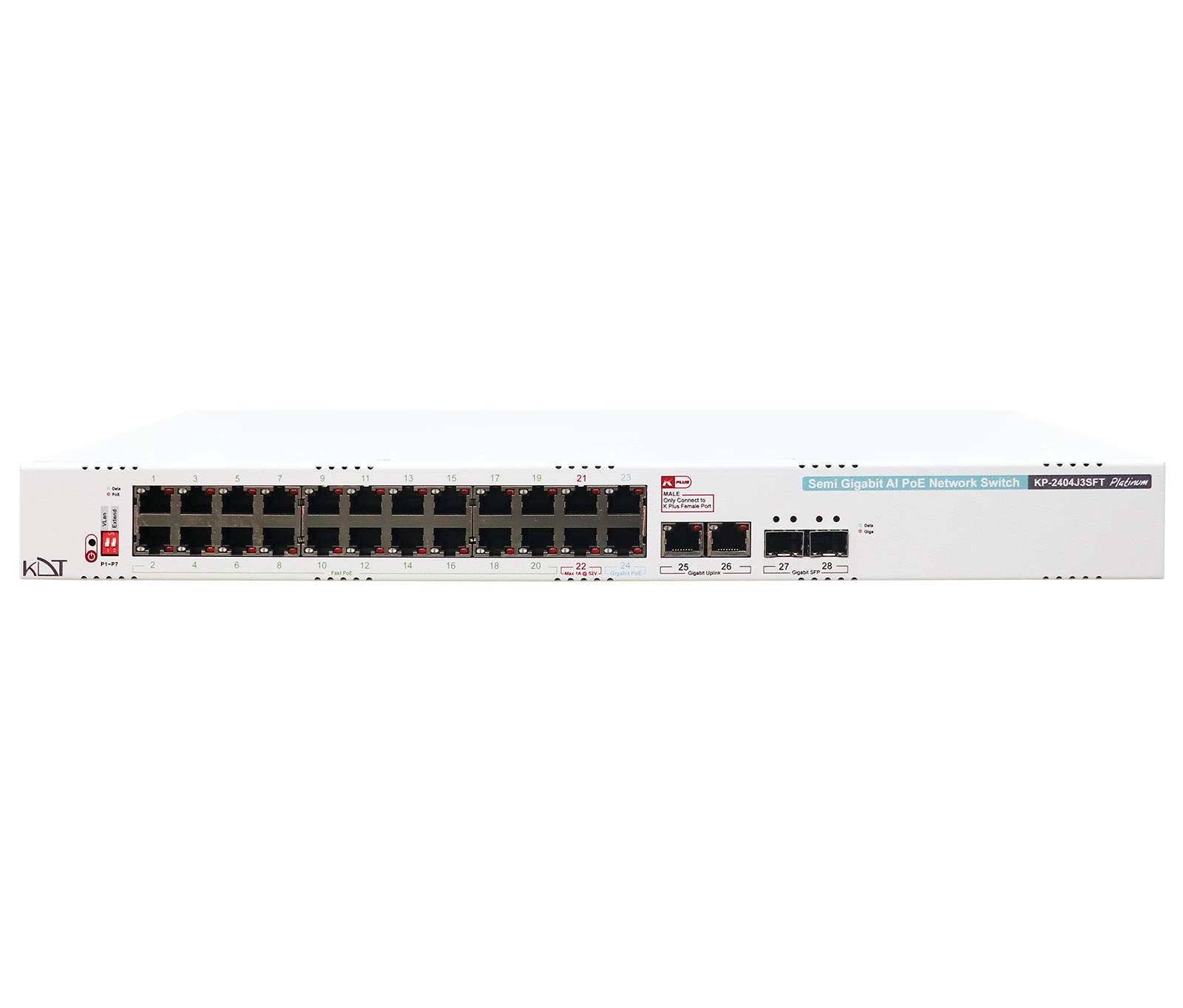 Semi Gigabit AI PoE+ SwitchKP-2404J3SFT
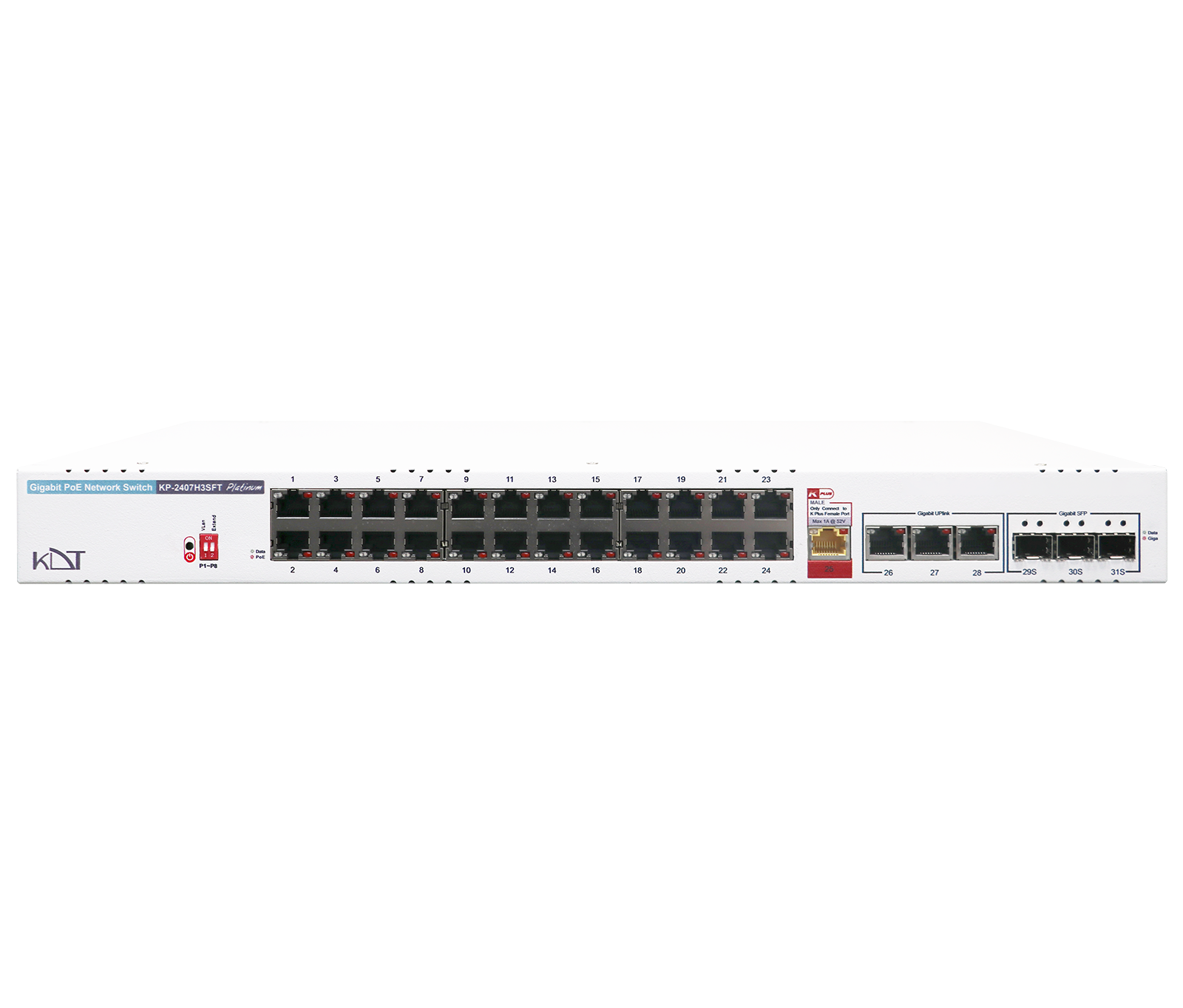 Semi Gigabit AI PoE+ SwitchKP-2407H3SFT
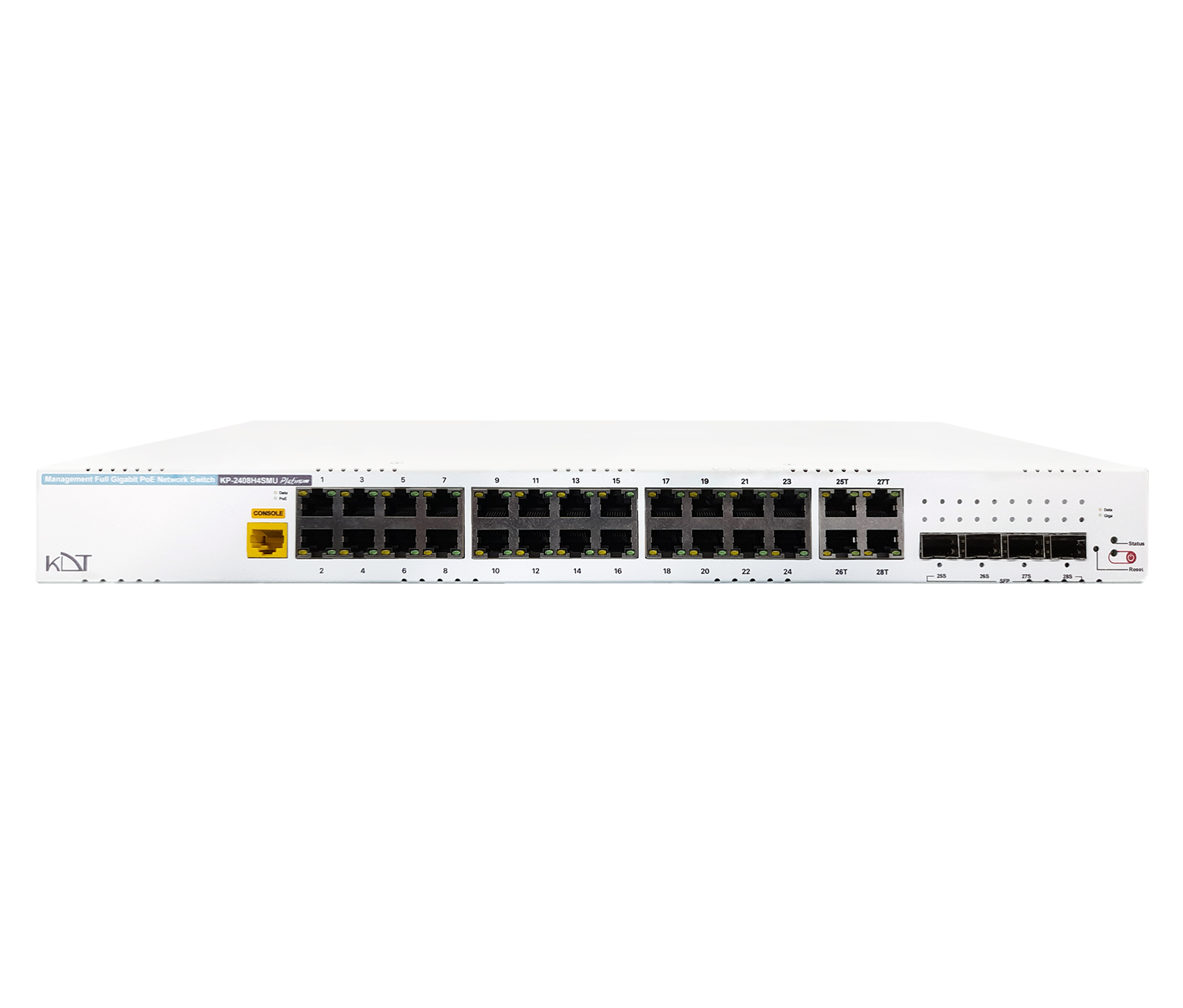 Full Gigabit Hi-PoE L2 Managed SwitchKP-2408H4SMU
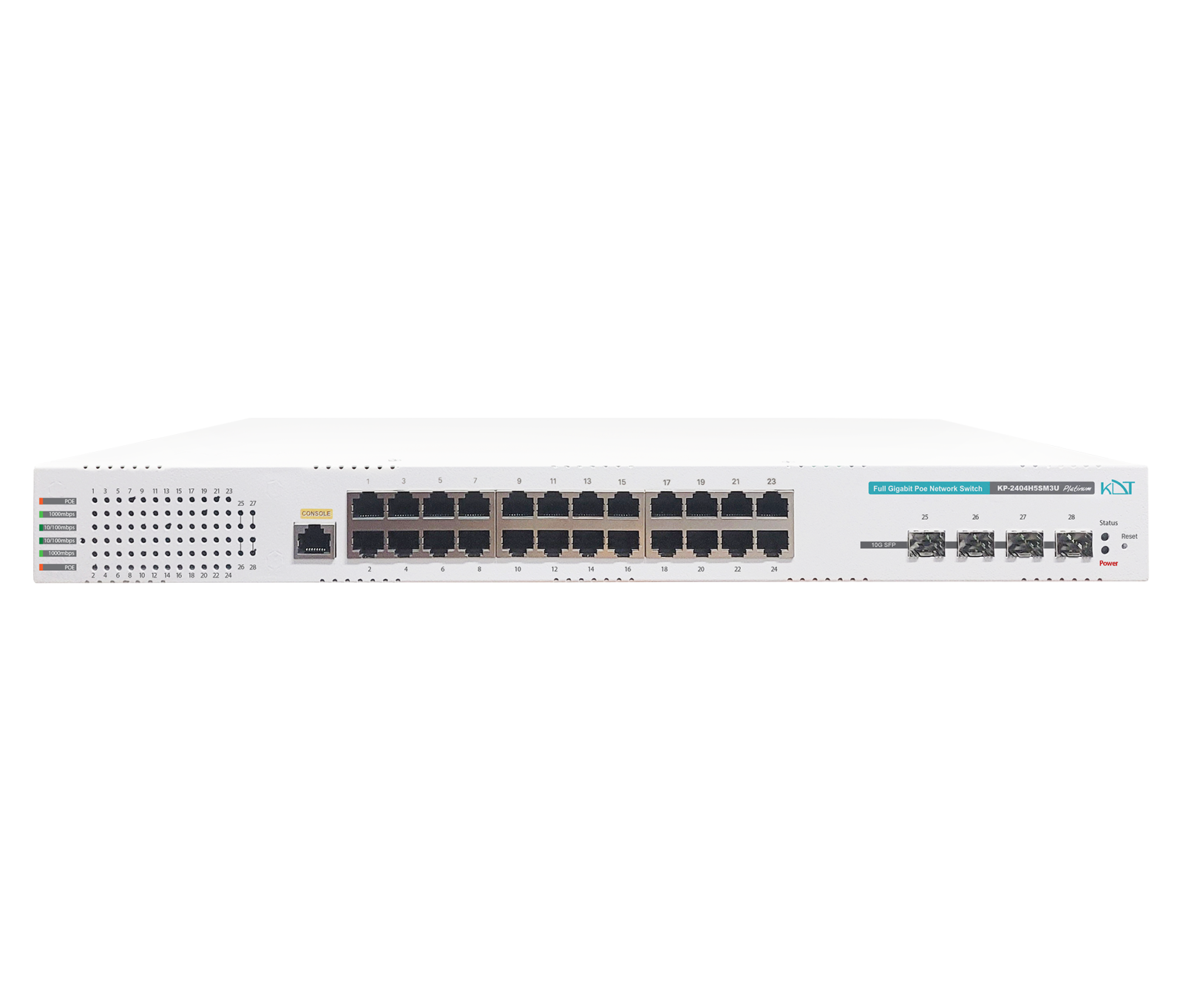 10 Gigabit Hi-PoE L3 Managed SwitchKP-2404H5SM3U