
-
 Function
Face Recognition
Function
Face Recognition
-
 Function
LPR
Function
LPR
-
 Function
Calendar
Function
Calendar
Features
- Licensing type
- Perpetual
- Number of Servers Per System
- No Limitation
- Maximum Number of Users
- Unlimited
- Technical Support / Warranty
- No Limitation
- Version updates
- Free During Support period
- Supported Languages
- English, Persian
- Supported Calendars
- Christian Calender, Solar
- Client/
Server OS Platform - Windows
- Microsoft Active Directory
- Available
- Management Server
- Available
- Application / Client Management
- Available
- Channel Status
- Available
- System Notifications
- Available
- Camera Manager
- Available
- Camera Discovery
- Available
- System Configuration Wizard
- Available
- Map Support
- Available
- System logging
- Available
- Multi Server Integration
- Available
- Camera Forwarding
- Available
- Multi
- Available
- Health Monitoring Dashboard
- Available
- Layout Definition
- Available
- Virtual Machine Environment
- Available
- Action History
- Available
- Time profile definition
- Available
- Adaptive Streaming
- Available
- Video Motion Detection
- Available
- Hardware Acceleration
- Available
- Wide Range of IP Device
- Available
- Snapshot Function
- Available
Recording and Playback
- NAS Support
- Available
- Playback on Timeline
- Available
- Playback Speed Control
- Available
- Instant Playback
- Available
- Edge Recording
- Available
- Video Retention Time
- Available
- Recording Profile
- Available
Video Analytics
- Heatmap Function
- By License
- Object Detection
- By License
- Video Analysis
- By License
Video
- Compression
- Available
- Video Export Function
- Available
- Video Group Export
- Available
- Multi Streaming
- Available
- Metadata Support
- Available
- Adjustable GOP Size
- Available
- Multicast Support
- Available
- Advanced Video Sync
- Available
- Bookmark Function
- Available
- Digital Zoom
- Available
- Object Classification
- By License
- Edge/
Central Video Analytics - By License
Audio
- Two
- Available
- Audio Sync With Video
- Available
- Advanced Rule Engine
- Available
Device Support
- ONVIF Support
- By License
- Device Integration
- Available
- Metadata from Camera
- By License
- Group Configuration
- Available
PTZ
- Widget / PTZ Function
- Available
- Preset Position
- Available
- PTZ Patrol
- Available
- PTZ Area Zoom
- Available
Record
- Scheduled Recording
- Available
- Continuous Recording
- Available
Security & Encryption
- Main Server Connection
- Available
- Server/
Client Communication - Available
- Storage, Archival Recording
- Available
- Channel Client Connectivity
- Available
- Camera Connectivity
- Available
Alarm
- Alarm Management
- Available
User
- Centralized User Management
- Available
- User Authentication
- Available
- Admin Profile Permissions
- Available
- Membership Assignment
- Available
- Per Resource Permissions
- Available
- Per Organization
- Available
- PTZ Prioritization Level
- Available
- Recent Interval Permissions
- Available
- User Grouping Assignment
- Available
- User Based Settings Manager
- Available
- Time Based user access
- Available
Downloads
Documentation
-
KL-VMS+
Compare products
Compare this product with similar products
Please wait
Frequently asked questions: Software
Answers to common questions about this product line, from the KDT Help Center.
Where should I start when choosing the right software?
Start by defining the intended use, the number of devices, the installation environment, the capacity required and your plans for future expansion. Then choose the model and technical specifications based on what the project actually needs.
Which technical specifications matter most for software?
Depending on the project, the most important specifications are capacity, speed, compatibility, environmental ratings, management features and scalability. Basing your choice on a single figure is usually not enough.
Is a cheaper software edition always the right choice?
No. The purchase price is only one factor. You also need to consider reliability, features, service life, after-sales service and maintenance costs.
How do I work out how much capacity a software deployment needs?
Base the calculation on the number of devices, actual usage, how long the system will be in use and how much the project is likely to grow. It is also wise to keep some capacity in reserve.
Can the software be upgraded later?
In many cases, some of the capacity or equipment can be upgraded. However, this depends on the product's architecture and its hardware limitations, so check before you buy.
Didn’t find your answer?
Related products
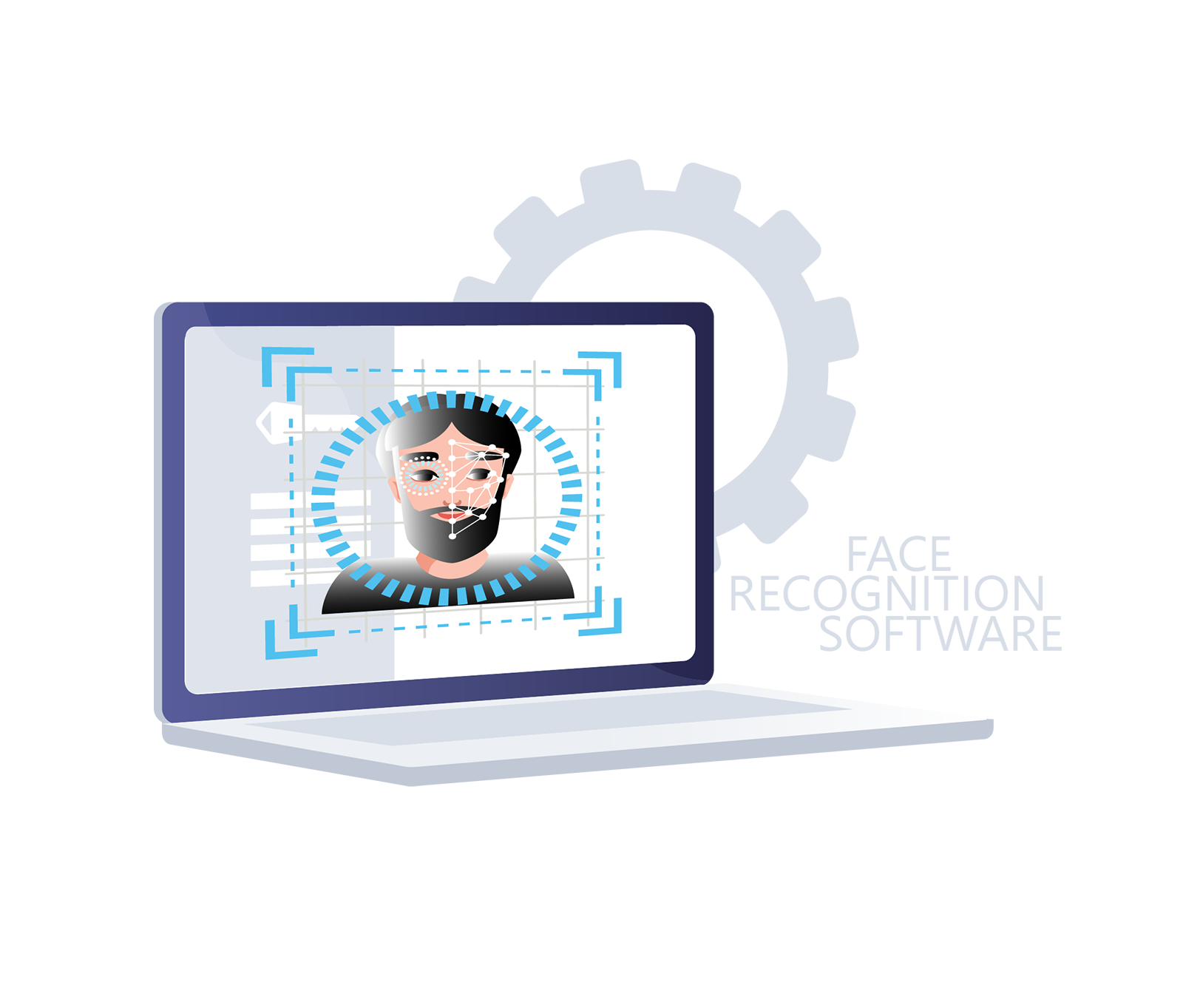 Face Recognition SoftwareKL-FRS
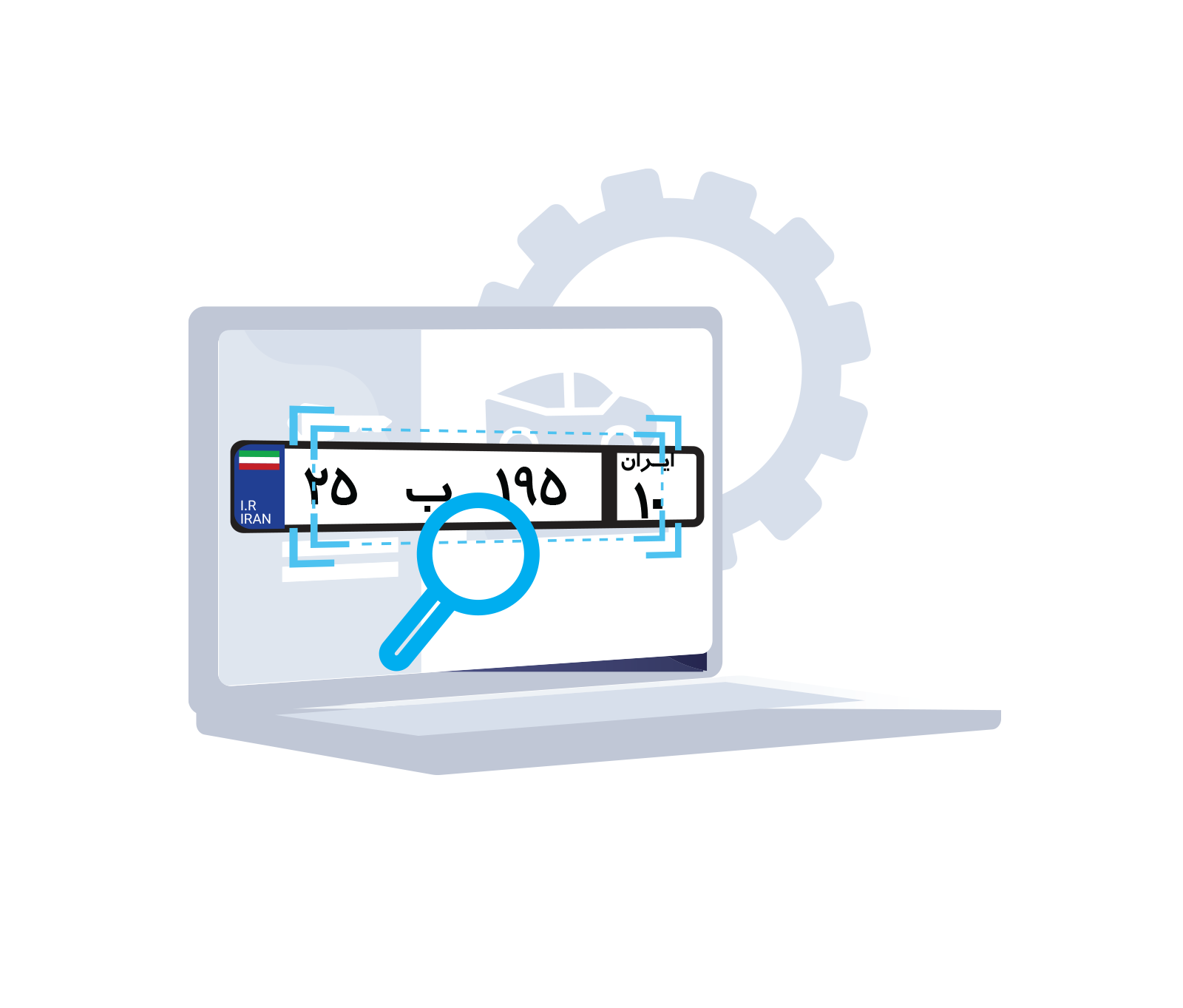 Face Recognition SoftwareKL-PRS
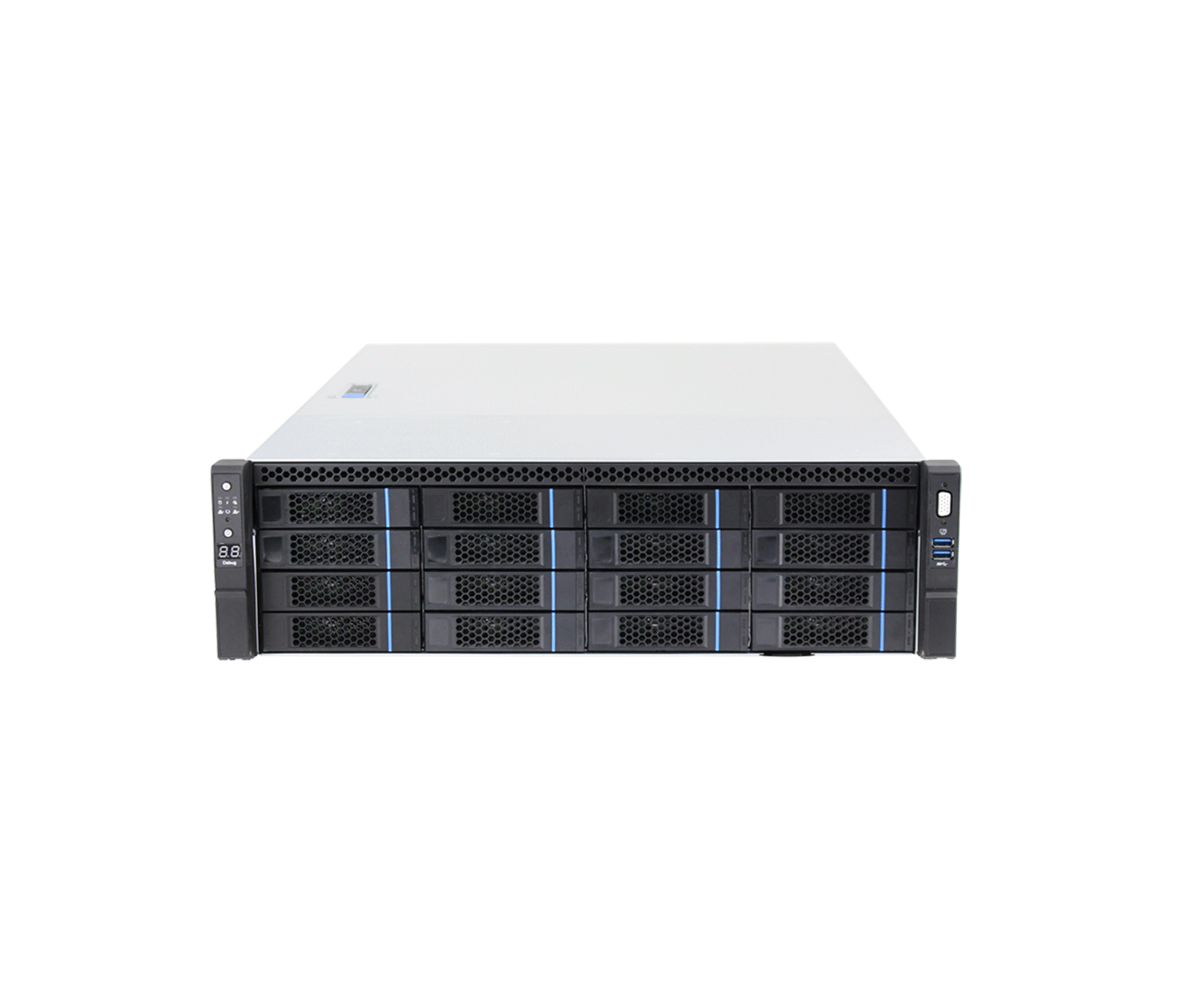 200CH 16-Bay Enterprise Network Video Storage ServerKH-VSS512-32-200
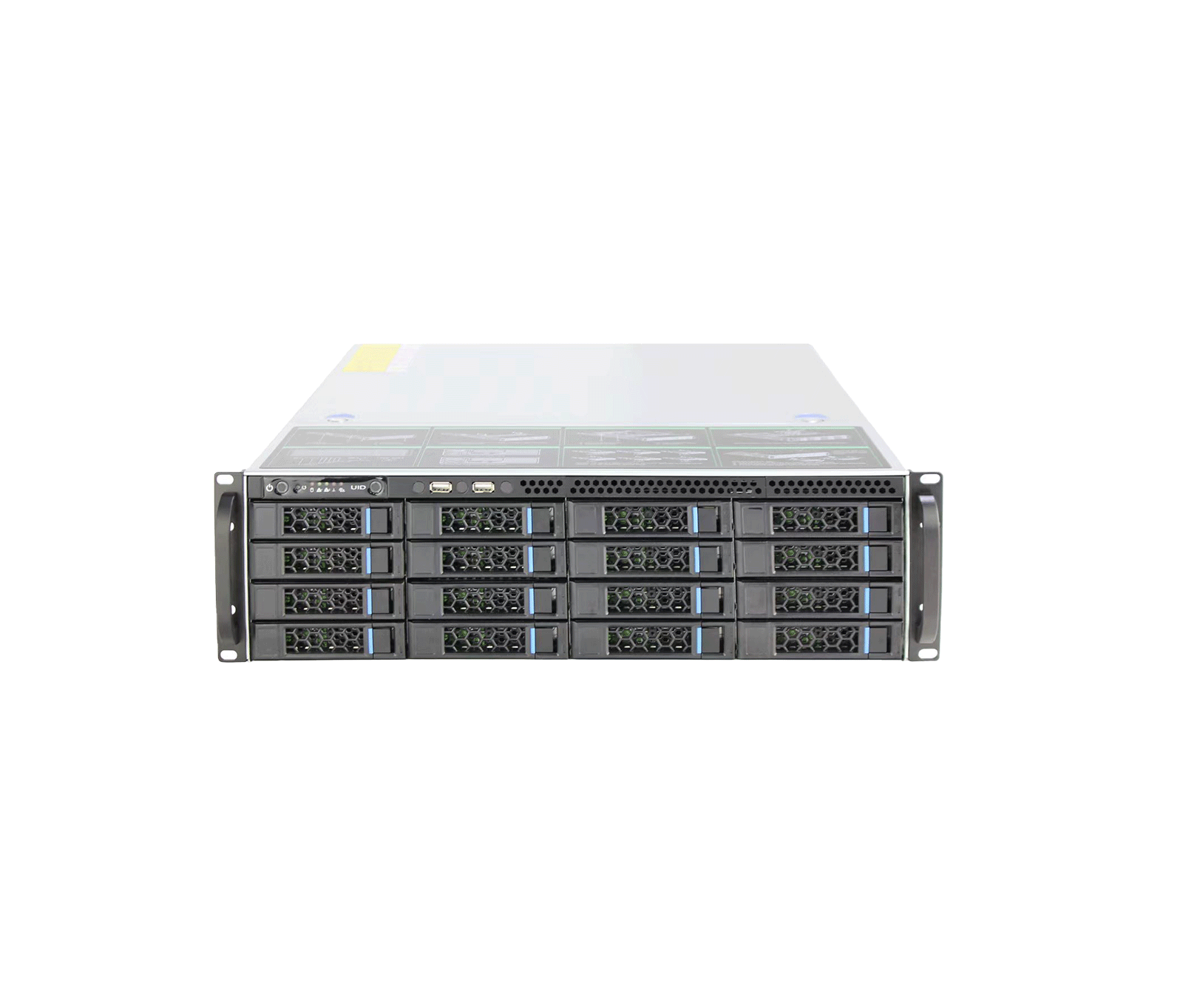 400CH 16-Bay Enterprise Network Video Storage ServerKH-VSS712-32-400
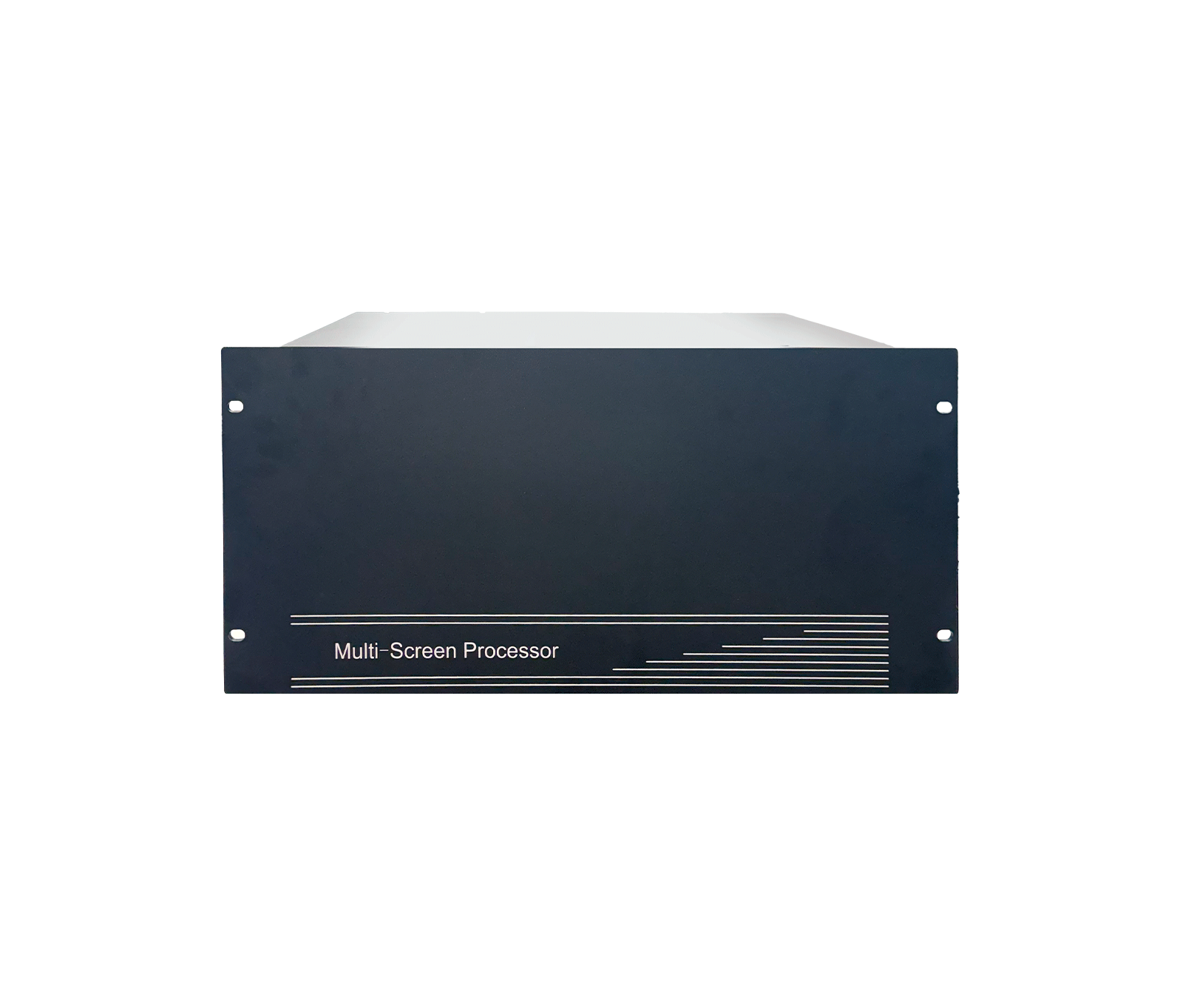 Intelligent Edge ServerKH-iES313-8/2X
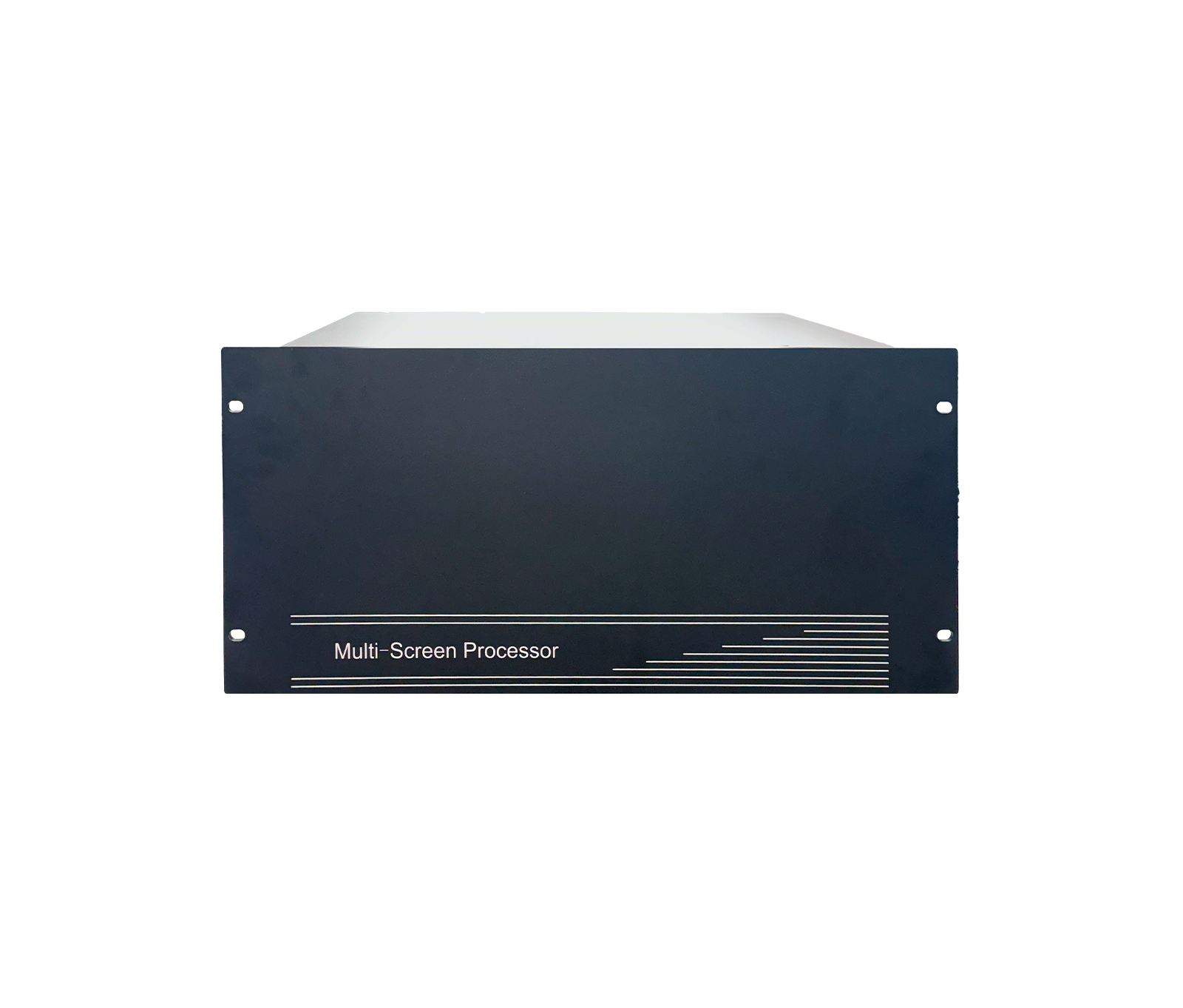 Intelligent Edge ServerKH-iES513-16/6X
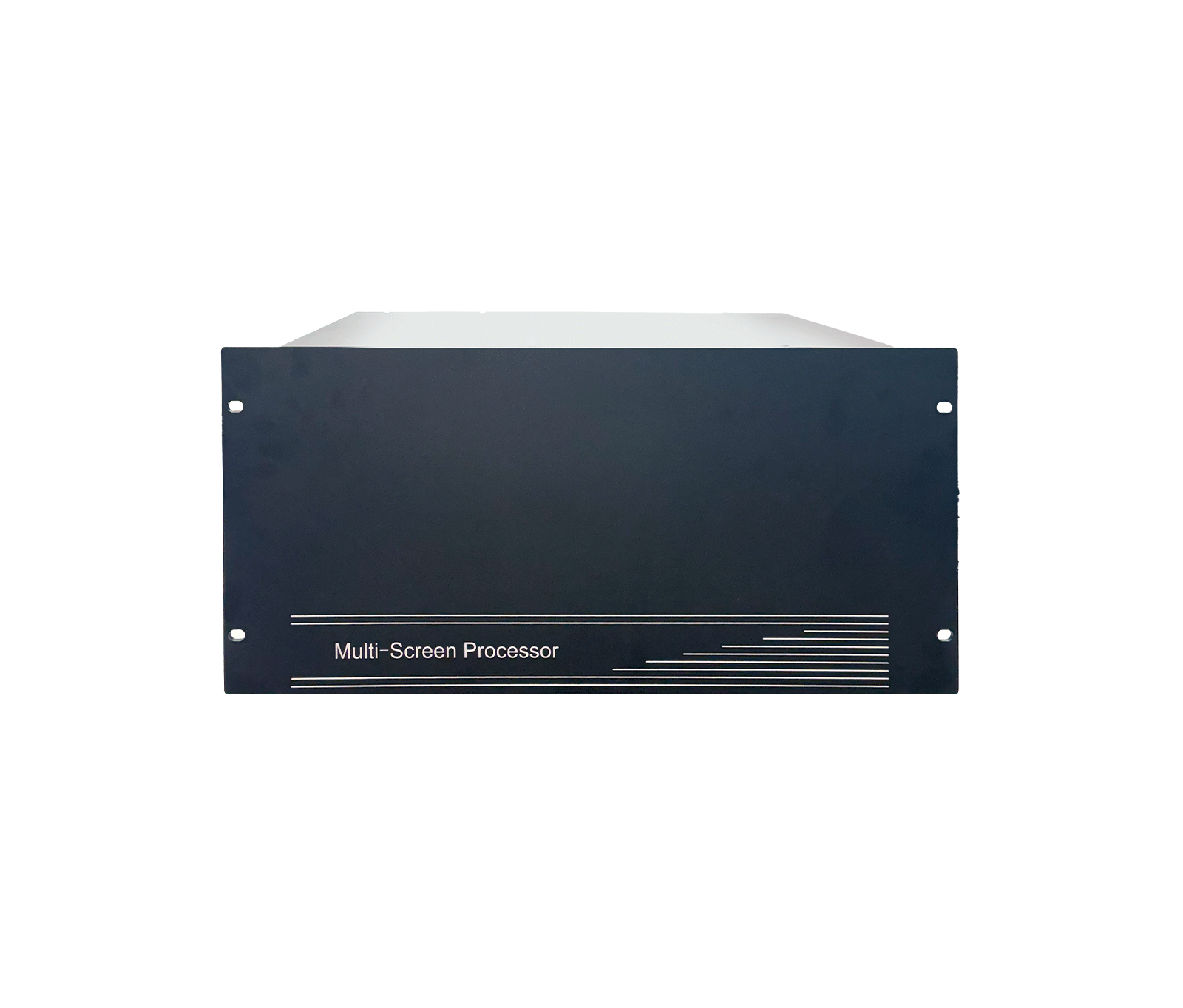 Intelligent Edge AI Server (AI Qube)KH-iES715-32
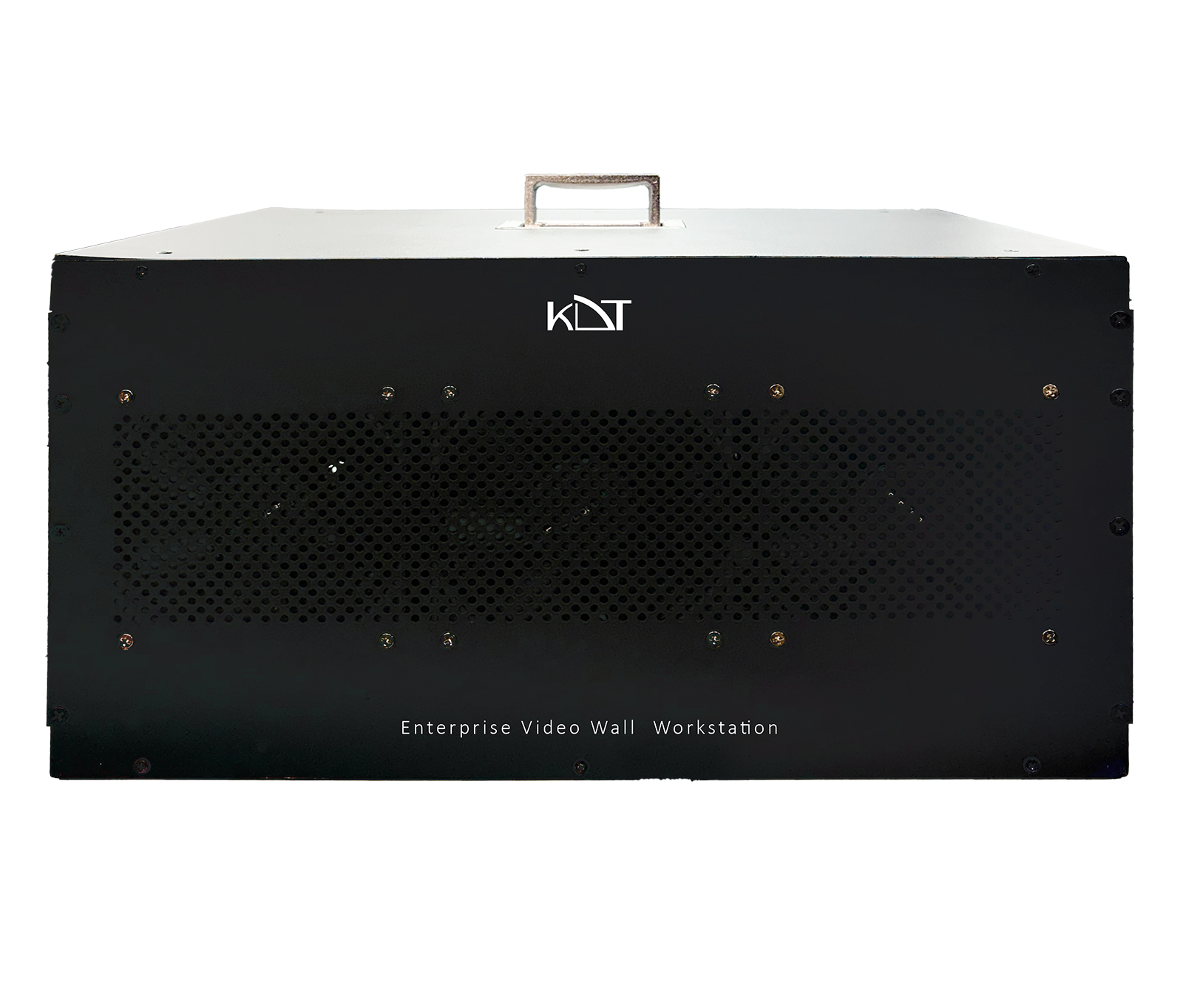 200CH Enterprise Video Wall WorkstationKH-WSC714-32/84