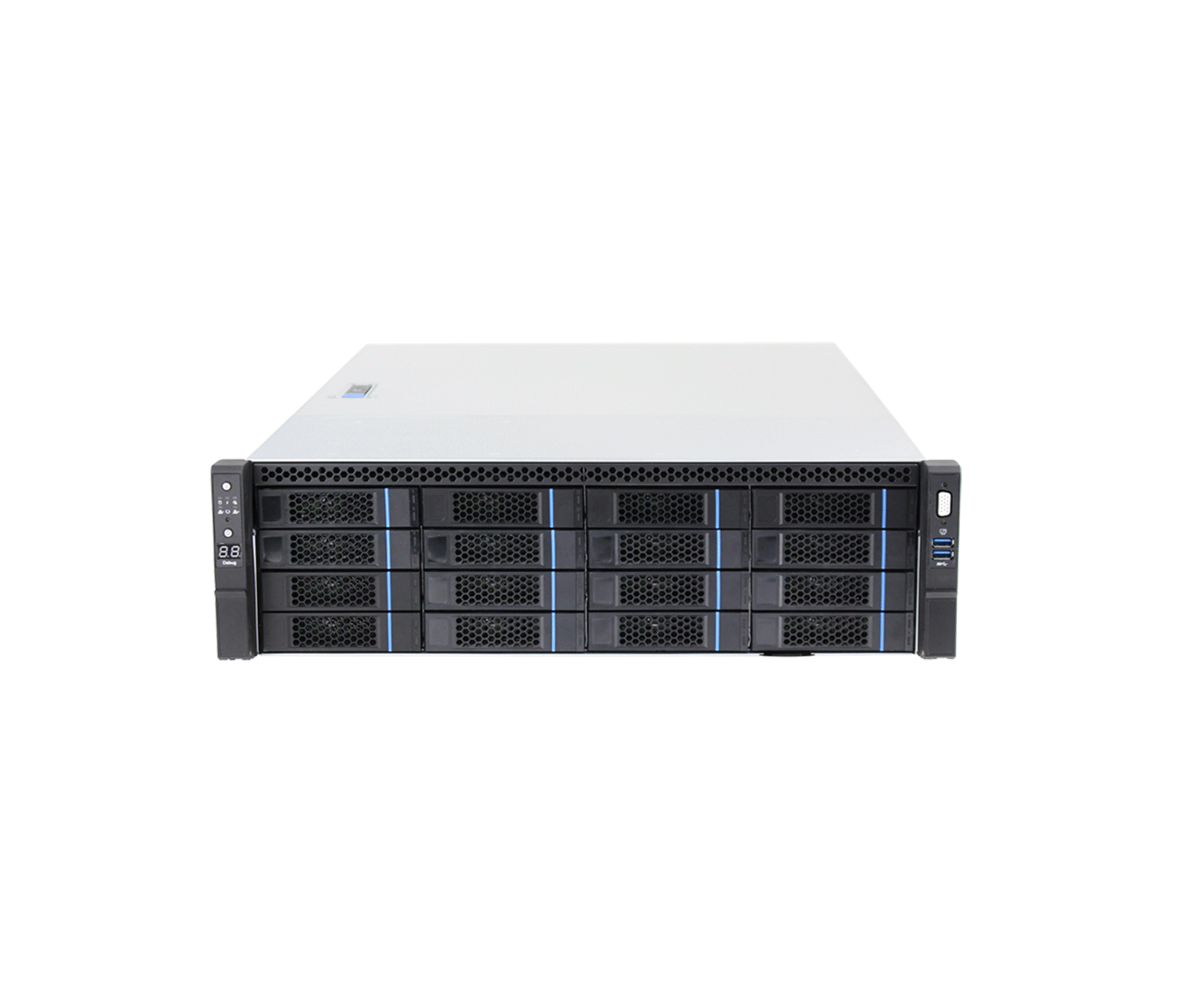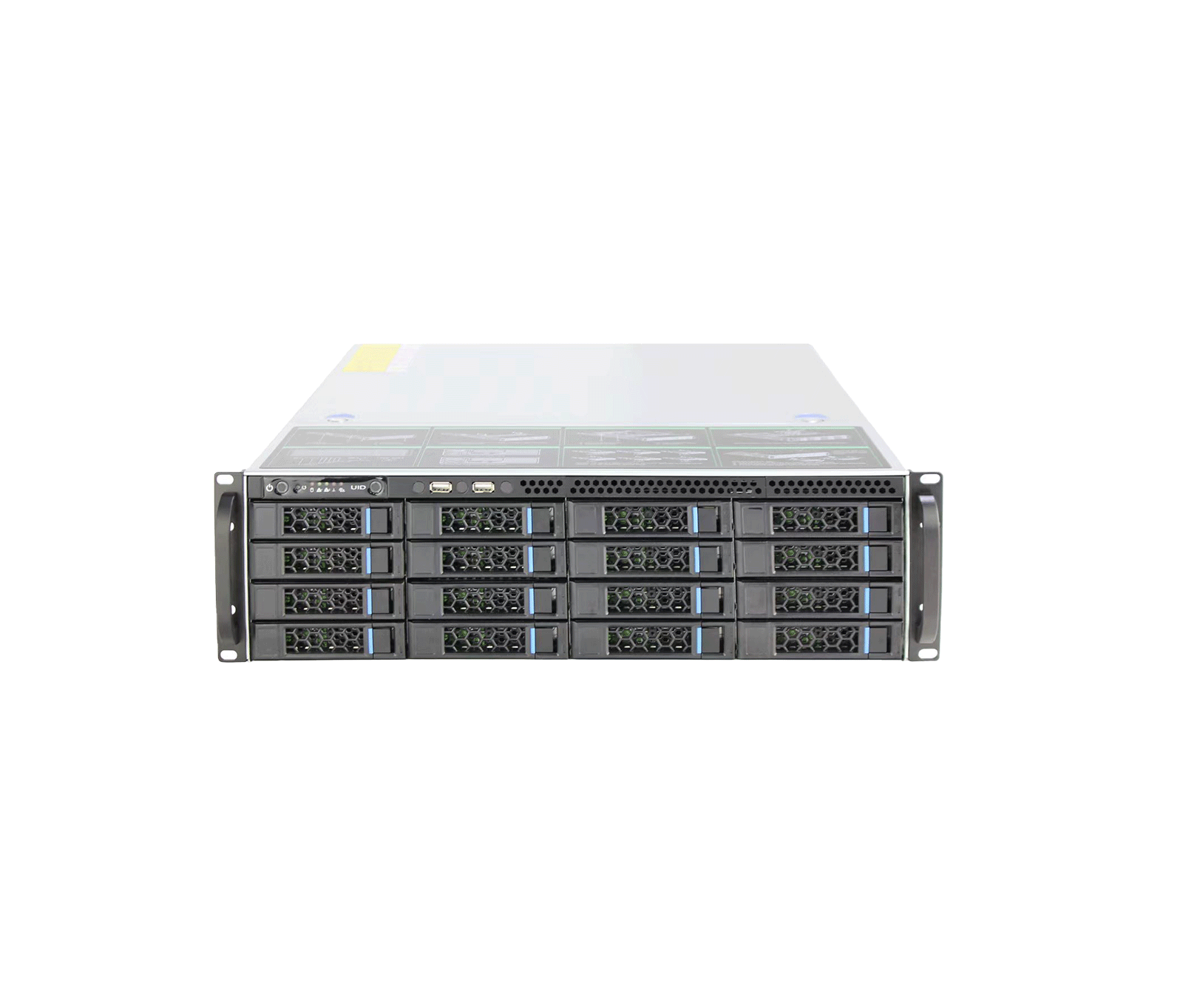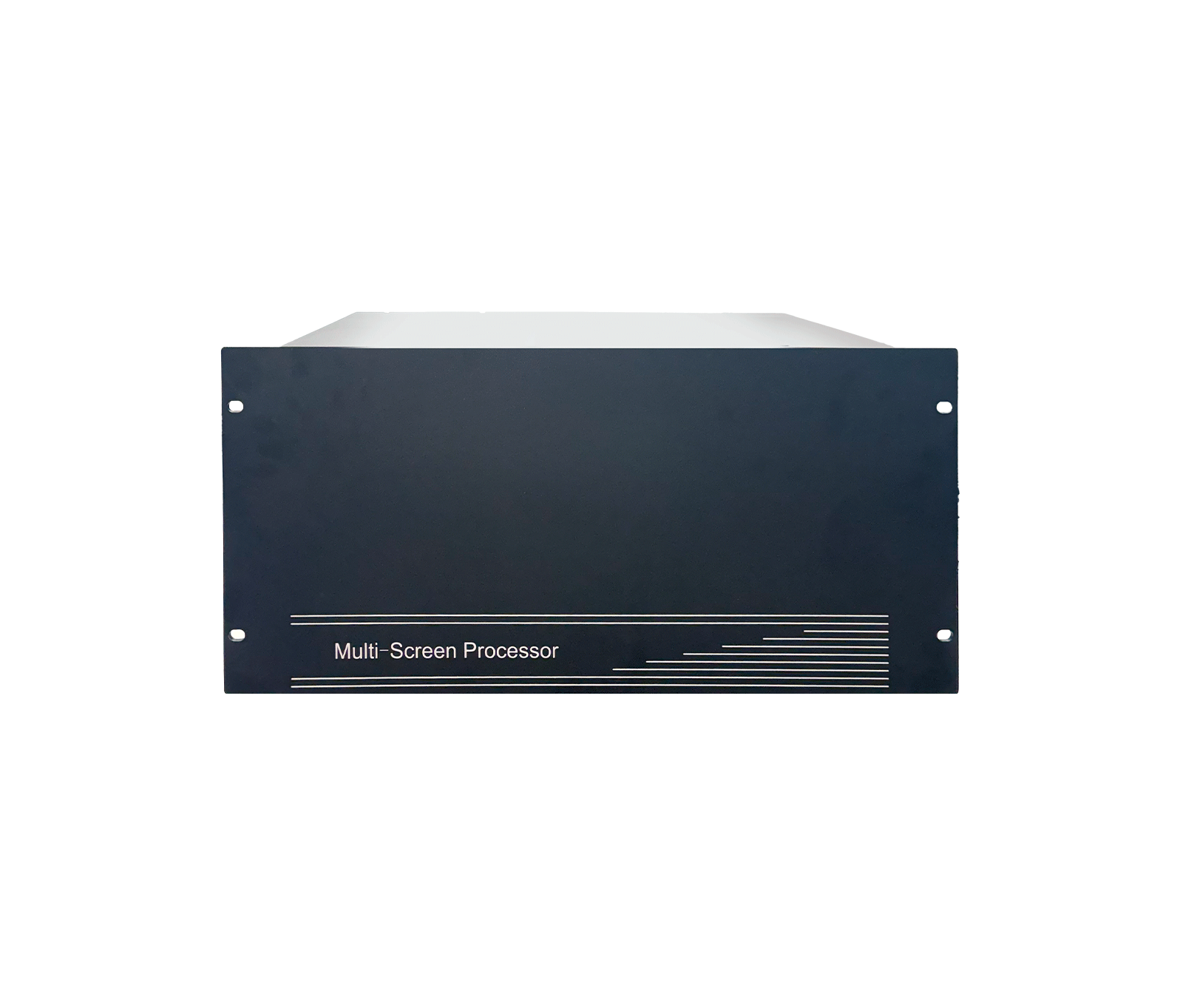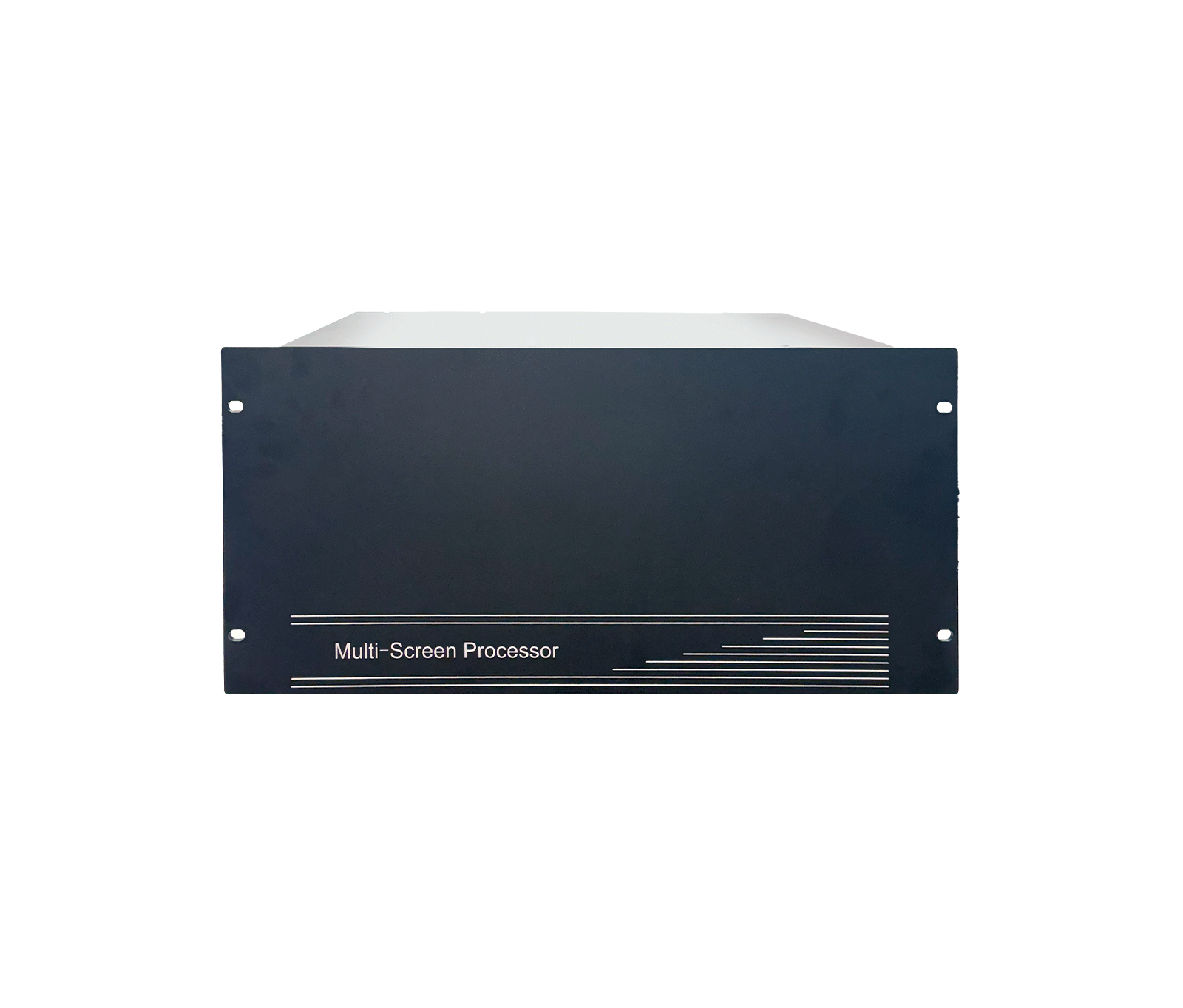
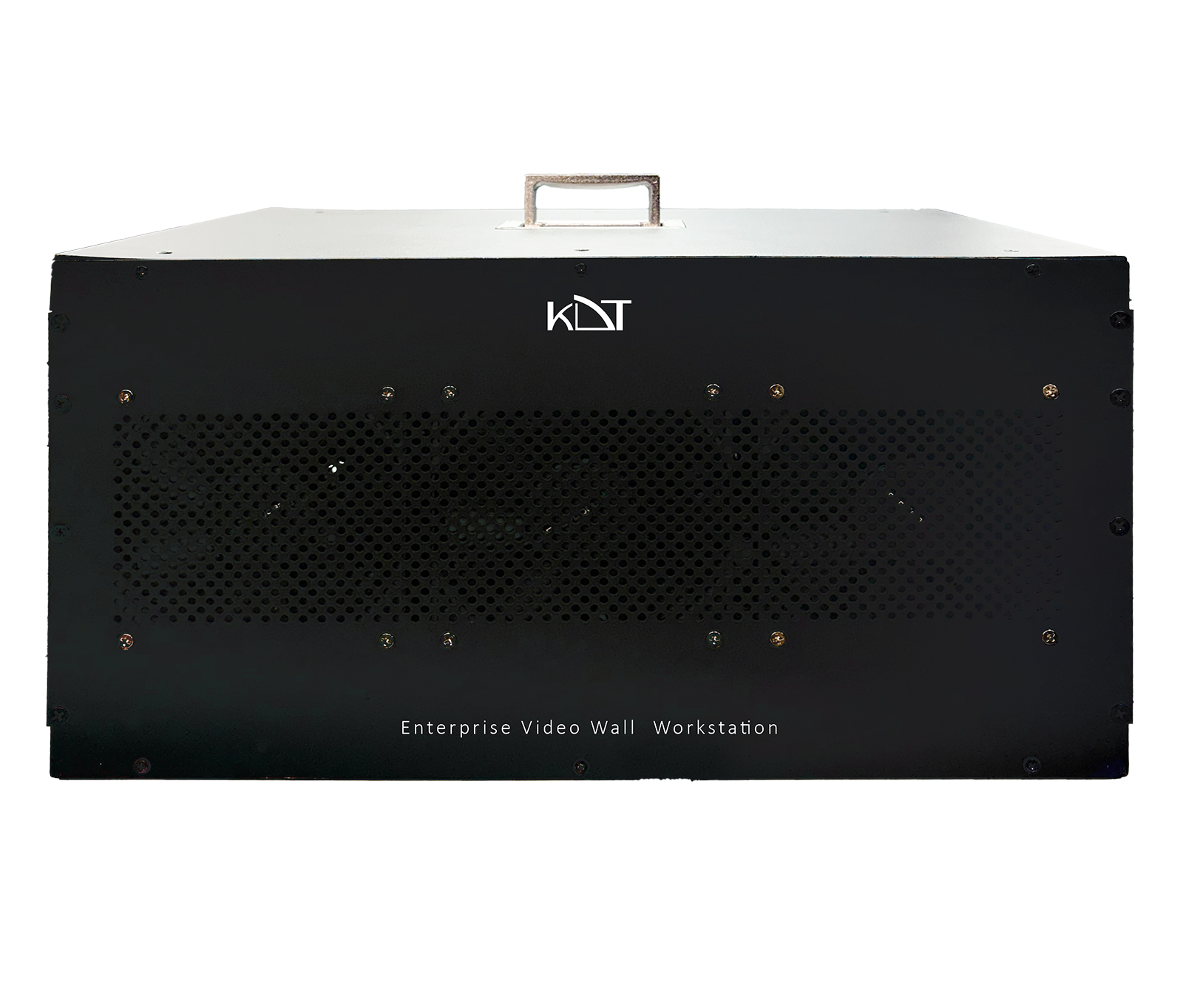
The KH-WSC714-32/84 video wall workstation from the advanced Scandium series is KDT's processing and management powerhouse for critical control rooms and large enterprise monitoring projects.
-
 NO.of Channels
200CH
NO.of Channels
200CH
-
 HDMI
HDMI
HDMI
HDMI
-
 Display Port
Display Port
Display Port
Overview
The KH-WSC714-32/84 video wall workstation from the advanced Scandium series is KDT's processing and management powerhouse for critical control rooms and large enterprise monitoring projects. Purpose-built for full integration with the proprietary KDT VMS Plus platform, this powerful machine can decode and display up to 200 video channels simultaneously in real time, working alongside storage servers and AI Cube servers. An advanced 20-core Intel processor, 32 GB of RAM and a dedicated 8 GB graphics card guarantee smooth processing of video streams at stunning resolutions of up to 8K, with no dropped frames in continuous 24/7 operation. With multiple video outputs (HDMI and DisplayPort) for direct connection to 4 independent industrial displays, an airflow-optimized chassis and a powerful 750W Gold power supply, this workstation provides a smart, stable, latency-free monitoring platform that meets the highest security requirements.
System Architecture
- CPU
- Intel®️ Advanced 20-Core / 28-Thread Processor (Up to 5.4 GHz)
- Memory
- 32GB DDR5 (Dual Channel); Expandable up to 128GB
- GPU
- 8 GB GDDR6 Dedicated
- OS Storage
- 1x 240GB High-Speed M.2 NVMe SSD
- Operating System
-
Microsoft Windows 10/
11
Software & Ecosystem
- VMS Compatibility
- Exclusively Engineered for KDT VMS Plus
- Ecosystem Integration
- Native integration with KDT Storage Servers & KDT AI Cube for metadata visualization
- Stream Type
- Video, Video & Audio
- Audio Output
- 1-ch RCA (Linear, 1 KΩ) / 7.1 Channel via HD Audio
- Two
- 1-ch, RCA (2.0 Vp-p, 1 KΩ)
Storage
- HDD
- 4 SATA (By Order)
- RAID
- Software-based
Auxiliary Interface
- USB Interface
- Front: 2 × USB 3.2 Gen 1 Rear: 2 × USB 3.2 Gen 2, 2 × USB 2.0
- Serial Interface
- 1 × LPT 1 × RS-232 (COM Port)
- Audio Output
-
1-ch
RCA (Linear, 1 KΩ) / 7.1 Channel via HDMI/
DP
General
- Power Supply
- 750W 80 PLUS®️ Gold Certified (High Efficiency)
- Consumption
- Max. 450W (Full Load with GPU Stress)
- Storage Temp
- -40~60°C
- Working Temp
- 0~40°C
- Working Humidity
- 10~90% (Non-condensing)
- Chassis
- Mid-Tower Workstation Case with Optimized Airflow
- Installation
- Desktop, Rack-mount, Stand
- Dimensions
- 450*470*210 mm
- Weight
- Approx. 12 kg
Video & Decoding
- Input Channel Capacity
- Up to 200-ch IP Video Access
- Video Output Interface
- 1 × HDMI 2.1 (Up to 4K @ 120Hz) 3 × DisplayPort 1.4a (Up to 8K @ 60Hz)
- Multi
- 2 Displays simultaneously Supports 4 independent displays
- Decoding Format
- H.264, H.264+, H.265, H.265+, MJPEG
- Decoding Capability
- 100ch @ 720p / D1 12ch @ 4K (3840 × 2160) 200ch @ CIF 25ch @ 4MP (2560 × 1440) 2ch @ 8K (7680 × 4320) 50ch @ 1080p (1920 × 1080)
Network
- Network Interface
-
1 × RJ-45 10/
100/ 1000 Mbps (1 GbE) - Network Protocols
-
DDNS, DHCP, DNS, HTTPS, iSCSI, NFS, NTP, RTSP, SADP, SMTP, TCP/
IP, UDP, UPnP
Downloads
Documentation
-
KH-WSC714-32/84
Compare products
Compare this product with similar products
Please wait
Frequently asked questions: Software
Answers to common questions about this product line, from the KDT Help Center.
Where should I start when choosing the right software?
Start by defining the intended use, the number of devices, the installation environment, the capacity required and your plans for future expansion. Then choose the model and technical specifications based on what the project actually needs.
Which technical specifications matter most for software?
Depending on the project, the most important specifications are capacity, speed, compatibility, environmental ratings, management features and scalability. Basing your choice on a single figure is usually not enough.
Is a cheaper software edition always the right choice?
No. The purchase price is only one factor. You also need to consider reliability, features, service life, after-sales service and maintenance costs.
How do I work out how much capacity a software deployment needs?
Base the calculation on the number of devices, actual usage, how long the system will be in use and how much the project is likely to grow. It is also wise to keep some capacity in reserve.
Can the software be upgraded later?
In many cases, some of the capacity or equipment can be upgraded. However, this depends on the product's architecture and its hardware limitations, so check before you buy.
Didn’t find your answer?