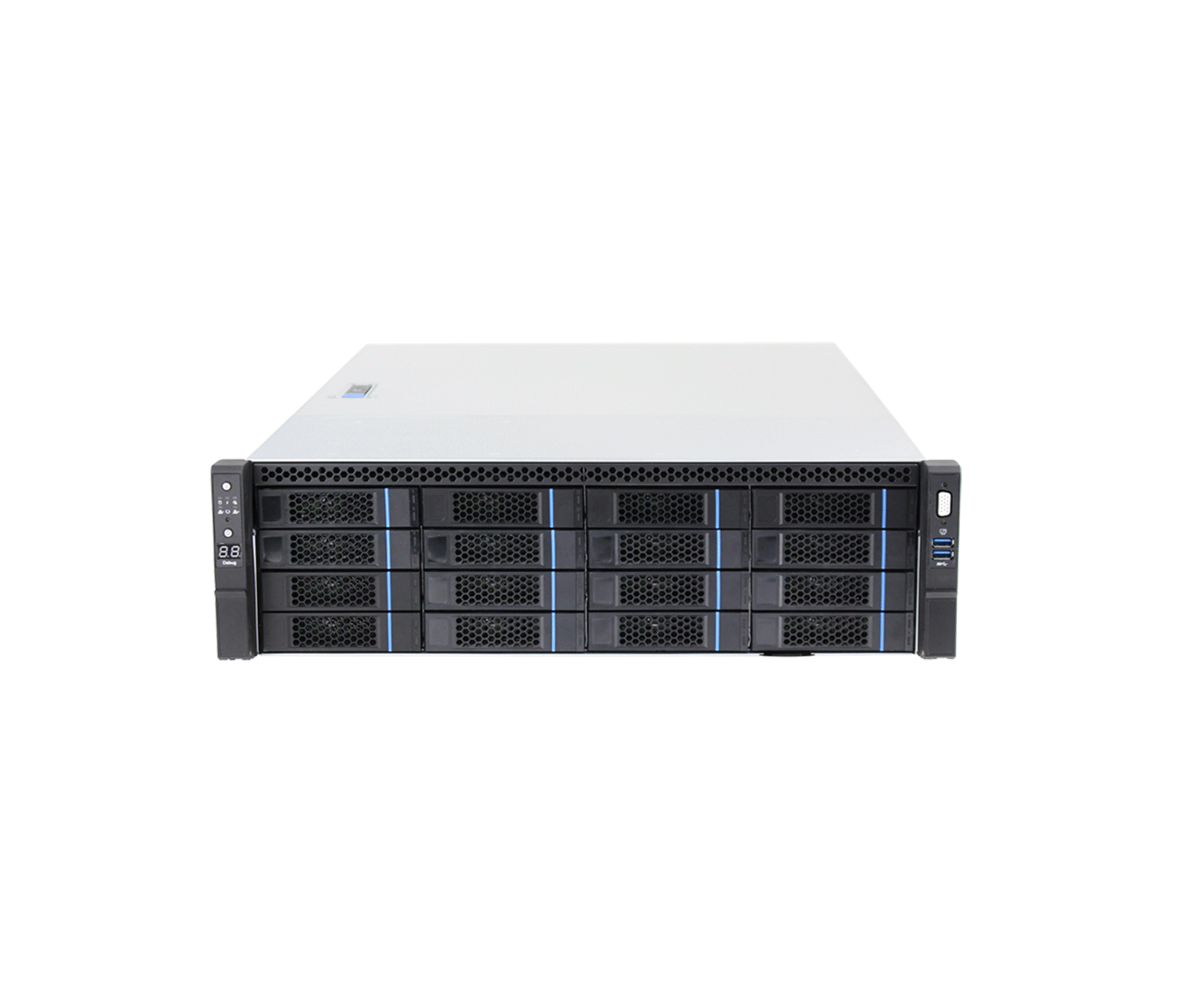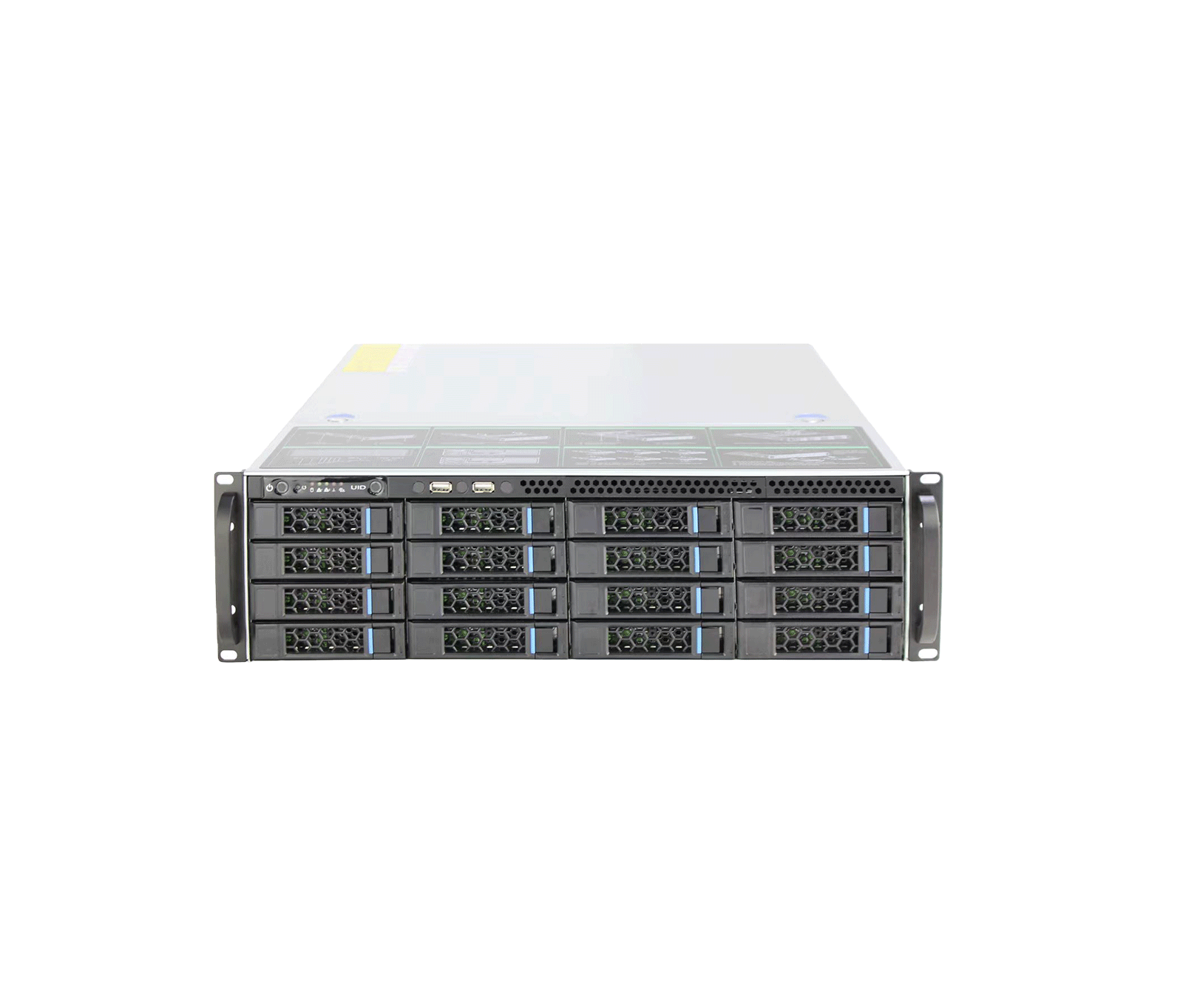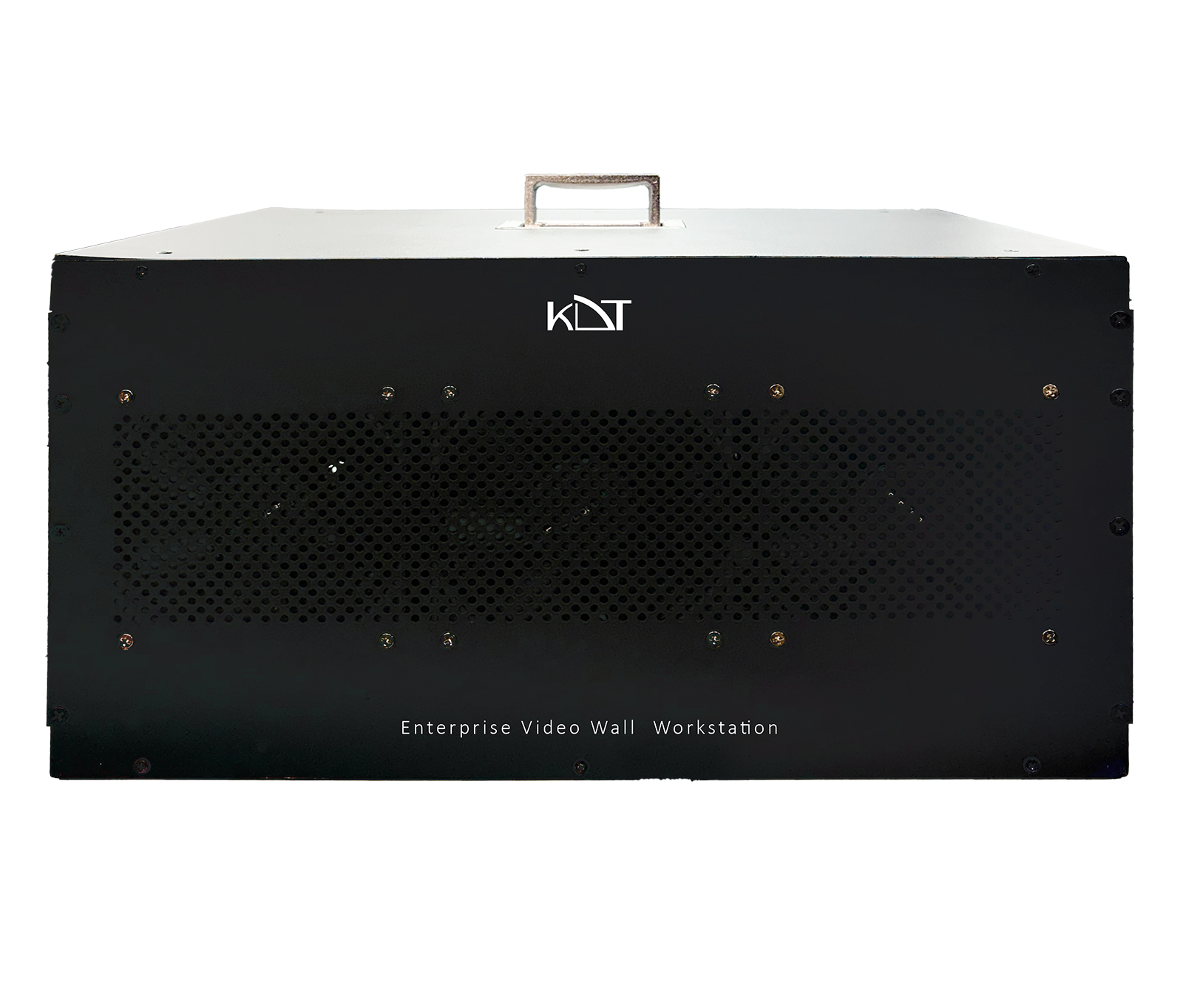
The KH-iES715-32 edge AI server from the advanced Scandium series (known as AI Qube) is a highly intelligent, compact, enterprise-grade solution for real-time metadata extraction and deep-learning processing at the network edge.
-
 Function
AI ISP
Function
AI ISP
-
 Metadata
Metadata
Metadata
-
 Function
Face Detection
Function
Face Detection
Overview
The KH-iES715-32 edge AI server from the advanced Scandium series (known as AI Qube) is a highly intelligent, compact, enterprise-grade solution for real-time metadata extraction and deep-learning processing at the network edge. Its advanced Intel processor with a dedicated neural processing unit (NPU) delivers impressive processing power of up to 99 TOPS for running multiple AI functions in parallel. It handles several analytics at the same time, including license plate recognition (LPR), face recognition, perimeter protection, behavior analysis and HSE safety monitoring, and sends its results to the workstations. Its unique engineering packs everything into an ultra-compact, tool-less 0.48-liter chassis with a highly durable body, certified to MIL-STD-810H. With 32 GB of RAM, a high-speed 2.5GbE LAN port, Wi-Fi 7 support and top-level cybersecurity from a TPM 2.0 hardware chip and the vPro security architecture, this server is the AI core of modern surveillance projects.
System Architecture
- Processor
- Intel®️ Advanced AI Processor (Featuring Dedicated NPU)
- AI Computing Power
- Up to 99 TOPS (Tera Operations Per Second)
- Graphics
- Intel®️ Arc™️ Graphics (Optimized for Edge AI Inference)
- Memory
- 32GB DDR5 High-Speed Memory
- Storage
- 256GB PCIe Gen4 NVMe SSD (512GB / 1TB Optional Upgrade By Order)
- Hardware Security
- TPM 2.0, Intel®️ vPro™️ Platform Support
- Operating System
- Embedded Windows
- Installed Software
- AI VMS PLUS
AI Channel Capacity
- Face Recognition
- (via License Upgrade) Up to 8 Channels
- Perimeter Protection
- (via License Upgrade) Up to 16 Channels
- Advanced HSE/
Behavior - Up to 4 Channels (Requires Pro Analytics License)
Network
- LAN
- 1× RJ-45 2.5 Gigabit Ethernet
- Wireless Network
- Bluetooth 5.4 Wi‑Fi 7 (BE201) (Optional)
General
- Power Supply
- 19V DC-in (120W AC Adapter Included)
- Power Consumption
- Max 40W (cTDP) - Ultra High Energy Efficiency
- Form Factor
- Rack or Tower
- Dimensions
- 117x 112x 54mm
- Installation
- Desktop / VESA Mount (Bracket Included)
- Operating Temp
- 0°C ~ 40°C
- Storage Temp
- -40°C – 65°C
- Humidity
- 0% ~ 92% (Non-condensing)
- Certifications
- CE, FCC, MIL-STD-810H, RoHS
AI Video Analytics
- Perimeter Security
-
Abandoned Object, Area Entry/
Exit, Intrusion, Line Crossing, Loitering - HSE & Safety
-
Fire/
Smoke, Gas Leak Detection, Hard Hat, High-Visibility Vest - Security
- Gun Detection, Knife Detection
- Behavioral Analysis
-
Fall Detection (Man-Down)
Fight/
Violence Running Sleeping on Duty - Traffic & Vehicle
-
ANPR/
LPR, Congestion, Forklift Speeding, Illegal Parking
I/O Interfaces
- Video Output
- 2× HDMI 2.1 (Up to 4K @ 60Hz) 2× Thunderbolt™ 4 (Supports DisplayPort 2.1)
- USB (Front)
- 1× USB 3.2 Gen 2x2 (Type-C) 2× USB 3.2 Gen 2 (Type-A)
- USB (Rear)
- 1 × USB 2.0 (Type-A), 1× USB 2.0 (Type-A)
- Audio
- Up to 7.1 multi-channel digital audio on HDMI and Thunderbolt ports | 3.5 mm front stereo headset jack
Downloads
Documentation
-
KH-iES715-32
Compare products
Compare this product with similar products
Please wait
Frequently asked questions: Software
Answers to common questions about this product line, from the KDT Help Center.
Where should I start when choosing the right software?
Start by defining the intended use, the number of devices, the installation environment, the capacity required and your plans for future expansion. Then choose the model and technical specifications based on what the project actually needs.
Which technical specifications matter most for software?
Depending on the project, the most important specifications are capacity, speed, compatibility, environmental ratings, management features and scalability. Basing your choice on a single figure is usually not enough.
Is a cheaper software edition always the right choice?
No. The purchase price is only one factor. You also need to consider reliability, features, service life, after-sales service and maintenance costs.
How do I work out how much capacity a software deployment needs?
Base the calculation on the number of devices, actual usage, how long the system will be in use and how much the project is likely to grow. It is also wise to keep some capacity in reserve.
Can the software be upgraded later?
In many cases, some of the capacity or equipment can be upgraded. However, this depends on the product's architecture and its hardware limitations, so check before you buy.
Didn’t find your answer?