
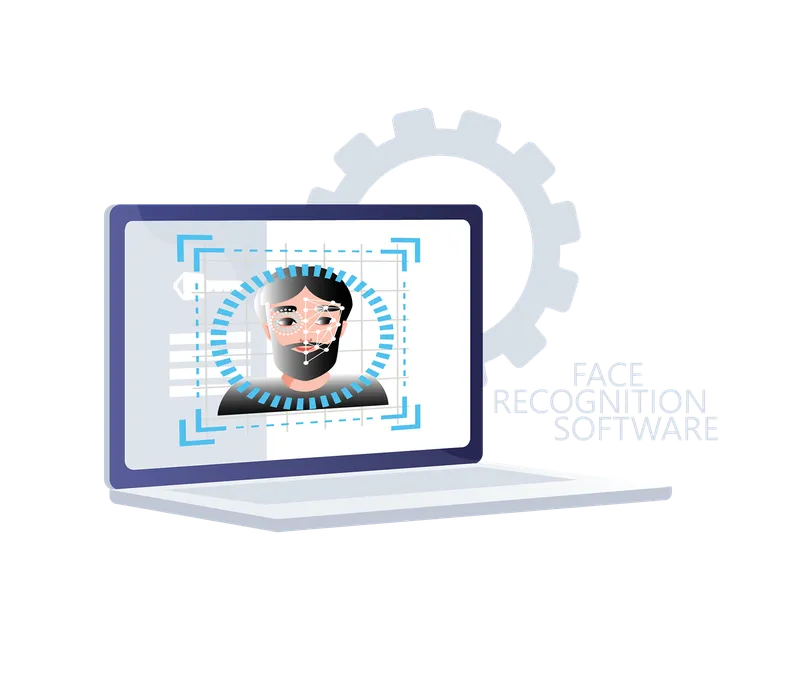
-
 Function
Face Recognition
-
 Function
User Interface
-
 Function
Calendar
Features
- Licensing type
- Perpetual
- Number of Servers Per System
- No Limitation
- Maximum Number of Users
- Unlimited
- Technical Support / Warranty
- No Limitation
- Version updates
- Free During Support period
- Supported Languages
- English, Persian
- Supported Calendars
- Christian Calender, Solar
- Client/
Server OS Platform - Windows
- Application / Client Management
- Available
- Channel Status
- Available
- System Notifications
- Available
- Camera Manager
- Available
- System logging
- Available
- Virtual Machine Environment
- Available
- Action History
- Available
- Time profile definition
- Available
- Adaptive Streaming
- Available
- Video Motion Detection
- Available
- Hardware Acceleration
- Available
- Wide Range of IP Device
- Available
- Snapshot Function
- Available
Record
- Scheduled Recording
- Available
- Continuous Recording
- Available
Security & Encryption
- Main Server Connection
- Available
- Server/
Client Communication - Available
- Secure Channel Connectivity
- Available
Alarm
- Alarm Management
- Available
User
- Centralized User Management
- Available
- User Authentication
- Available
- Admin Profile Permissions
- Available
- User Based Settings Manager
- Available
Downloads
Documentation
-
KL-FRS
Compare products
Compare this product with similar products
Please wait
Frequently asked questions: Software
Answers to common questions about this product line, from the KDT Help Center.
How can I connect to my cameras and NVR remotely and securely?
There are three ways to reach devices from outside, and they differ mostly in security. A VPN into your own network is the most secure and works for the VMS, the web page and the app alike; P2P (a cloud service) is the simplest for phones, because the device connects out to the cloud service and as a rule needs neither a public IP nor router configuration; port forwarding with DDNS is the most fragile and leaves the largest attack surface open. Use a VPN for administrators and VMS clients, use P2P for occasional phone viewing if you trust the manufacturer's cloud service, and treat port forwarding as a last resort. The specification tables of KDT NVRs and cameras list P2P and DDNS among their supported protocols.
Which software does KDT offer, and what is each program for?
For video management, KL-VMS+ (VMS Plus) is KDT's licensed VMS for large projects with several servers; for analytics, KL-PRS reads license plates and KL-FRS recognizes faces. For everyday work with KDT NVRs and cameras, the product specification tables list the KDT CMS/VMS Windows software and apps for Android and iOS. The download center of this website adds device-search tools, KDT Player and KDT Desk, the remote-support program.
What is a VMS, and how is it different from the NVR's web page and the mobile app?
A VMS (video management software) is installed on a PC or server and manages many cameras and NVRs from one place, with separate users and permissions, alarm rules, maps, several monitors and analytics. The NVR's web page is for configuring and viewing that single device, and the mobile app is for quick live view and playback. Supported browsers depend on the model: the specification tables list Chrome, Edge, Firefox and IE for most models and IE only for some.
What is the difference between CMS and VMS?
CMS (central management software) is usually the client program that comes with recorders: it connects to several devices and provides live view, playback and export. A VMS is a fuller platform that adds recording servers, multi-server and multi-site operation, user roles, alarm rules and analytics. Vendors do not always keep the two names apart, which is why the specification tables of KDT NVRs simply list 'KDT CMS/VMS'; for the fuller platform, see the KL-VMS+ datasheet.
Which software suits my project: the web page, KDT VMS or KL-VMS+?
For one site with a single NVR and a few viewers, the web page and the mobile app are enough and nothing has to be installed. For several recorders or a control room with several monitors, use the Windows KDT VMS; its manual states that it can show 128 cameras across several monitors. For projects with several sites, user roles, maps, alarm rules, or integrated plate and face recognition, choose KL-VMS+, which according to its datasheet has no limit on the number of servers or users.
Didn’t find your answer?
Related products
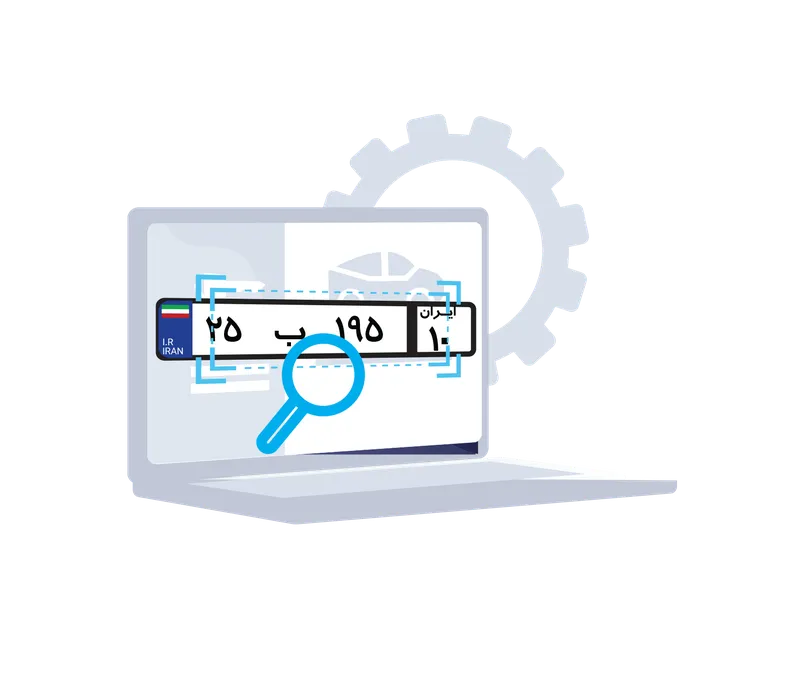 Face Recognition SoftwareKL-PRS
- Video Management SoftwareKL-VMS+
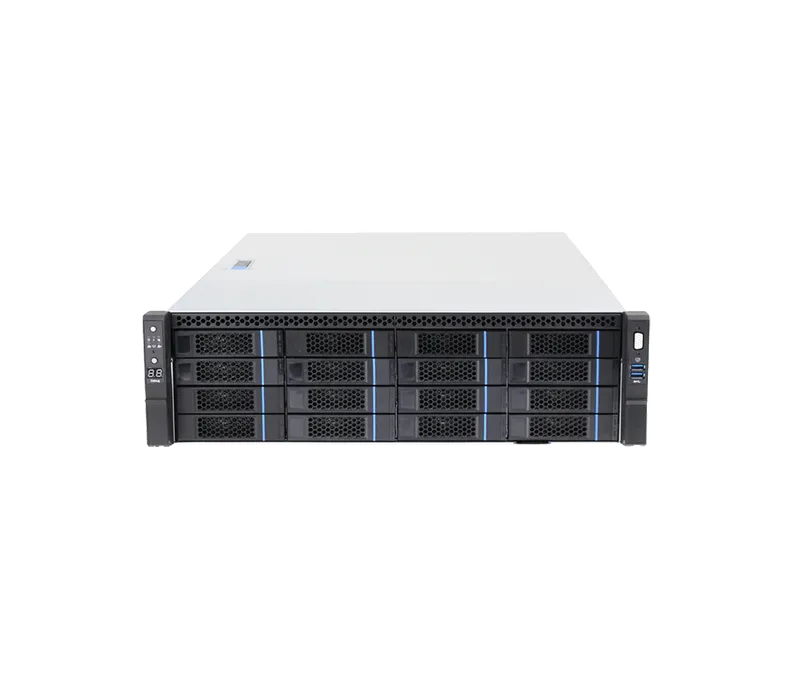 200CH 16-Bay Enterprise Network Video Storage ServerKH-VSS512-32-200
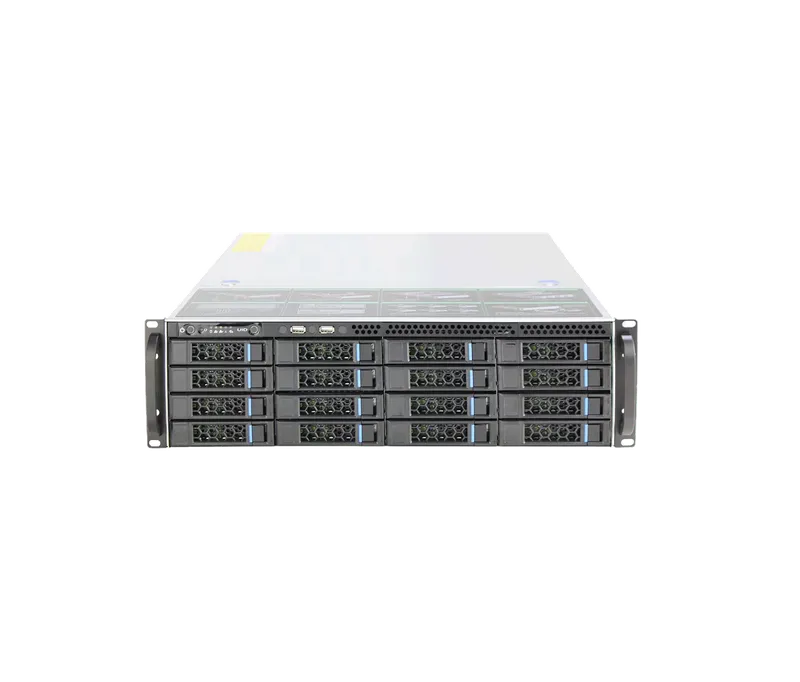 400CH 16-Bay Enterprise Network Video Storage ServerKH-VSS712-32-400
 Intelligent Edge ServerKH-iES313-8/2X
 Intelligent Edge ServerKH-iES513-16/6X
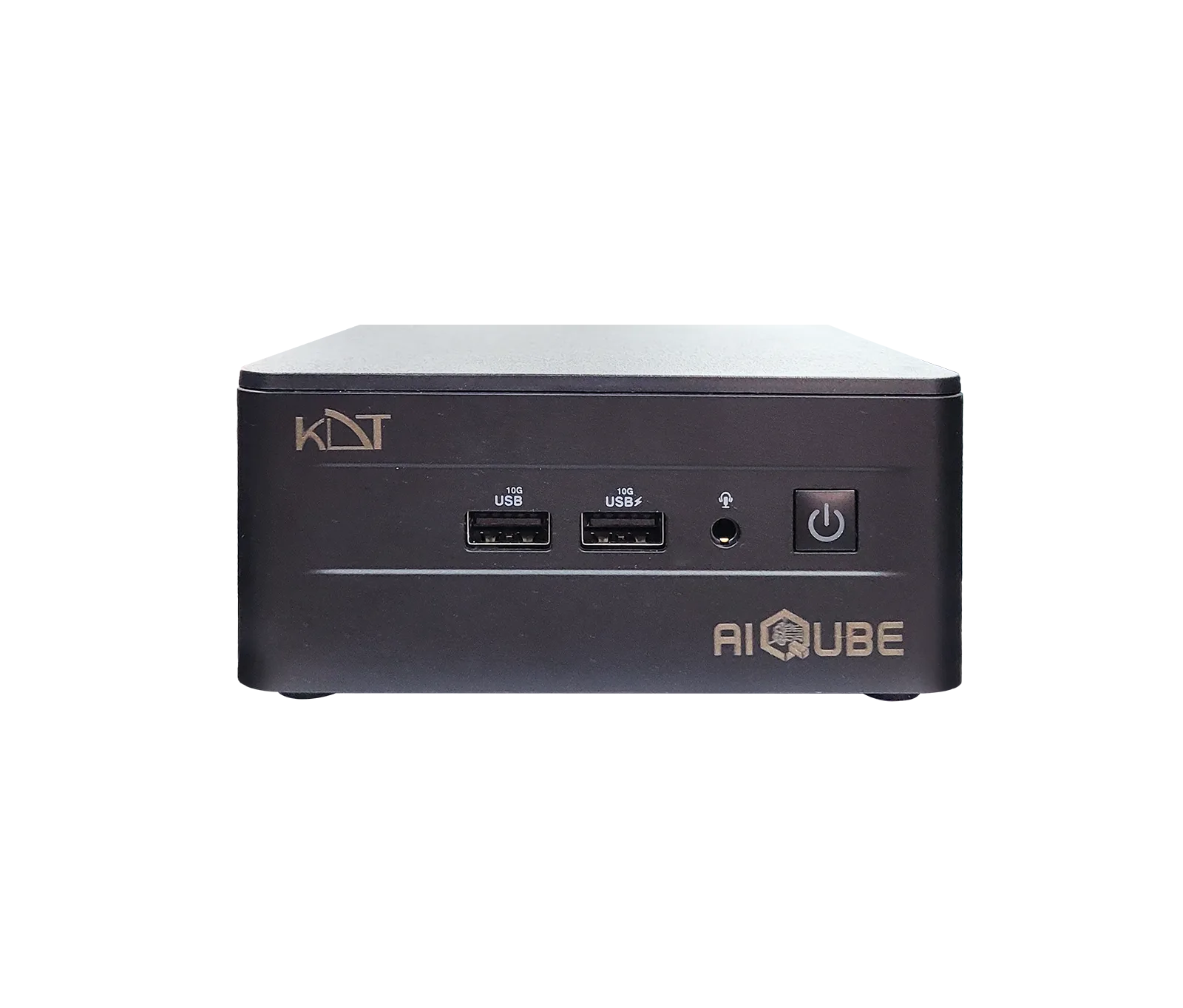 Intelligent Edge AI Server (AI Qube)KH-iES715-32
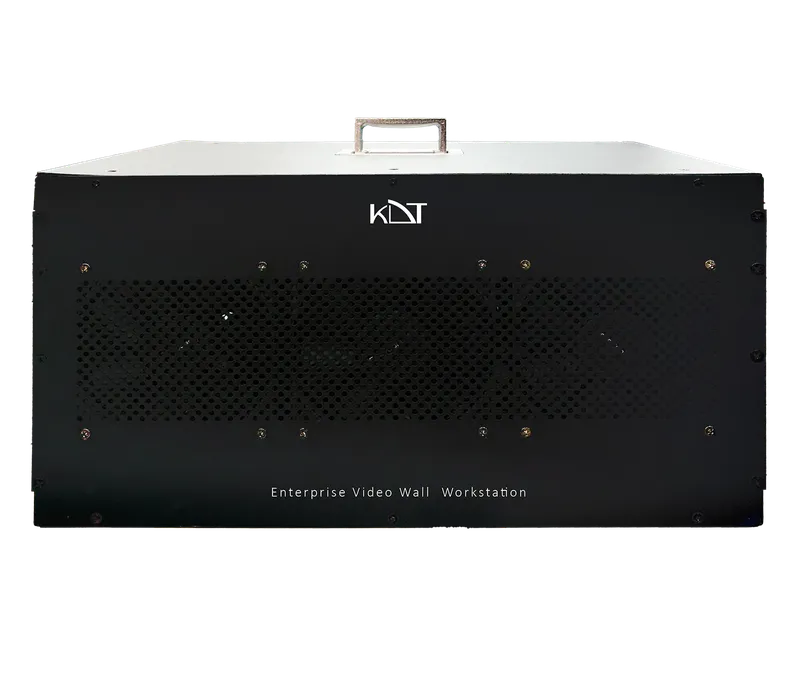 200CH Enterprise Video Wall WorkstationKH-WSC714-32/84