
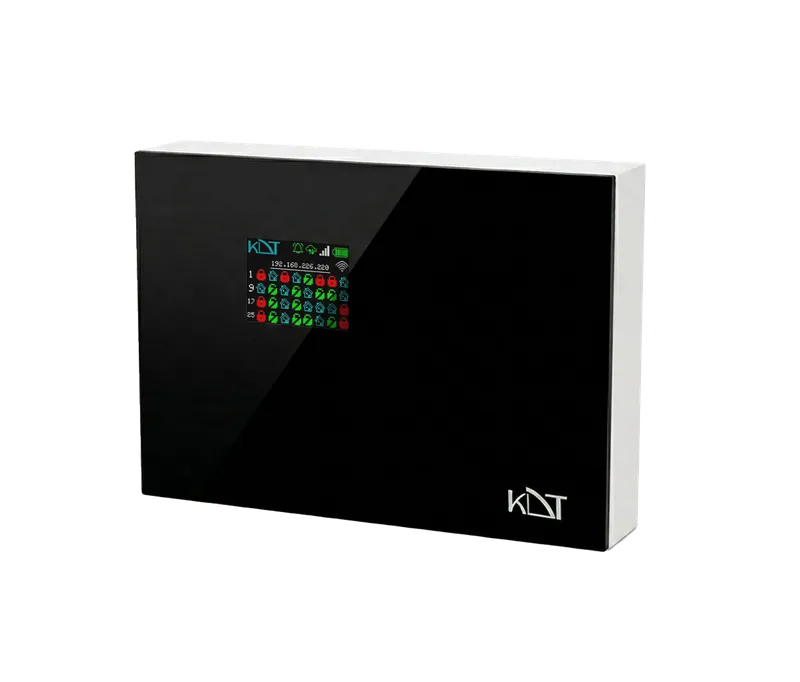
The KB-M2 from the Rhenium series is an advanced hybrid burglar alarm control panel designed to provide complete flexibility in surveillance and security projects.
-
 Burglar
Intrusion Alarm System
-
 Wireless
WiFi
-
 Power
POE
Overview
The KB-M2 from the Rhenium series is an advanced hybrid burglar alarm control panel designed to provide complete flexibility in surveillance and security projects. This powerful panel supports 32 independent partitions and 192 zones, with reliable multi-path communication over Wi-Fi, Ethernet and a 4G LTE cellular module. Two-way FSK communication on the secure 868 MHz band with an 800-meter range, smart dual power from mains or PoE, and unified cloud management make it a rock-solid core for security systems.
Zones & Partitioning
- Partitions (Areas)
- 32 Independent Partitions
- Onboard Wired Zones
- 6 Zones
- Max. Wired Zones Capacity
- 192 Zones
- Wired Expansion Capability
- Up to 31 Modules (6 Zones per Module)
- Onboard PGM Outputs
- 4 Channels
- Max. PGM Capacity
- 128 Channels
- PGM Expansion Capability
- Up to 31 Modules (4 PGMs per Module)
Connectivity
- Network Interfaces
- 1× Ethernet (RJ45), Wi-Fi (2.4 GHz) LTE (4G Cellular Subsystem)
- GSM / Cellular Features
- SMS Reporting (Up to 8 Dedicated Phone Numbers) with User Access Control
- GSM Features
- SMS Reporting (Up to 8 phone numbers) with custom event filters
System Management
- User Codes
- Up to 32 User Codes (with assigned remote controls)
- Configuration Methods
- P2P App Web-based Panel (Local)
- Admin Control
- Full management of internet user access
Wireless Interface
- Frequency
- 868 MHz
- RF Protocol
- Two-Way FSK Technology
- Total Wireless Devices
- Up to 100 Supported Devices
- RFID Cards / Tags
- Up to 96 Cards (Max. 3 Cards per Partition)
- Remote Keyfobs
- Up to 32 Supported Devices
- Wireless Range
- Up to 800m (Open Area)
- Supported Devices
-
CO
etc
Keypads
Magnets
PIRs (Indoor/
Outdoor/ Sirens Smoke Water Leakage SensorCurtain)
General
- Power Input
- 220V AC, PoE
- Backup Battery
- Internal 12V Lithium-ion Battery (3000 mAh High-Capacity)
- Dimensions
- 210*296*46 mm
- Operating Temp
-
-10°C ~ +
50°C - Operating Humidity
- 5% ~ 95%RH (non-condensing)
Downloads
Documentation
-
KB-M2
Compare products
Compare this product with similar products
Please wait
Frequently asked questions: Burglar Alarm Systems
Answers to common questions about this product line, from the KDT Help Center.
Is a wired or a wireless burglar alarm better?
A wired system is the most robust option: the detectors have no batteries to replace, they are immune to radio interference and jamming, and with end-of-line (EOL) resistors the panel also detects a cut or shorted cable, so it is the first choice for new buildings or renovations where cable can be run in conduit. A wireless system installs quickly and without damage in finished homes and offices, and detectors are easy to move, but each detector's battery typically has to be replaced every 2 to 5 years, the radio range must be tested on site, and the system should be two-way and supervised so that a lost detector or jamming is reported. For many projects the best answer is a hybrid panel: wired detectors wherever cabling is easy and wireless ones for points that are hard to reach with cable. KDT's KB-M2 panel is hybrid, with 6 wired zones on board, expandable to 192, and support for up to 100 two-way 868 MHz wireless devices.
What are the main parts of a burglar alarm system?
Every burglar alarm system has a few main parts: the control panel, the brain of the system, which monitors the zones and makes the decisions; a keypad, remote control or mobile app for arming and disarming; detectors such as PIR motion detectors, door and window magnetic contacts, glass-break sensors and shock sensors; indoor and outdoor sirens, usually with a strobe light; and a communicator (dialer) that reports events over a landline, the mobile network or the internet. A power supply with a backup battery keeps all of these parts working during a power cut. Each detector is connected, by cable or by radio, to a zone, that is, a numbered input on the panel, and the panel decides from the zone type and the arming state whether a change on that zone counts as an alarm.
How many detectors does an apartment need, and how many zones should the panel have?
Design in layers: first the perimeter, that is, a magnetic contact on every door, window and balcony door that can be reached; then the interior, that is, PIR detectors on the routes an intruder has to take, such as the hallway and the living room; and finally point protection for a safe or a valuables cabinet. List every possible way in, including balconies, roof hatches, skylights and walls shared with a neighbouring unit, and give each detector its own zone so you know exactly which point was triggered. As a typical example, a 100 to 120 m² apartment needs a magnetic contact on the entrance door, 3 more on balcony doors and reachable windows, 3 PIRs and a smoke detector, plus a keypad by the entrance and an indoor siren: that is 8 zones, and with about 25% spare for later additions, 8 × 1.25 = 10, so choose a panel with at least 10 zones.
Where should the control panel, keypad and sirens be installed?
Install the keypad inside the protected area near the main entrance, on the entry route, so it can be reached within the entry delay, and where it cannot be seen from outside through glass. Install the control panel somewhere else, out of sight, for example in a closet or a plant room, inside the coverage of a detector and close to power and the network, so that an intruder cannot find and smash it during the entry delay. Mount the outdoor siren as high as possible on a wall that can be seen from the street, typically 3 m or more, so it cannot be reached without a ladder, and put the indoor siren where it cannot quickly be reached and silenced, for example high on a hallway wall. If the panel uses the mobile network, check the signal strength at that exact spot before the final installation.
What zone types are there, and where is each one used?
An instant zone raises the alarm immediately when the system is armed and is used for windows and points that are not on the entry route. A delay zone, usually the main entrance door, starts the entry delay so the user can reach the keypad, and a follower zone, such as the PIR in the hallway between the door and the keypad, is normally instant unless the entry delay has already started. A 24-hour zone is active even when the system is disarmed and is used for tamper circuits, safes and technical sensors such as water leak detectors; the panic zone is also 24-hour and can be set to sound the siren or to be silent (only sending messages). A fire zone for smoke detectors is always active too and is signalled with a different siren pattern and report, so that it is not mistaken for a burglary.
Didn’t find your answer?
Related products
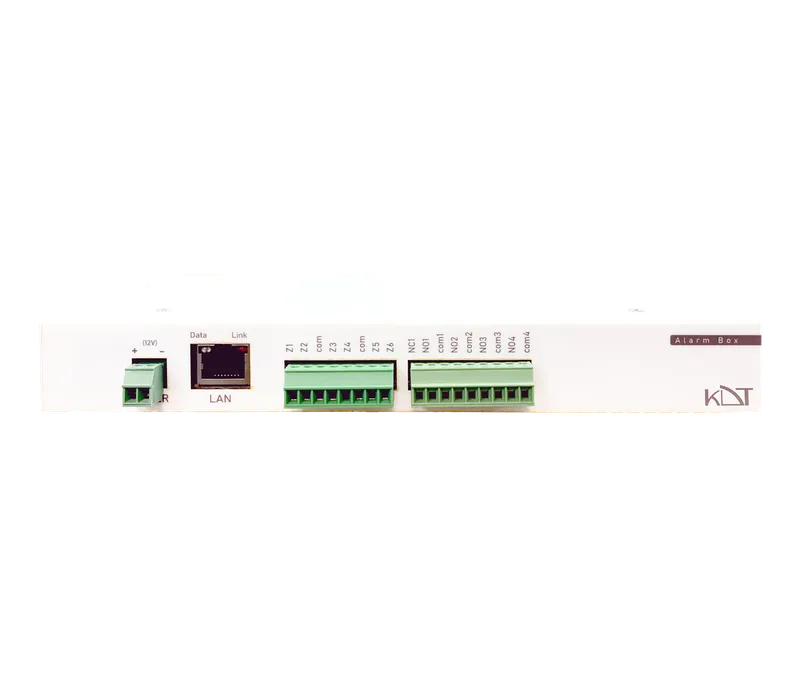 Smart Alarm BoxKB-SAB-IO64
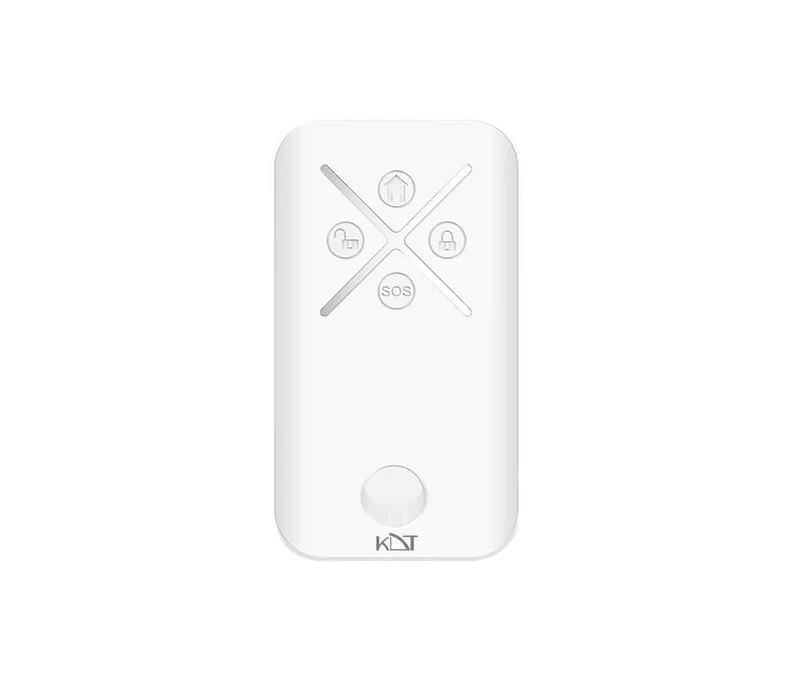 Remote ControllerKB-R2
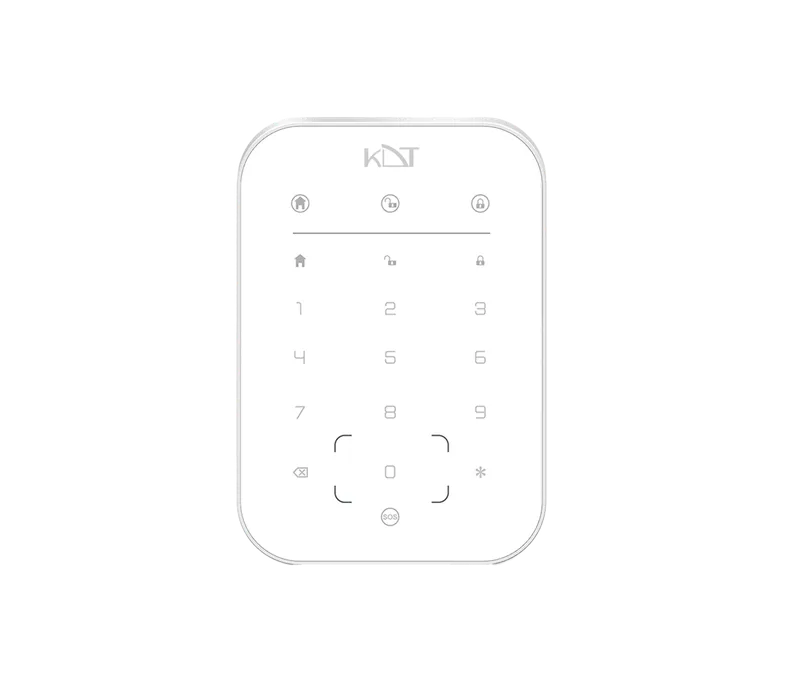 Wireless KeypadKB-K2-W
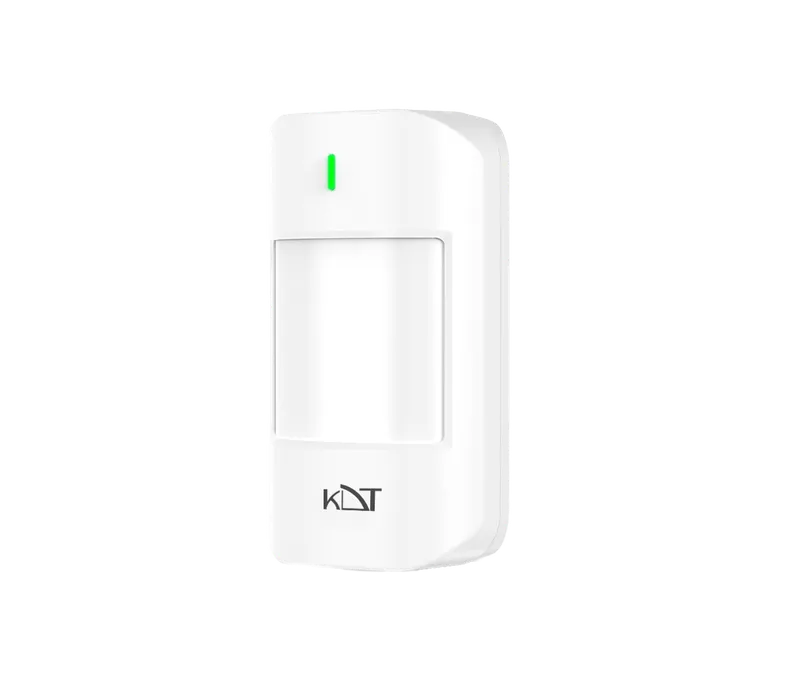 Indoor PIRKB-PI2-W
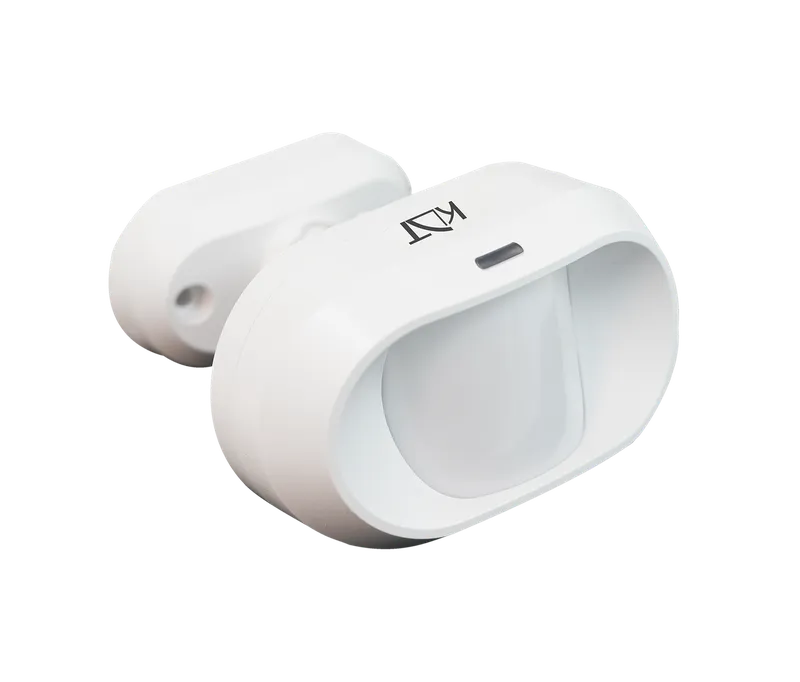 Wired PIRKB-P1
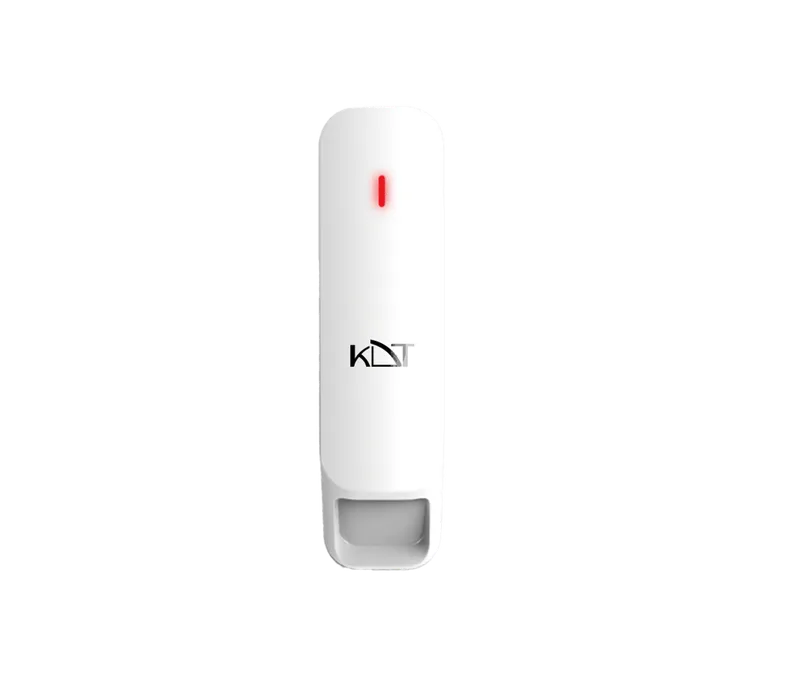 Curtain PIRKB-PC1-W
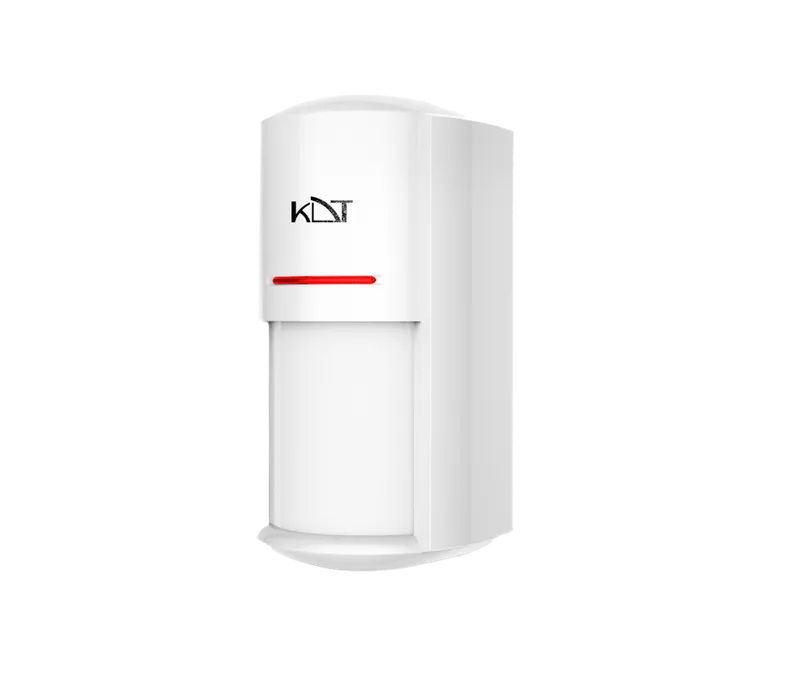 Dual-Tech Outdoor PIRKB-PO1-W
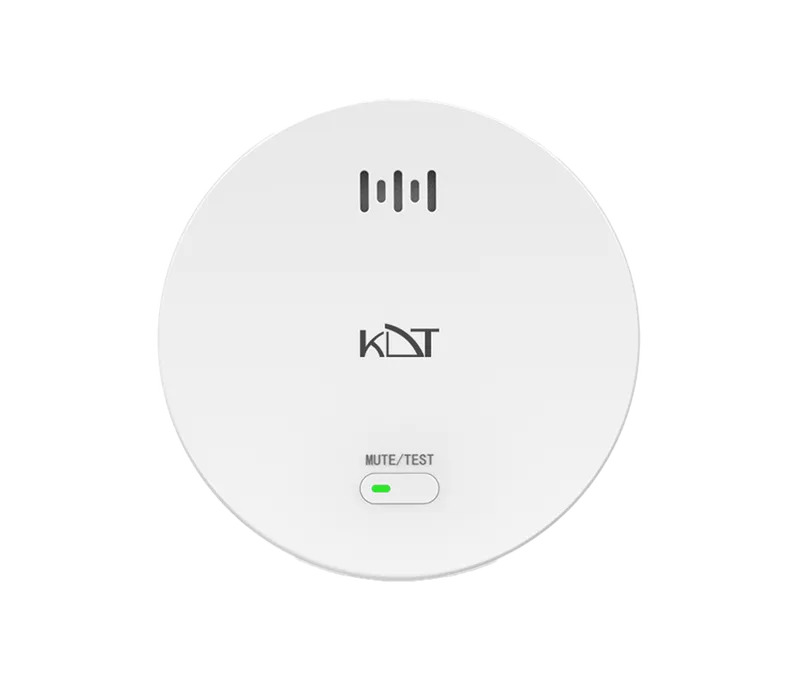 Wireless Carbon Monoxide DetectorKB-CMD1-W
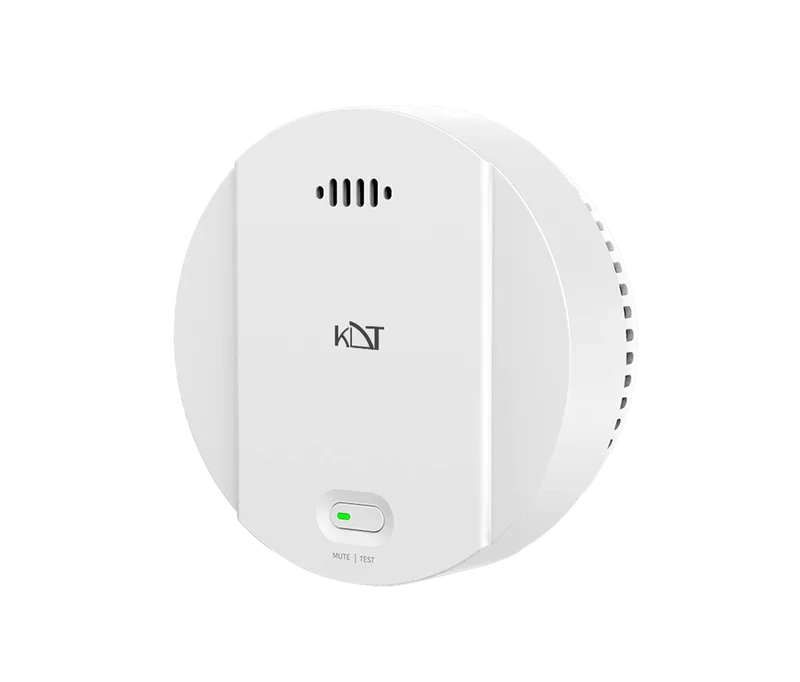 Wireless Smoke DetectorKB-SD1-W
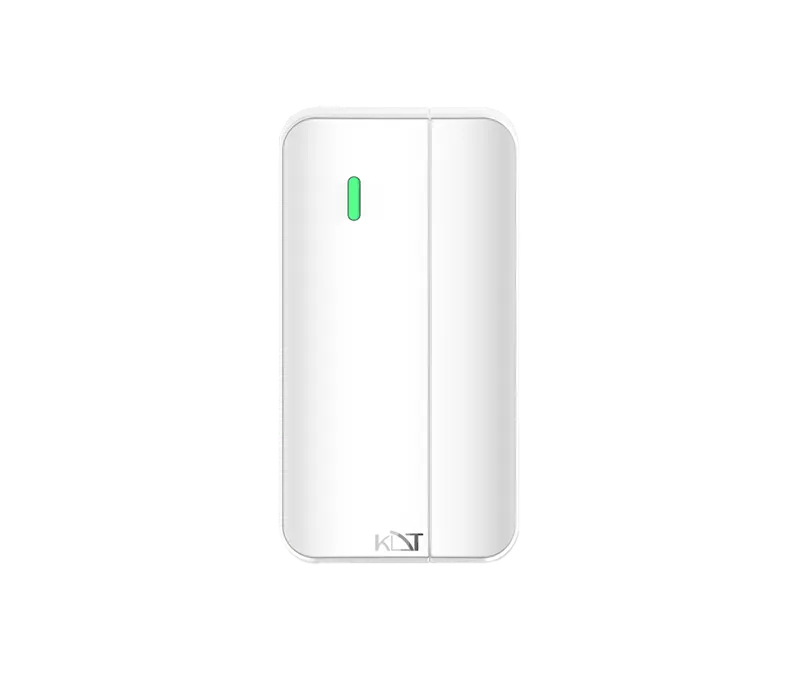 Wireless MagnetKB-MG1-W
 Wireless Water Leakage SensorKB-WLS1-W
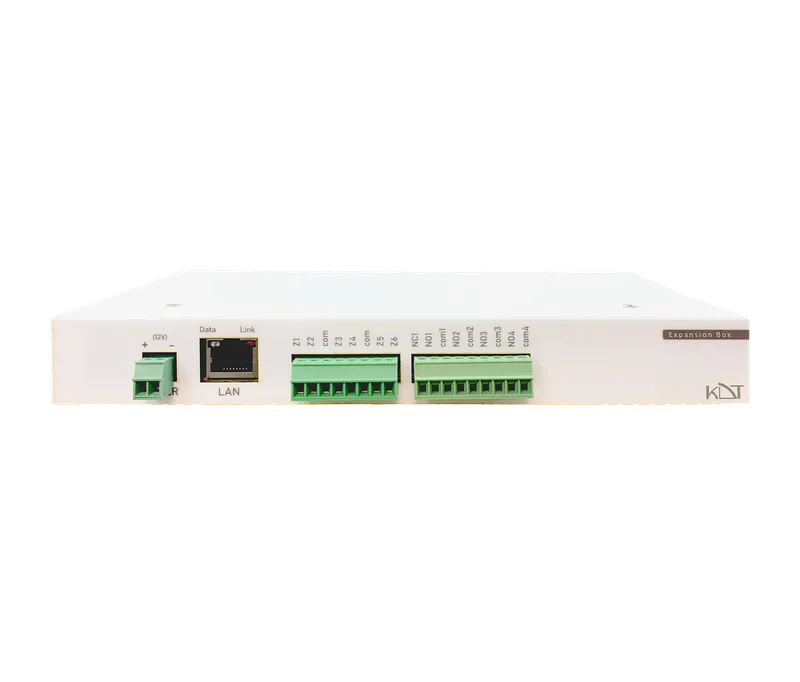 Expansion BoxKB-IO64-P-EXB