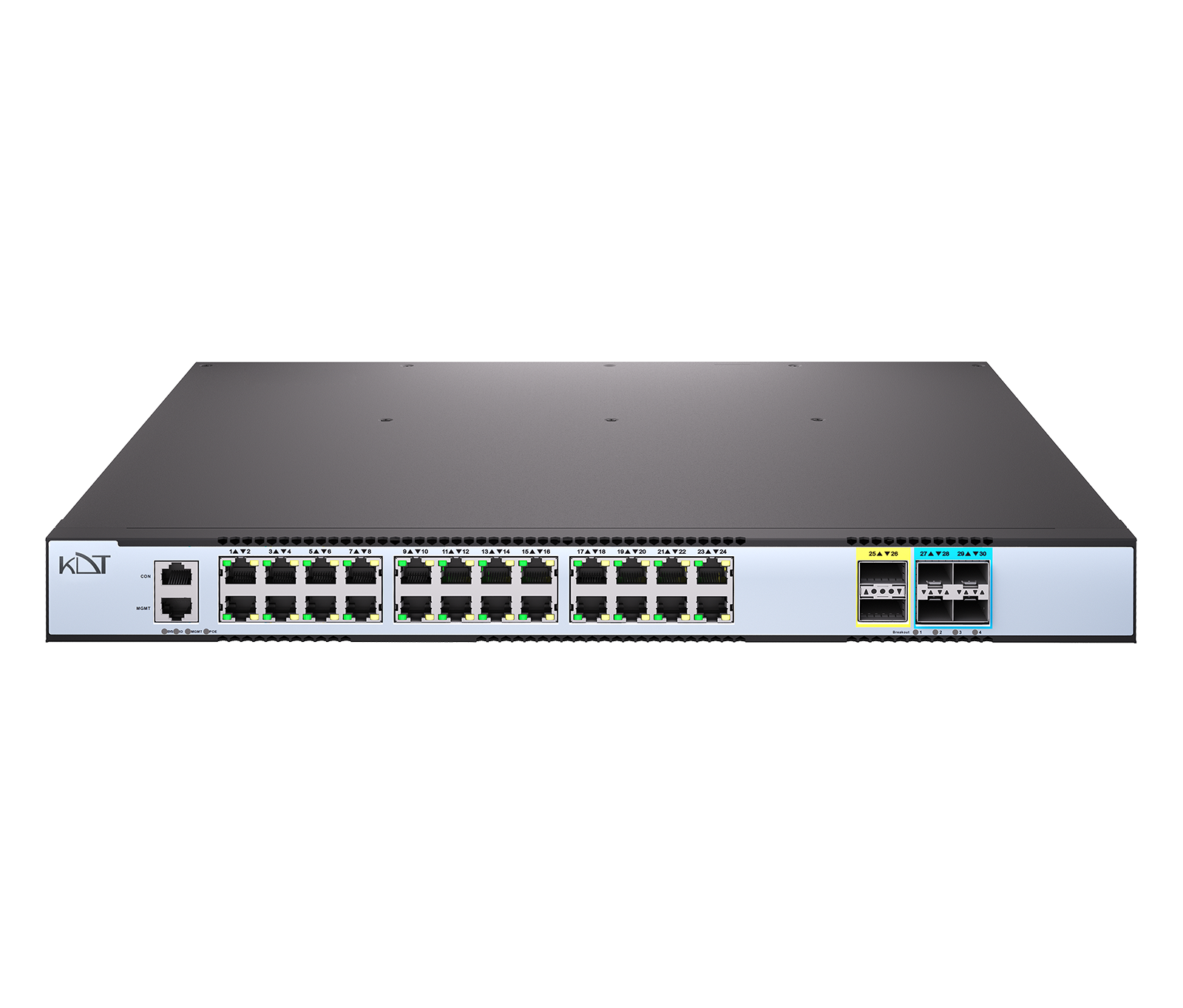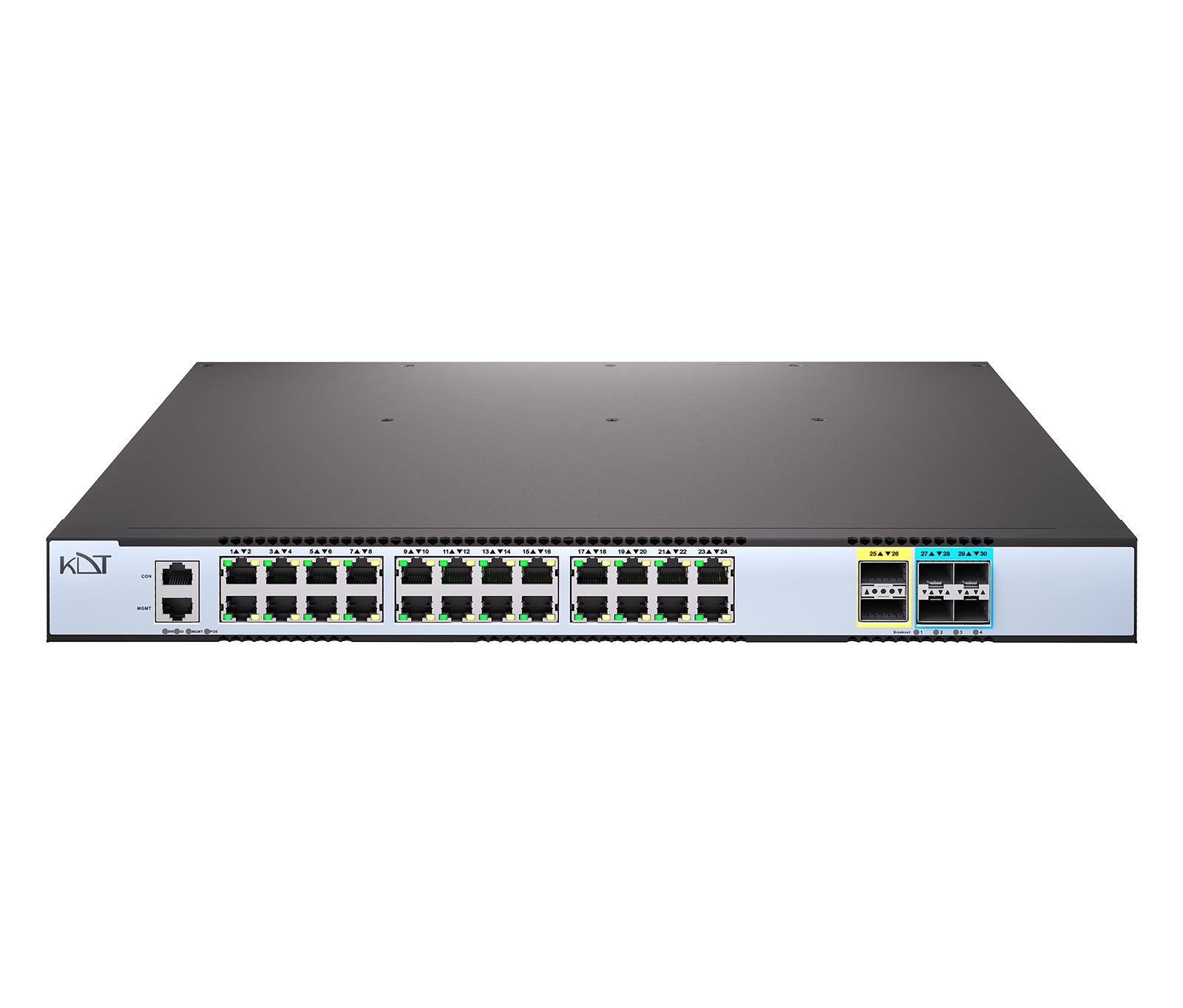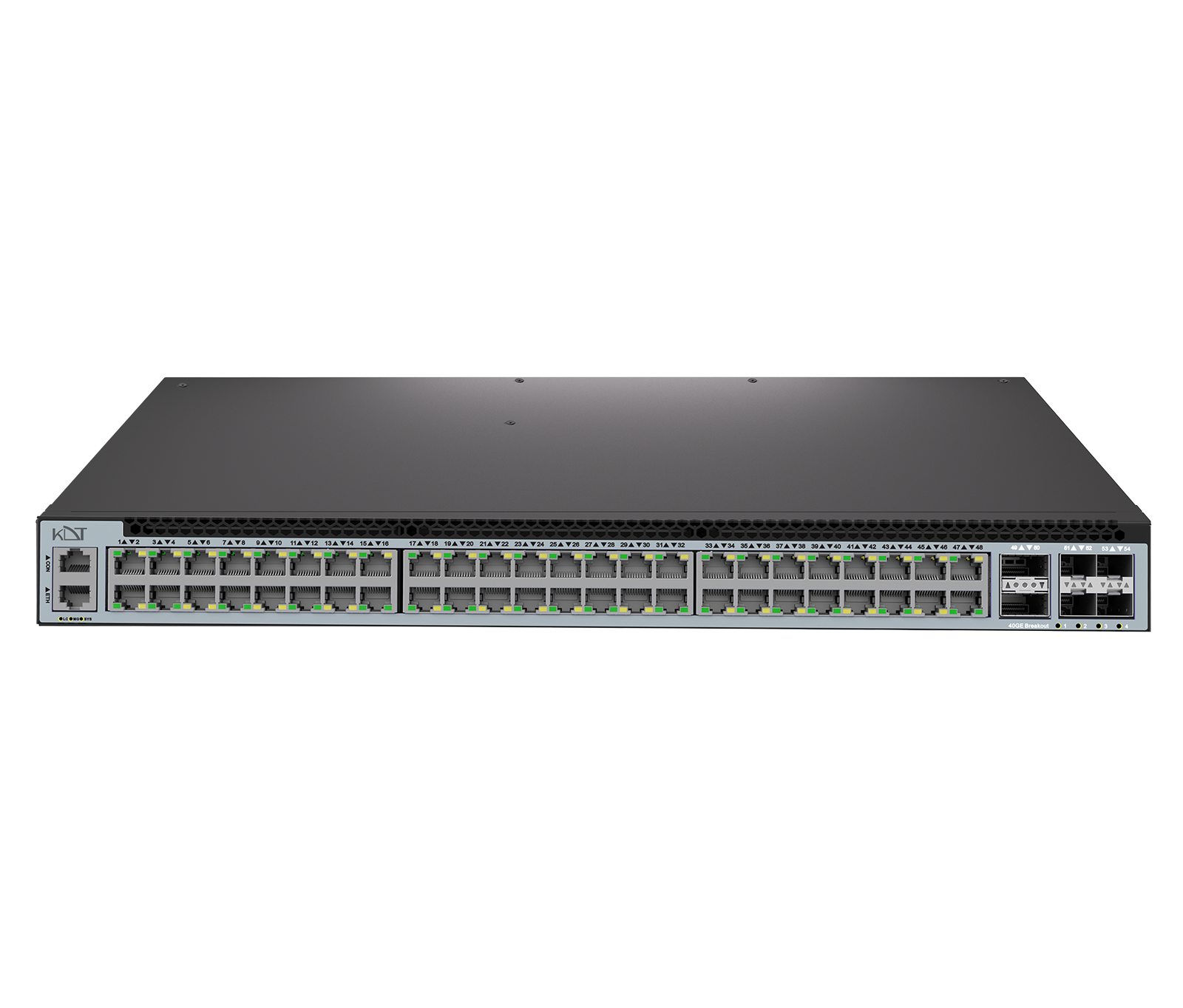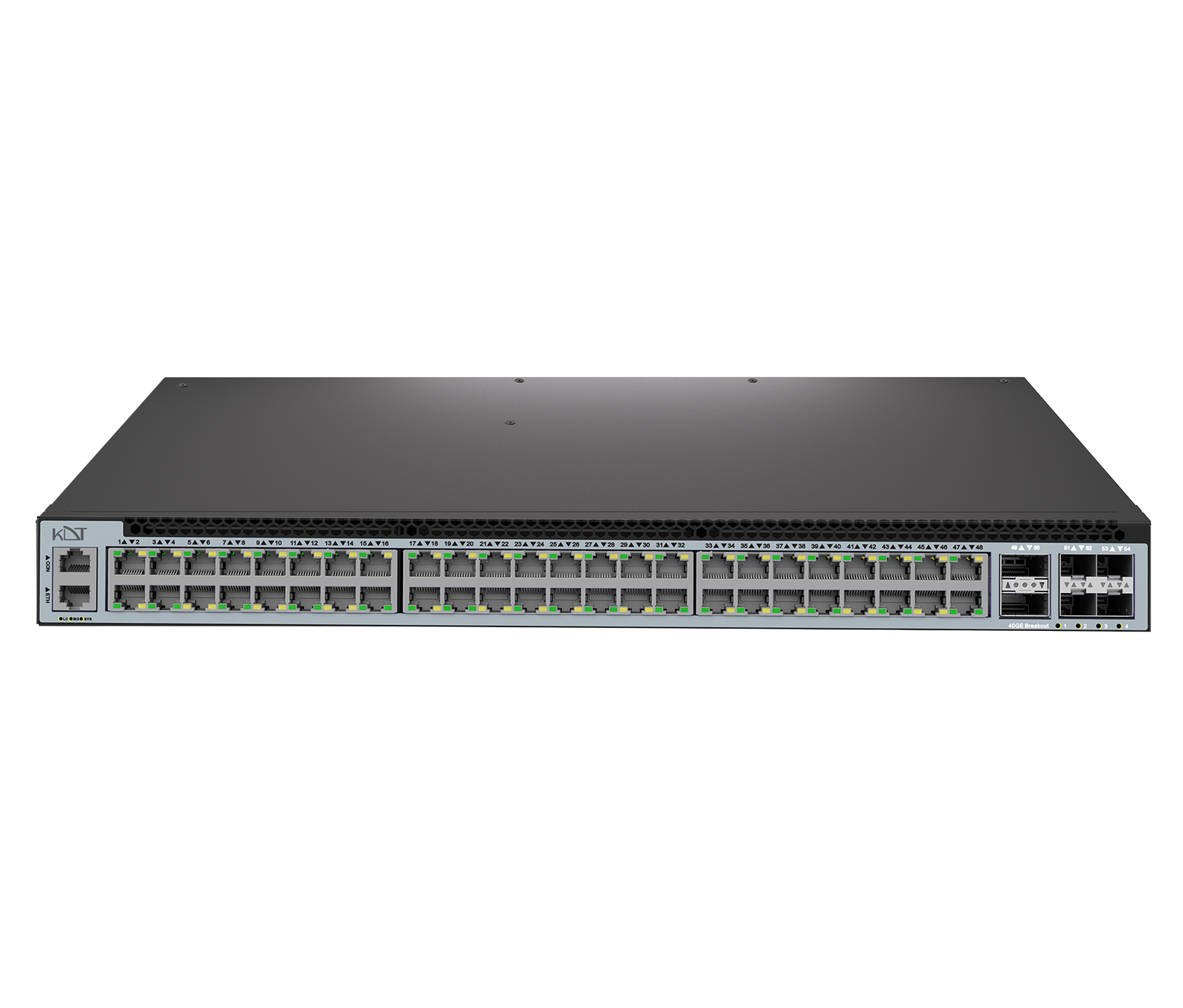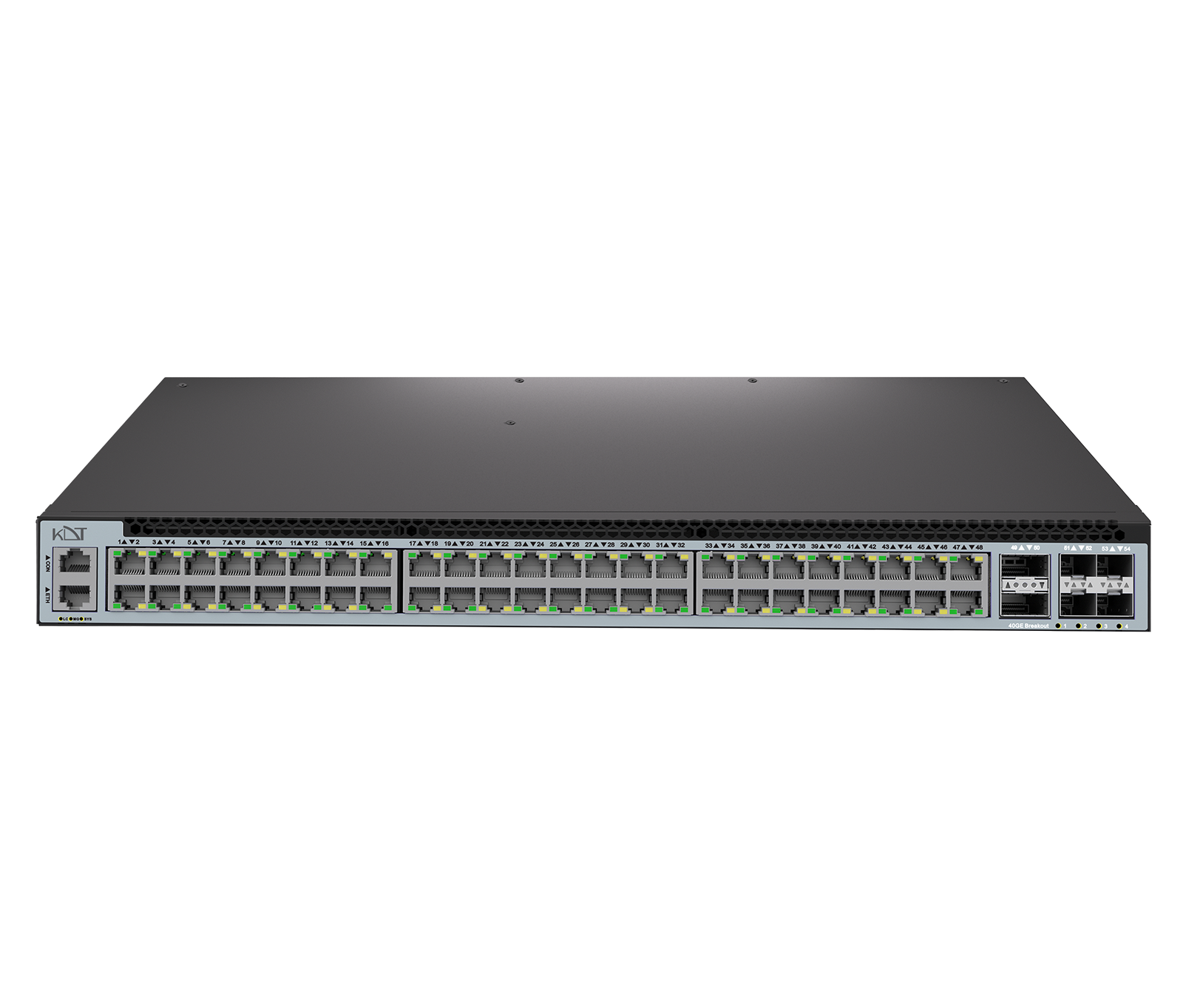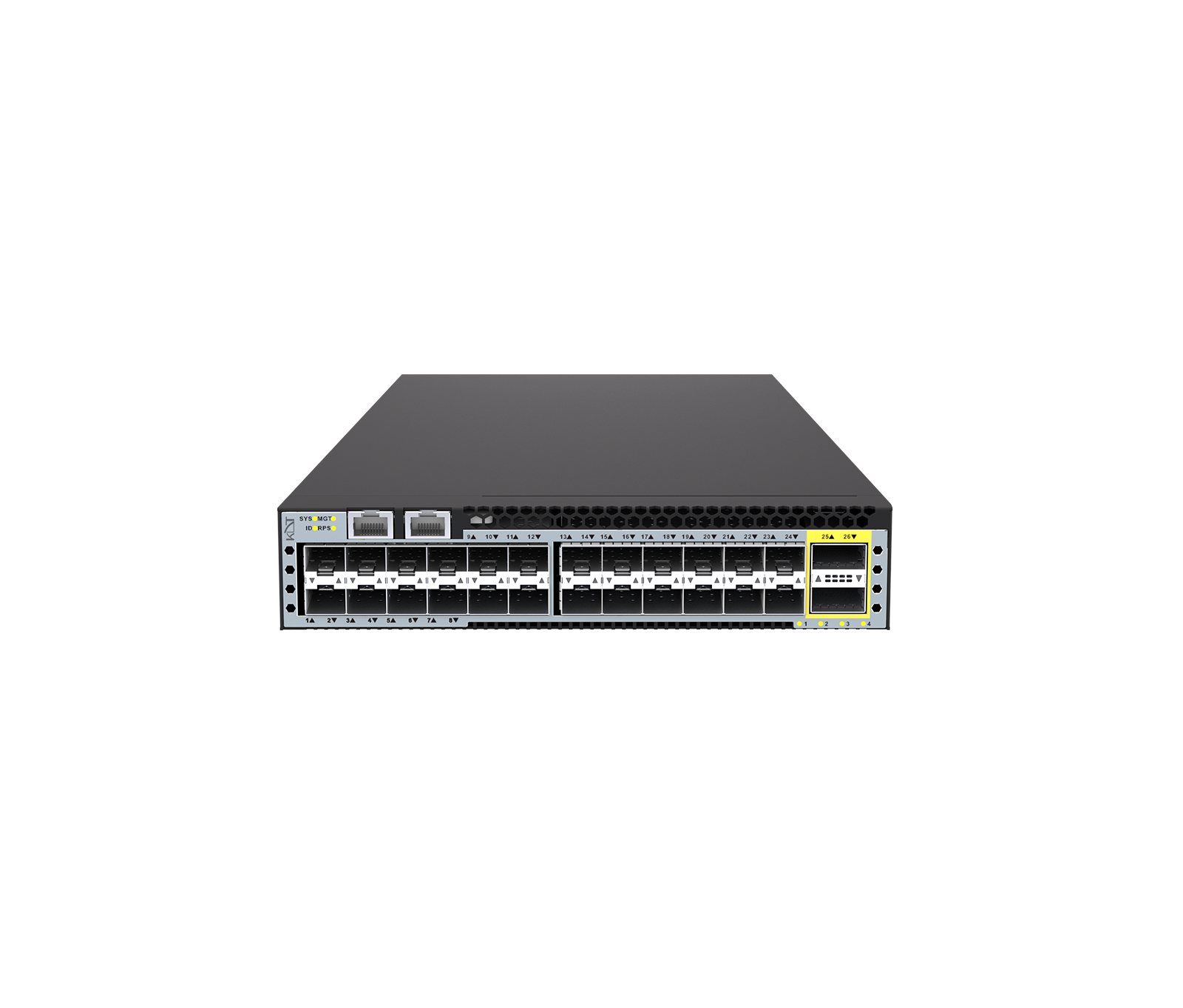
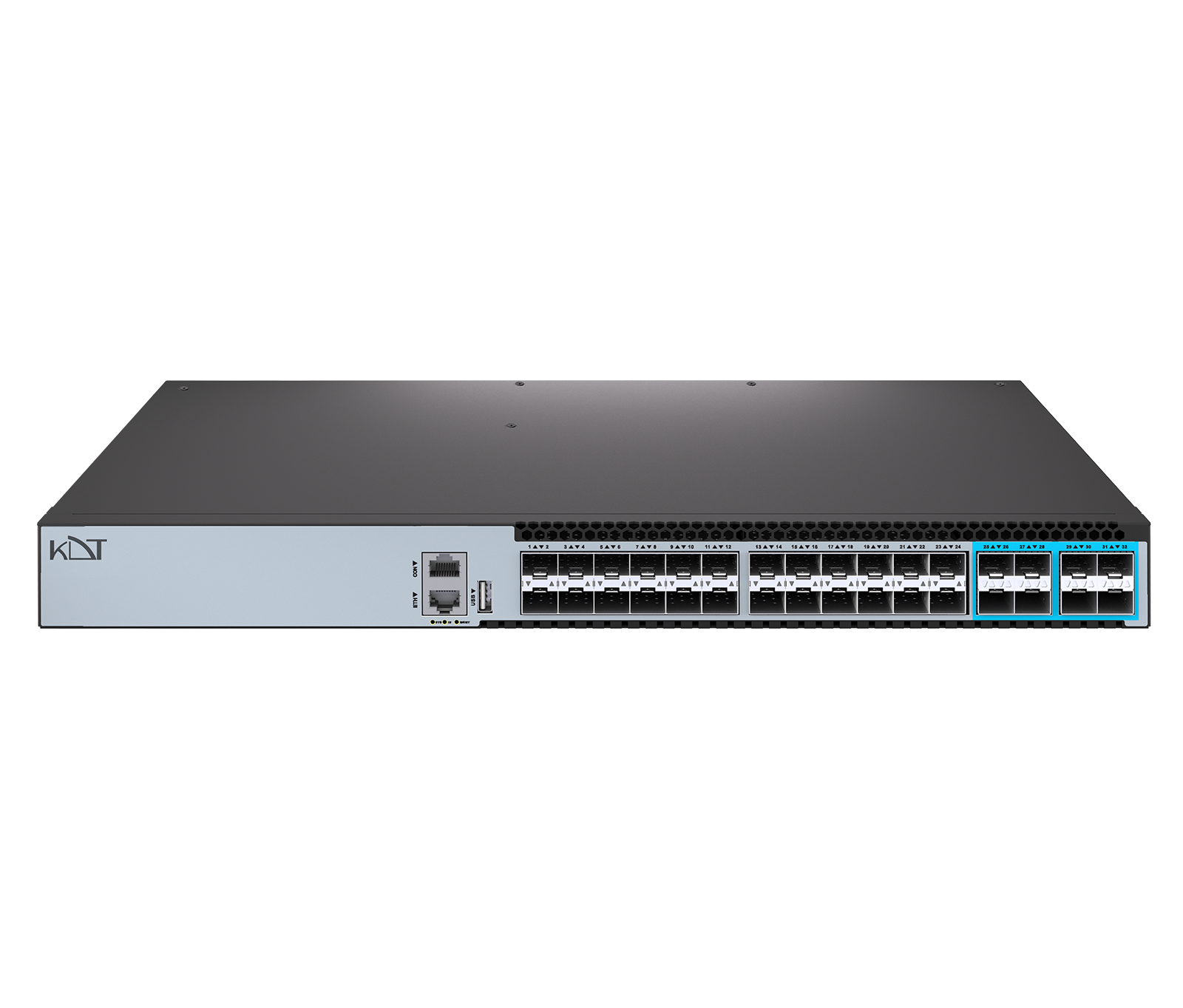
The KS-C24H-X-8Y from the Carbon series is an all-fiber Layer 3 managed core switch engineered to move large volumes of data at exceptional speed.
-
 Switch
Datacenter
Switch
Datacenter
-
 Managed
L3
Managed
L3
-
 Uplink Port
SFP28
Uplink Port
SFP28
Overview
The KS-C24H-X-8Y from the Carbon series is an all-fiber Layer 3 managed core switch engineered to move large volumes of data at exceptional speed. This powerful switch offers 24 SFP+ ports running at 10 Gbps and 8 SFP28 uplink ports running at 25 Gbps, providing an unmatched switching capacity of 880 Gbps. A dual 350W power supply, serviceable hot-swappable fans and support for advanced routing protocols make it a definitive solution for the core of fiber-optic networks.
Interfaces
- Total Port
- 35 Ports
- SFP+ Port
- 24
- SFP28 Uplink port
- 8
- QSFP Uplink Port
-
N/
A - QSFP28 Uplink Port
-
N/
A - Management Ports
- 1* Ethernet Management Port (RJ45) 1* USB Port 1*Console Port (RJ45)
Switching Hardware Platform
- Jumbo Frame
- 9600
- MAC scale
- 2,048 Multicast, 98,304 Unicast
- VLANs
- 4,094 IDs, 4,094 instances
- Link Aggregation
- 64 groups, convergence <50 ms
- Protection
-
ERPS (<50 ms), RSTP/
MSTP (<1s), STP (<30s) - OAM
- 1,024 Sessions CCM intervals down to 3.3 ms IEEE 802.1ag CFM
- Routing Scale
- IPv4 FIB up to 57,344 IPv6 FIB up to 6,144
- QoS
-
Granular Policing/
Shaping IPFIX Visibility Per‑port queues - Security
- ACLs, DHCP Snooping, IP Source Guard, MACsec
General
- Protection Rating
- IP51
- Web Language
- English
- Dimension (W*H*D)
- 442*44*357mm
- Weight
- 5kg
- Storage Temperature
- -40°C to 70°C
- Operating Temperature
- 0°C to 45°C
- Storage Humidity
- 0 to 95% (Non-condensing)
- Operating Humidity
- 10% to 90% (Non-condensing)
- Temperature Alarm
- 50°C
- Altitude
- 5000m
Guarantee
- Product Guarantee
- 3 Years Platinum Guarantee
- MTBF
- ≥90000h (~10.3 Years)
Hardware
- CPU
- Dual-core processor
- Flash Memory
- 8GB EMMC (OS) 4MB SPI Flash (Boot)
- DRAM
- 4GB
- Fans
- 2*Hot-swappable Fan
- Airflow
- Front-to-Rear
- Switching Capacity
- 880Gbps (bidirectional)
- Forwarding Rate
- 1309.44Mpps
- MAC Address
- 98304
Software Highlights
- Software License
- Basic L3 Software Features EB L3 Enhance Features Software License Key MS Preinstalled
- Basic License (Pre‑installed)
-
ACLs, DHCP Snooping, IGMP Snooping, QinQ, QoS policing/
shaping, SNMP/ Web/ CLI, Static IPv4 Routes, STP/ RSTP/ MSTP, VLANs, VRRP - Advanced License (Optional)
-
Advanced OAM (802.1ag, Y.1731)
BGP
ERPS Multi‑Ring
IPv6 Routing
IS‑IS
MACsec
MPLS/
VPLS OSPFv2/v3 PIM‑SM/DM RPC‑API sFlow/IPFIX Smart Config VXLAN with BGP EVPN
Power Supply
- Power Supply
- 2*350 W hot‑swappable PSU
- Redundant
- Yes
- LED Power
- Yes
- Power consumption
- 74W
Downloads
Documentation
-
KS-C24H-X-8Y
Compare products
Compare this product with similar products
Please wait
Frequently asked questions
Questions about this product
Should I allow for spare capacity in a switched network?
For enterprise projects, it is usually advisable to set aside some port, processing, storage or bandwidth capacity for future growth.
What are the differences between network switch models?
They usually differ in capacity, speed, features, number of ports or channels, processor type, environmental ratings and management capabilities. Compare them against your project's requirements.
Do higher specifications always mean better network switch performance?
Not necessarily. If other parts of the project are the bottleneck, improving one specification on its own will not deliver the result you want. The entire chain needs to be designed as a balanced whole.
Are network switches suitable for industrial environments?
In industrial environments, you need to assess temperature, dust, vibration, noise, power and installation conditions and, where necessary, choose an industrial-grade model or suitable protection.
What should I consider when installing network switches outdoors?
Make sure the equipment's resistance to temperature, humidity, water and dust, its mechanical protection and the cabling method all suit the actual conditions on site.
Frequently asked questions: Network Switches
Answers to common questions about this product line, from the KDT Help Center.
Where should I start when choosing the right network switches?
Start by defining the intended use, the number of devices, the installation environment, the capacity required and your plans for future expansion. Then choose the model and technical specifications based on what the project actually needs.
Which technical specifications matter most for network switches?
Depending on the project, the most important specifications are capacity, speed, compatibility, environmental ratings, management features and scalability. Basing your choice on a single figure is usually not enough.
Is a cheaper network switch model always the right choice?
No. The purchase price is only one factor. You also need to consider reliability, features, service life, after-sales service and maintenance costs.
How do I work out how much capacity a switched network needs?
Base the calculation on the number of devices, actual usage, how long the system will be in use and how much the project is likely to grow. It is also wise to keep some capacity in reserve.
Can network switches be upgraded later?
In many cases, some of the capacity or equipment can be upgraded. However, this depends on the product's architecture and its hardware limitations, so check before you buy.
Didn’t find your answer?
Warranty
3-Year Platinum Warranty
This product comes with the official KDT warranty. Check your device’s warranty status with its serial number.
Check warranty