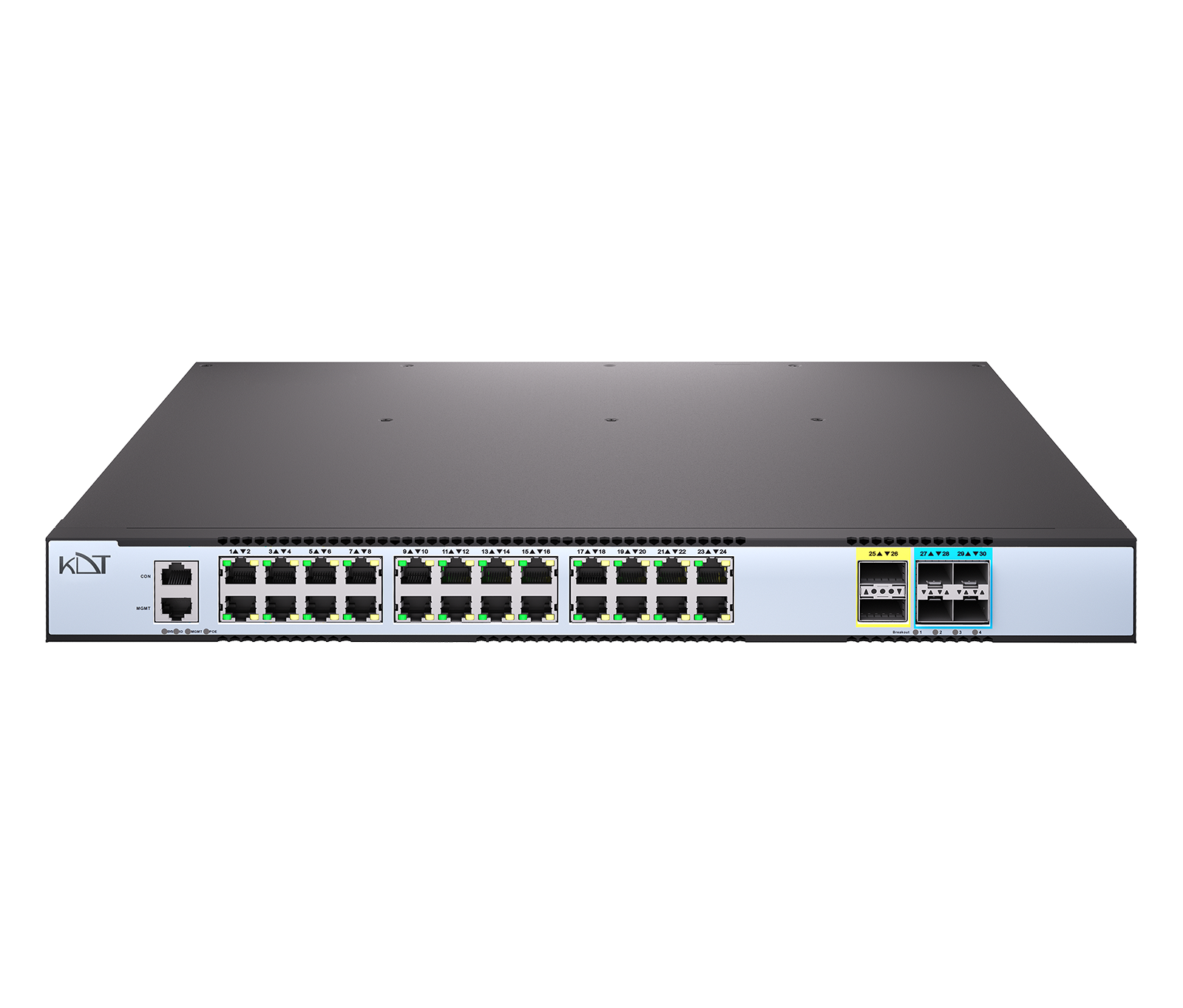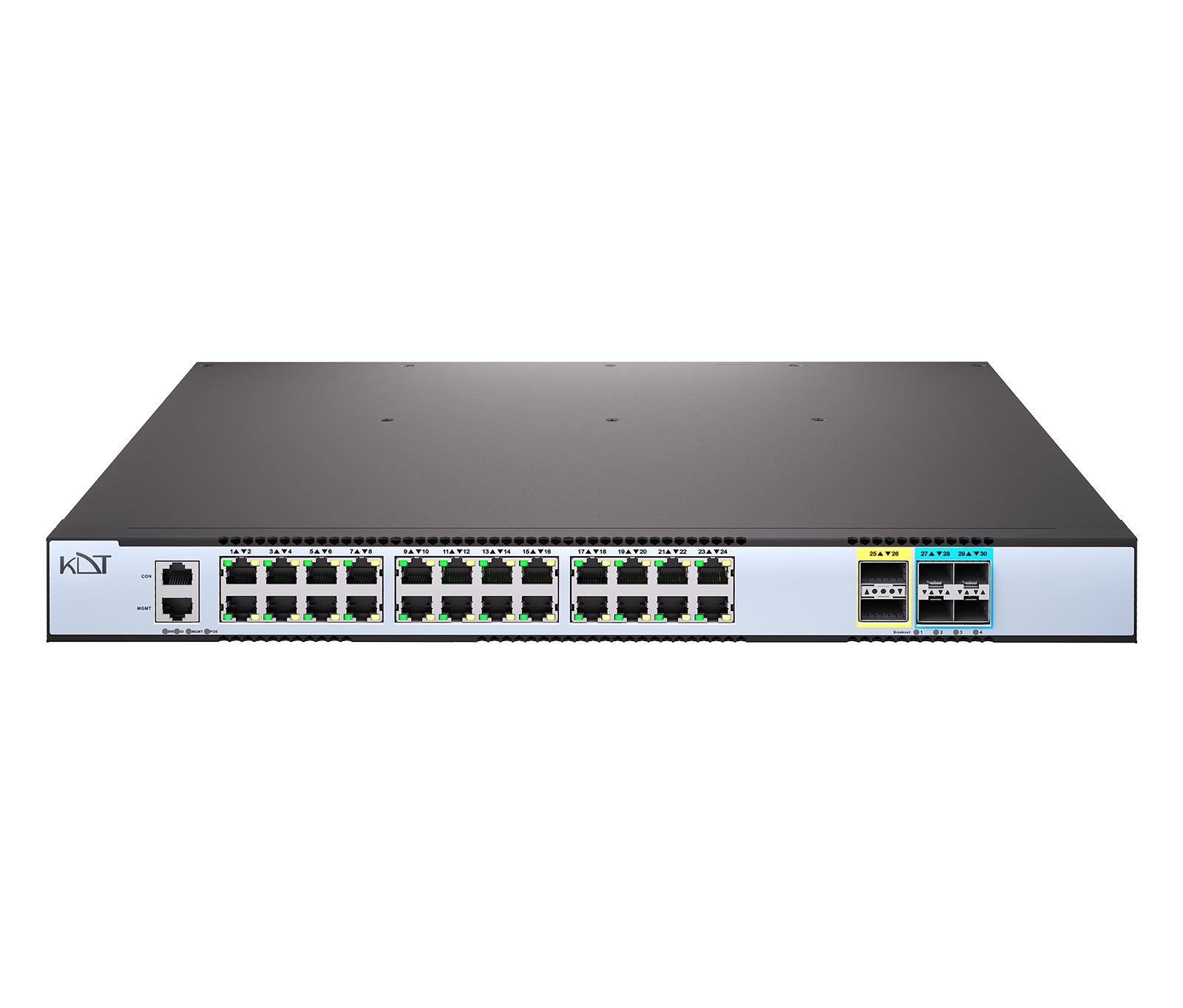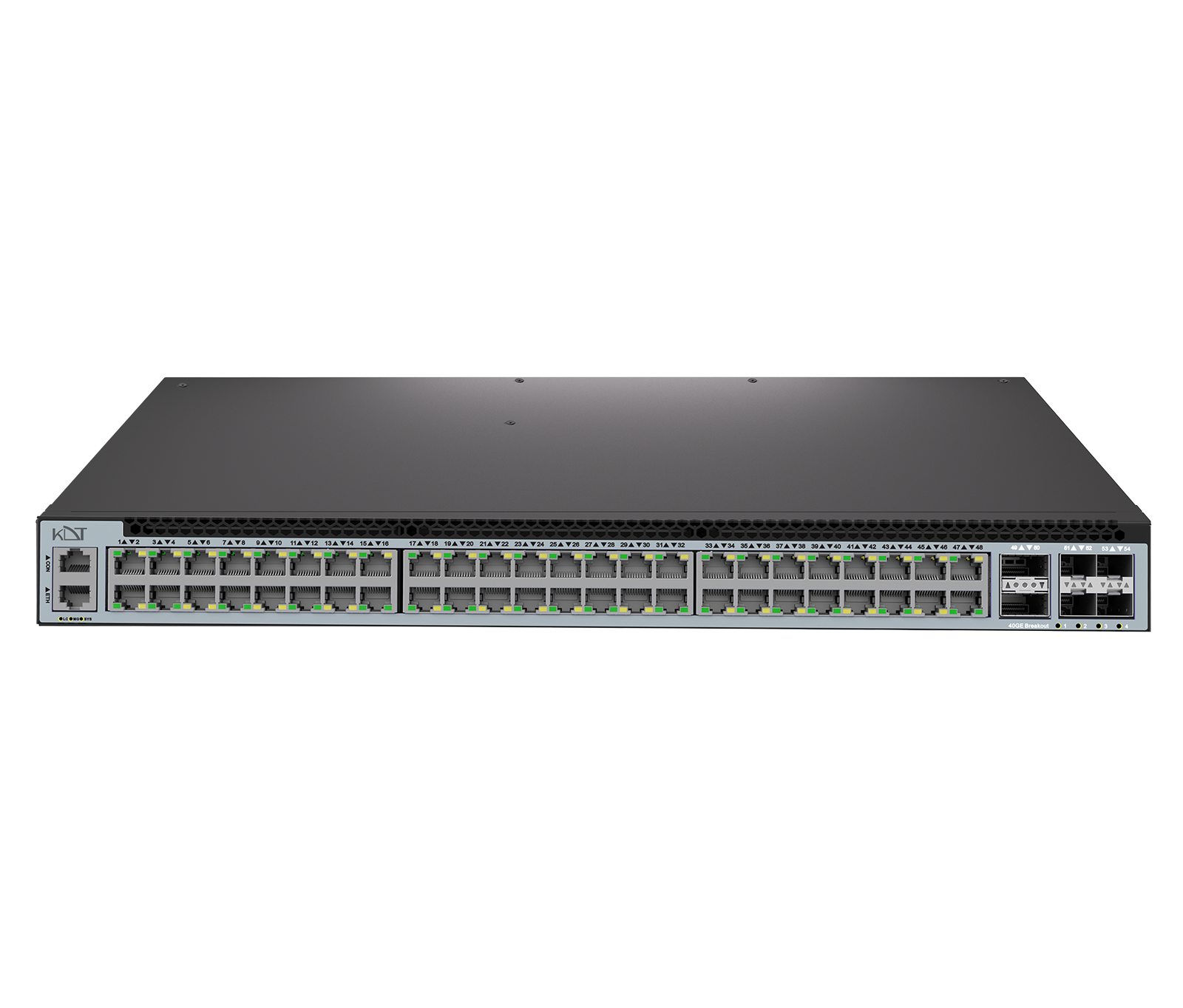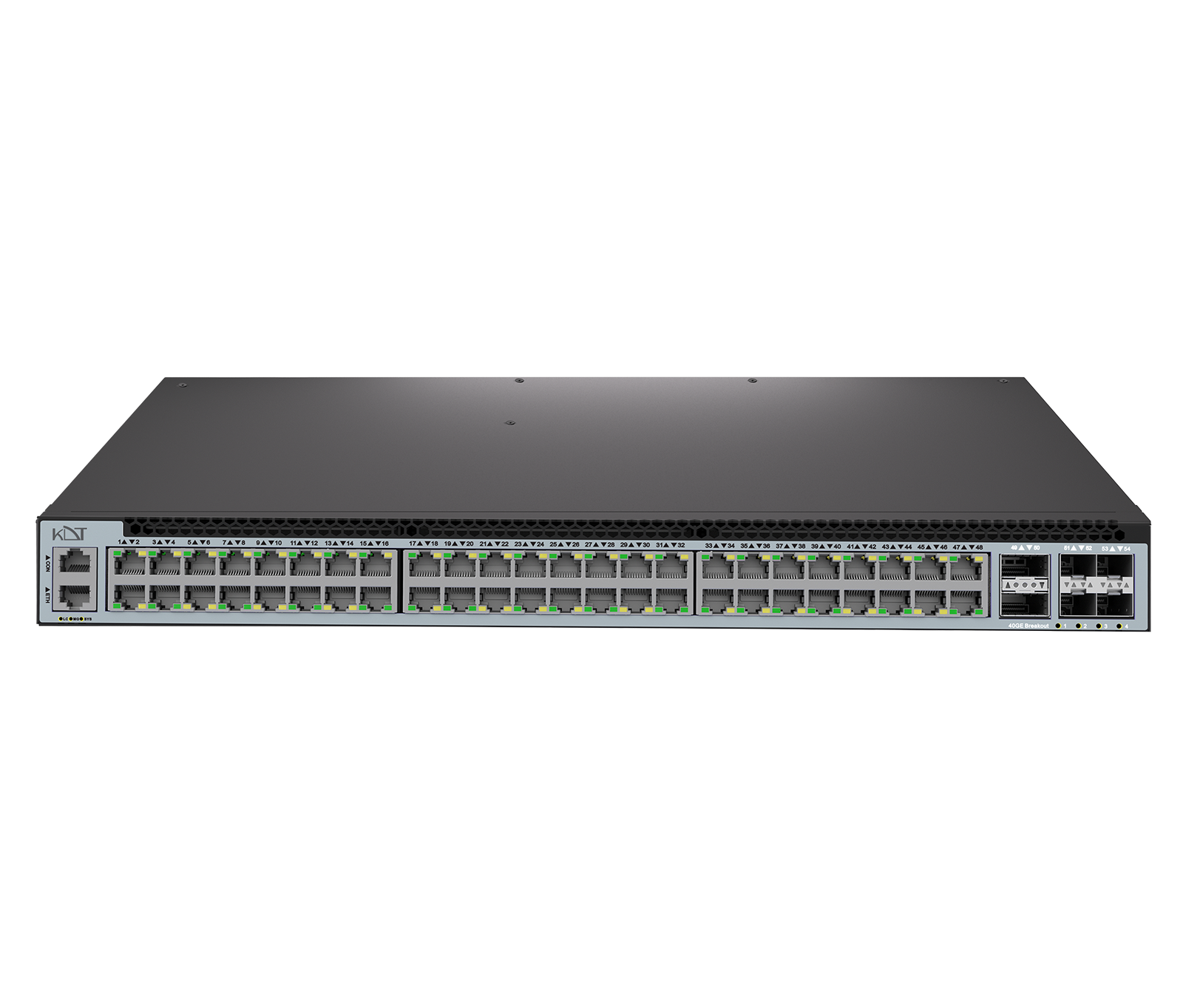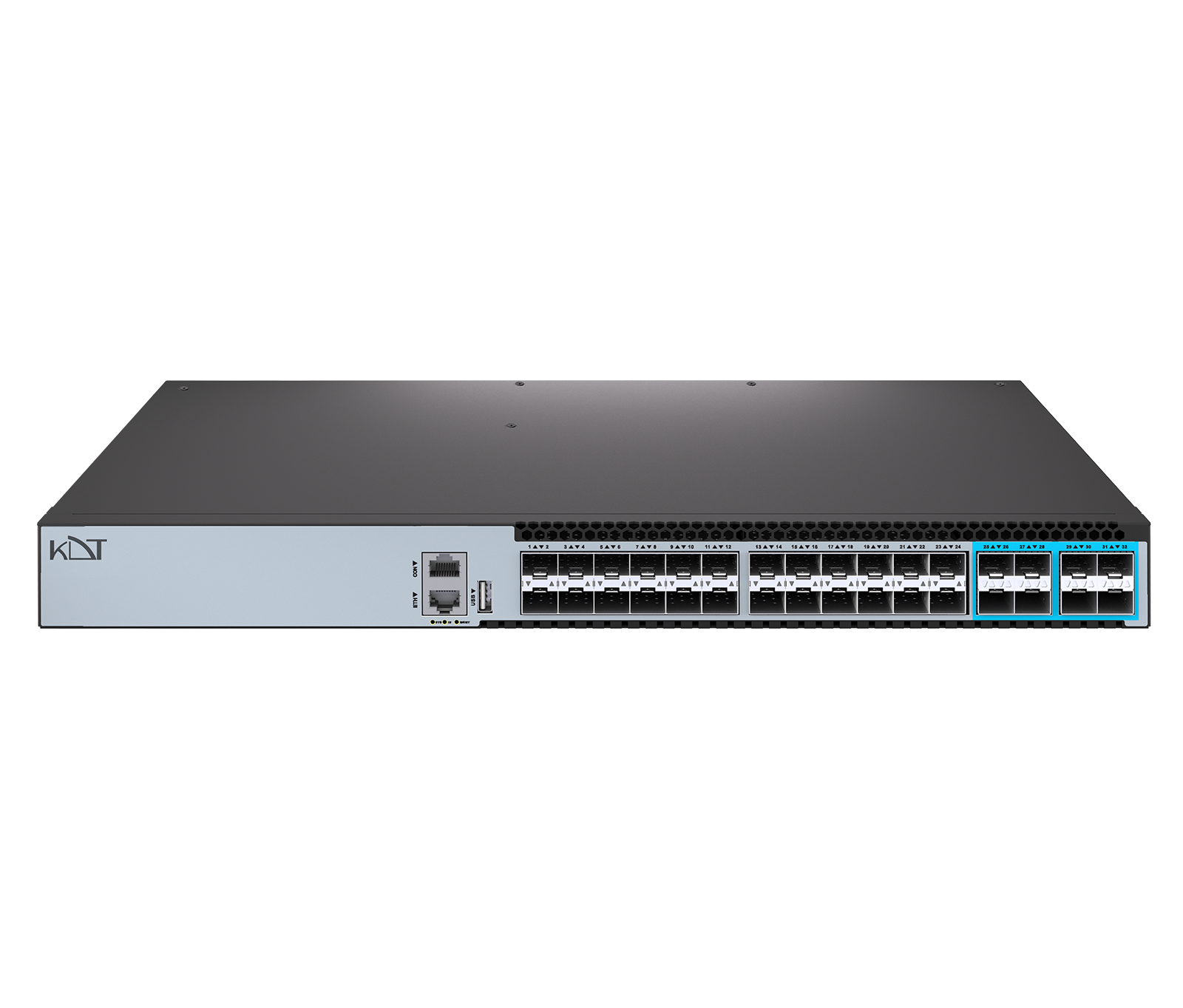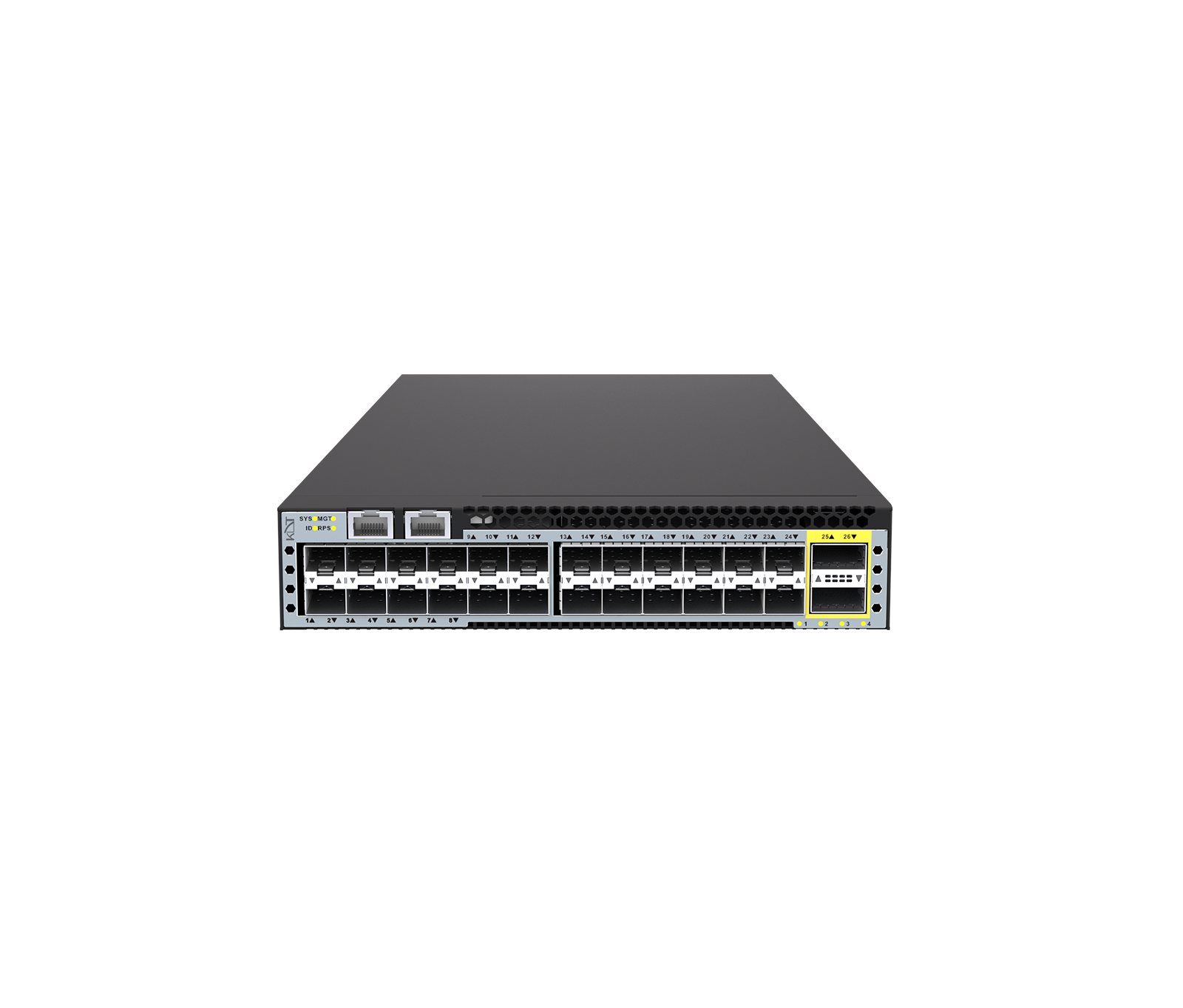
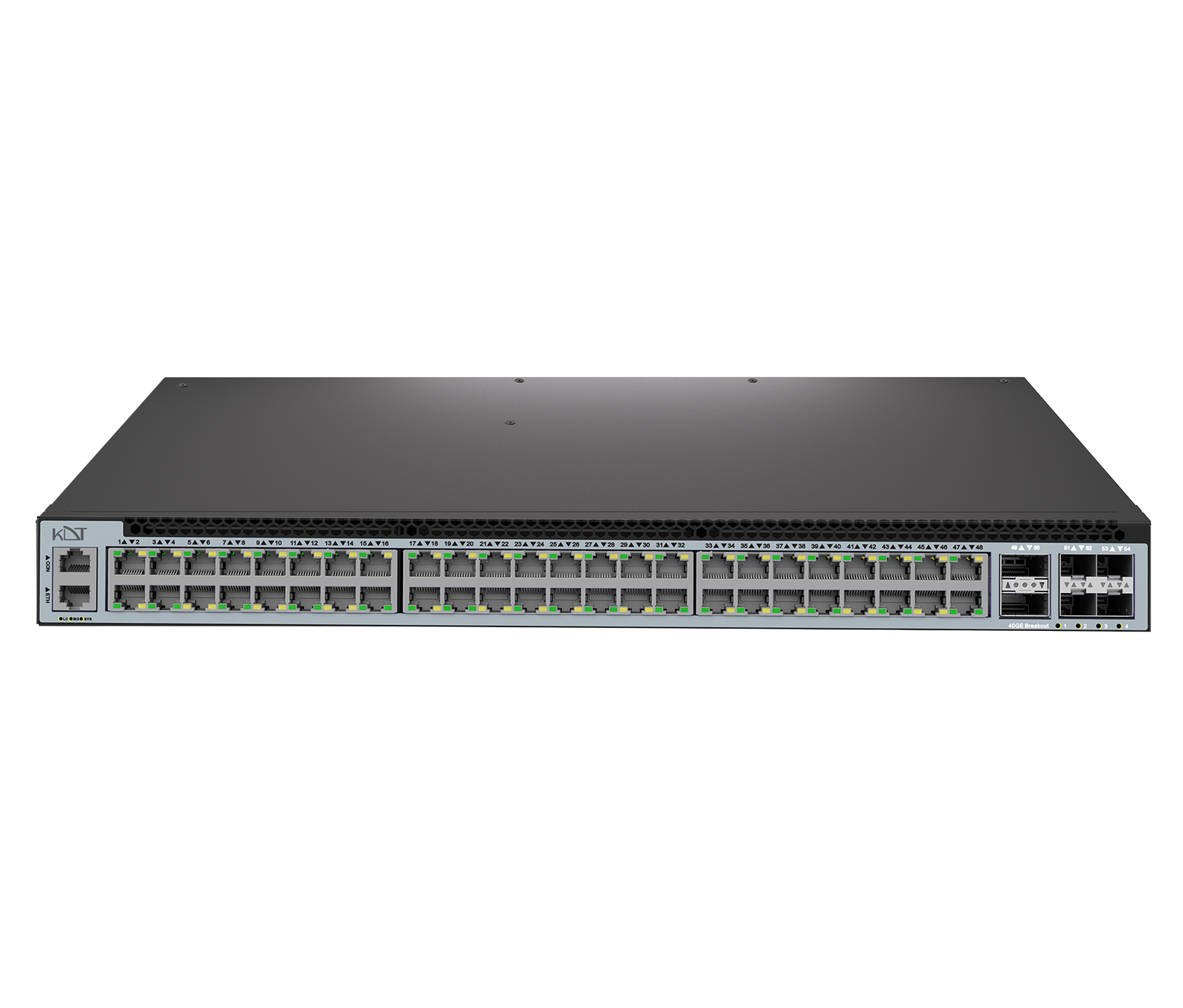
The KS-C48G-TU-6YQ from the Carbon series is a Layer 3 managed core switch with advanced PoE++ technology, designed to supply power-hungry devices.
-
 POE
90W
POE
90W
-
 Switch
Datacenter
Switch
Datacenter
-
 Switch
Datacenter
Switch
Datacenter
Overview
The KS-C48G-TU-6YQ from the Carbon series is a Layer 3 managed core switch with advanced PoE++ technology, designed to supply power-hungry devices. It is equipped with 48 Gigabit PoE ports delivering a massive 2200W of output power, along with 4 SFP28 uplink ports running at 25 Gbps and 2 QSFP uplink ports running at 40 Gbps. A switching capacity of 456 Gbps, a dual 1200W power supply and hot-swappable fans guarantee uninterrupted operation in the most critical enterprise projects.
Technical specifications
Model: KS-C48G-TU-6YQ
Interfaces
- Total Port
- 56 Ports
- PoE Output (Max)
- 2200W
- PoE Standard
-
IEEE802.3bt (PoE+
+) - Gigabit RJ45 PoE Port
-
48 * 10/
100/1G BASE-T - SFP28 Uplink port
- 4
- QSFP Uplink Port
- 2
- QSFP28 Uplink Port
-
N/
A - Management Ports
- 1* Ethernet Management Port (RJ45) 1*Console Port (RJ45)
Software Highlights
- Software License
- Basic L3 Software Features EB L3 Enhance Features Software License Key MS Preinstalled
- Basic License (Pre‑installed)
-
ACLs, DHCP Snooping, IGMP Snooping, QinQ, QoS policing/
shaping, SNMP/ Web/ CLI, Static IPv4 Routes, STP/ RSTP/ MSTP, VLANs, VRRP - Advanced License (Optional)
-
Advanced OAM (802.1ag, Y.1731)
BGP
ERPS Multi‑Ring
IPv6 Routing
IS‑IS
MACsec
MPLS/
VPLS OSPFv2/v3 PIM‑SM/DM RPC‑API sFlow/IPFIX Smart Config VXLAN with BGP EVPN
Power Supply
- Power Supply
- 2*1200 W hot‑swappable PSU
- Redundant
- Yes
- LED Power
- Yes
- Power consumption
- 72W
Hardware
- CPU
- Dual-core processor
- Flash Memory
- 8GB EMMC (OS) 4MB SPI Flash (Boot)
- DRAM
- 4GB
- Fans
- 2*Hot-swappable Fan
- Airflow
- Front-to-Rear
- Switching Capacity
- 456Gbps (bidirectional)
- Forwarding Rate
- 678.53Mpps (bidirectional)
- MAC Address
- 98304
Switching Hardware Platform
- Jumbo Frame
- 9600
- MAC scale
- 2,048 Multicast, 98,304 Unicast
- VLANs
- 4,094 IDs, 4,094 instances
- Link Aggregation
- 64 groups, convergence <50 ms
- Protection
-
ERPS (<50 ms), RSTP/
MSTP (<1s), STP (<30s) - OAM
- 1,024 Sessions CCM intervals down to 3.3 ms IEEE 802.1ag CFM
- Routing Scale
- IPv4 FIB up to 57,344 IPv6 FIB up to 6,144
- QoS
-
Granular Policing/
Shaping IPFIX Visibility Per‑port queues - Security
- ACLs, DHCP Snooping, IP Source Guard, MACsec
General
- Protection Rating
- IP51
- Web Language
- English
- Dimension (W*H*D)
- 442*44*410mm
- Weight
- 8.36kg
- Storage Temperature
- -40°C to 70°C
- Operating Temperature
- 0°C to 45°C
- Storage Humidity
- 0 to 95% (Non-condensing)
- Operating Humidity
- 10% to 90% (Non-condensing)
- Temperature Alarm
- 50°C
- Altitude
- 5000m
Guarantee
- Product Guarantee
- 3 Years Platinum Guarantee
- MTBF
- ≥90000h (~10.3 Years)
Compare products
Compare this product with similar products
Please wait
Frequently asked questions
Questions about this product
What is an OID on a network switch?
An OID (object identifier) identifies a management variable in SNMP. Monitoring software uses OIDs to read parameters such as port status, CPU load or memory usage.
Why should I monitor CPU and memory usage on network switches?
An abnormal rise in resource usage can be a sign of heavy load, incorrect settings or a software problem. Monitoring it helps you detect problems early.
Why do accurate time and date settings matter on network switches?
Synchronized clocks are essential for accurate event logging, fault analysis and correlating events across multiple devices. Using NTP is recommended on professional networks.
How do I back up the settings of my network switches?
If the product has a backup function, export the settings before any major change and keep the file in a secure, documented location.
Does installing network switches require a specialist?
Simple projects can sometimes be installed by following the instructions. In enterprise or complex projects, however, having trained personnel handle the design and installation reduces the risk of errors.
Frequently asked questions: Network Switches
Answers to common questions about this product line, from the KDT Help Center.
Where should I start when choosing the right network switches?
Start by defining the intended use, the number of devices, the installation environment, the capacity required and your plans for future expansion. Then choose the model and technical specifications based on what the project actually needs.
Which technical specifications matter most for network switches?
Depending on the project, the most important specifications are capacity, speed, compatibility, environmental ratings, management features and scalability. Basing your choice on a single figure is usually not enough.
Is a cheaper network switch model always the right choice?
No. The purchase price is only one factor. You also need to consider reliability, features, service life, after-sales service and maintenance costs.
How do I work out how much capacity a switched network needs?
Base the calculation on the number of devices, actual usage, how long the system will be in use and how much the project is likely to grow. It is also wise to keep some capacity in reserve.
Can network switches be upgraded later?
In many cases, some of the capacity or equipment can be upgraded. However, this depends on the product's architecture and its hardware limitations, so check before you buy.
Didn’t find your answer?