
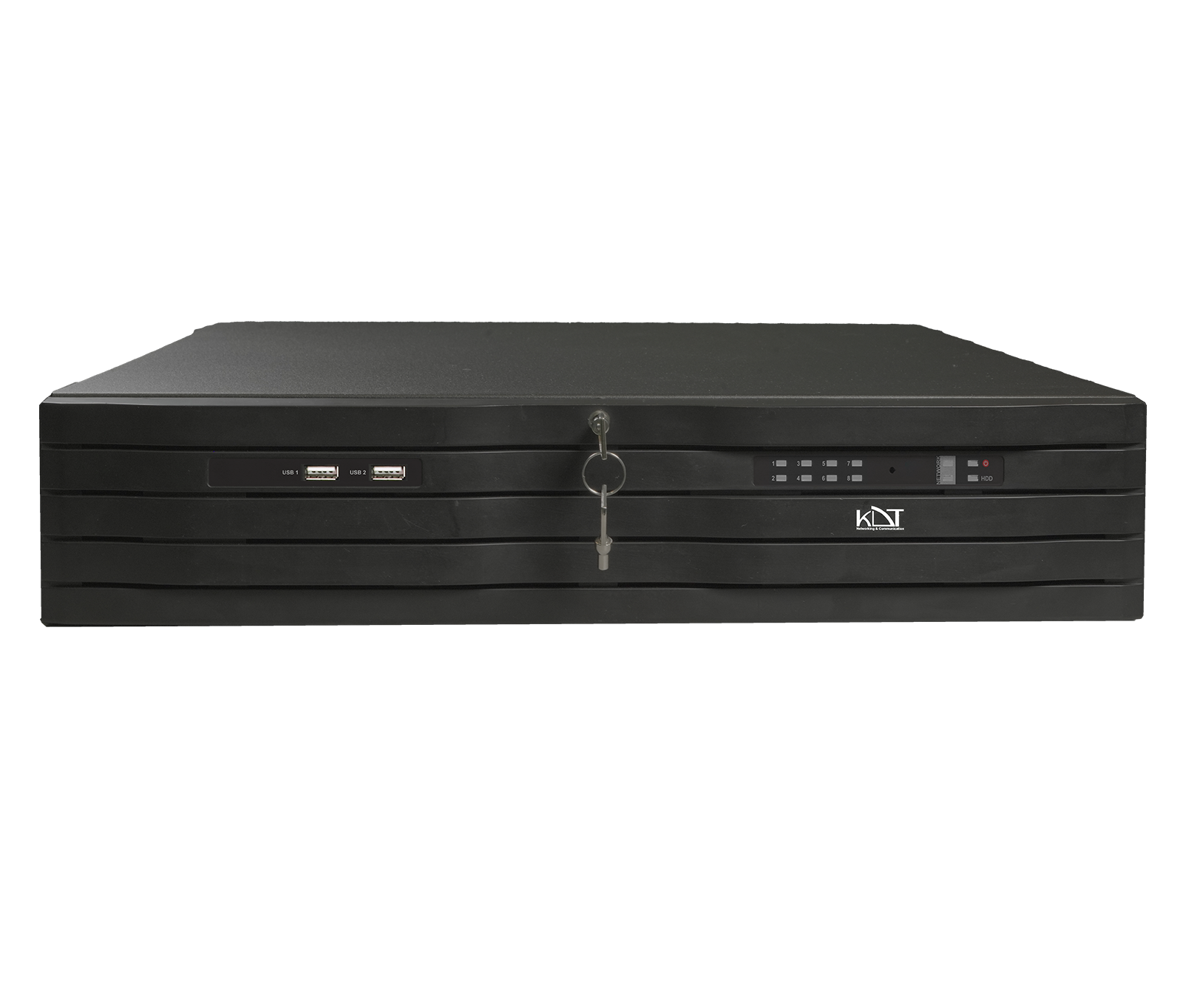
-
 NO.of Channels
64CH
NO.of Channels
64CH
-
 NO.of HDDS
8HDD
NO.of HDDS
8HDD
-
 Smart Code
CODEC
Smart Code
CODEC
CPU & GPU Capabilities
- CPU
- Quad-Core ARM Cortex
- GPU
- ARM Mali-G610MC4
- IP Channel Input
- 64CH x 8K@30fps (Up to 32MP Supported)
Recording
- Video Resolution
- 1080P, 12MP, 16MP, 2CIF, 32MP, 3MP, 4CIF, 4MP, 5MP, 720P, 8MP, CIF, DCIF, QCIF, VGA
- Input Bandwidth
- 1024Mbps or 512 Mbps (when RAID is enabled)
- Record Mode
- Alarm, Event, Manual, Schedule, Smart Event
- Failover
-
N+
1 Hot Spare - Pre & Post Record
- Post 10~300 sec, Pre 1~30 sec
Network & Monitoring
- Protocols
-
DDNS, DHCP, FTP, HTTP, HTTPS, ICMP, Multi Cast, NAT, NTP, P2P, RTSP, SNMP, TCP/
IP V4, TCP/ IP V6, UDP, UPnP - Compatibility
- API CGI ONVIF (Profile S, G, T) SDK
- Output Bandwidth
- 800Mbps or 400 Mbps (when RAID is enabled)
- User
- 32 Users
- Streaming Method
- Multicast, Unicast
- Windows Software
-
Unlimited KDT CMS/
VMS - Smart Device
- Android Phone, Android Tablet, iOS
Interfaces
- Network
-
2xRJ45/ 1x2.5GE Or 2 x self-adaptive Ethernet interface, (10/
100/ 1000Mbps)+ LED Indicator
Smart Function
- Intelligent Functions
- Area Intrusion Audio Exception Detection Blurred Detection Car Shape Detection Face Detection Fast Moving Human Detection Line Crossing Loitering Detection Motion Detection Object Missing Parking Detection People Counting People Gathering Detection Region Entrance Region Exiting Scene Change Detection Unattended Objects Video Shelter
Video/Audio
- Video Output Mode
- 4CH HDMI video output 2CH VGA Simultaneous mode max. resolution of HDMI1 is 8K max. resolution of HDMI2 HDMI4 is 4K max. resolution of VGA1 VGA2 HDMI3 is 1080P
- HDMI 1 Output
-
2K (1920 × 1080)/
60Hz 4K (3840 × 2160)/30Hz 8K (7680 × 4320)/30Hz - HDMI 2 Output
-
2K (1280 × 1024)/
60Hz 2K (1920 × 1080)/60Hz 4K (3840× 2160)/30Hz - HDMI 3 Output
-
2K (1280 × 1024)/
60Hz 2K (1280 × 720)/60Hz 2K (1920 × 1080)/60Hz - HDMI 4 Output
-
2K (1280 × 1024)/
60Hz 2K (1920 × 1080)/60Hz 4K (3840× 2160)/30Hz - VGA 1 Output
-
2K (1280 × 1024)/
60Hz 2K (1280 × 720)/60Hz 2K (1920 × 1080)/60Hz - VGA 2 Output
-
2K (1280 × 1024)/
60Hz 2K (1280 × 720)/60Hz 2K (1920 × 1080)/60Hz - Main/
Secondary Screen Split - 1.4.8.9.16.25.36.64 screen split
- Audio Output
- 2CH, RCA
- Video Compression
-
H.264+
(Ultra H.264) H.265+ (Ultra H.265) Smart Event Codec - Audio Compression
- G.711a, G.711u
Playback & Backup
- Decoding Capability
- H.264, 16CH 1080P@30fps, 8CH 4Mp@30fps, 4CH 8Mp@30fps, 2CH 16Mp@30fps, 1CH 32Mp@30fps H.265, 32CH 1080P@30fps, 16CH 4Mp@30fps, 8CH 8Mp@30fps, 4CH 16Mp@30fps, 2CH 32Mp@30fps
- Search Mode
- Alarm Input, All Smart Function, Motion, Time & Date
- Playback Mode
- ANR Support, Event, Label, Normal, Picture Playback, Smart Playback, Time Division
- Backup Mode
- Cloud Storage, Network, USB Device
General
- Web Viewer
- Chrome, Edge, Firefox, IE
- Power Supply
- 200~240V AC, 50~60Hz
- Power redundant
-
N/
A - Working Environment
- -20°C ~ + 50°C / 10% ~ 90% RH (Non condensing)
- Rackmount
- Yes 2 Unit
- Dimension (W×D×H)
- 440*452*90 mm
- Weight
- 7.5 Kg Without HDD
Hard Disk
- HDD
- 8 SATA With Cage (Hot Swap Technology)
- Capacity
- Up To 22 TB For Each HDD
- RAID Support
- 0-1-5-10
- Group HDD
- Yes
External Interface
- 4G Dongle / Wifi
- Supported
- USB Interface
- Front Panel: 2 × USB 2.0 Rear Panel: 2 × USB 3.0
- eSATA
- Supported
- Alarm In / Alarm Out
- 16 / 8
- Controller
- 1 x RS-232, 1 x RS-485 Interface
- 12V Out
- Supported
Guarantee
- Power Consumption
- ≤30 W Without Hard Disk
- Product Guarantee
- 3 Years Platinum Guarantee
- MTBF
- 100,000 hrs min. MIL-HDBK-217F (25°)
Compare products
Compare this product with similar products
Please wait
Frequently asked questions
Questions about this product
When should a specialist be sent on site for a network storage issue?
A specialist should be sent when the problem cannot be resolved by phone or remote support, or when physical testing, part replacement, measurements or an infrastructure inspection is needed on site.
Is installation training available for network storage?
For eligible organizations and projects, we can arrange specialized installation and setup training tailored to the products and the project's needs.
Is repair training available for network storage?
For customers and organizations that buy in volume, we can run specialized repair and servicing courses in line with our training procedures.
Does KDT offer advice on choosing network storage?
Yes. We offer expert consultation to assess your project's needs, select the equipment and design the solution. Getting this advice before you buy can help you avoid making the wrong choice.
Does after-sales service for network storage continue after the warranty expires?
As long as a product can still be supported technically and its technology has not become obsolete, we can continue to provide repairs and spare parts after the warranty expires.
Frequently asked questions: Network Storage
Answers to common questions about this product line, from the KDT Help Center.
Where should I start when choosing the right network storage?
Start by defining the intended use, the number of devices, the installation environment, the capacity required and your plans for future expansion. Then choose the model and technical specifications based on what the project actually needs.
Which technical specifications matter most for network storage?
Depending on the project, the most important specifications are capacity, speed, compatibility, environmental ratings, management features and scalability. Basing your choice on a single figure is usually not enough.
Is a cheaper network storage model always the right choice?
No. The purchase price is only one factor. You also need to consider reliability, features, service life, after-sales service and maintenance costs.
How do I work out how much capacity a network storage system needs?
Base the calculation on the number of devices, actual usage, how long the system will be in use and how much the project is likely to grow. It is also wise to keep some capacity in reserve.
Can network storage be upgraded later?
In many cases, some of the capacity or equipment can be upgraded. However, this depends on the product's architecture and its hardware limitations, so check before you buy.
Didn’t find your answer?
Warranty
3-Year Platinum Warranty
This product comes with the official KDT warranty. Check your device’s warranty status with its serial number.
Check warrantyRelated products
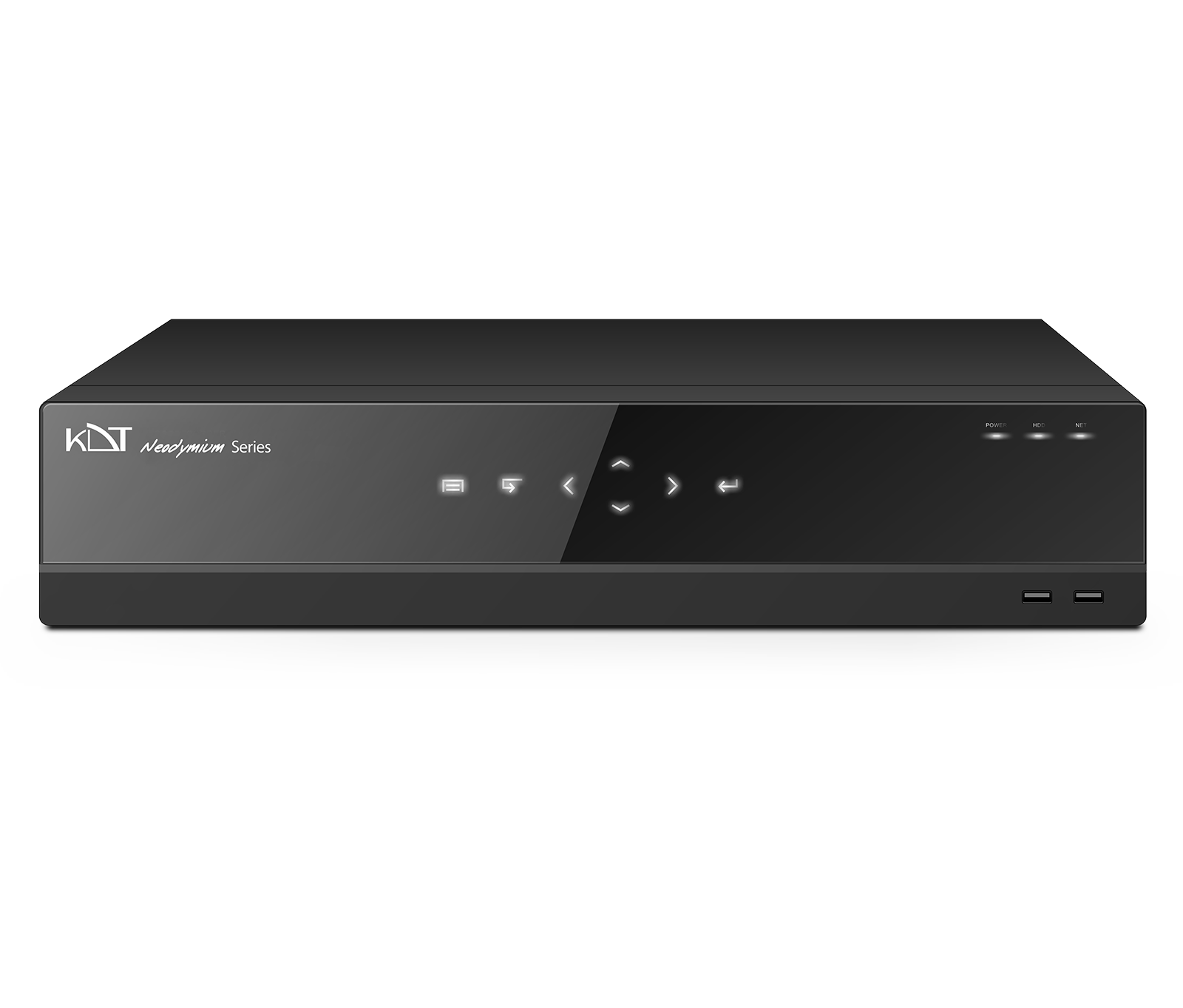 32 Channel 8 HDD 2U 8K NVRKN-3282NHR
- 32 Channel 8 HDD Hot Swap 2U 8K NVRKN-3282NHRW
- 32 Channel 8 HDD Hot Swap 2U 8K NVRKN-3282NHRWS
- 64 Channel 8 HDD 2U 8K NVRKN-6482NHR
- 64 Channel 8 HDD Hot Swap 2U 8K NVRKN-6482NHRWS
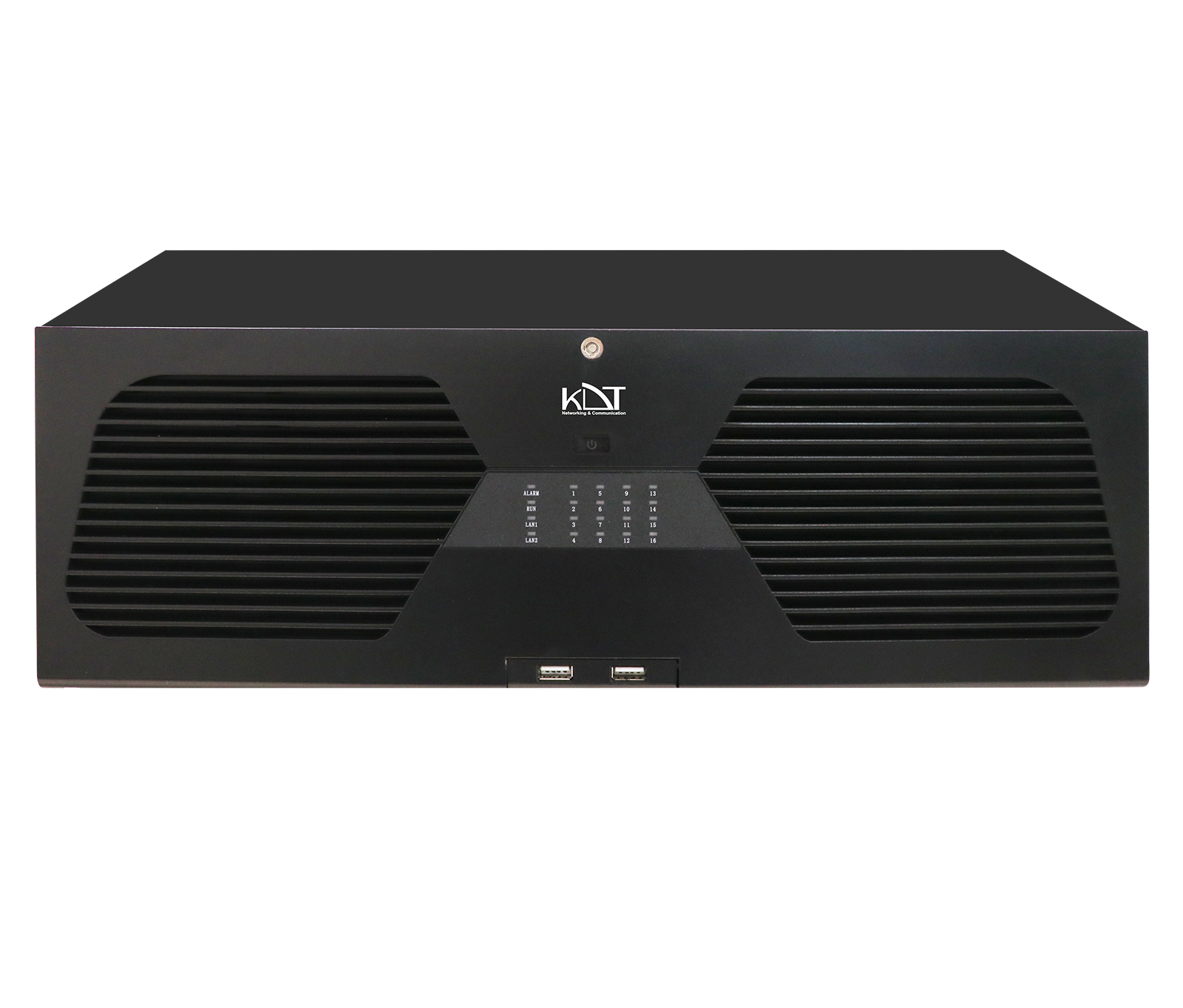 64 Channel 16 HDD Hot Swap 4U 8K NVRKN-64164NHRWS
- 128 Channel 16 HDD Hot Swap 4U 8K NVRKN-128164NHRWS