
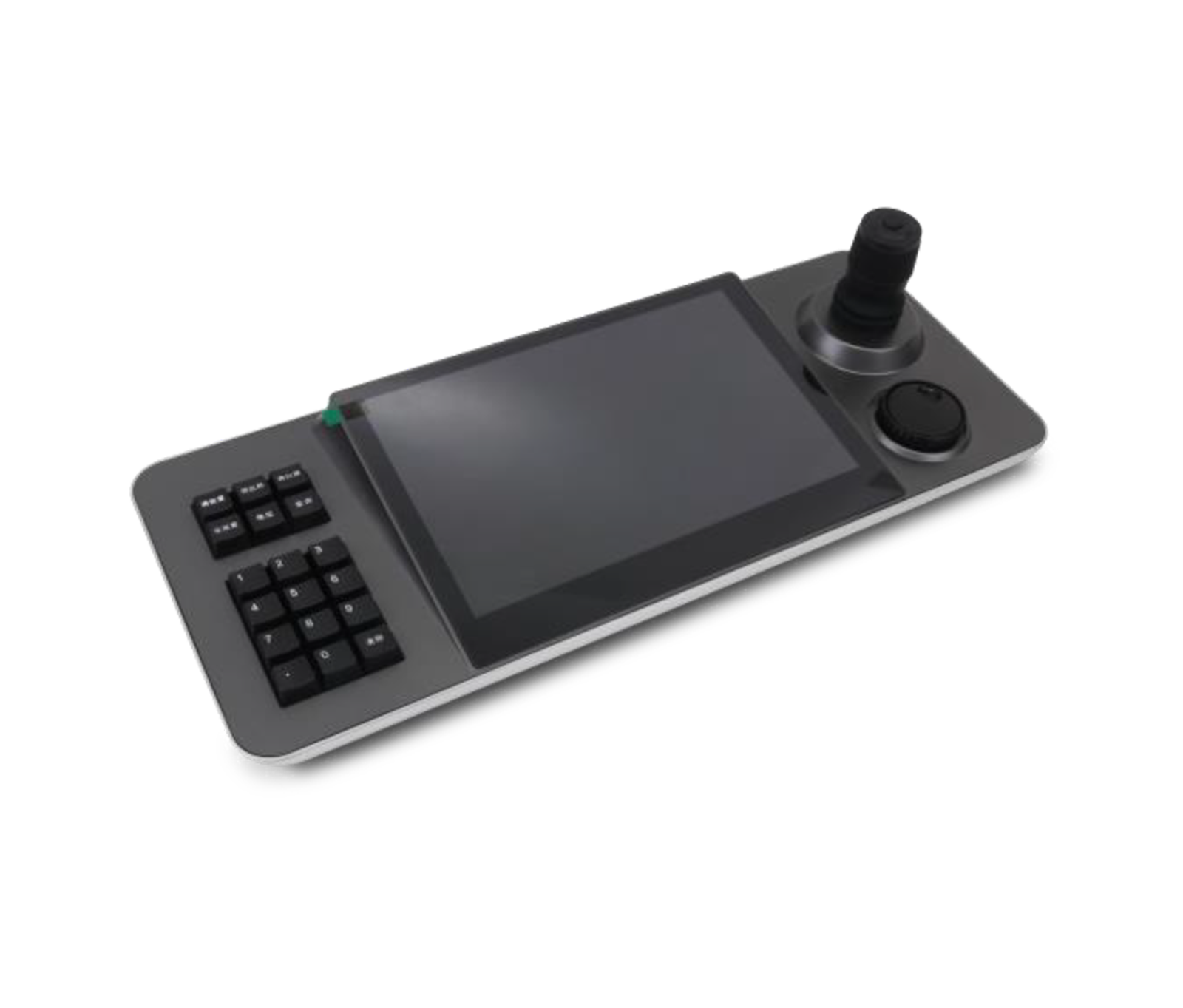
The KK-TS10 network keyboard controller from the Cuprium series is a surveillance management console that runs Android and has a 10.1-inch IPS touchscreen with high image quality.
Overview
The KK-TS10 network keyboard controller from the Cuprium series is a surveillance management console that runs Android and has a 10.1-inch IPS touchscreen with high image quality. With hardware decoding of video streams up to 4K and an HDMI output, this professional keyboard provides direct monitoring and control of up to 1,024 devices. A 4D joystick, ONVIF support and multiple interfaces, including network, RS232 and RS485, make it a powerful control hub for monitoring rooms and large projects.
Specification
- Type
- Android 6.0
- Display
- Support HDMI 4K@30fps
- Decoding Capability
-
Max Support h264 1x1080p@60fps
Max Support h264 4x720p@30fps
Max Support h265 1x4k@30fps
Support h264/
h265 - Protocol
- Support OEM, Support Onvif2.4
- Function
- Support Patrol 5.Support Pattern Support Preset Support PTZ Control Supports up to 1024 devices to add
- System Settings
- Support language settings Support password modification Support U disk upgrade
- Power
- DC 12V2A±10% Standard 5.5/2.1 Power interface
- Interfaces
-
A standard 3.5MM headphone jac
One HDMI Output,
Version 1.4 One Phoenix Port(RS485) One RJ45 (Network) One RS232 One USB2.0 - Operation Interface
- Support 4D Joystick, Support button
- Power Consumption
- >15W
- Standby current
- < 100mA
- Mean Time Between Failures
- >30000
- Working humidity
- 10%-90%RH
- Working Temp
- -10°C-40°C
- Storage Temperature
- -40°C-60°C
- Dimension
- 450*181*113mm
- Weight
- 1.580 Kg
Display
- Screen Size
- IPS 10.1 Inch Screen Resolution 1280*800 Capacitive Touch Screen
Downloads
Documentation
-
KK-TS10
Compare products
Compare this product with similar products
Please wait
Frequently asked questions: CCTV Cameras
Answers to common questions about this product line, from the KDT Help Center.
Why does my CCTV camera drop its connection from time to time?
Common causes include unstable power, an unreliable cable or link, heavy load, incorrect settings and firmware issues. Reviewing the event log and testing step by step will help you pinpoint the cause.
Does after-sales service for CCTV cameras continue after the warranty expires?
As long as a product can still be supported technically and its technology has not become obsolete, we can continue to provide repairs and spare parts after the warranty expires.
Do CCTV cameras need an internet connection?
Not necessarily for basic operation. Some management or remote-access features may require internet access, but local operation can work independently.
Does KDT offer advice on choosing CCTV cameras?
Yes. We offer expert consultation to assess your project's needs, select the equipment and design the solution. Getting this advice before you buy can help you avoid making the wrong choice.
Where should I start when choosing the right CCTV cameras?
Start by defining the intended use, the number of devices, the installation environment, the capacity required and your plans for future expansion. Then choose the model and technical specifications based on what the project actually needs.
Didn’t find your answer?
Related products
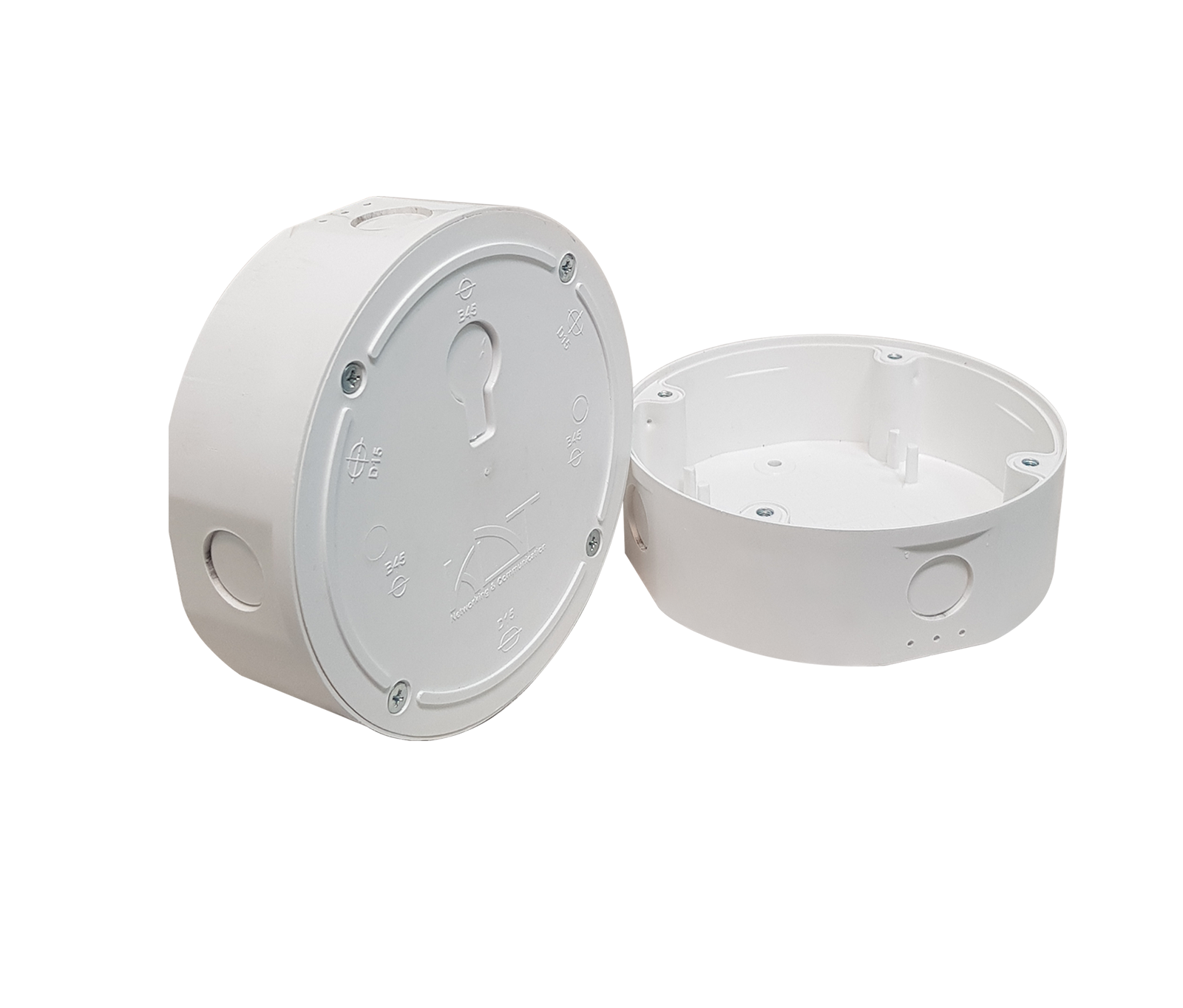 Junction BoxKJ-D15B45 / KJ-ECOB25
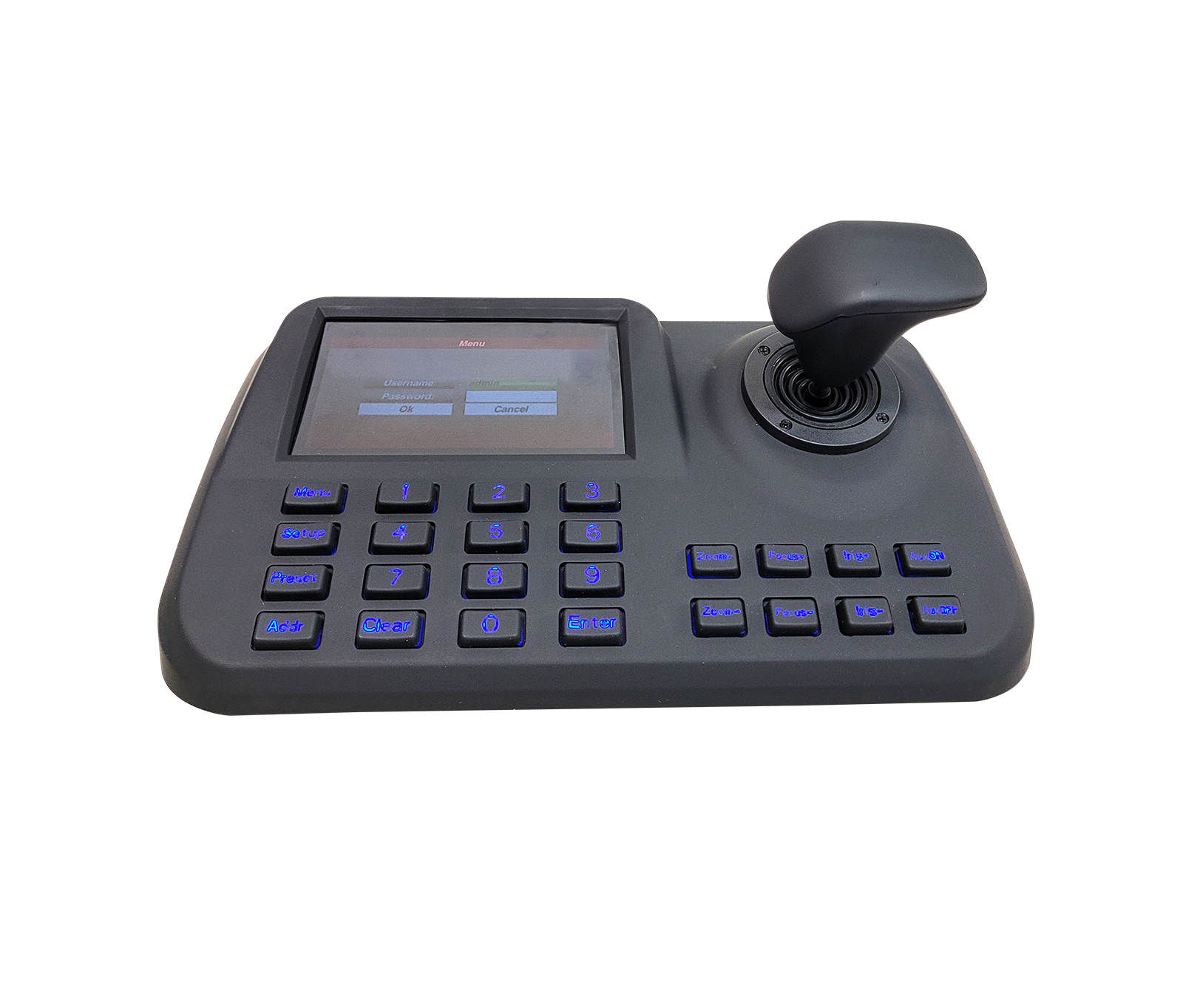 Network Keyboard ControllerKK-DH65
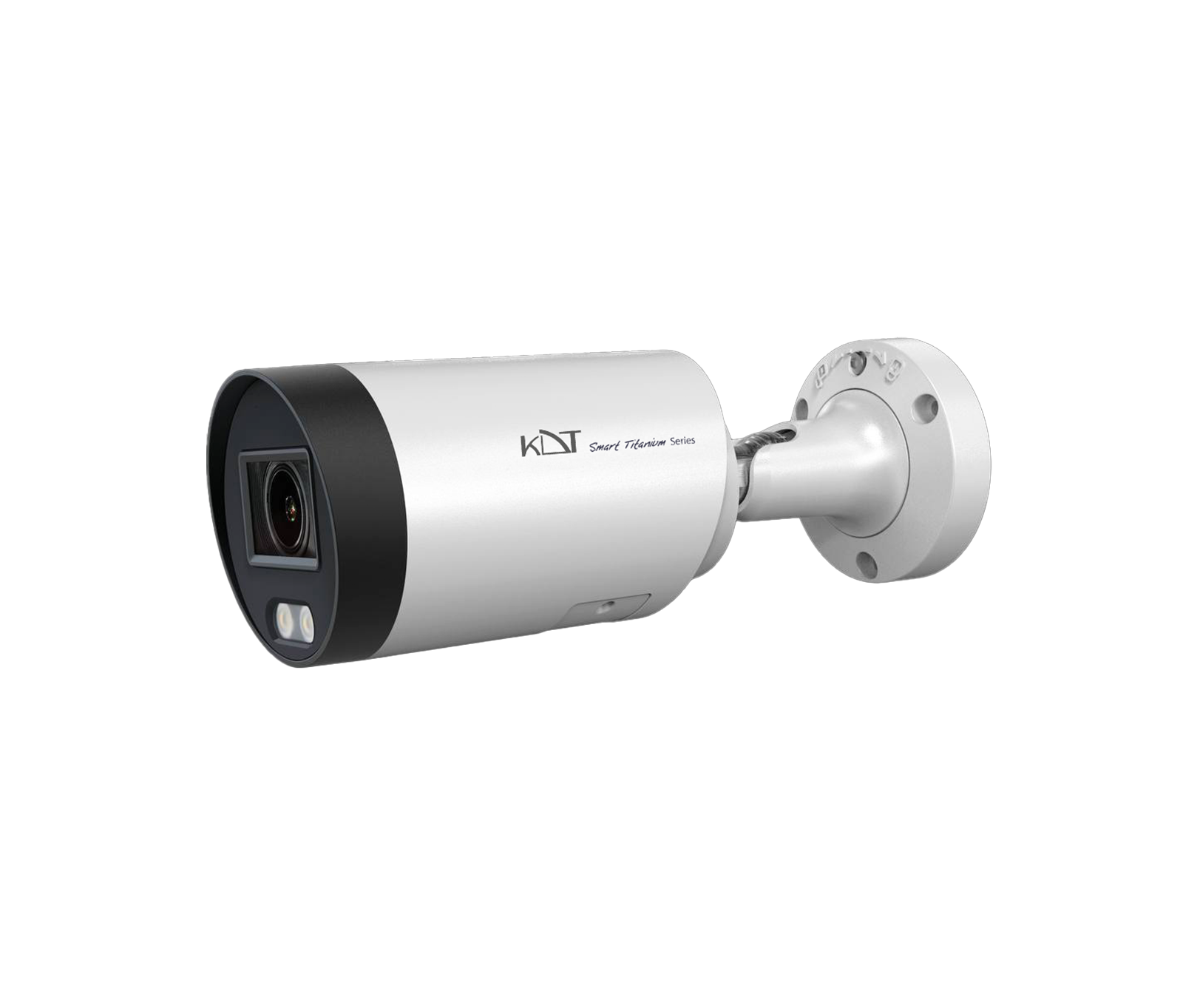 4 MP Full Color Fixed Bullet CameraKI-B35ST40F-TCSM
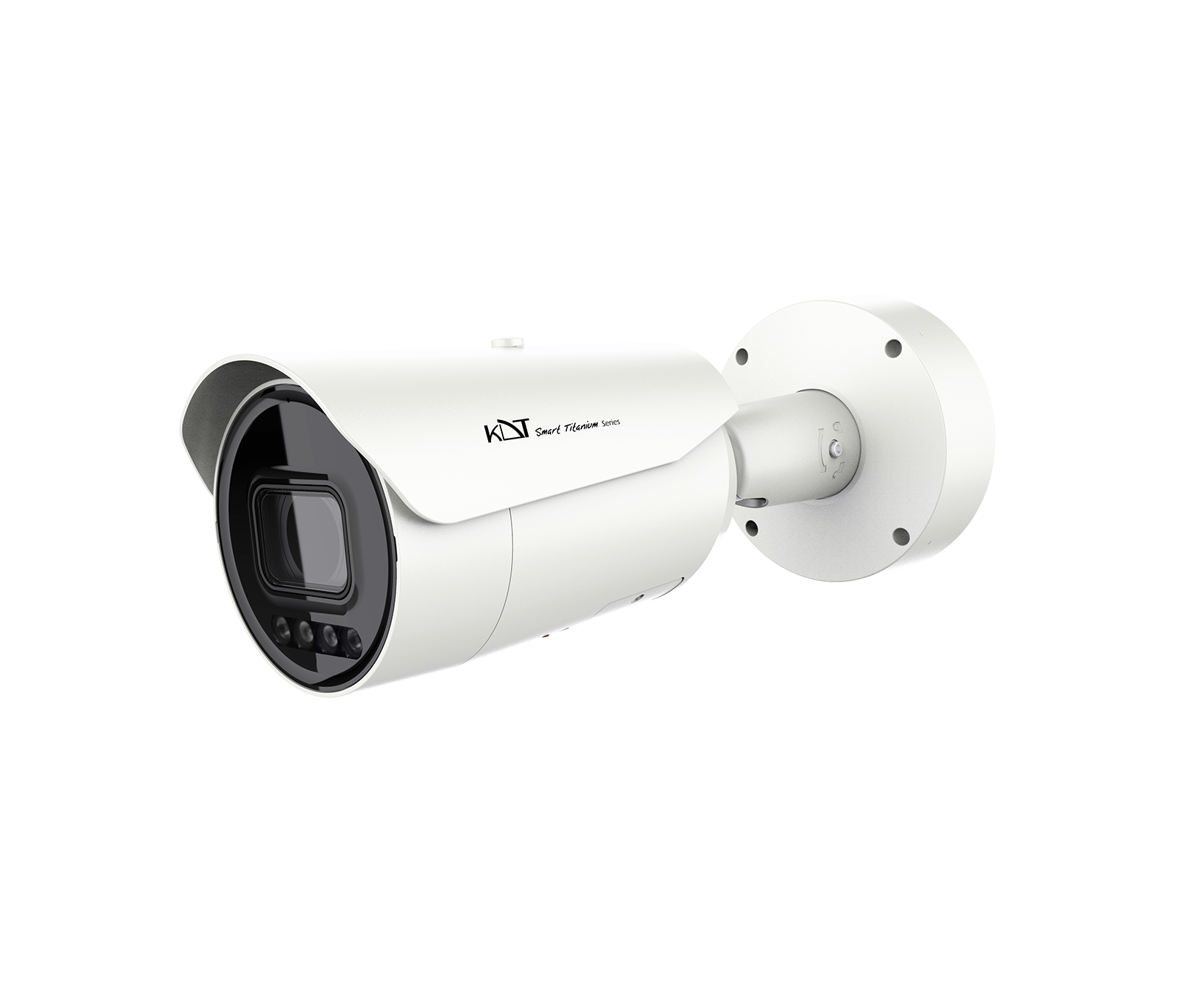 4MP Full Color Motorized Bullet CameraKI-B85ST40A-TCSM
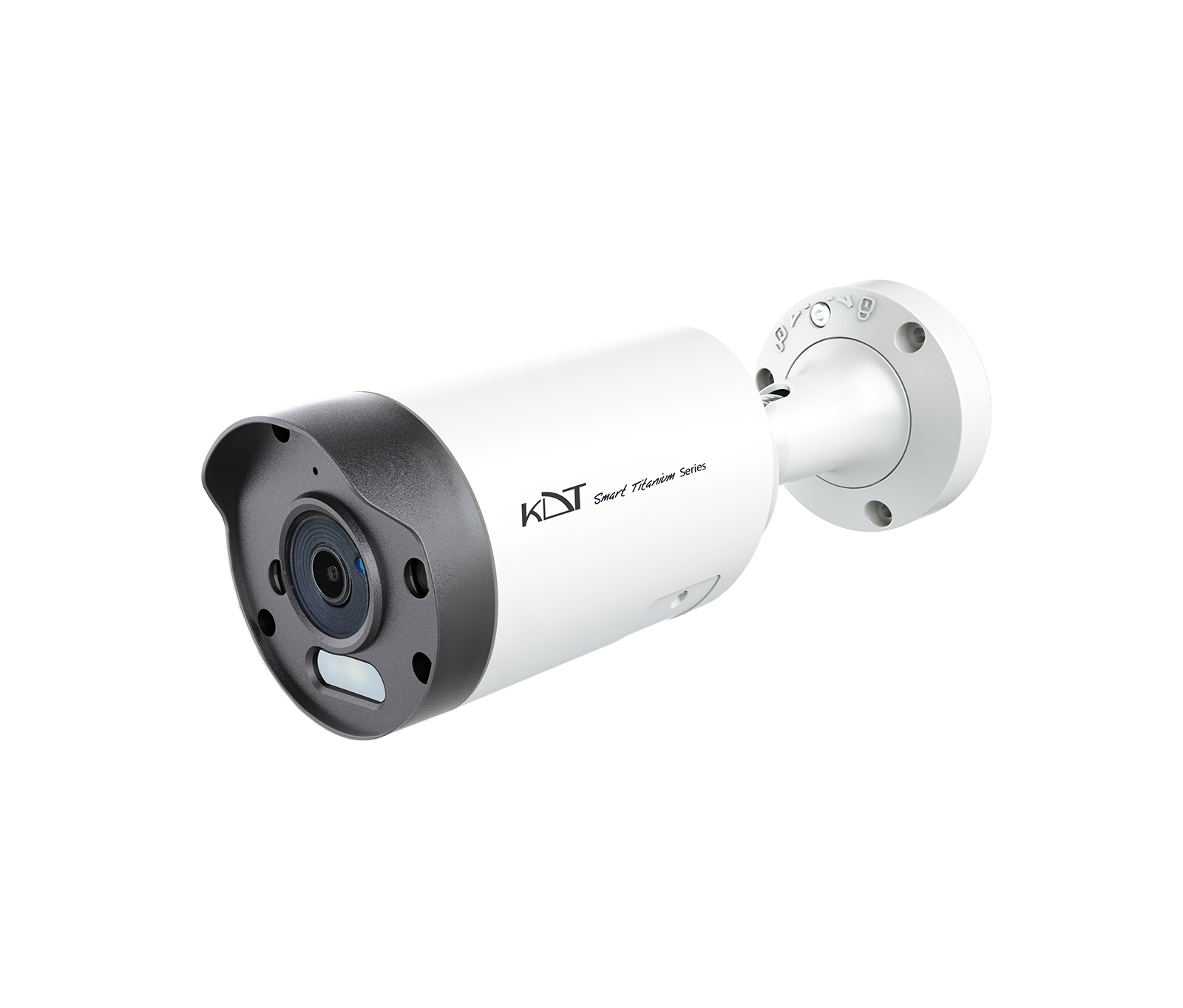 6 MP Smart Dual Light Fixed Bullet CameraKI-B35ST60F-i40TSMU
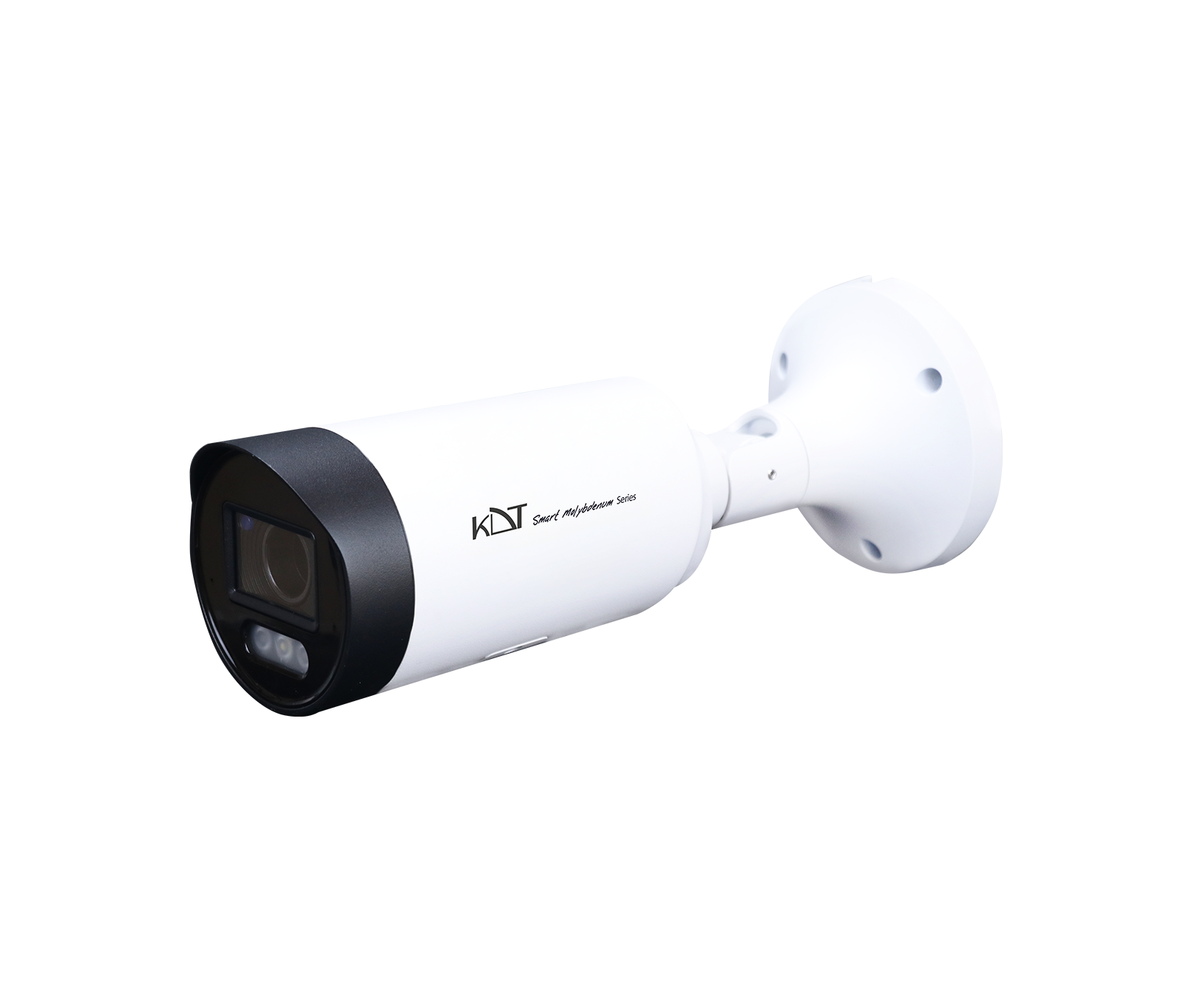 6MP AI ISP Smart Dual Light Motorized Bullet CameraKI-B55ST60A-i70TSMU
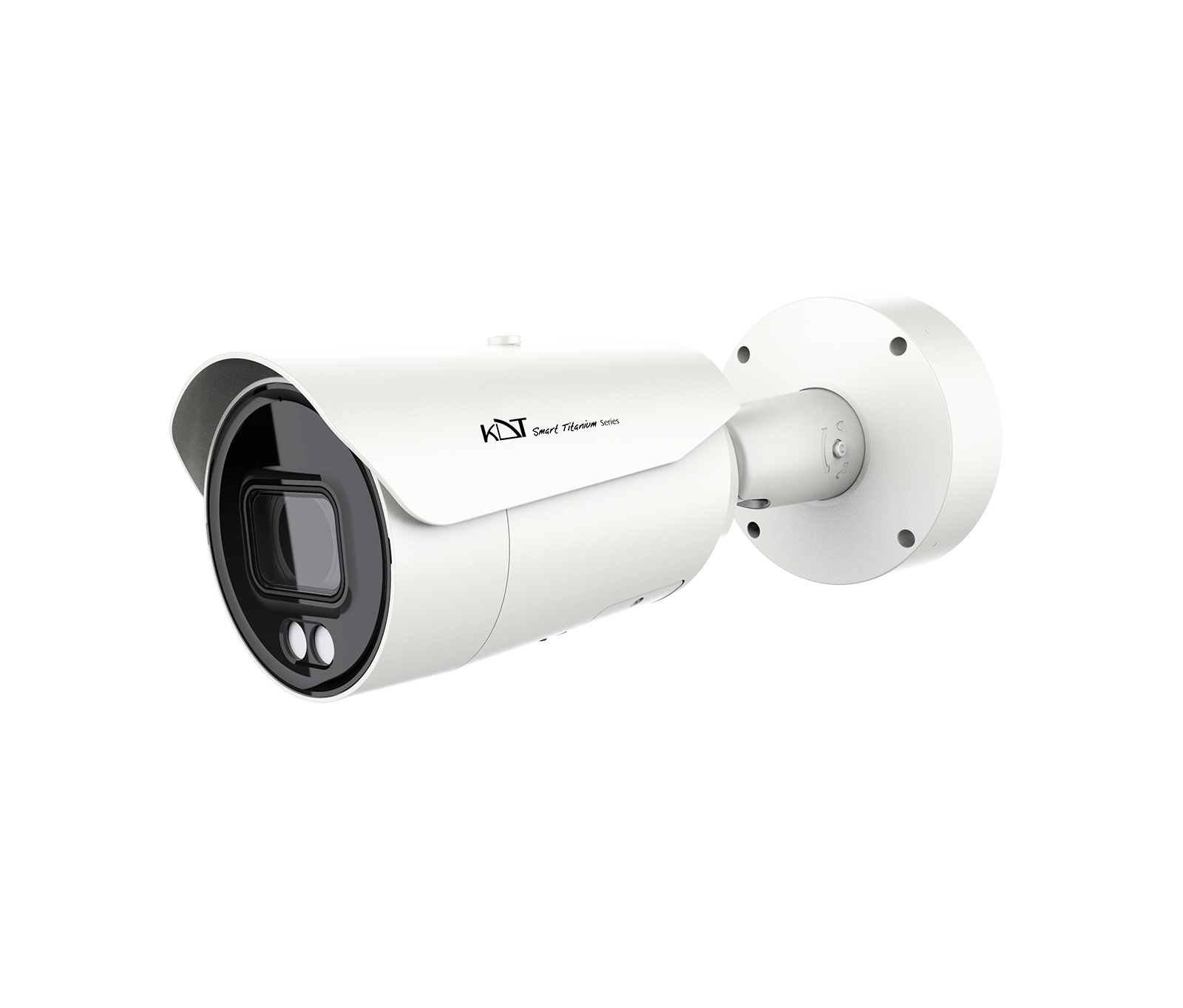 6 MP IR Motorized Bullet CameraKI-B85ST60A-i100TSMR
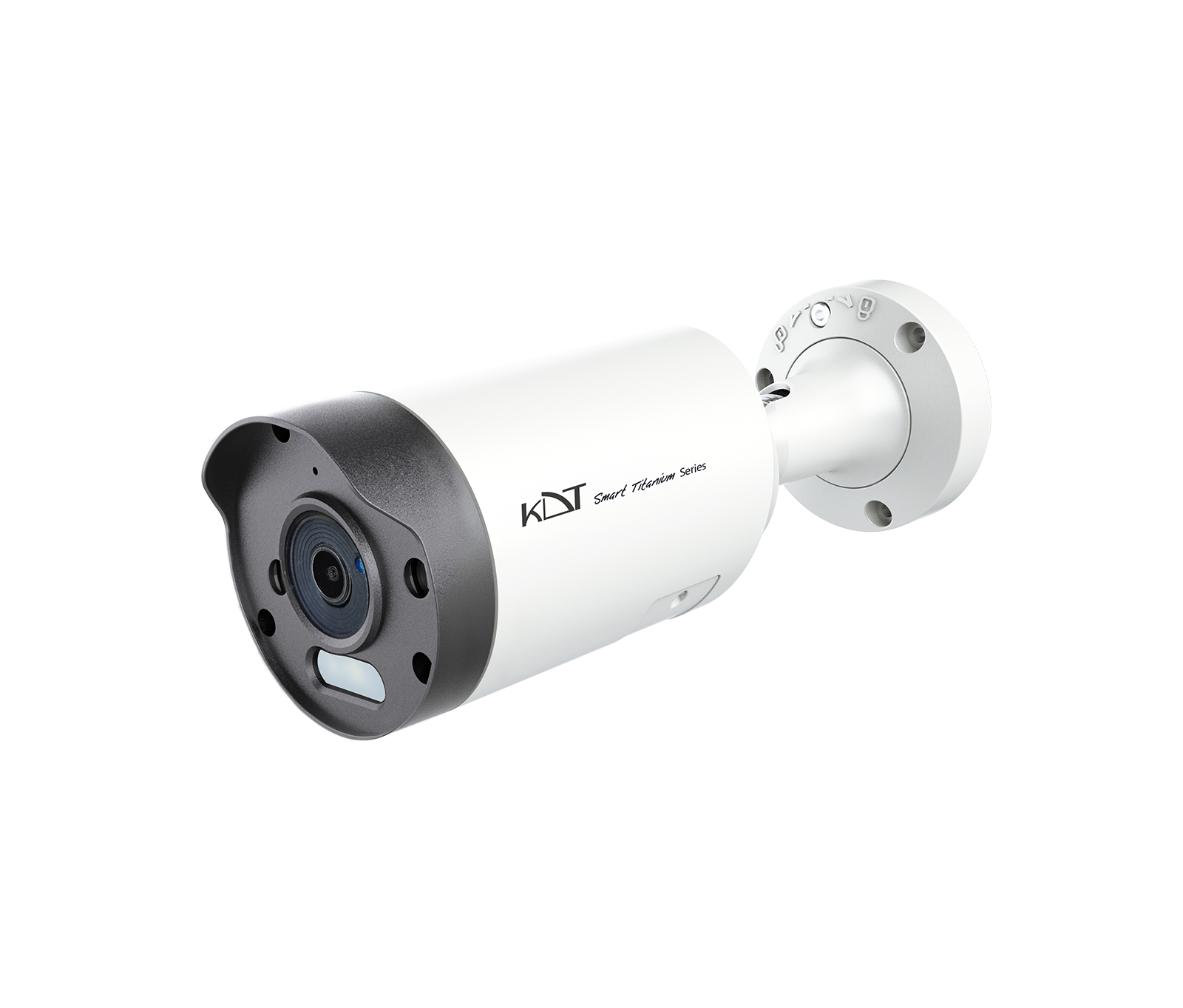 8 MP Smart Dual Light Fixed Bullet CameraKI-B35ST80F-i40TSMU
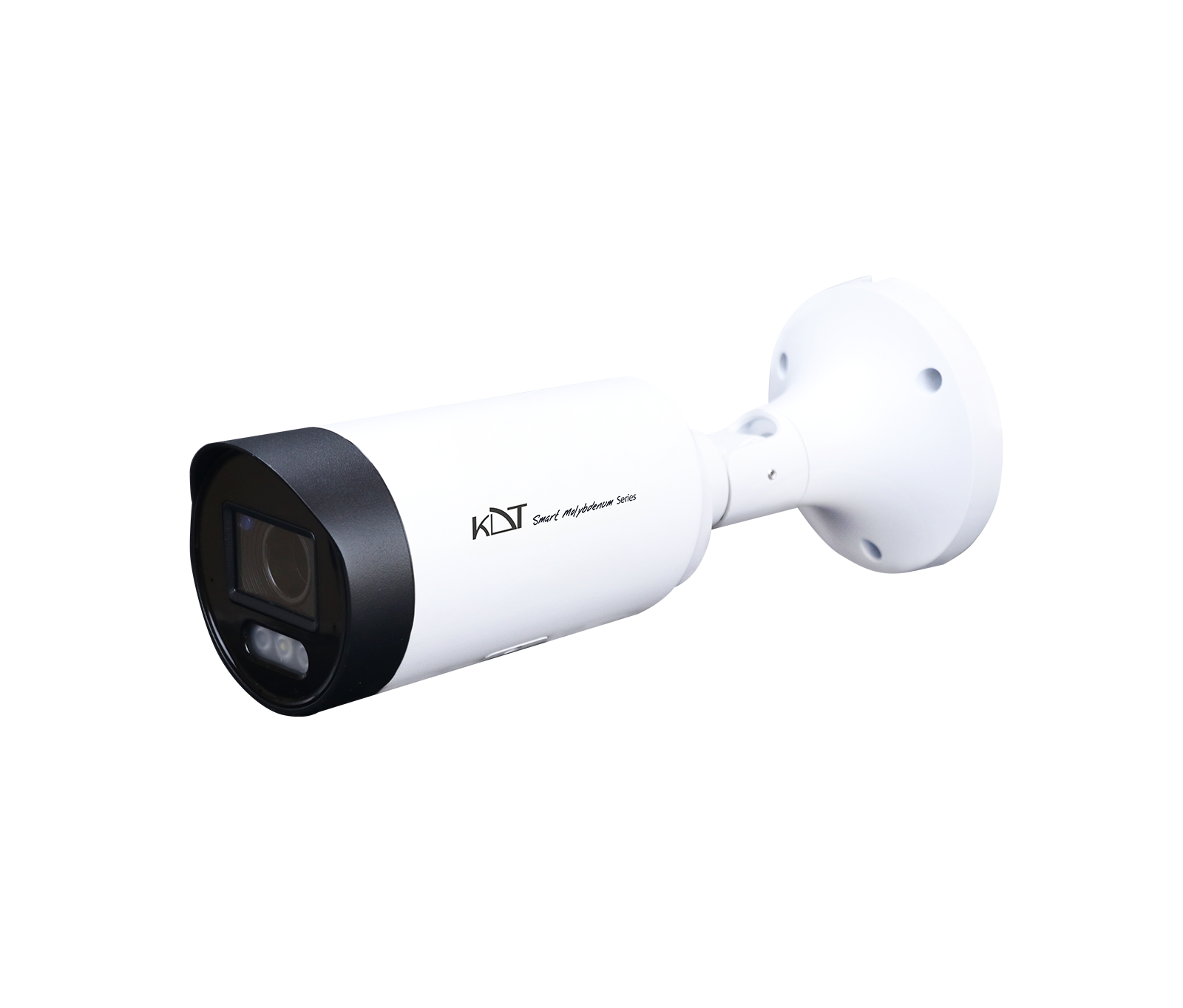 8MP AI ISP Smart Dual Light Motorized Bullet Network CameraKI-B55ST80A-i70TSMU
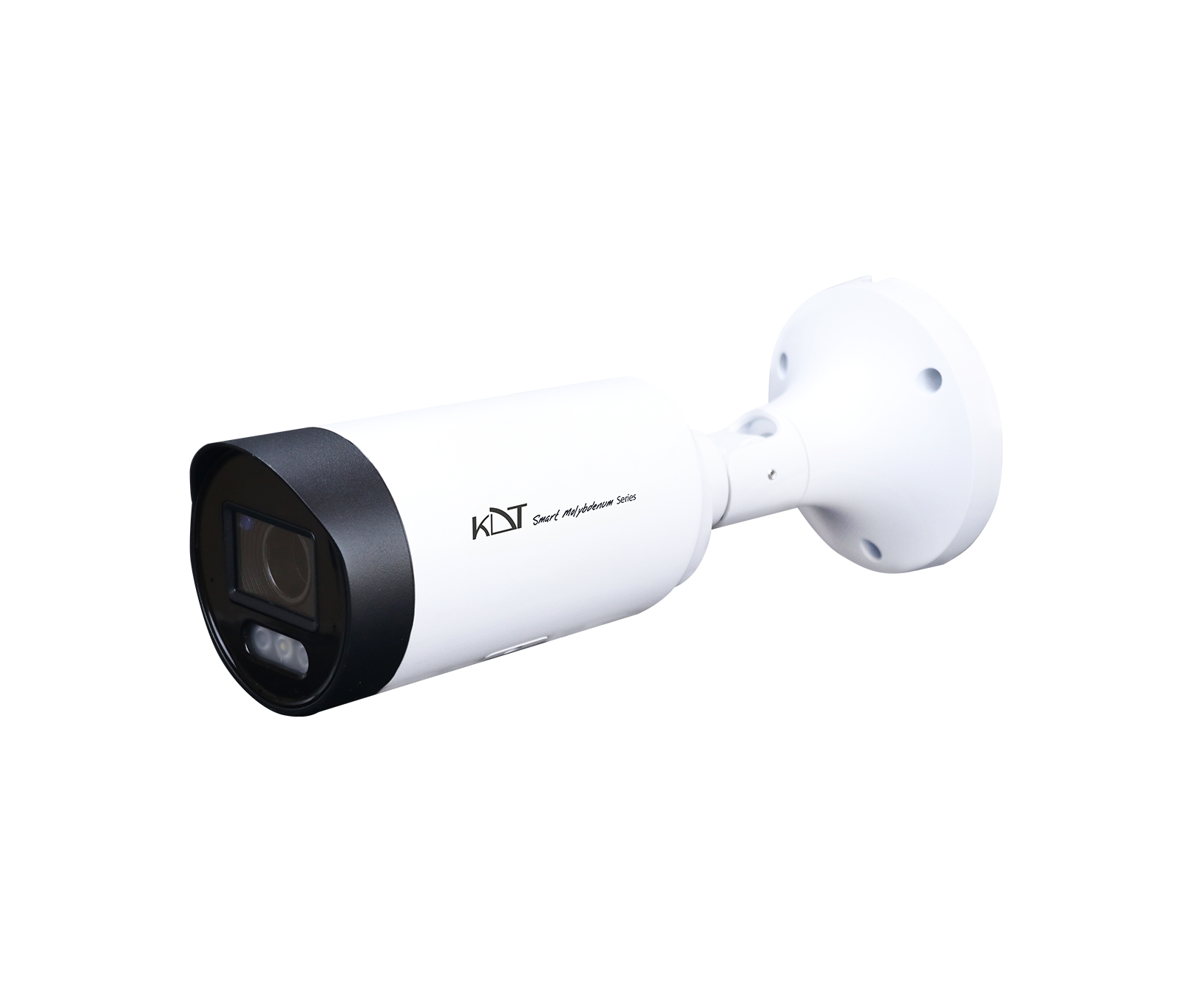 8MP Active Deterrence Motorized Bullet CameraKI-B55ST80A-i70TSMPUR
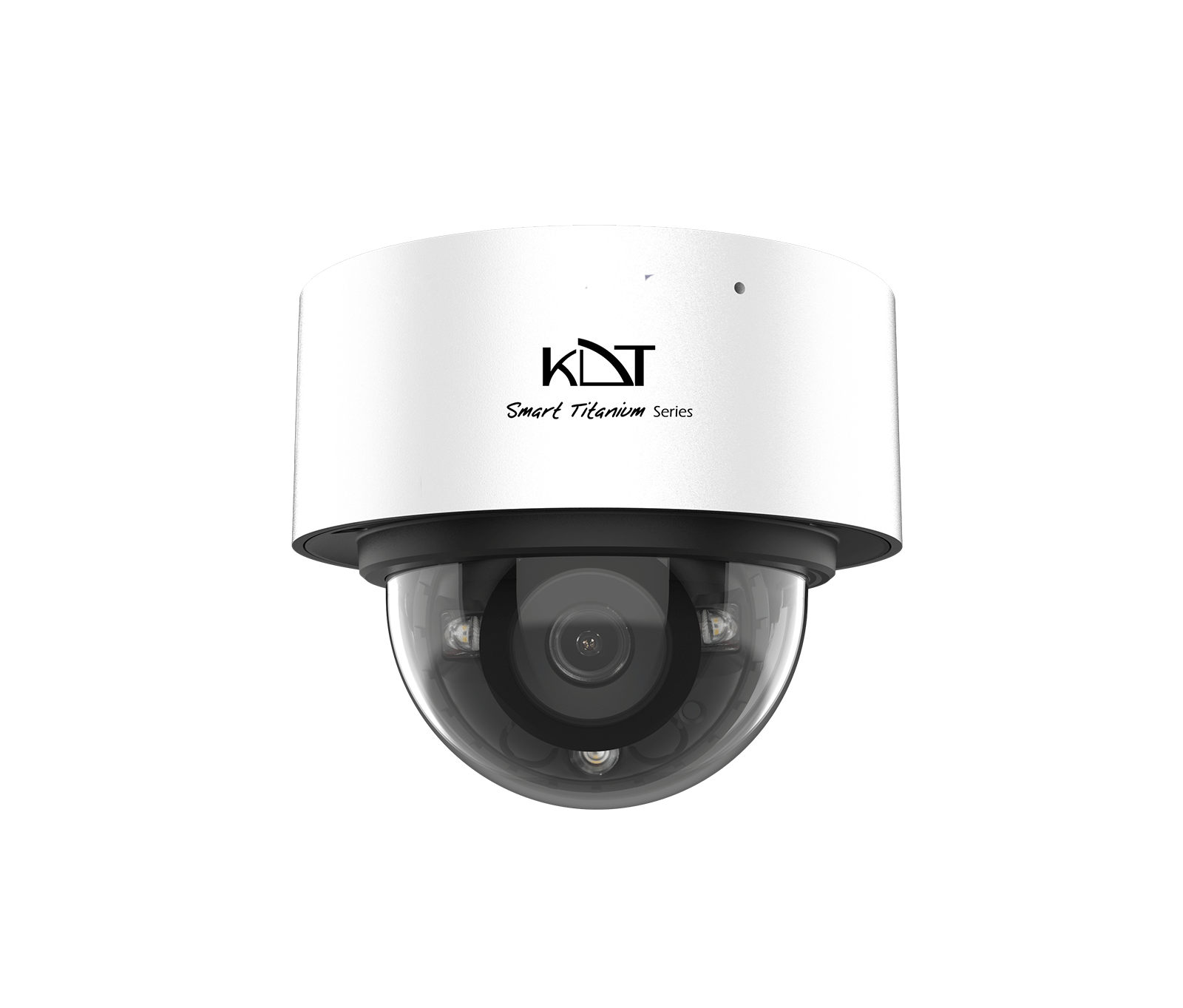 6 MP Smart Dual Light Fixed Dome CameraKI-D15ST60F-i30TSMU
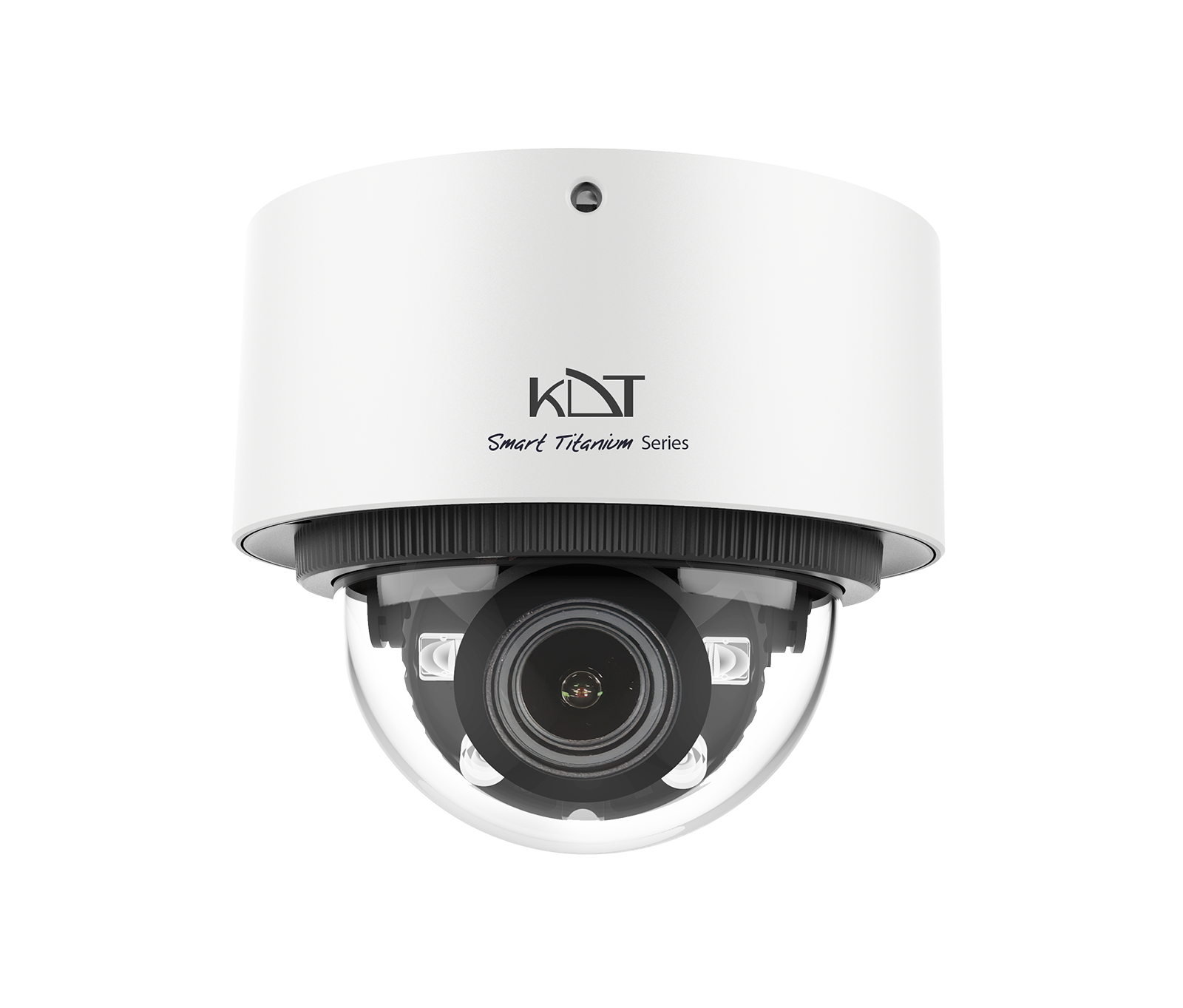 6MP AI ISP Smart Dual Light Motorized Dome CameraKI-D25ST60A-i50TSMU