
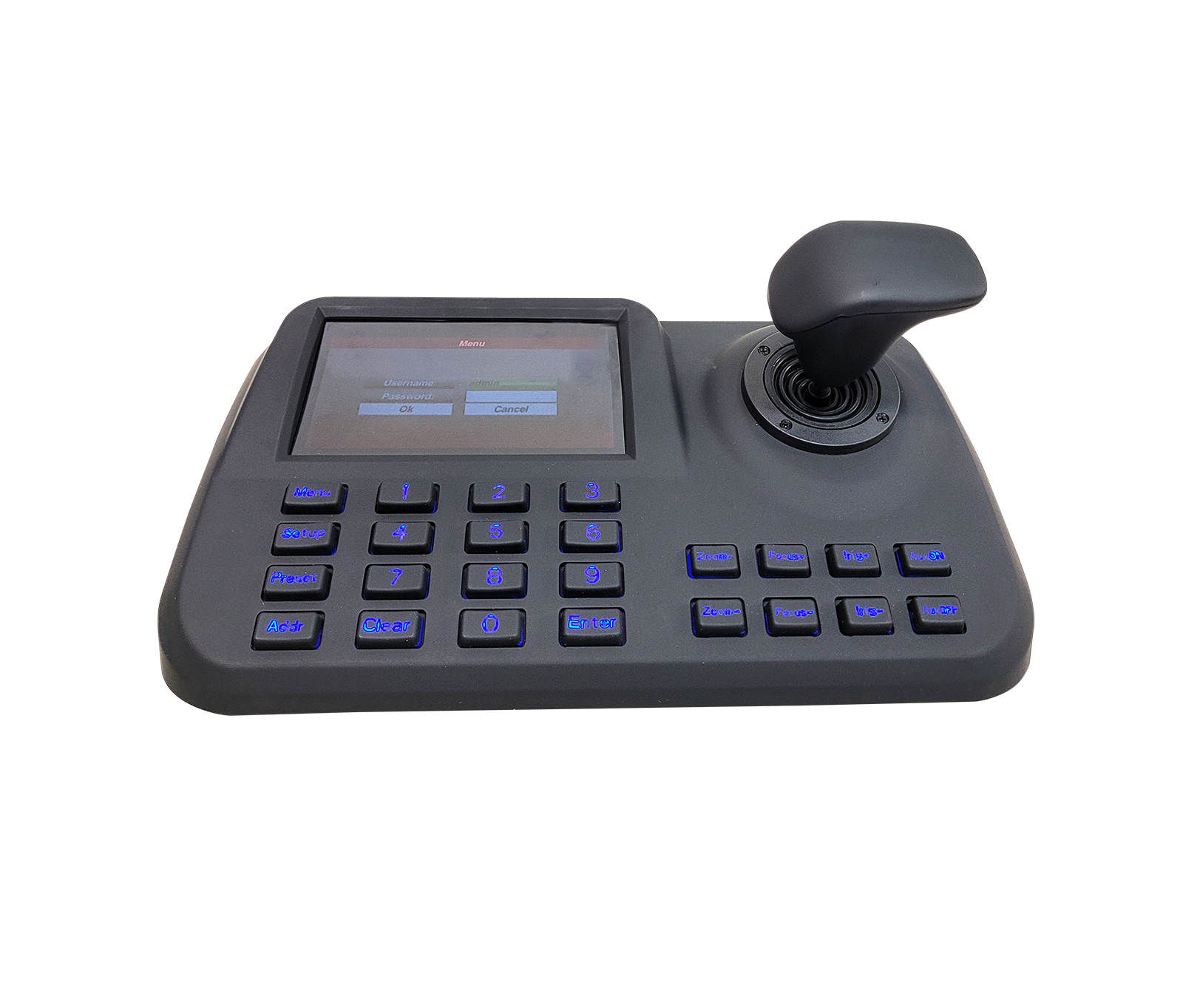
The KK-DH65 network keyboard controller from KDT's Cuprium series is a practical, comfortable-to-use tool for steering and controlling PTZ cameras in monitoring rooms.
Overview
The KK-DH65 network keyboard controller from KDT's Cuprium series is a practical, comfortable-to-use tool for steering and controlling PTZ cameras in monitoring rooms. It has a high-precision 3-axis joystick and a dedicated 5-inch HD display, and supports multiple connection types, including network and serial ports (RS485/RS232/RS422). Its ergonomic design and control keys make it easy for video surveillance operators to steer and rotate cameras quickly and set presets.
Specification
- Type
- Network Keyboard Controller
- Color
- Black
- Control Mode
- Network
- Screen display
- 5.0» HD LED Display
- Interfaces
- 1 RS232/2 RS485, RJ-45, RS232, RS422 (reserved), RS485, USB
- Ambient Temp
-
-10°~+
55° - Power Supply
-
Input 100V~240V 50Hz/
60Hz Output DC12V/2A Power Adapter - Power Consumption
- 5W
- ONVIF
- Support
- Joystick
- Joystick 3-Axis Return to Center Head Vector-Solving With Twisting
- Language
- Chinese, English
- Access Device No
- No Upper Limit-Display by Single Picture
- Dimension
- 360*160*48 mm
- Weight
- 1.5kg (Including package)
Downloads
Documentation
-
KK-DH65
Compare products
Compare this product with similar products
Please wait
Frequently asked questions: CCTV Cameras
Answers to common questions about this product line, from the KDT Help Center.
Why does my CCTV camera drop its connection from time to time?
Common causes include unstable power, an unreliable cable or link, heavy load, incorrect settings and firmware issues. Reviewing the event log and testing step by step will help you pinpoint the cause.
Does after-sales service for CCTV cameras continue after the warranty expires?
As long as a product can still be supported technically and its technology has not become obsolete, we can continue to provide repairs and spare parts after the warranty expires.
Do CCTV cameras need an internet connection?
Not necessarily for basic operation. Some management or remote-access features may require internet access, but local operation can work independently.
Does KDT offer advice on choosing CCTV cameras?
Yes. We offer expert consultation to assess your project's needs, select the equipment and design the solution. Getting this advice before you buy can help you avoid making the wrong choice.
Where should I start when choosing the right CCTV cameras?
Start by defining the intended use, the number of devices, the installation environment, the capacity required and your plans for future expansion. Then choose the model and technical specifications based on what the project actually needs.
Didn’t find your answer?
Related products
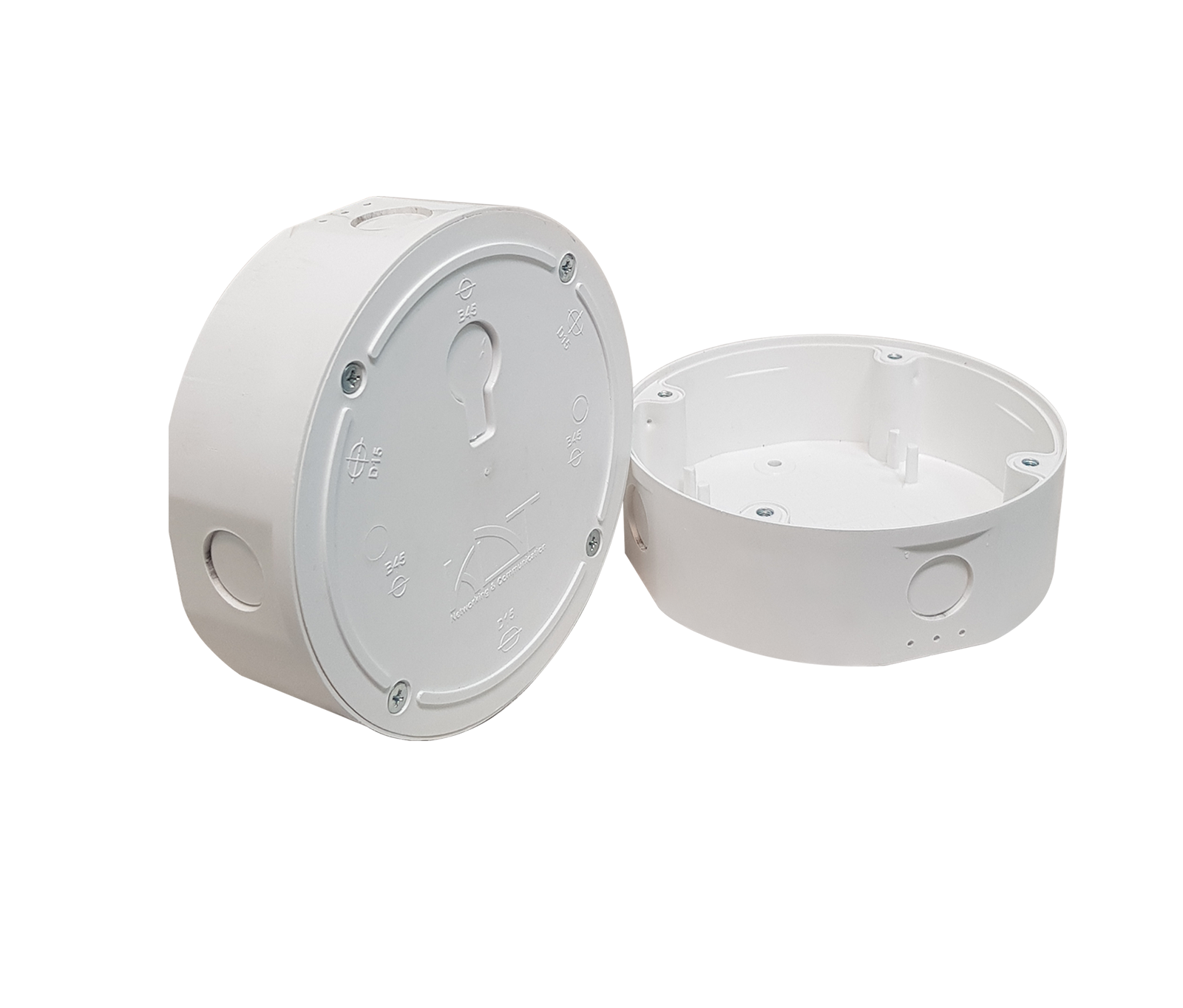 Junction BoxKJ-D15B45 / KJ-ECOB25
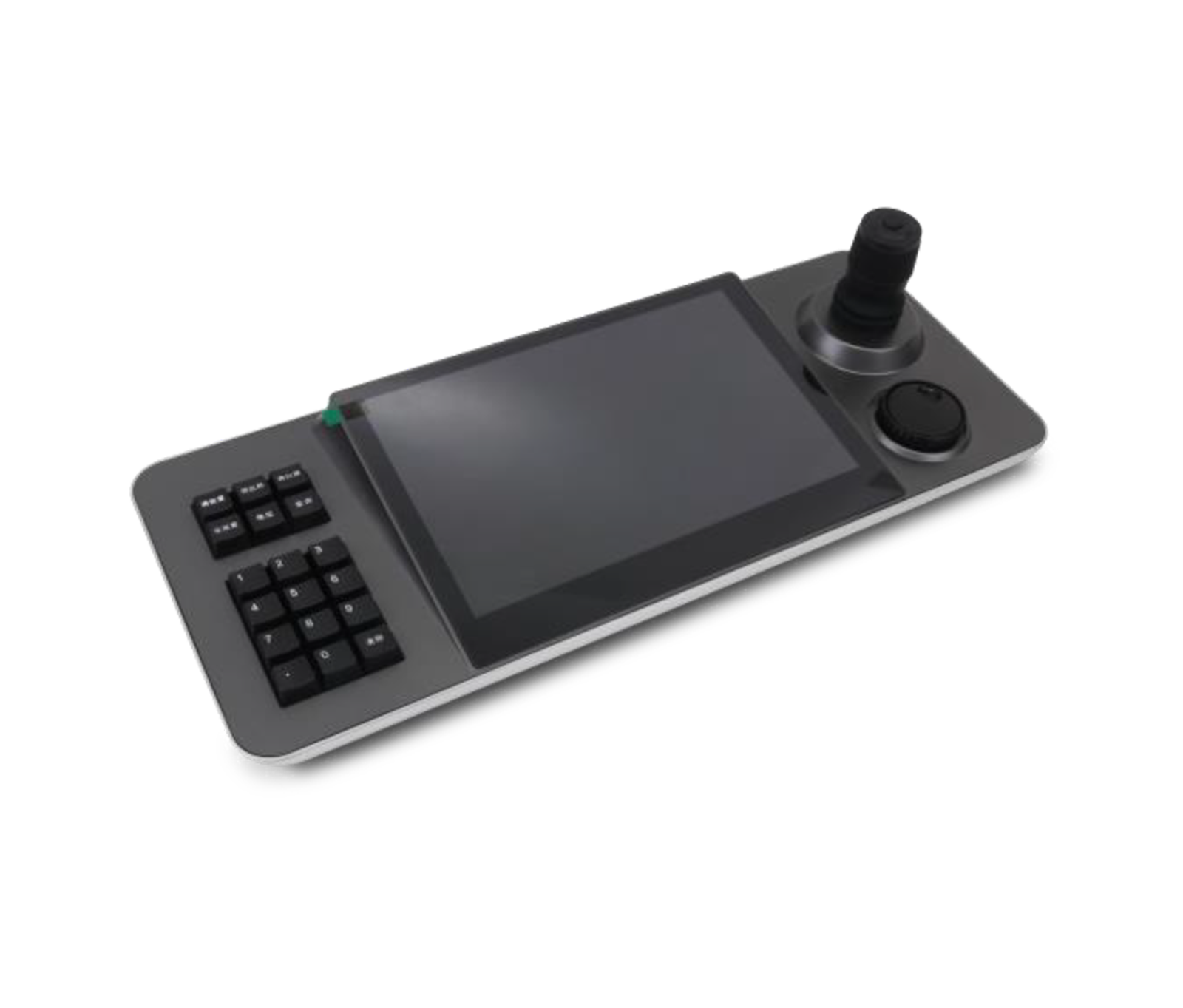 Touchscreen Network Keyboard ControllerKK-TS10
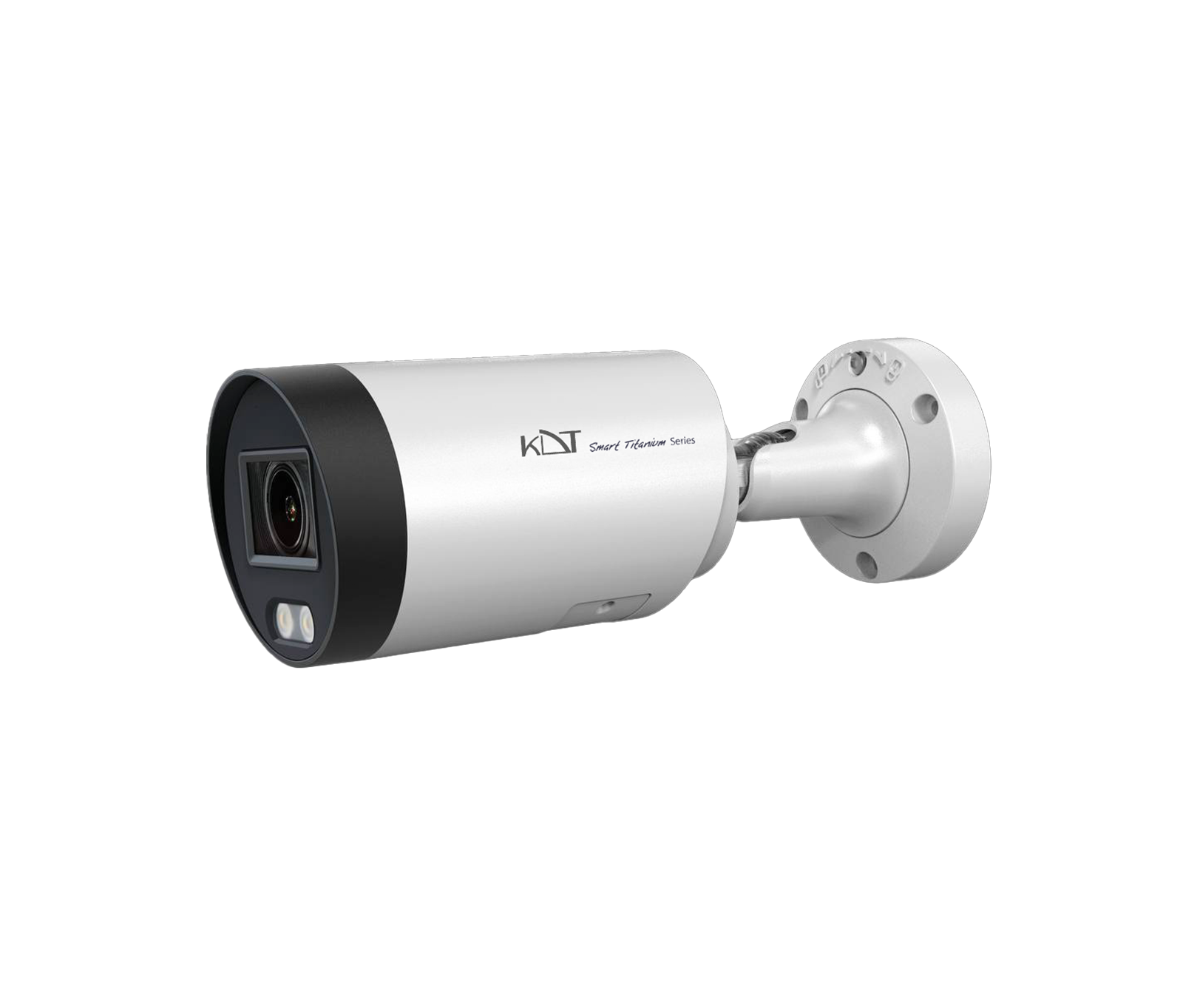 4 MP Full Color Fixed Bullet CameraKI-B35ST40F-TCSM
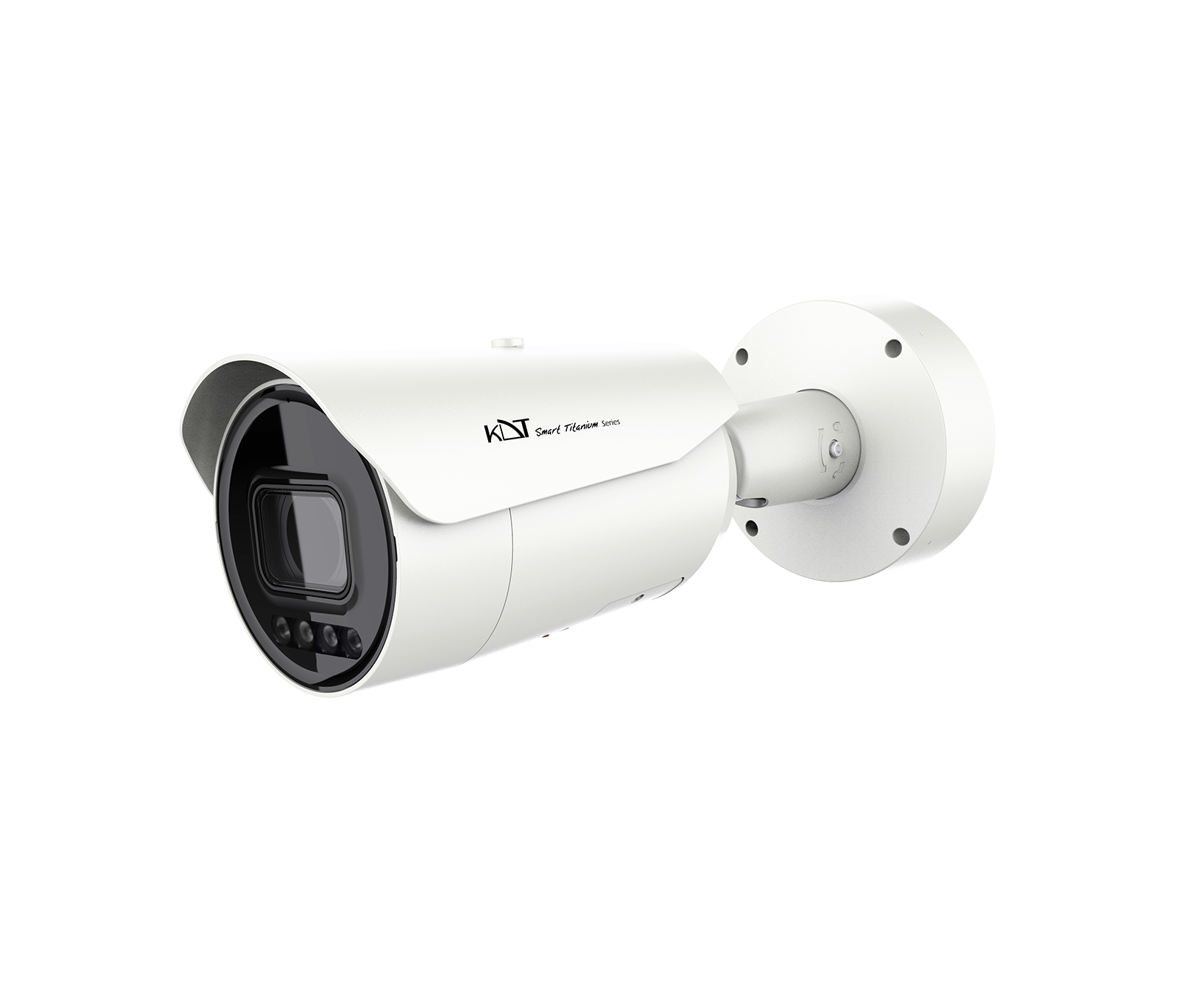 4MP Full Color Motorized Bullet CameraKI-B85ST40A-TCSM
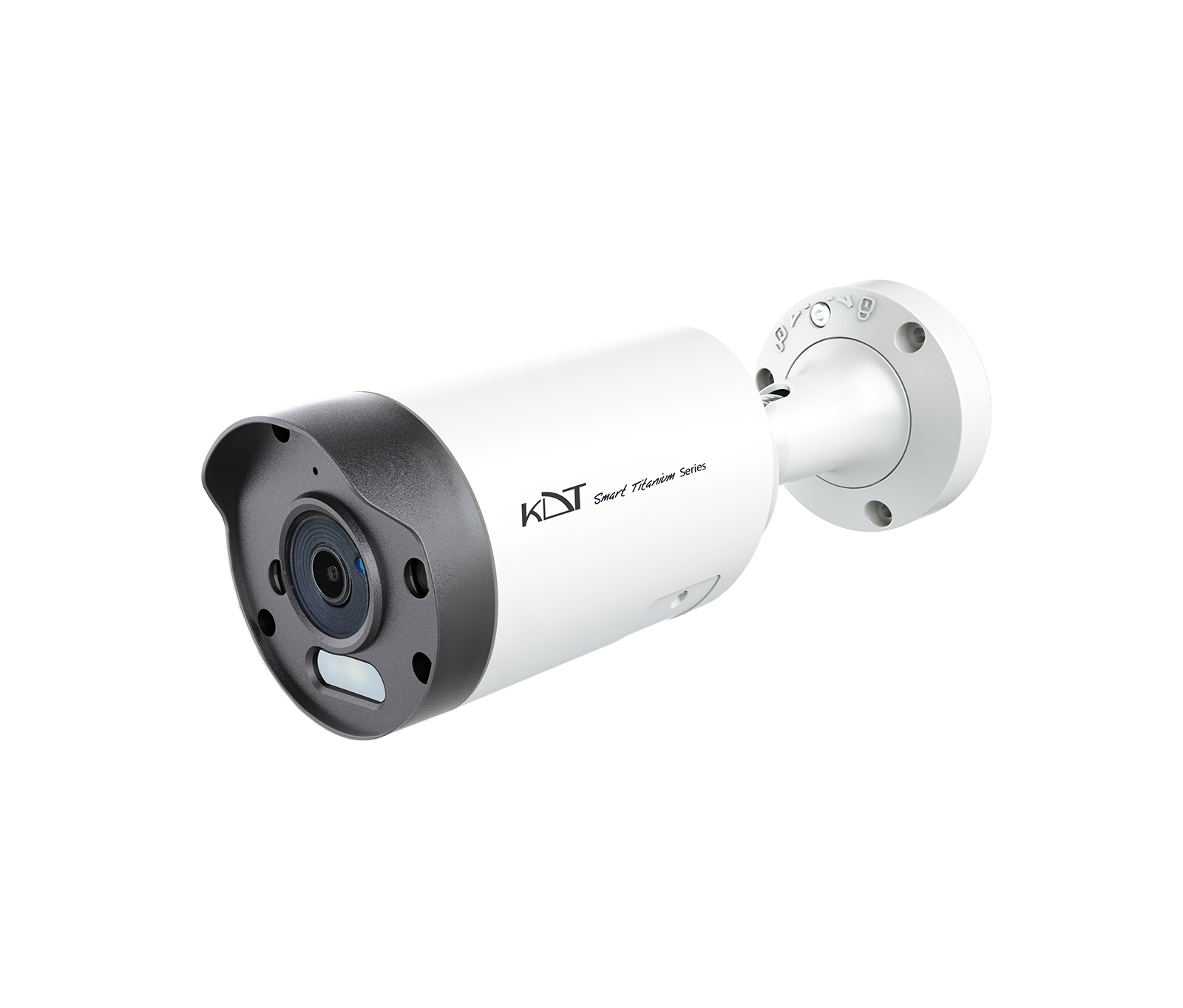 6 MP Smart Dual Light Fixed Bullet CameraKI-B35ST60F-i40TSMU
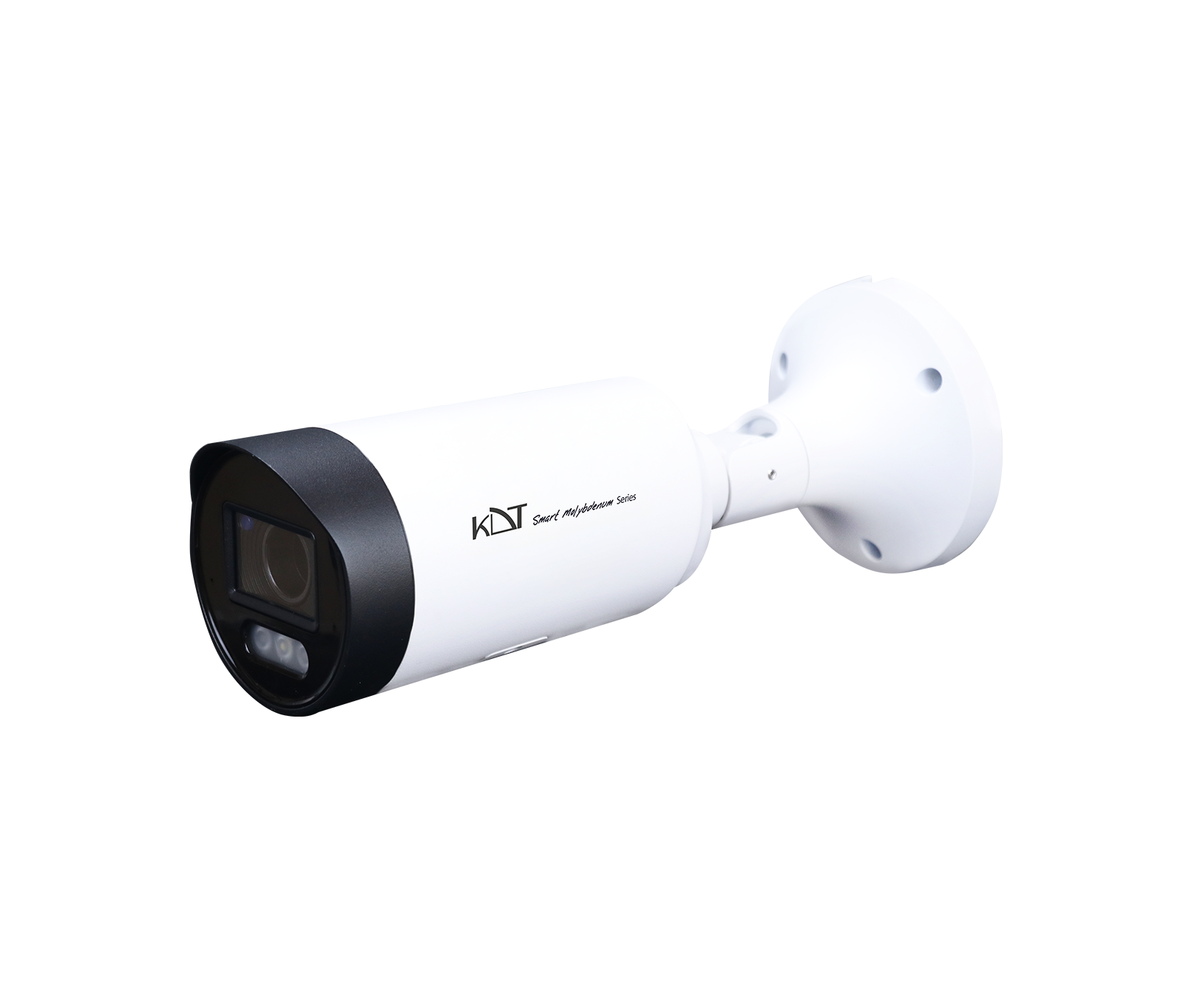 6MP AI ISP Smart Dual Light Motorized Bullet CameraKI-B55ST60A-i70TSMU
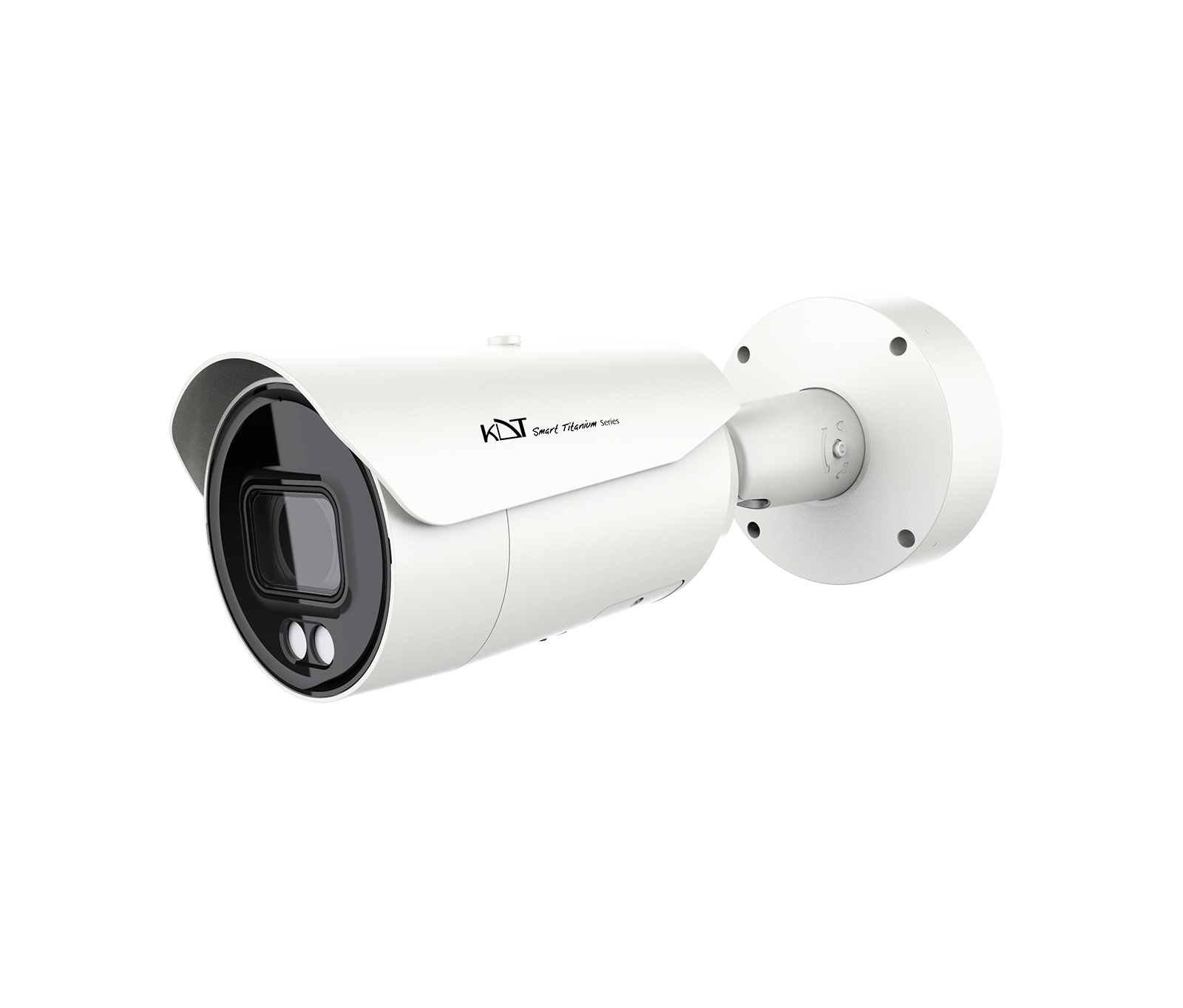 6 MP IR Motorized Bullet CameraKI-B85ST60A-i100TSMR
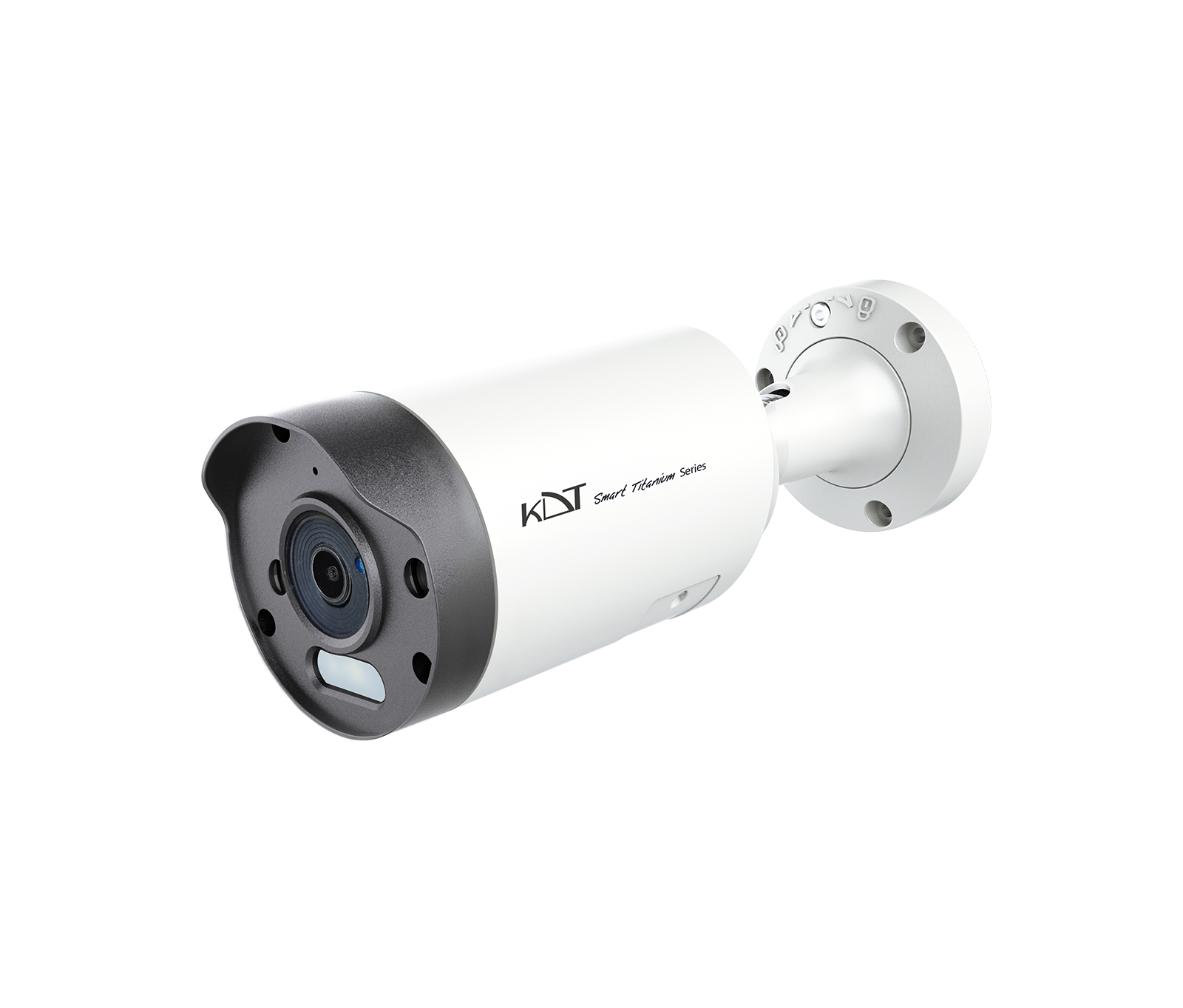 8 MP Smart Dual Light Fixed Bullet CameraKI-B35ST80F-i40TSMU
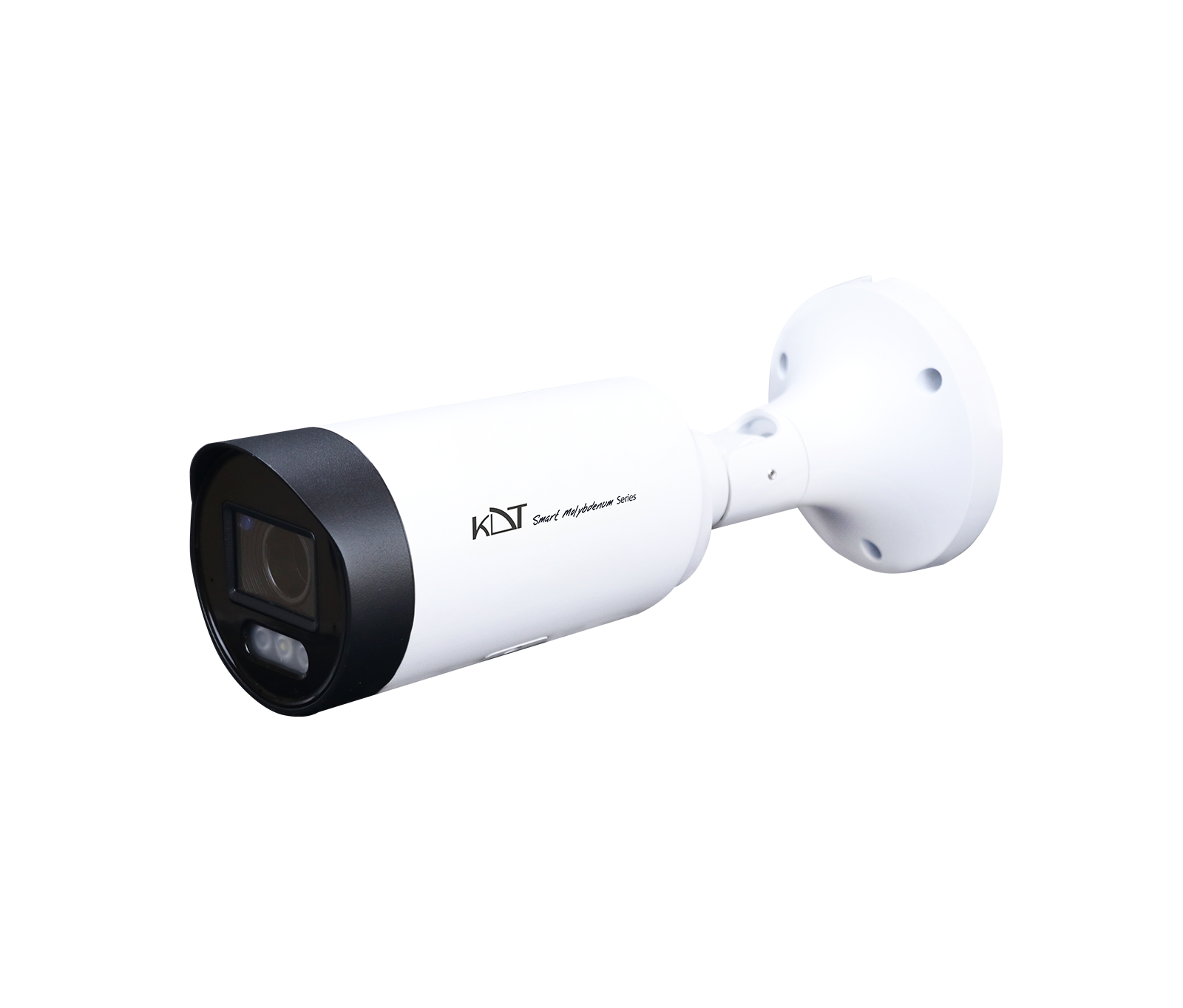 8MP AI ISP Smart Dual Light Motorized Bullet Network CameraKI-B55ST80A-i70TSMU
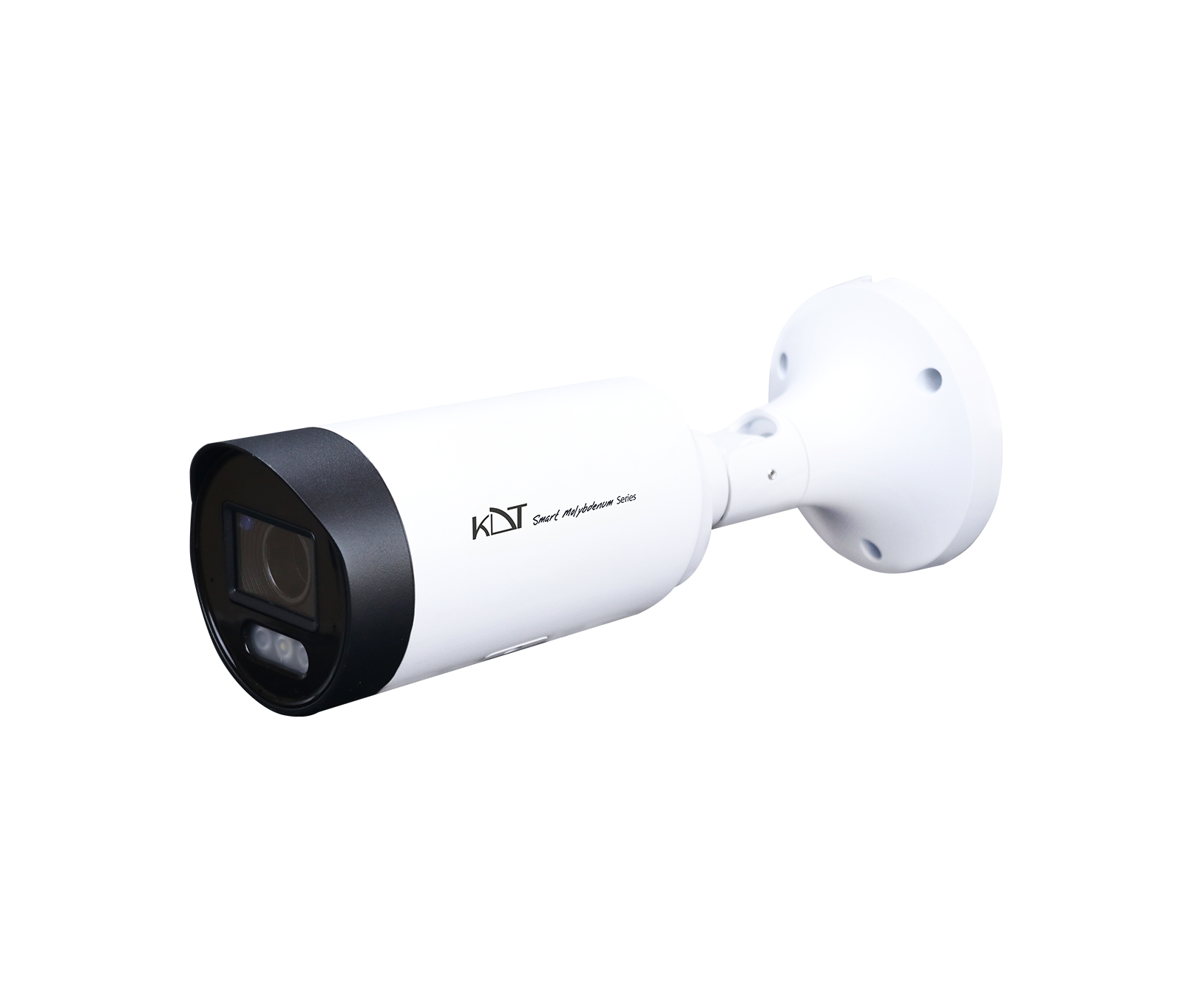 8MP Active Deterrence Motorized Bullet CameraKI-B55ST80A-i70TSMPUR
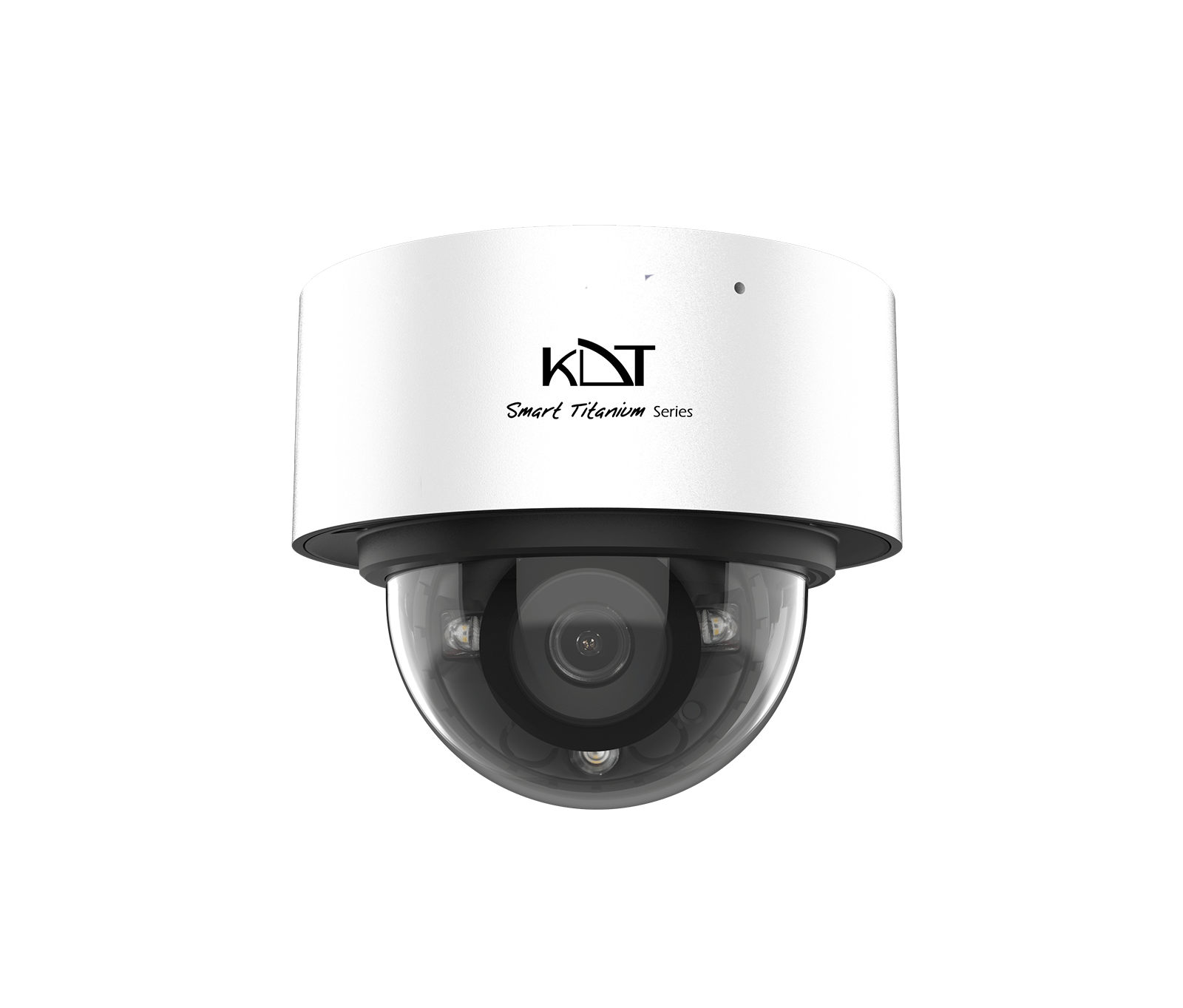 6 MP Smart Dual Light Fixed Dome CameraKI-D15ST60F-i30TSMU
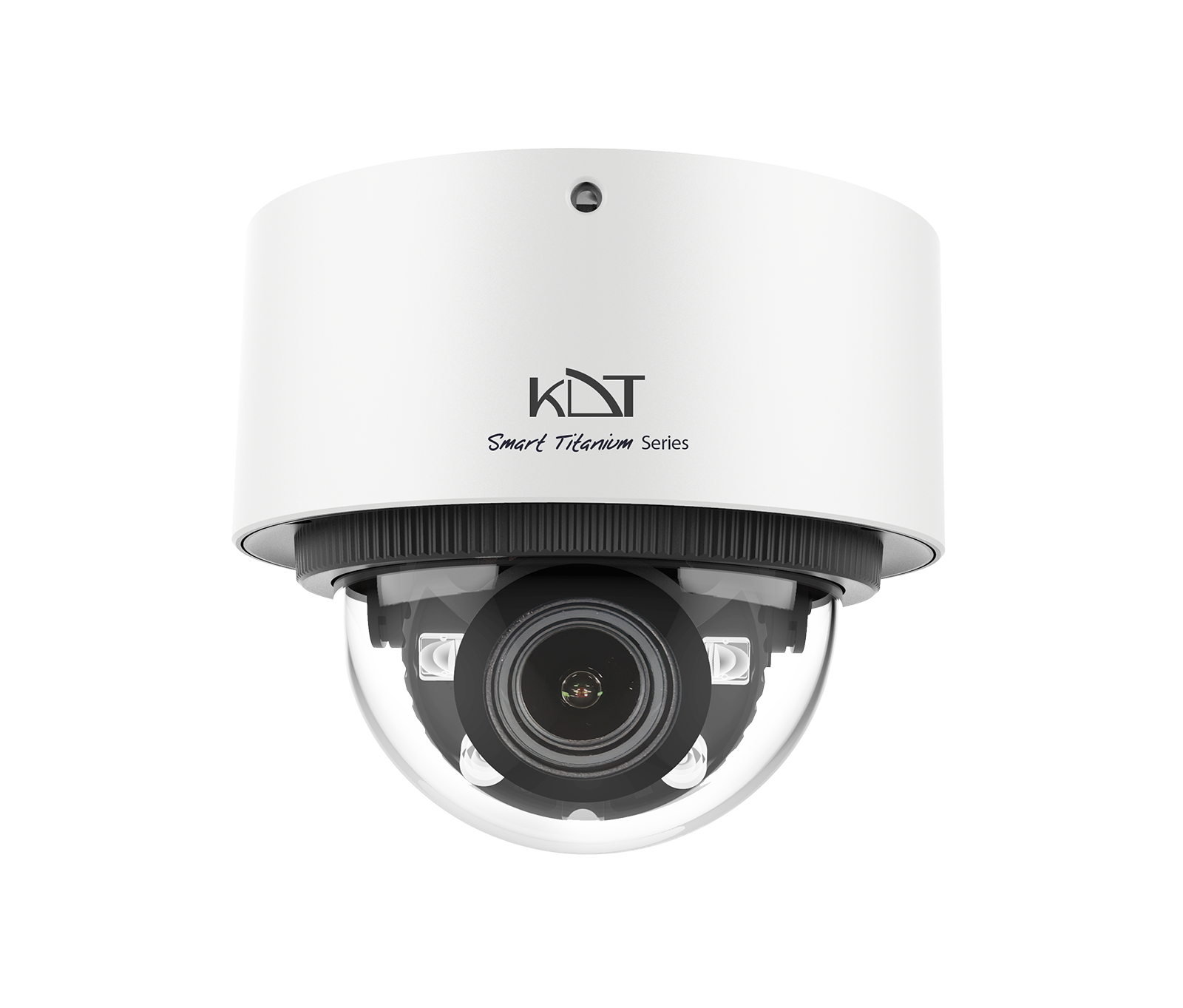 6MP AI ISP Smart Dual Light Motorized Dome CameraKI-D25ST60A-i50TSMU