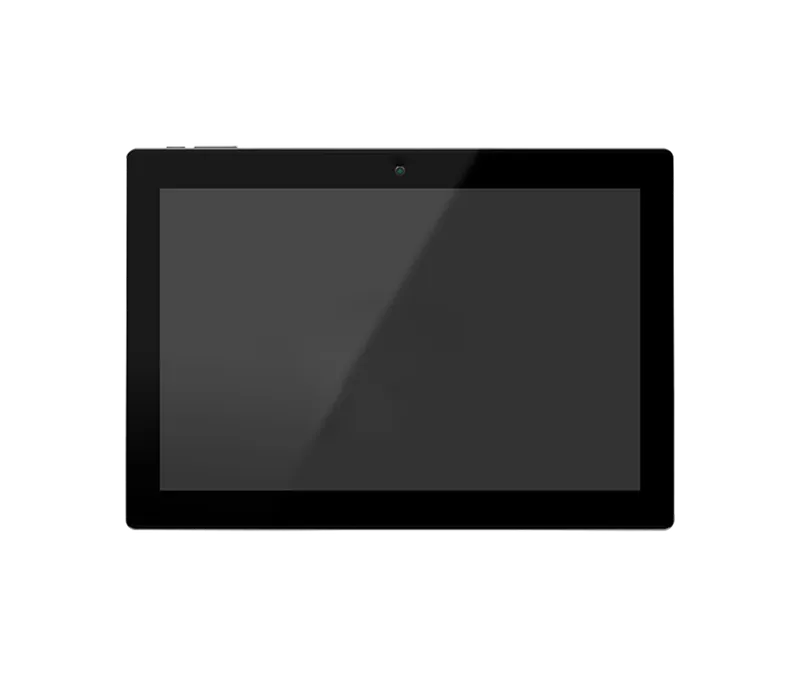
The KD-SC10-PW wall-mounted network server from the Iridium series is a powerful management console with a 10.1-inch touchscreen, built for integrated control of smart home systems and audio equipment.
-
 Wireless
WiFi
-
 Power
POE
-
 Protocol
SIP
Overview
The KD-SC10-PW wall-mounted network server from the Iridium series is a powerful management console with a 10.1-inch touchscreen, built for integrated control of smart home systems and audio equipment. With a quad-core processor, the Debian 11 operating system, and PoE support, it can manage up to 500 IP speakers and make two-way SIP calls. Bluetooth 5.2, Wi-Fi connectivity, and multicast music playback without a separate server make it an ideal central hub for building automation.
System
- CPU
- Quad Core Cortex
- RAM
- 2GB
- Internal Memory
- 16 GB
- Opration System
- Debian 11
- Touch Screen
- 10-Point Capacitive Touch
Network
- Wifi
-
802.11b/
g/ n - Ethernet
-
100M/
1000M, RJ45 - Bluetooth
- Bluetooth 5.2
Media Play
- Video Format
- H.264, MPEG
- Audio Format
-
MP3/
WMA/ AAC etc. - Photo
- JPEG
General
- Power Supply
- IEEE802.3at / DC 12 V 1A
- Language
- Arabic, English, Persian
- Weight
- 950 g
- Mounting
-
Wall Mount / Desktop
(Optional) - Operating Humidity
- Humidity 70% or less (non-condensing)
- Operating Temp
-
-30°C ~ +
60°C - Dimension & Impedance
- 247*173*37 mm
- Material, Color
- ABS White / Black
Guarantee
- Product Guarantee
- 2 Years Silver Guarantee
- MTBF
- 100K hrs min. MIL-HDBK-217F (25°)
- Certificates
- CN, EN, FCC
Display
- Panel
- 10.1 Inch LCD IPS Panel
- Resolution
- 1280*800
- Contrast Ratio
- 800
- Luminance
-
250 cd/
m2 - Aspect Ratio
- 16:10
Interface
- Card Slot
- up to 32GB
- USB
- Yes
- HDMI
-
N/
A - Power Jack
- DC Power Input
- Earphone
- 3.5mm Earphone With Microphone
- Serial Port
- Yes
- RJ45
-
100M/
1000M RJ45(PoE Function, Optional) - Microphone
- Yes
- Speaker
- 2*1W
Software Specifications
- Software Feature
- Ability to Add SIP Phone Groups on KDT SIP Server Dedicated space for storing music files on the console via USB flash drive Displaying Temperature and CPU load for each Speaker High-quality Music Playback through Multicast without the need for a server Identifying Connected and Disconnected Speakers in the network Individual Volume Control for each Speaker Making Calls over RTP without the need for a SIP server with dedicated numbers Monitoring KDT Speakers in the network and giving commands to them Playing Music on SIP Calls Resetting and muting each connected Speaker when needed Simultaneous Playback of Music and Internal Microphone on SIP Calls SIP Calling Capability
Downloads
Documentation
-
KD-SC10-PW
Compare products
Compare this product with similar products
Please wait
Frequently asked questions: Smart Home
Answers to common questions about this product line, from the KDT Help Center.
Does the smart home keep working without internet?
Yes. Lighting, curtains, thermostats, scenarios and schedules, home modes, music, the door intercom, paging and the prayer-time announcements all run on your local network inside the console, so they carry on without internet as long as the building's own network (the switch and the router or access point) is powered. You can control everything from the wall console and from any phone or laptop on your Wi-Fi through the console's web page. Internet is needed only for features that reach outside the building: remote access with the KDT cloud app, phone notifications while the app is closed, internet radio, weather and automatic updates.
What is the KDT smart home system and what can it control?
The KDT smart home (the Iridium family) is built from a central console, wall and desktop touch panels, and relay modules. From this one system you can control lighting, curtains, fan coil, ducted split and evaporative cooler thermostats, music on IP speakers, the door intercom and the Rhenium alarm panel. Scenarios, schedules and home modes such as presence, away and night are set up in the same place. Everything runs on your local network, and the KDT cloud web app adds control from outside the building.
What do the console, the touch panels and the relay modules each do?
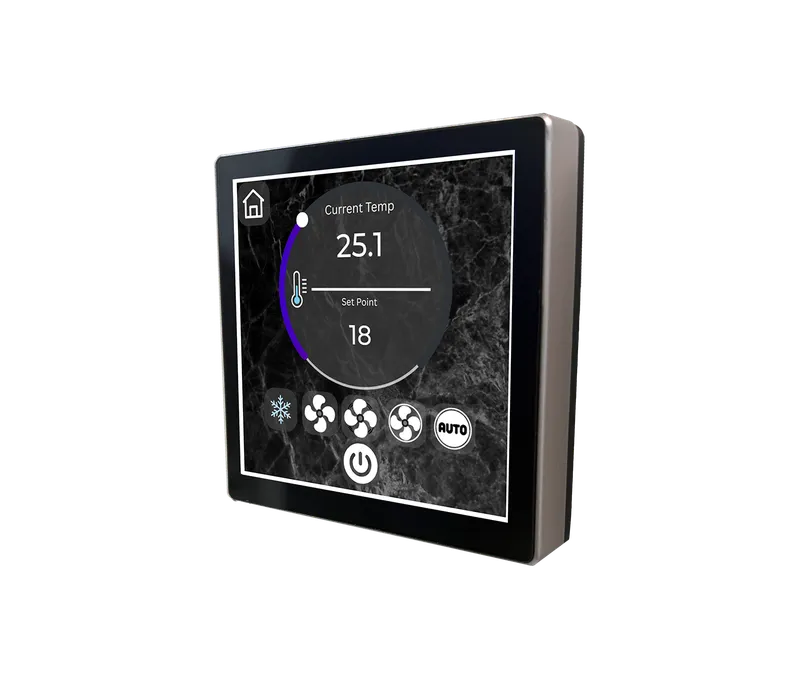
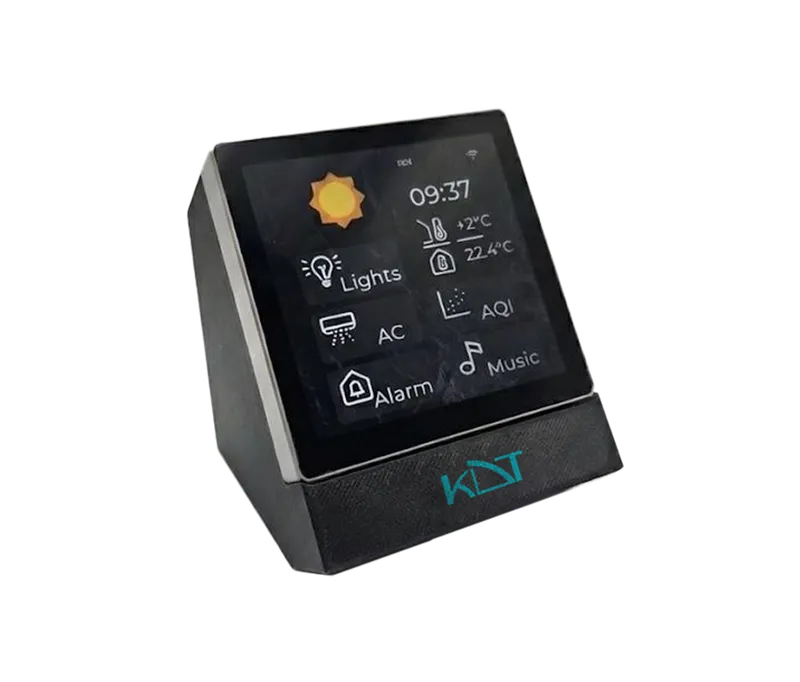
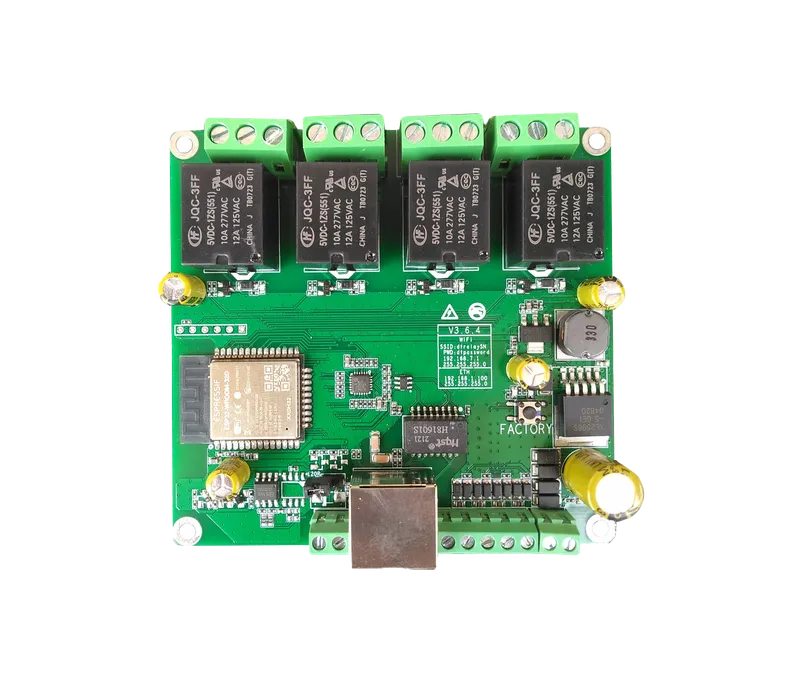
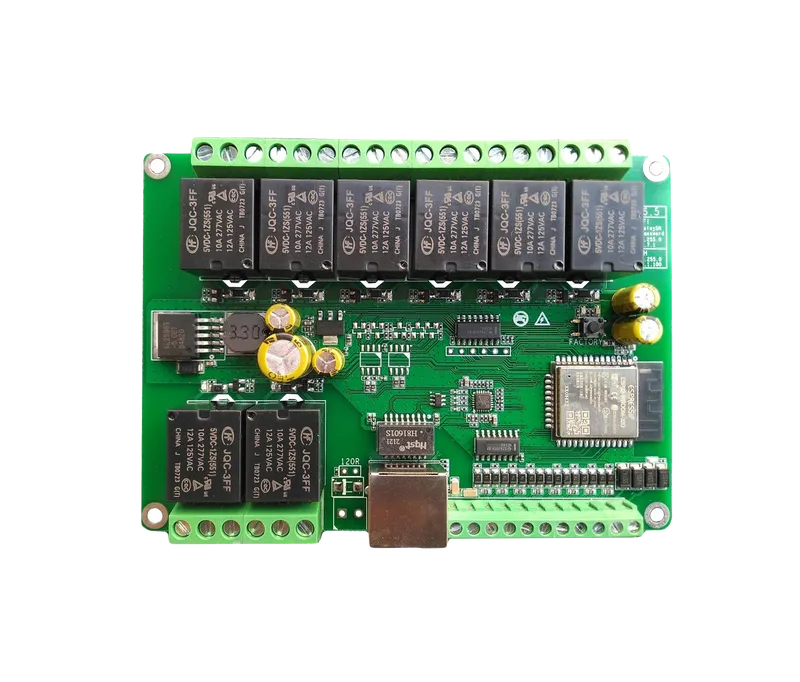
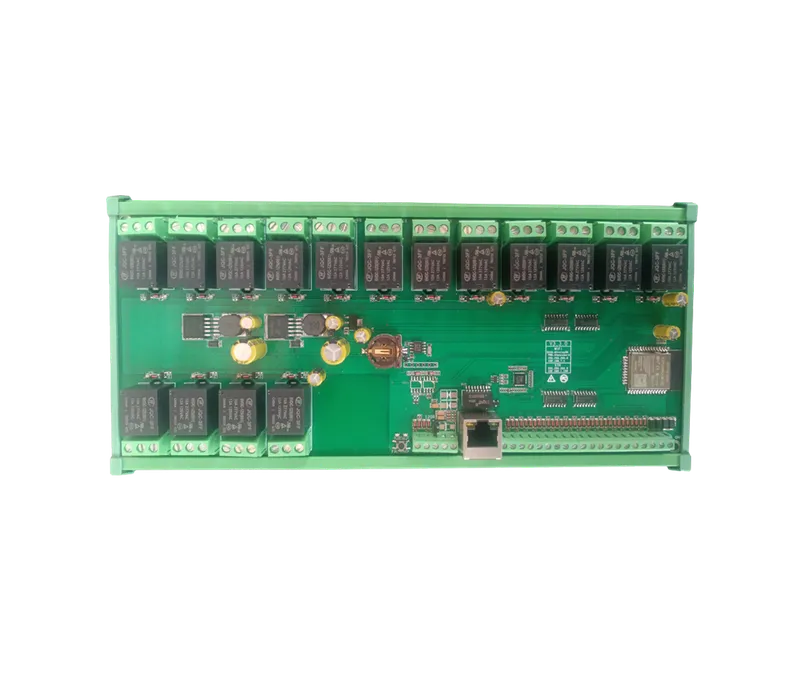
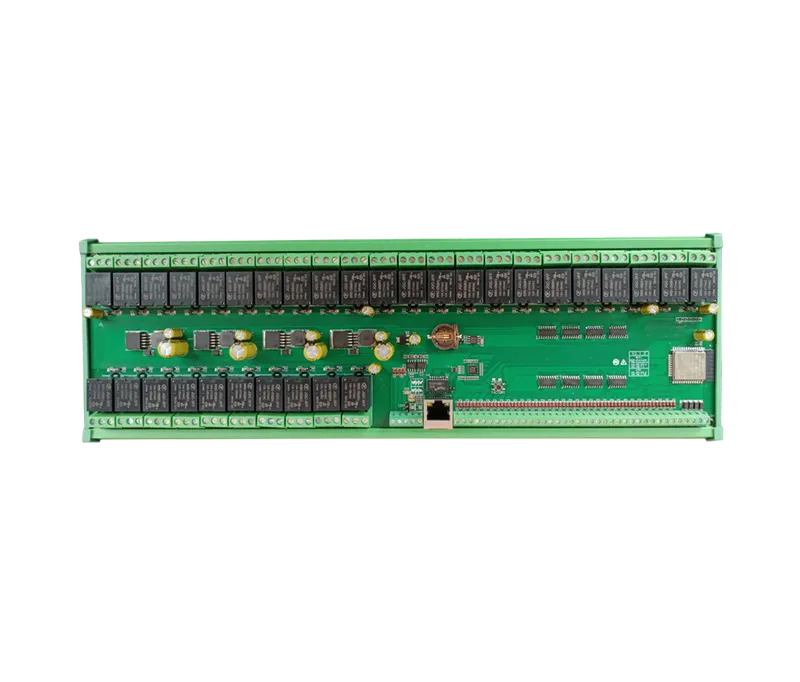
The console, either the KD-SC10-PW 10-inch wall unit or the KDT console software on a Windows or Linux PC, is the brain of the system: it runs scenarios, schedules, thermostats and home modes and serves the web interface. The 4-inch touch panels, the KD-CC04-R03 for the wall and the KD-CC04-D for the desk, are control points for lights, thermostat, music and modes. The relay modules KD-R004, KD-R008, KD-R016 and KD-R032, with 4, 8, 16 and 32 channels, do the actual switching of lights, curtain motors and fan coils in the electrical cabinet. The KD-CC04-R03 also has 3 built-in 10 A relays of its own.
How many relay channels does a home need, and which relay modules should I choose?
Count 1 channel per lighting circuit, 2 per curtain motor (open and close) and up to 3 per fan coil (low, medium and high speed), plus 1 more if you also switch its water valve, then add about 20 percent for future changes. For example, 14 lighting circuits, 3 curtains and 3 fan coils (without valves) need 14 + 3 × 2 + 3 × 3 = 29 channels, and with 20 percent spare about 35. That is covered by one KD-R032 (32 channels) plus one KD-R004 (4 channels). Each module also has as many digital inputs as it has relay channels.
Can the KDT console run on a PC instead of the 10-inch wall console?
Yes. The KDT console software can also be installed on Windows and Linux computers, where it acts as the system's central console. The PC must run around the clock, so put it on a UPS, disable sleep mode and, on Windows, turn on automatic sign-in so that the console starts again by itself after a power cut. Functions that rely on the operating system or hardware, such as Bluetooth phone audio, may differ between a wall console and a PC. Other devices on the network keep using the console through its web page as before.
Didn’t find your answer?