
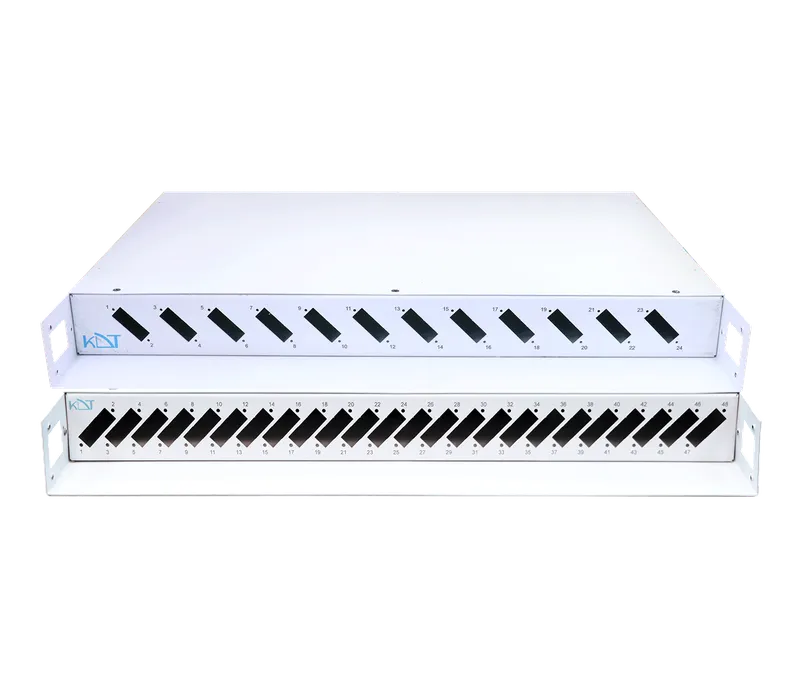
The FP-12D1UF fiber optic patch panel, part of KDT's Cuprium passive equipment range, is a rugged, standards-compliant solution for terminating and managing fiber optic cables in 19-inch racks.
Overview
The FP-12D1UF fiber optic patch panel, part of KDT's Cuprium passive equipment range, is a rugged, standards-compliant solution for terminating and managing fiber optic cables in 19-inch racks. This 12-port (24-core) metal panel accepts duplex (DX) adapters and lets cables enter safely through reinforced cable glands, delivering fully stable, well-organized and secure connections for enterprise optical infrastructure.
Specification
- Type
-
Patch Panel 24 Core Rack Mount
(12 Port) Patch Panel 48 Core Rack Mount(24 Port) - Color
- Black, White
- Input Plug Type
-
N/
A - Keystone Type
-
N/
A - Material
- Metal
- Mounting
- Rack Mount
- Dimensions
- 430*280*40 mm
- Input Fiber Optic
- 4 Reinforced Inputs By Glands
- Ability
- Install DX Duplex Adapter
Downloads
Documentation
-
FP-12D1UF / FP-24D1UF
Compare products
Compare this product with similar products
Please wait
Frequently asked questions: Fiber Optic Products
Answers to common questions about this product line, from the KDT Help Center.
What is the difference between single-mode and multi-mode fiber, and which one is better for my project?
Single-mode fiber (OS2, per ITU-T G.652.D) has a 9 micrometre core, uses laser light at 1310 or 1550 nm and covers links of 10 km and more. Multi-mode fiber (OM1 to OM5) has a 50 or 62.5 micrometre core and normally works at 850 nm over only a few hundred metres (for example up to 550 m at 1 Gigabit and 300 to 400 m at 10 Gigabit on OM3 and OM4). For a new project, a link between buildings or any run longer than 300 m, single-mode is the right choice; multi-mode only makes sense for short runs inside one building or server room where multi-mode cabling already exists.
How can I tell from the cable whether it is single-mode or multi-mode?
First read the print on the cable jacket: markings such as 9/125 or OS2 mean single-mode, while 50/125, 62.5/125 or OM3 mean multi-mode. In the usual colour convention a single-mode patch cord is yellow, OM1 and OM2 are orange, OM3 and OM4 are aqua (OM4 is sometimes violet) and OM5 is lime green. Colour is only a convention and not a guarantee, so if the printing or the purchase record is not available, verify the type with a test instrument or the supplier instead of guessing.
What are the differences between OM1, OM2, OM3, OM4 and OM5?
OM1 has a 62.5 micrometre core and the others have a 50 micrometre core; the main difference is modal bandwidth, expressed in MHz·km. The minimum standard values at 850 nm are 200 for OM1, 500 for OM2, 2000 (effective) for OM3 and 4700 for OM4. OM5 has the same 4700 at 850 nm and is also specified for several nearby wavelengths (up to about 953 nm) so that SWDM modules can carry more capacity on one fiber. For 10 Gigabit and above, OM3 is the minimum and OM4 is recommended; OM1 and OM2 are only suitable for maintaining older networks.
Where are the 850, 1300, 1310 and 1550 nm wavelengths used?
850 nm and 1300 nm are multi-mode wavelengths: 850 nm is used by the low-cost SX and SR modules, and 1300 nm (about 1310) by the older 100BASE-FX standard. 1310 nm and 1550 nm are single-mode wavelengths: 1310 nm for links up to 10 km (LX, LR) and 1550 nm for longer links (typically 80 km modules and many 40 km modules) because it has lower attenuation. Both ends of a link must use the same wavelength and standard, for example SX with SX and LX with LX.
How much attenuation does fiber have per kilometre?
Typical values for OS2 single-mode fiber are about 0.35 dB/km at 1310 nm and about 0.22 dB/km at 1550 nm; the standard ceiling for OS2 cable is 0.4 dB/km. For multi-mode the typical figures are about 3.0 dB/km at 850 nm and 1.0 dB/km at 1300 nm (standard ceilings 3.5 and 1.5). So 10 km of single-mode fiber loses about 3.5 dB at 1310 nm and about 2.2 dB at 1550 nm from the fiber alone.
Didn’t find your answer?
Related products
 Cat 6 S/FTP Patch CordPC-CM6SFTP
 Single Mode SC to LC Fiber Optic Patch CordPF-SCLC
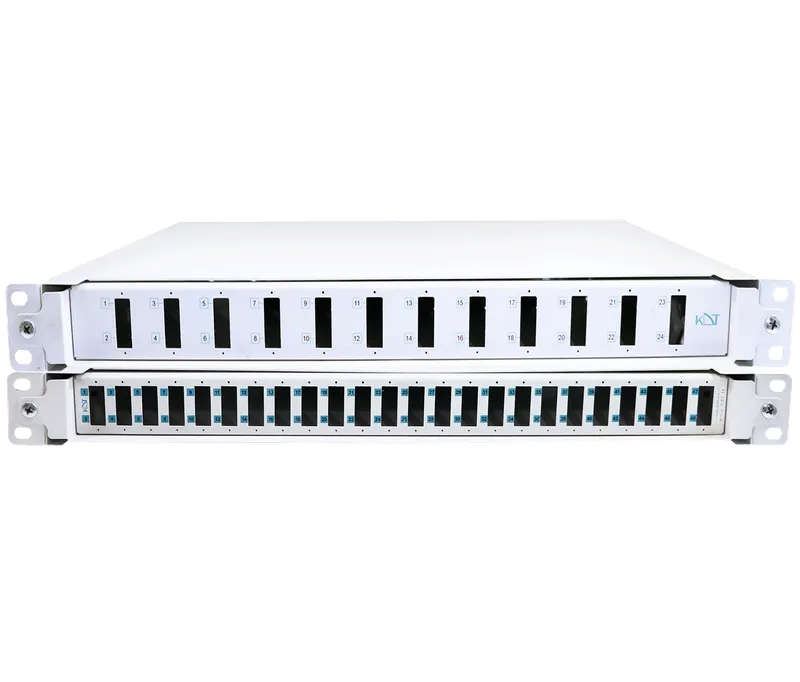 12-Port Rail Mount Fiber Optic Patch PanelFP-12D1UR
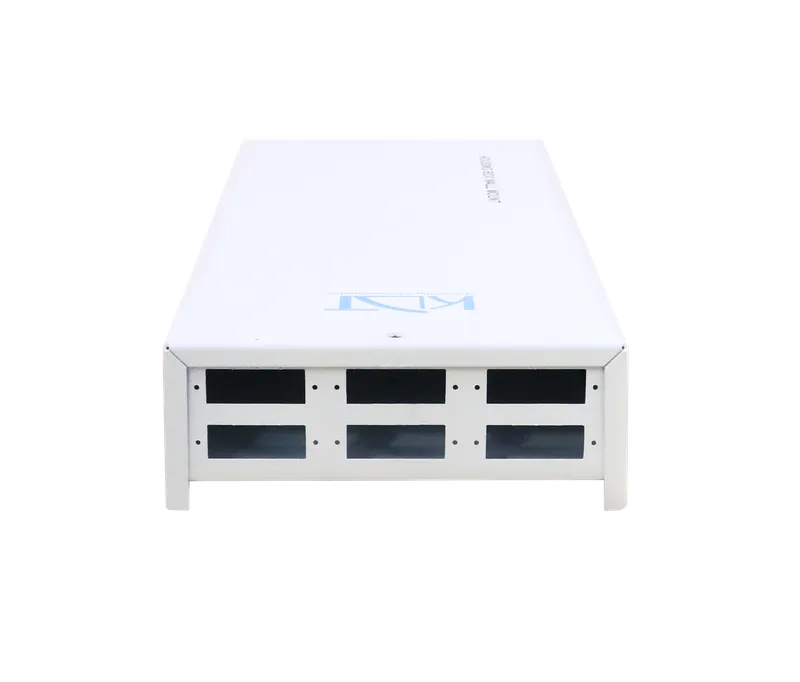 6-Port Wall Mount Fiber Optic Patch Panel BoxFP-06D1UW
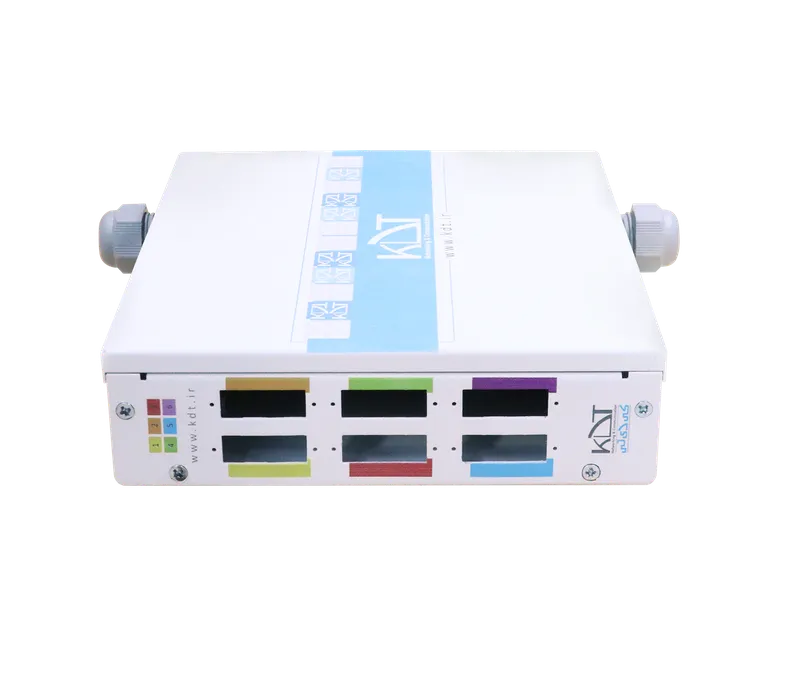 6-Port DIN-Rail Industrial Fiber Optic Patch Panel BoxFP-06D1UD
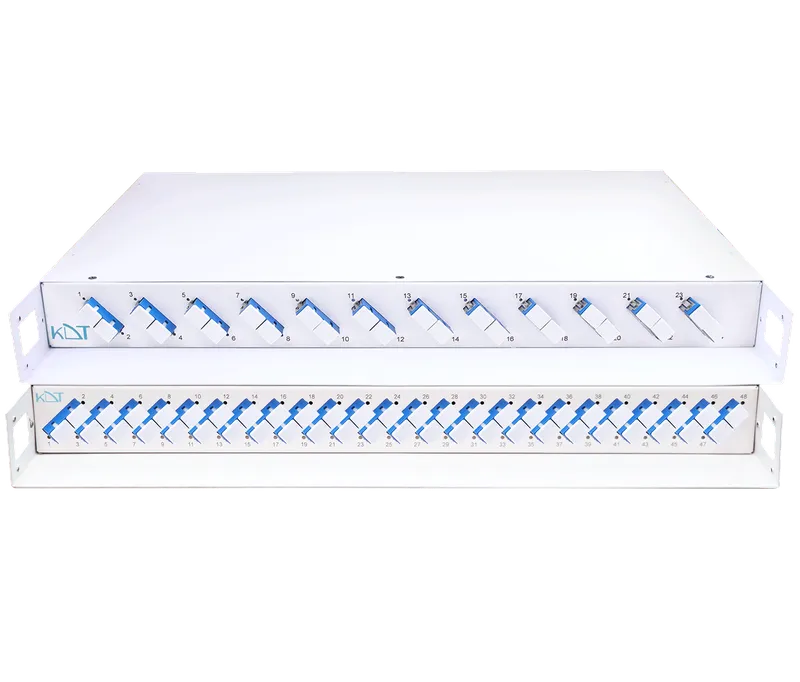 12-Port Full Rack Mount Fiber Optic Patch PanelFP-12D1UF FULL
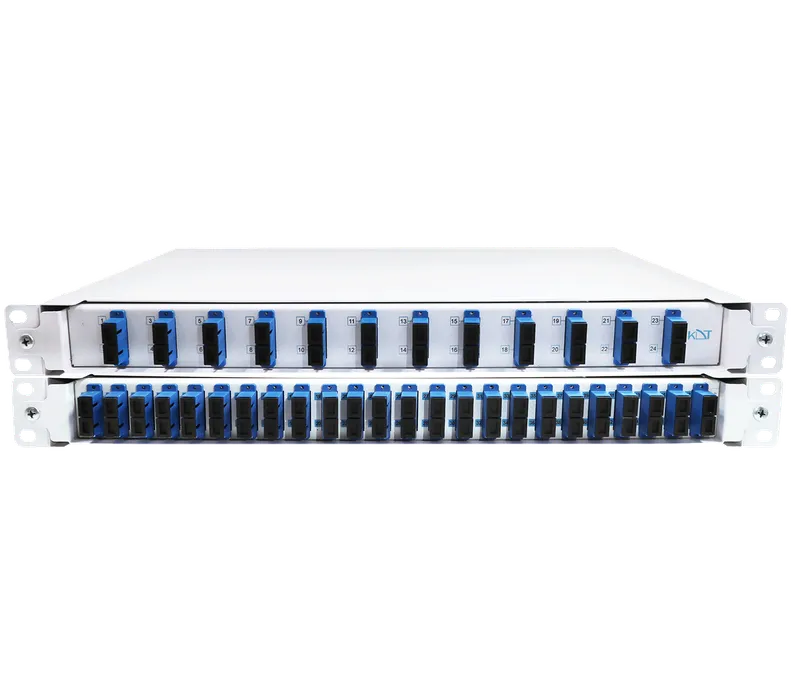 12-Port Full Rail Mount Fiber Optic Patch PanelFP-12D1UR FULL
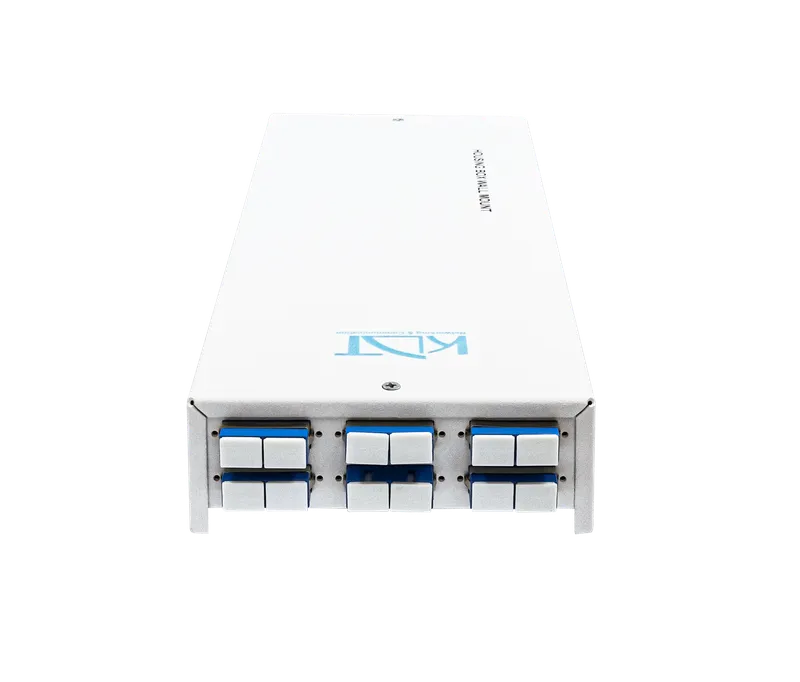 6-Port Wall-Mount Full Fiber Patch PanelFP-06D1UW FULL
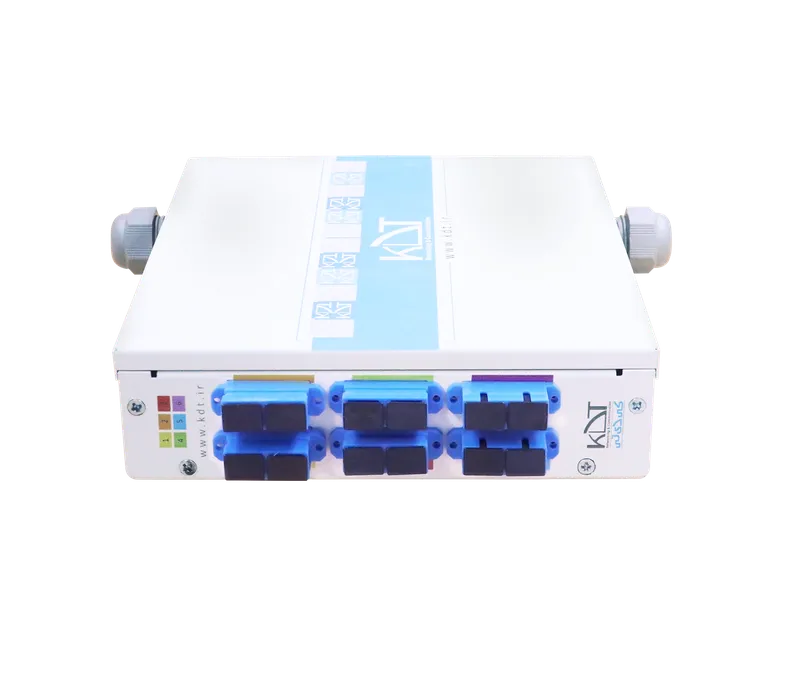 6-Port Full DIN-Rail Industrial Fiber Optic Patch Panel BoxFP-06D1UD FULL
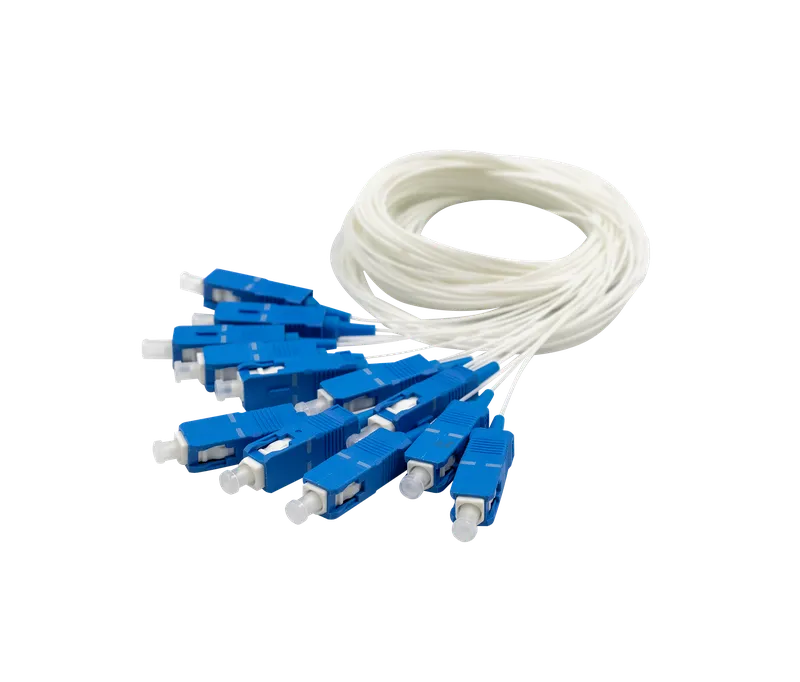 Single Mode SC/UPC Fiber Optic PigtailPG-150CMSC
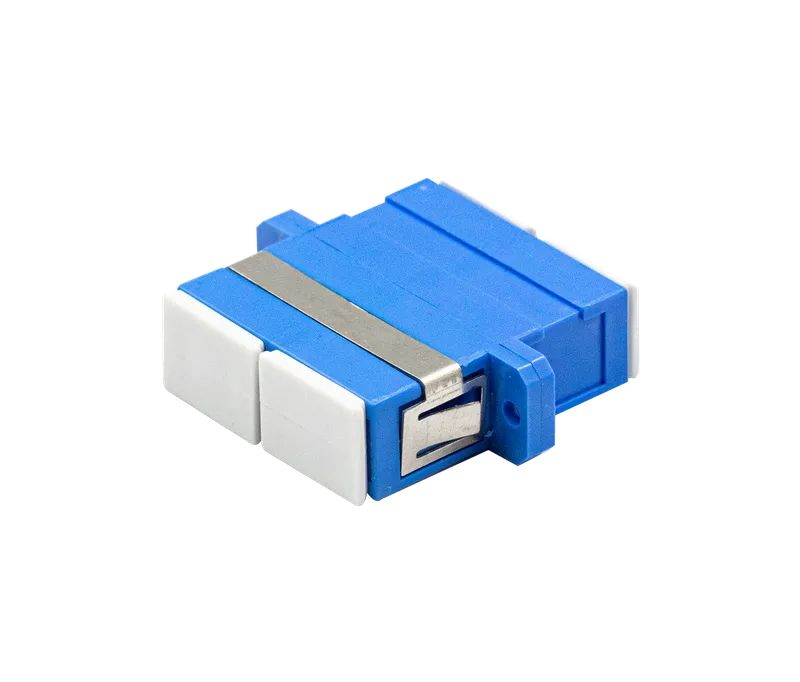 Single Mode SC to SC Duplex Fiber Optic AdapterFA-2SC-SC
 Heat Shrink CrimpTC-60