
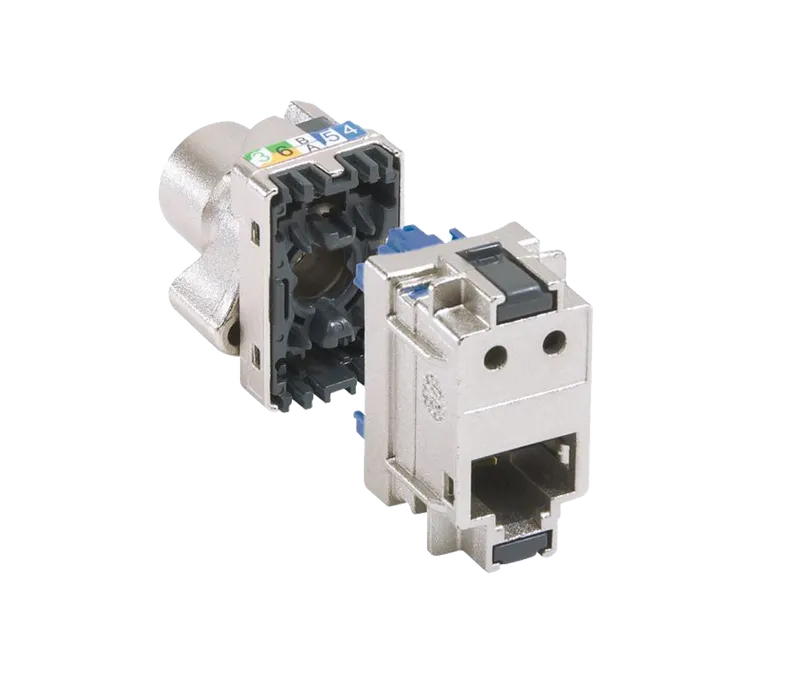
The NK-3U 8P L6SFTP Cat 6 S/FTP keystone jack from KDT's Cuprium series is a shielded, metal-bodied keystone with a quick-connect mechanism, designed for use in the KDT NP-24L patch panel.
Overview
The NK-3U 8P L6SFTP Cat 6 S/FTP keystone jack from KDT's Cuprium series is a shielded, metal-bodied keystone with a quick-connect mechanism, designed for use in the KDT NP-24L patch panel. Besides delivering stable performance in high-speed networks, it helps reduce noise and electromagnetic interference (EMI), making it a good choice for industrial environments and sensitive networks.
Specification
- Plug Connection
- Can Be Integrated In KDT NP-24L Patch Panel
- Type
- SFTP Socket With Fast Connection
- Diameter Volume
- 8.6 mm
- Weight
- 30 g
- Wire AWG
- Crimping Take Awg 22 Single-Core Cables Up To Awg 26 And Awg Multicore Cables With Lcs³ Connector With Fast Connection Thanks To Integrated
- Application
- Contacts Marked With Dual Colour Code And Wiring Schemes T568 A And T 568 B
- Standard
-
CONFORM TO STANDARDS ISO/
IEC 11801 ED. 3.0 EN 50173-1 AND TIA/EIA 568 C - Material
- Metal
Downloads
Documentation
-
NK-3U 8P L6SFTP
Compare products
Compare this product with similar products
Please wait
Frequently asked questions: Infrastructure
Answers to common questions about this product line, from the KDT Help Center.
What is the maximum length of a network cable (Cat5e, Cat6 or Cat6A)?
For copper Ethernet, the maximum channel length from the switch to the device is 100 m, and it is the same for Cat5e, Cat6 and Cat6A at the speeds each category is designed for (for example, 10 Gbps over the full 100 m needs Cat6A). TIA-568 and ISO/IEC 11801 split these 100 m into at most 90 m of fixed cable (the permanent link, from the patch panel to the outlet) plus at most 10 m of patch cords in total at both ends. Cords lose more signal per meter, so their share must not be added to the fixed cable: 85 m of fixed cable plus two 3 m patch cords is fine, but 95 m of fixed cable is not. Measure the length along the real cable route, including rises, drops and service loops, not the straight-line distance on the drawing; PoE has the same limit.
What is structured cabling, and which standards should a network installation follow?
Structured cabling is a standardized star layout: every outlet or camera gets its own permanent cable, with no splices or taps, back to a patch panel in the rack, and the racks are linked by copper or fiber backbone cabling. The main references are the ANSI/TIA-568 series (USA), ISO/IEC 11801 (international) and EN 50173 (Europe), which define cable categories, maximum lengths and test limits. They are supported by TIA-569 for pathways and spaces, TIA-606 for labeling and documentation, TIA-607 for bonding and grounding, and ISO/IEC 14763-2 or EN 50174 for installation practice. The result is one shared infrastructure for data, IP phones, cameras and PoE, in which every link can be tested individually and equipment can be replaced without re-cabling.
What should I do if a camera or device is more than 100 m from the switch?
There are three standard solutions. Put a switch (for example an industrial PoE switch in a weatherproof enclosure) part-way along the route so that each segment stays under 100 m; use a PoE extender, which regenerates the signal and adds up to about 100 m per unit but uses part of the PoE power itself, so check what is left for the device; or run fiber with SFP modules or media converters, which covers kilometers. Some PoE switches also have an Extend mode for a single camera (about 250 m at a reduced speed, typically 10 Mbps), which is not standard Ethernet. Stretching a copper cable beyond 100 m because it worked on the bench usually ends in CRC errors, links that fall back to 100 Mbps and PoE cameras that reboot.
Can one network cable be shared between two cameras or two devices?
At 100 Mbps it is technically possible, because 100BASE-TX uses only two of the four pairs (pins 1, 2, 3 and 6), and some installers use a special splitter to give the other two pairs to a second device. It is not recommended: the link falls outside the standard and cannot be certified, gigabit (which needs all four pairs) and standard PoE for both devices become impossible, and both devices are limited to 100 Mbps. The correct solution is a second cable or a small switch, preferably PoE, near the devices; while the cables are being pulled, adding a spare one costs little.
What is the difference between Cat5e, Cat6 and Cat6A cable?
The three categories differ in the frequency they are specified for, and therefore in their margin against crosstalk and noise: Cat5e up to 100 MHz, Cat6 up to 250 MHz and Cat6A up to 500 MHz. In practice Cat5e is built for 1 Gbps (and 2.5 Gbps) up to 100 m, Cat6 carries 1 Gbps with more margin and 5 Gbps up to 100 m, and Cat6A is made for 10GBASE-T over the full 100 m; on Cat6 a 10 Gbps link is only supported up to roughly 37 to 55 m. Cat6A is also thicker and stiffer (typically 7 to 9 mm in diameter against about 6 mm for Cat6) and takes more room in conduits and trays. In ISO/IEC 11801 terms, the channels of these categories are called Class D, Class E and Class EA.
Didn’t find your answer?
Related products
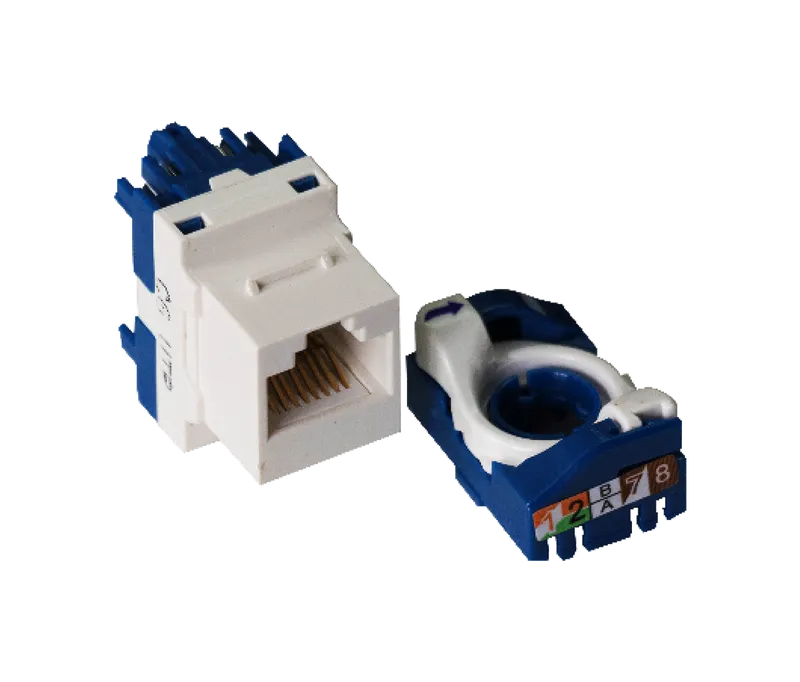 Cat 6 UTP KeystoneNK-3U 8P U6UTP
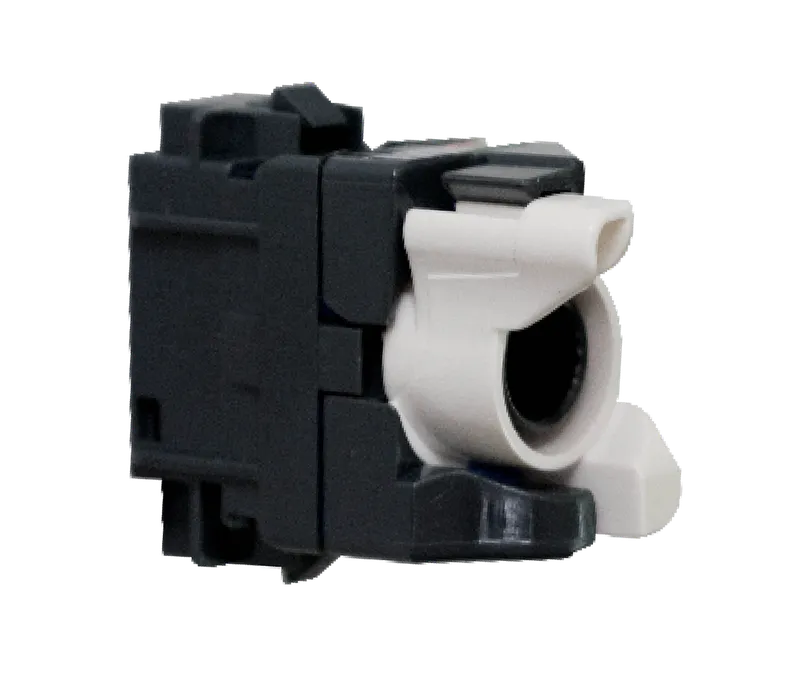 Cat 6 UTP KeystoneNK-3U 8P L6UTP
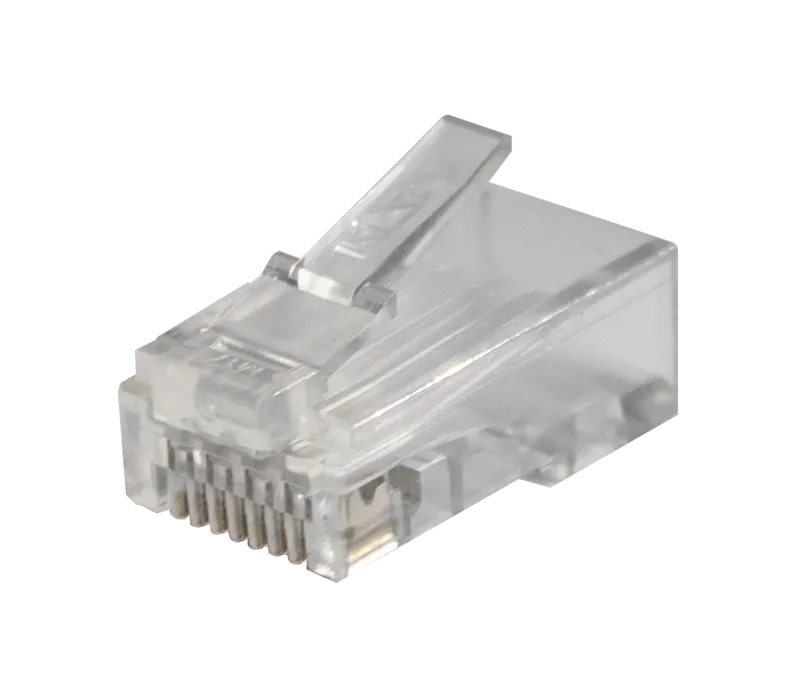 Cat 6 RJ45 UTP Modular PlugNS-3U 8P 6UTP
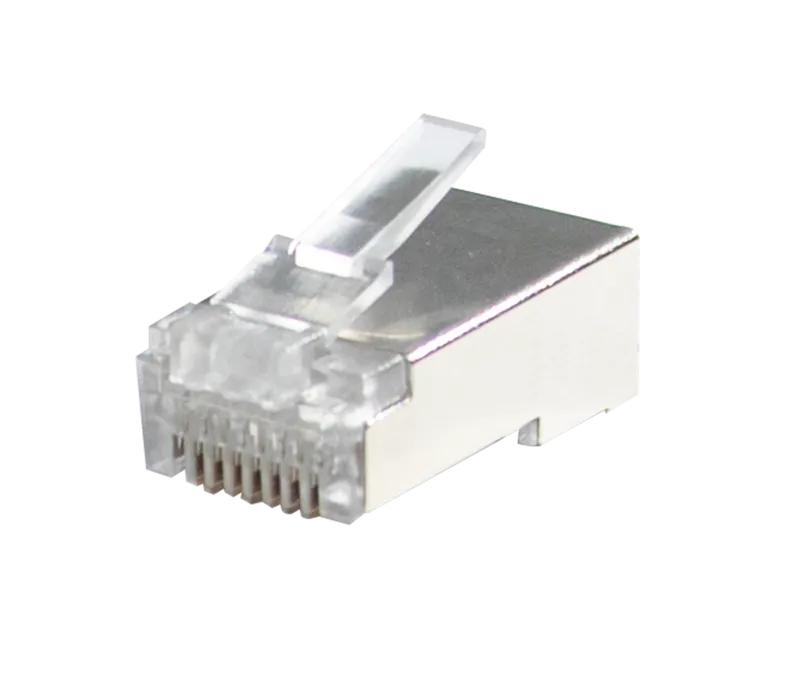 Cat 6 RJ45 Shielded Modular PlugNS-3U 8P 6SFTP
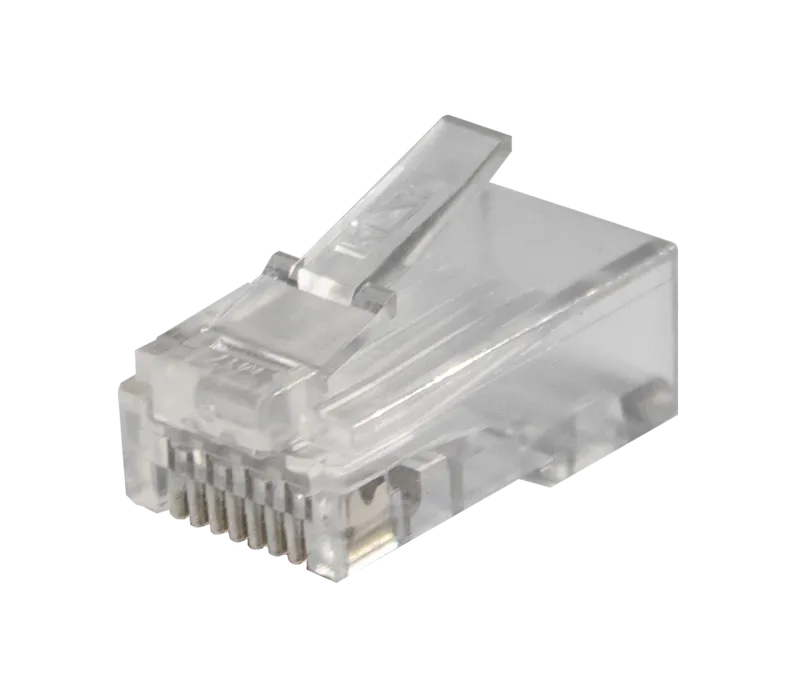 Cat 6 RJ45 UTP End-Open Modular PlugNS-3U 8P 6UTPEO
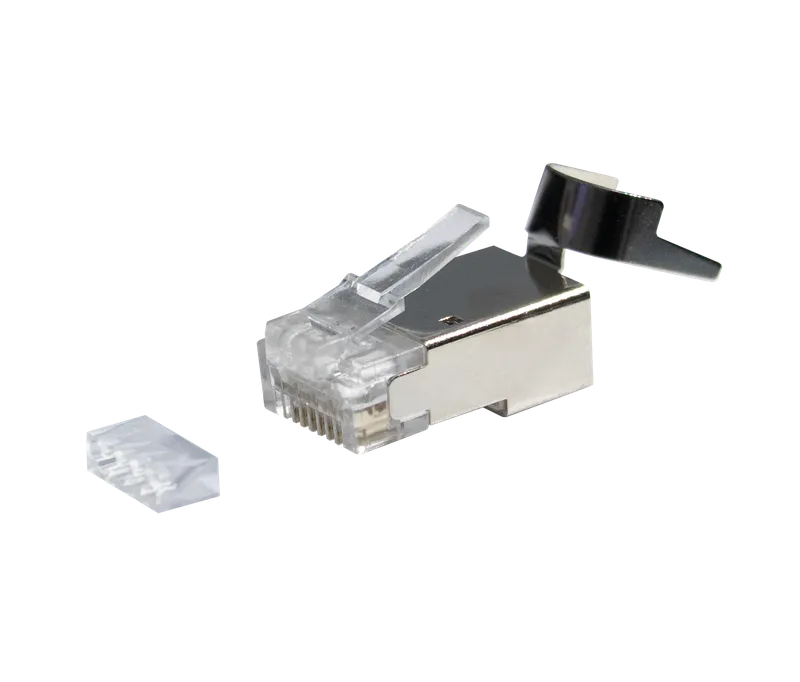 Cat 6 RJ45 Shielded Modular Plug with Load BarNS-3U 8P 6SFTPS
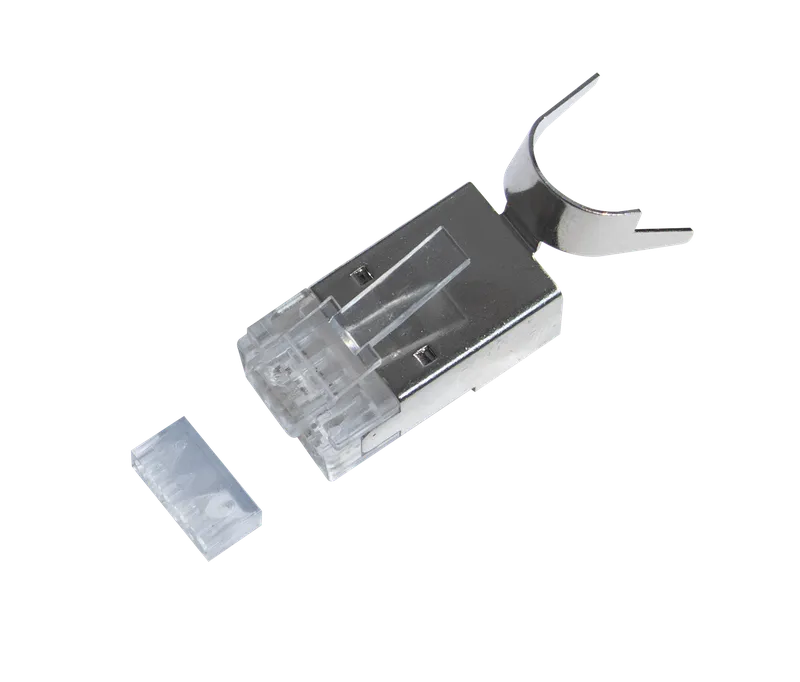 Cat 7 RJ45 Shielded End-Open Modular PlugNS-3U 8P 7SFTPSEO
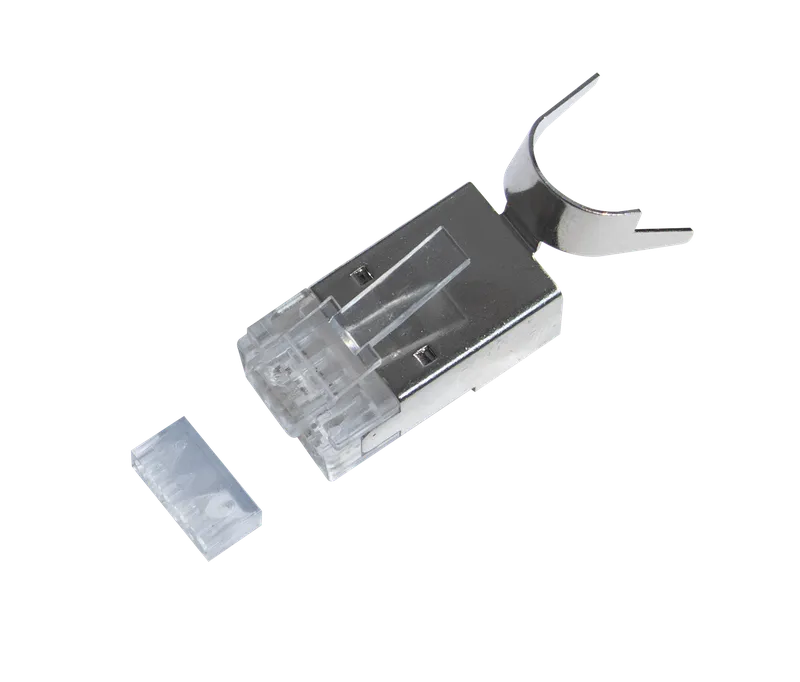 Cat 7 RJ45 Shielded Modular Plug with Load BarNS-3U 8P 7SFTPS
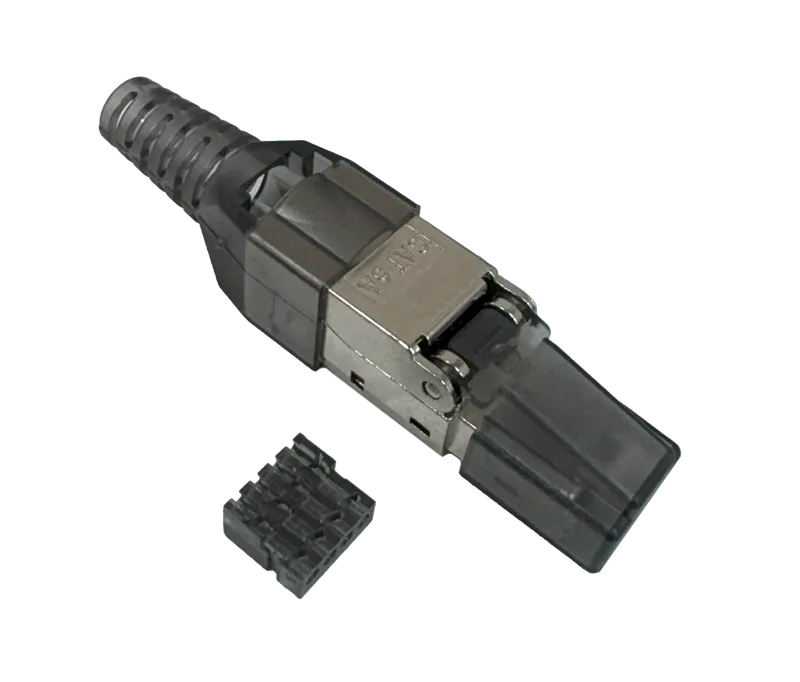 Cat 6 RJ45 UTP Toolless Modular PlugNS-3U 8P 6UTPTL
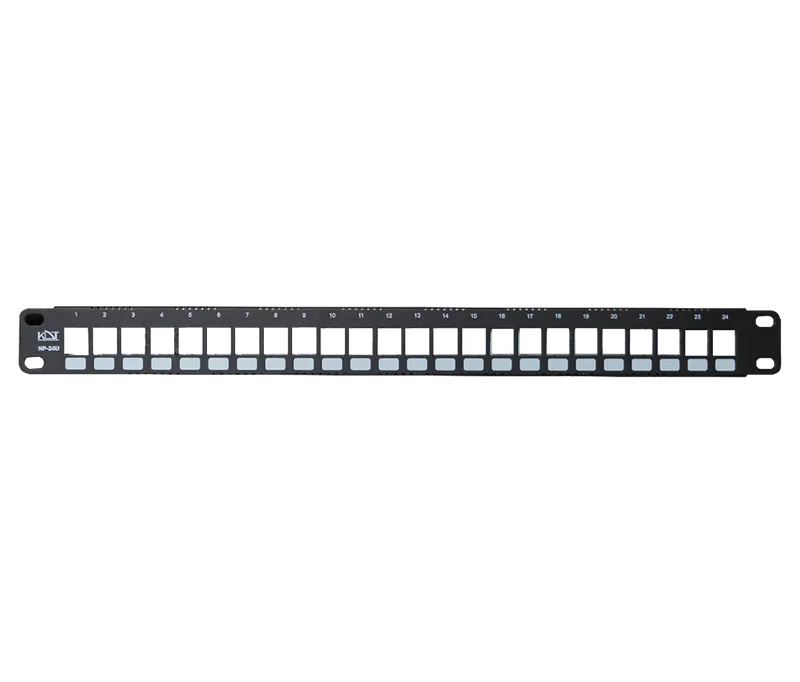 24-Port UTP Metal Network Patch PanelNP-24U
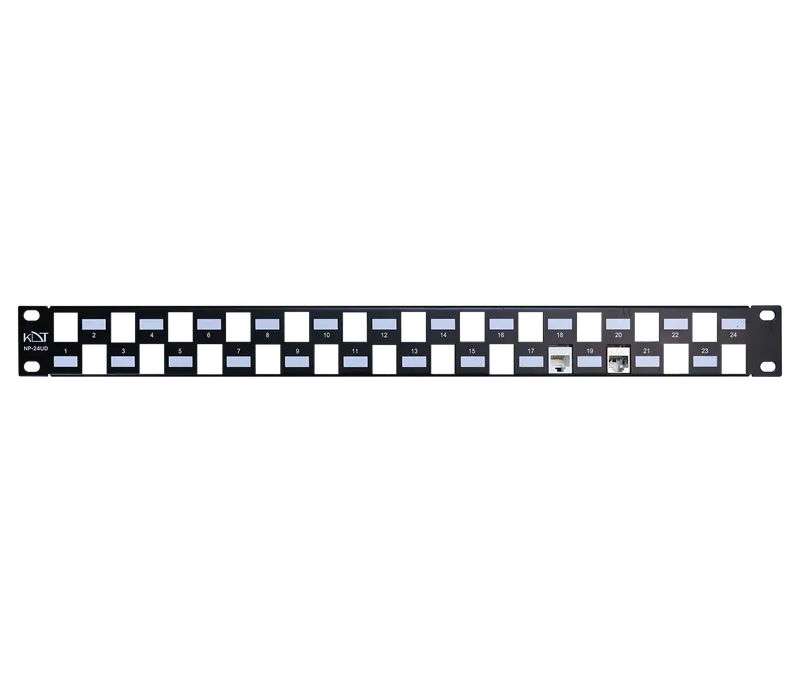 24-Port UTP/STP Metal Network Patch PanelNP-24UD
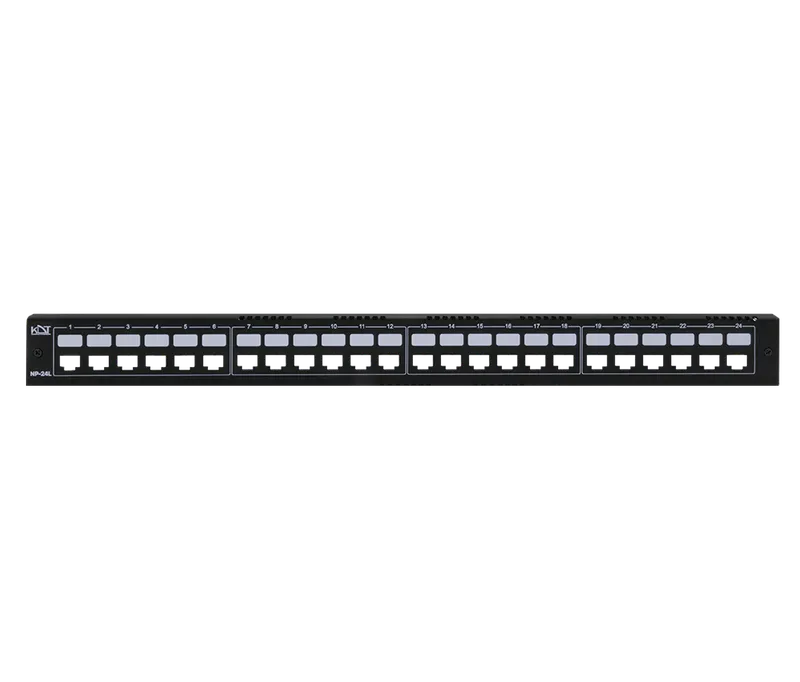 24-Port Front-Access Metal Network Patch PanelNP-24L