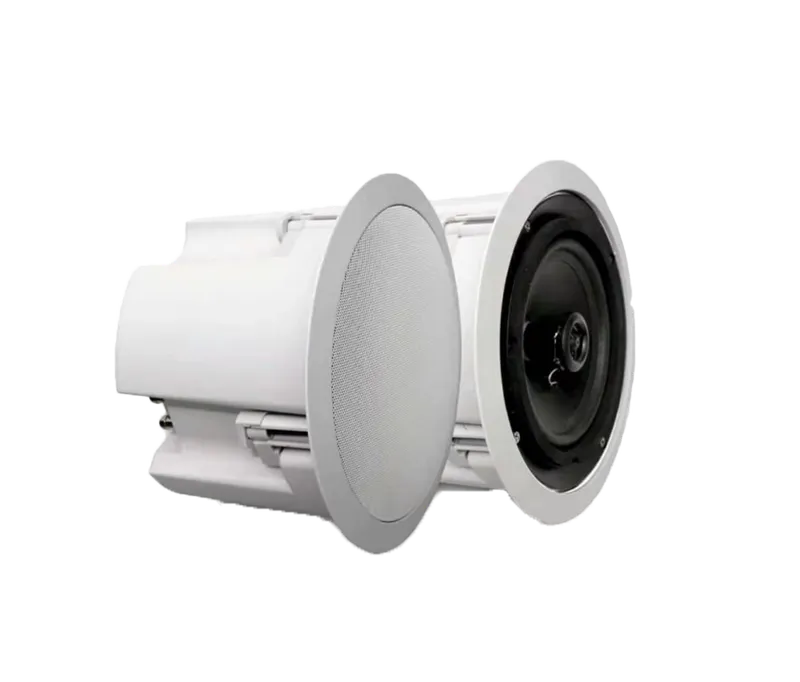
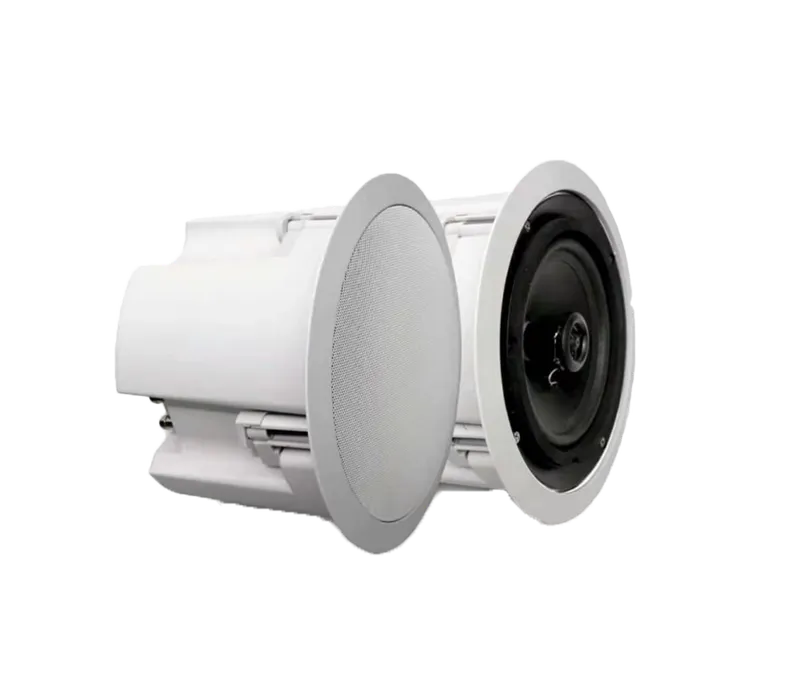
The KA-iC25-P from the Germanium series is a recessed ceiling IP speaker with 25W rated power and 45W maximum power, designed for high-quality sound in indoor spaces.
-
 Power
POE
-
 Protocol
SIP
-
 MQTT
MQTT
Overview
The KA-iC25-P from the Germanium series is a recessed ceiling IP speaker with 25W rated power and 45W maximum power, designed for high-quality sound in indoor spaces. With an IP44 rating and the option of powering it over PoE or from a separate adapter, it installs quickly and easily in suspended ceilings. Equipped with 150 MB of built-in memory, full SIP compatibility for integration with telephone systems and automatic, scheduled playback, it is a smart choice for corridors, hospitals and educational facilities.
AMPLIFIER
- Output Power (Max)
- 45W Stereo
- Load (Min)
- 8Ω
Network
- Protocols
-
DNS, HTTP, HTTPS, MQTT, Multicast, NTP, RTP, TCP/
IP, UDP, UPnP - Compatibility
- API, SDK, SIP
Interface
- Network
- 1 RJ45 (10M / 100M) Ethernet Port
- Alarm
- Alarm In
- Audio
- Audio In
- MIC
-
N/
A - Power
- DC In, PoE LAN
- Reset
- Software reset
- Memory Slot
-
N/
A
General
- Protection Rating
- IP44, 6KV Surge Protection
- Power Supply
- 12V DC, 2 A
- PoE Supply
- IEEE802.3at
- Web Language
- English, Persian
- Installation
- Indoor / Ceiling, Column Exposed Ceiling (Required accessories with C25C)
- Weight
- 1.8 Kg
- Operating Humidity
- Humidity 90% or less (non-condensing)
- Operating Temperature
-
-30°C ~ +
60°C - Dimension
- 208*185 mm
- Material, Color
-
Metal+
ABS rear cover / white
Speaker
- Speaker Diameter
- 5.5 inch
- Rated Power
- 25W
- Power (Max)
- 45W
- Impedance
-
8Ω/
100V - Frequency Response
- 90-20 Hz
- Sensitivity
- 90dB
- Max. Acoustic Pressure
- 101dB
- SNR
- 82dB
- Codec
- G.711 PCMA8 kHz, G.711 PCMU 8 kHz, G.722 ADPCM 16 kHz, MP3 44.1 kHz
Sound
- Audio Bit Rate
-
G.711A
(64 Kbps)/ G.711U (64 K bps)/ G722 (16 Kbps) - Playing
- CMS, HTTP Link, KDT Central Console, NVR, VMS
- Playing Type
- Link, Manual, Multi Cast, Schedule
- Audio Algorithm
- AEC, AGC, ANS
- Audio File Format
- etc, MP3, PCM, WAV
- Alarm Triggers
- All Intelligent Function For KDT CMSs & VMSs KDT NVRs & Camera
- Event Action
- 2 X Alarm Triger N.O
Guarantee
- Product Guarantee
- 2 Years Silver Guarantee
- MTBF
- 100,000 hrs min. MIL-HDBK-217F (25°)
- Certificates
- EN, CN, FCC
Compare products
Compare this product with similar products
Please wait
Frequently asked questions: IP Speakers
Answers to common questions about this product line, from the KDT Help Center.
What equipment do I need to run an IP speaker system, and do I really need a PBX?
At minimum you need the speaker and a network cable to a port of a PoE+ (IEEE 802.3at) switch, or the 12 V, 2 A adapter if you have no PoE switch. A SIP PBX is only needed if you want to speak to the speakers from IP phones or from the PBX itself; multicast announcements from a console or software and playback of stored files by schedule work without any extra server. KDT speakers have a built-in web page where you upload audio files to the internal memory, set schedules and control playback, and a SIP account can be defined on them when needed. Also point the speaker's clock to an NTP server, local or on the internet, so that scheduled playback happens on time.
How is an IP speaker different from an ordinary ceiling speaker or a 100 V line PA system?
In a conventional system a central amplifier sends an analog signal over speaker cable (for example a 100 V line) to passive speakers, whereas an IP speaker has its own network interface, audio decoder and amplifier and needs only a network cable, which also carries power when PoE is used. Each speaker has its own IP address and can be controlled alone or as part of a group, and adding a speaker means adding a switch port instead of running audio cable and upgrading an amplifier. The trade-offs are power and distance: a PoE speaker delivers less than 20 W of continuous audio power, and the network cable can be at most 100 m from the switch. So very large halls and buildings that already have a 100 V line are often better served by the analog approach, and evacuation announcements need certified voice-alarm equipment.
What is the difference between a SIP speaker on a PBX, multicast paging and standalone mode, and which should I choose?
In SIP mode each speaker registers on the PBX like an extension and answers automatically when it is dialed (or when a paging group is called); it is ideal for live announcements from phones, but the PBX sends a separate audio stream to every speaker, so the load on the PBX and the network grows with the number of speakers. In multicast mode the source sends a single RTP stream to a group address and all member speakers play it together; no server is needed and the network load stays constant, but the stream is one-way and the switches must be configured for IGMP. In standalone mode each speaker plays its stored files by schedule or from its alarm input and depends on no server or console, but every speaker has to be configured separately. Real projects usually combine them: bells and fixed programs standalone, music and group announcements by multicast, and live announcements from phones by SIP.
Does an IP speaker system work without internet?
Yes. Paging, scheduled playback, SIP calls and multicast all run inside the local network and the audio path does not depend on the internet; the KDT console also runs paging and music on the local network and works without internet, needing it only for remote access and notifications. Only two things need attention: the clock and online content. Point the speakers to an NTP server inside the network (or set the time manually) so that schedules stay accurate, and remember that internet radio and cloud text-to-speech need internet, while files stored in the speaker and its own web page do not.
Which KDT IP speaker should I choose for an office, a hall or an outdoor area?
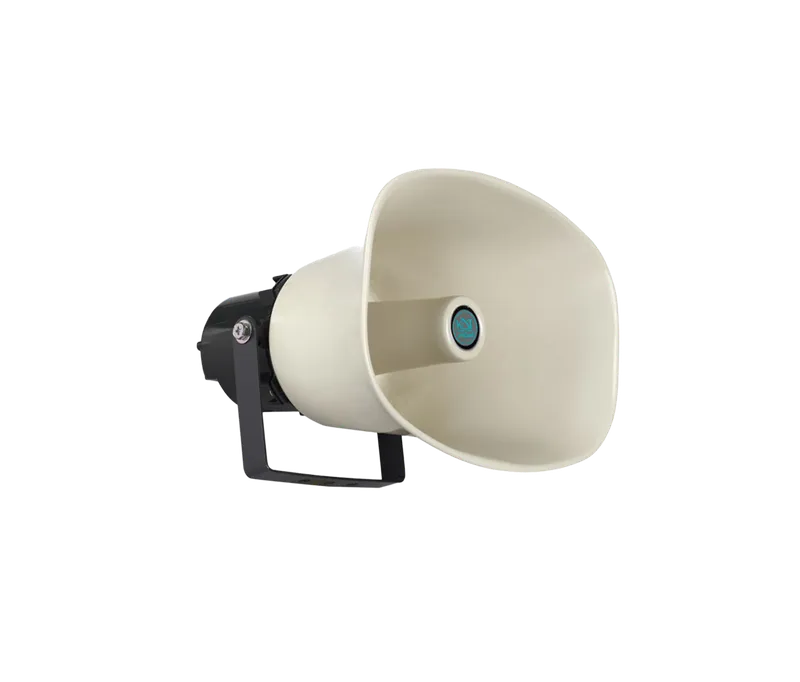
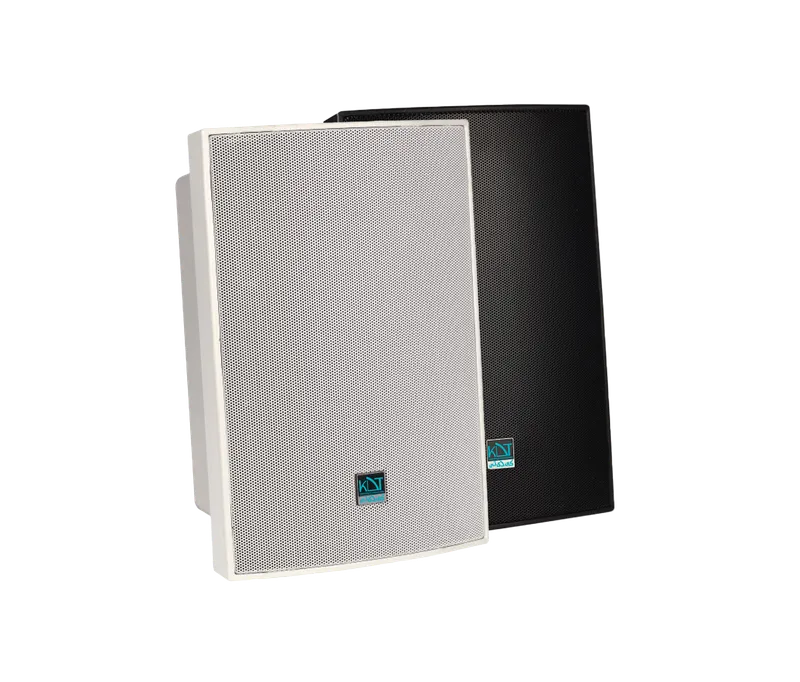
For rooms, corridors, classrooms and shops with a false ceiling choose a ceiling model: KA-iC25-P (25 W, 5.5 inch) or the stronger KA-iC35-P (35 W, 6.5 inch); with the dedicated accessory (see the datasheet) they can also be installed on an exposed ceiling. For halls, gyms, workshops and other spaces without a suitable ceiling choose an indoor wall model: KA-iW45-P (45 W) or KA-iW55-PB (55 W, with two speaker units of 6.5 and 1.5 inch). For yards, parking lots, campuses and factory exteriors use the KA-OH25-P horn (25 W, IP66), whose 380 Hz to 8 kHz range suits speech and alarm tones. All five run on PoE (IEEE 802.3at) or a 12 V adapter and support SIP, multicast, scheduled playback and an alarm input; the indoor models are IP44, so keep them out of the rain.
Didn’t find your answer?
Warranty
2-Year Silver Warranty
This product comes with the official KDT warranty. Check your device’s warranty status with its serial number.
Check warranty