
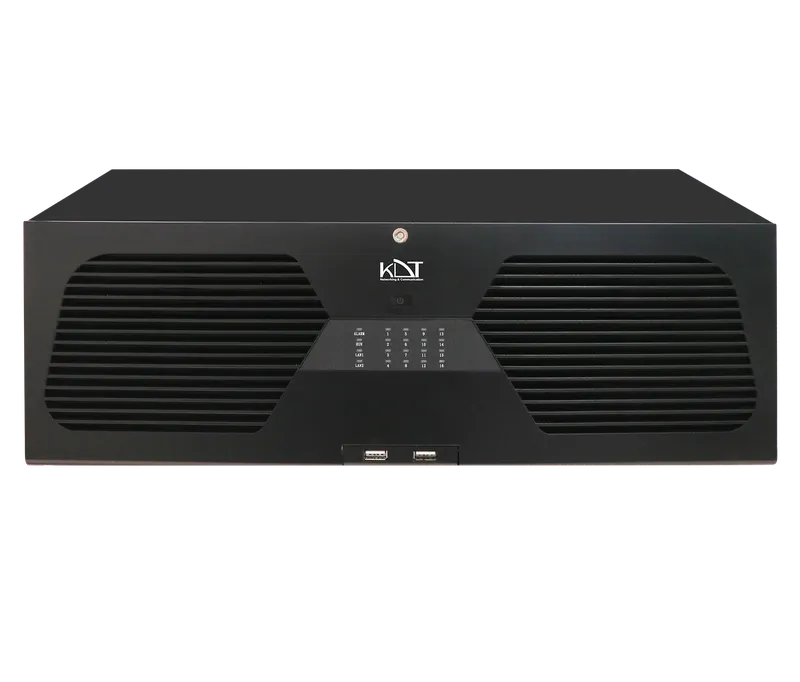
The KN-64164BHRWS network video recorder, the highest-capacity and most complete member of the Beryllium series, combines the greatest camera-management capacity with the most secure storage and the most flexible connectivity.
-
 NO.of Channels
64CH
-
 NO.of HDDS
16HDD
-
 Smart Code
CODEC
Overview
The KN-64164BHRWS network video recorder, the highest-capacity and most complete member of the Beryllium series, combines the greatest camera-management capacity with the most secure storage and the most flexible connectivity. Support for 64 IP cameras, 16 hot-swappable hard disk bays, and fiber optic ports makes it an unrivaled solution for unified monitoring of large industrial sites and city surveillance networks. Advanced data-protection mechanisms guarantee continuous recording under any conditions and allow video to be transmitted from the most distant points without any loss of quality.
CPU & GPU Capabilities
- CPU
- Dual-Core ARM Cortex
- IP Channel Input
- (Up to 12 MP Supported) 64CH x 4K@30fps
Recording
- Video Resolution
- 1080P, 12MP, 2CIF, 3MP, 4CIF, 4MP, 5MP, 720P, 8MP, CIF, DCIF, QCIF, VGA
- Input Bandwidth
- 200 Mbps (when RAID is enabled) 320~500Mbps (Smart Bandwidth Management System)
- Record Mode
- Alarm, Event, Manual, Schedule, Smart Event
- Failover
-
N+
1 Hot Spare - Pre & Post Record
- Post 10~300 sec, Pre 1~30 sec
General
- Web Viewer
- Chrome, Edge, Firefox, IE
- Power redundant
-
N/
A - Working Environment
- -20°C ~ + 50°C / 10% ~ 90% RH (Non condensing)
- Rackmount
- Yes 4 Unit
- Dimension (W×D×H)
- 485*435*145 mm
- Weight
- 11.2 Kg Without HDD
- Power Supply
- 200~240V AC, 50~60Hz
Network
- Smart Device
- IOS Android Phone & Tablet
Hard Disk
- HDD
- 16 SATA HDD With Cage (Hot Swap Technology)
- Capacity
- Up To 14 TB For Each HDD
- RAID Support
- Raid 0-1-3-5-10
- Group HDD
- Yes
Interfaces
- Network
-
2 x 1000 M SFP Optical Interfaces
2 x RJ45
(10/ 100/ 1000Mbps)+ LED Indicator
External Interface
- 4G Dongle / Wifi
- Supported
- USB Interface
- Front Panel: 2 × USB 2.0 Rear Panel: 1 × USB 3.0
- eSATA
- 1
- Alarm In / Alarm Out
- 16/4
- Controller
- 2 x RS-485 Interface
Sustainable Transfer Rate
- RAID 3,5
-
Up to 180 mb/
s in HDD Seagate Sky HDD (Depend on Model) Up to 245 mb/s in HDD Western Digital Purple (Depend on Model) - RAID 0,1,10
-
Up to 145 mb/
s in HDD Western Digital Digital Purple (Depend on Model) Up to 180 mb/s in HDD Seagate Sky HDD (Depend on Model) - Playback
- 4 Chanels Simoultaneous for All Raid
Guarantee
- Power Consumption
- ≤90 W Without Hard Disk
- Product Guarantee
- 3 Years Platinum Guarantee
- MTBF
- 100,000 hrs min. MIL-HDBK-217F (25°)
Video/Audio
- HDMI Output
- 1CH Full HD (1920 × 1080) 2CH / 1CH 4K (3840 × 2160)
- VGA Output
- 1CH x Full HD (1920 × 1080)
- Audio Input/ Output
- 1CH Input, 2CH Output
- Video Compression
-
H.264+
(Ultra H.264) H.265+ (Ultra H.265) Smart Event Codec - Audio Compression
- G.711a, G.711u
Playback & Backup
- Sync Playback
-
16CH Sync Playback
(Up to 4K@30fps) - Search Mode
- Alarm Input, All Smart Function, Motion, Time & Date
- Playback Mode
- ANR Support, Event, Label, Normal, Picture Playback, Smart Playback, Time Division
- Backup Mode
- Network, USB Device
Network & Monitoring
- Protocols
-
HTTPs, HTTP, TCP/
IP V4-V6, ICMP, RTSP, UDP, NTP, DHCP, DDNS, FTP, SNMP-V1-V2-V3, UPNP, P2P, NAT, Multi Cast - Compatibility
- Onvif Ver2.6, Profile S, G, T, CGI, SDK, API
- Output Bandwidth
- 100~300Mbps (Smart Bandwidth Management System) 200 Mbps (when RAID is enabled)
- User
- 32 Users
- Streaming Method
- Multicast, Unicast
- Windows Software
-
Unlimited KDT CMS/
VMS
Smart Function
- Intelligent Functions
- 20 Smart Function Line Crossing Area Intrusion Face Detection Audio Exception Detection Unattended Objects Object Missing Region Entrance Region Exiting Fast Moving Loitering Detection People Gathering Detection Parking Detection Blurred Detection Scene Change Detection People Counting Video Shelter Motion Detection Human Detection Car Shape Detection
Downloads
Documentation
-
KN-64164BHRWS
Compare products
Compare this product with similar products
Please wait
Frequently asked questions: Network Storage
Answers to common questions about this product line, from the KDT Help Center.
Can I use an ordinary desktop hard disk in an NVR, or does it have to be a surveillance-grade disk?
Use surveillance-grade disks, or at least NAS-class disks rated for 24/7 operation. Desktop disks are commonly specified for about 2,400 power-on hours per year (24/7 operation is 8,760 hours) and a workload of around 55 TB/year, while surveillance disks are designed for continuous operation and typically rated at 180 TB/year, with higher-end surveillance and AI models often rated at up to about 550 TB/year. Surveillance firmware is optimized for many simultaneous write streams, typically up to 64 HD cameras per disk, and keeps the stream flowing instead of retrying a weak sector for a long time, which helps prevent dropped frames; many larger models also have vibration sensors for multi-bay chassis. A desktop disk may work at first, but under 24/7 recording it usually develops gaps, errors and a shorter life.
What does a disk's workload rating in TB/year mean, and how do I know whether my system exceeds it?
The workload rating is the amount of data the manufacturer expects the disk to read plus write per year while still meeting its reliability specification; typical values are 55 TB/year for desktop disks and 180 TB/year for surveillance disks. One megabit per second of continuous traffic equals about 3.94 TB per year, so a 180 TB/year disk corresponds to roughly 45 Mbps of round-the-clock traffic, including playback and backup reads. Example: 16 cameras at 4 Mbps recorded on a single disk means 64 Mbps, or about 252 TB/year, which exceeds a 180 TB/year rating; spreading the recording over two disks (about 126 TB/year each) or choosing a higher-rated model solves this. Exceeding the rating does not stop the disk immediately, but it increases the probability of failure.
What is the difference between CMR and SMR disks, and does it matter for recording?
CMR (conventional magnetic recording) writes tracks side by side, while SMR (shingled magnetic recording) partly overlaps them to increase density; changing data on an SMR disk means rewriting neighbouring tracks, so sustained or scattered writes slow down sharply once its internal cache is full. In a single-disk recorder with mostly sequential writes the difference can be small, but in RAID arrays SMR disks can make rebuilds extremely slow and may even be dropped from the array. For multi-disk recorders and RAID, choose CMR disks and check the recording technology in the manufacturer's datasheet before buying.
Is a 7200 rpm disk better for recording than a 5400 rpm one?
For recording, rotational speed matters much less than firmware and workload rating. Even a 5400 rpm-class surveillance disk sustains well over 50 MB/s (400 Mbps) of sequential writing across the whole disk, far more than a typical NVR writes: 32 cameras at 4 Mbps are only 128 Mbps, or 16 MB/s. 7200 rpm disks help in large RAID arrays, in faster rebuilds and under heavy simultaneous playback and search, at the cost of more heat, power and noise. In a small NVR, a cooler 5400 rpm-class surveillance disk is a perfectly good choice.
Is it acceptable to use a used or refurbished hard disk in an NVR?
It is not recommended for recordings that may serve as evidence, because the remaining life of a used disk is unknown and 24/7 recording is a demanding workload. If you must use one, check its SMART data first: power-on hours (attribute 9) show its age, and any reallocated (attribute 5) or pending (attribute 197) sectors are a reason to reject it; then run a full (long) self-test before installation. Buy only from a trusted seller, since the SMART counters of resold disks are not always reliable.
Didn’t find your answer?
Warranty
3-Year Platinum Warranty
This product comes with the official KDT warranty. Check your device’s warranty status with its serial number.
Check warrantyRelated products
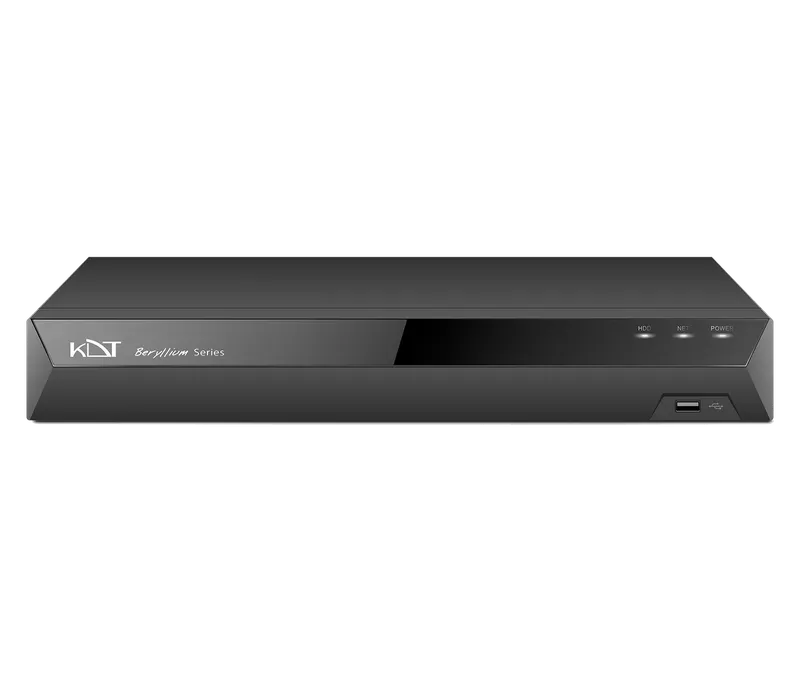 8 Channel 1 HDD 1U 4K NVRKN-0811BE
- 4 Channel 2 HDD 1U 4K NVRKN-0421BE
- 4 Channel 1 HDD 1U 4K NVRKN-0411BE
- 8 Channel 2 HDD 1U 4K NVRKN-0821BE
- 16 Channel 2 HDD 1U 4K NVRKN-1621BE
- 16 Channel 2 HDD 1U 4K NVRKN-1621B
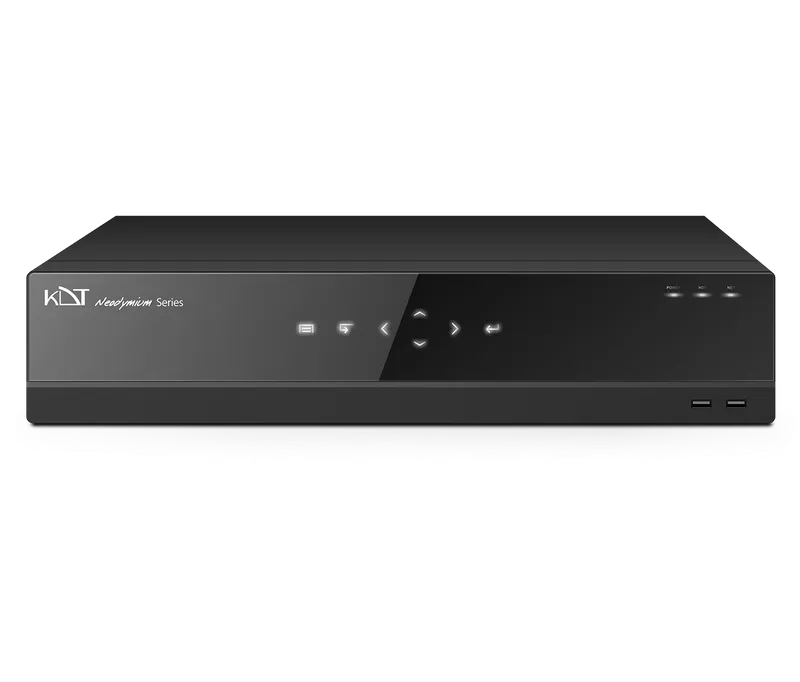 16 Channel 4 HDD 2U 4K NVRKN-1642B
- 32 Channel 2 HDD 1U 4K NVRKN-3221B
- 32 Channel 2 HDD 1U 4K NVRKN-3221BS
- 32 Channel 4 HDD 2U 4K NVRKN-3242B
- 32 Channel 8 HDD 2U 4K NVRKN-3282B
- 32 Channel 8 HDD 2U 4K NVRKN-3282BS