
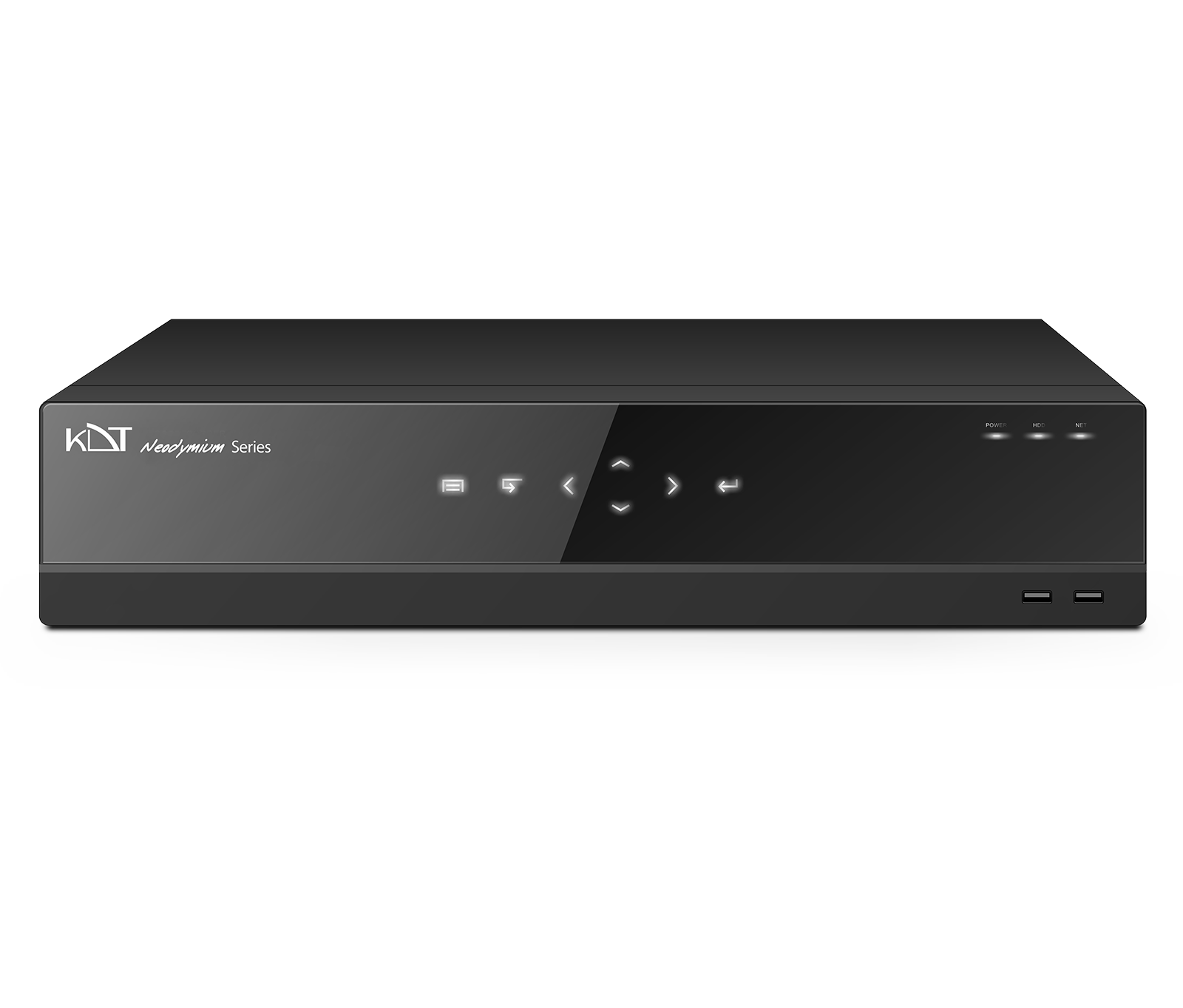
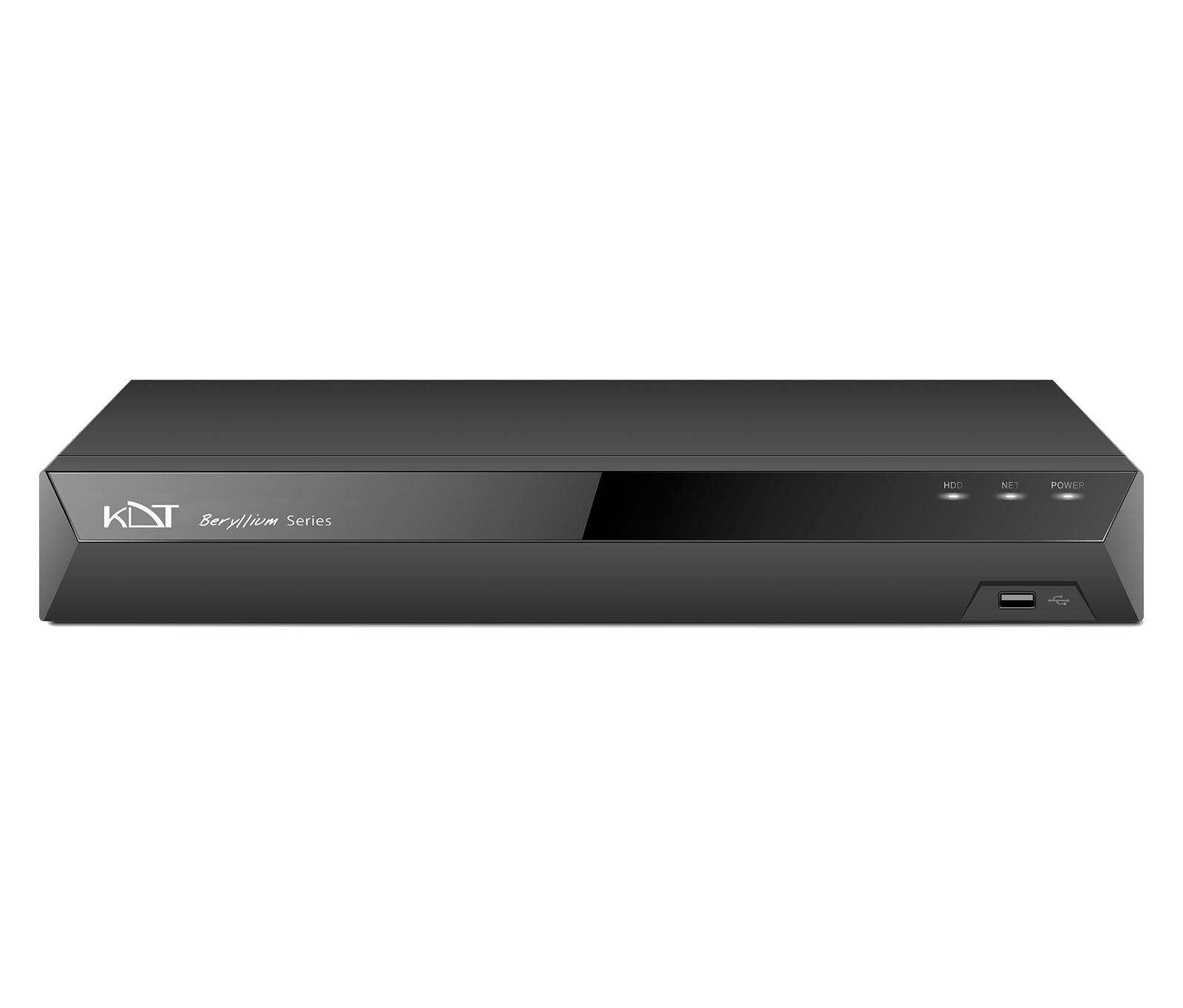
The KN-1642B network video recorder from the Beryllium series takes the security and longevity of the video archive in sixteen-channel projects to a higher level.
-
 NO.of Channels
16CH
NO.of Channels
16CH
-
 Function
Human Vehicle Filter
Function
Human Vehicle Filter
-
 Smart Code
CODEC
Smart Code
CODEC
Overview
The KN-1642B network video recorder from the Beryllium series takes the security and longevity of the video archive in sixteen-channel projects to a higher level. Its four internal hard disks both significantly expand storage space and make it possible to keep video records over long periods with confidence. A standard rack-mountable chassis, simultaneous display outputs and a full set of smart analytics make it a dependable choice for banks, government offices and healthcare centers.
CPU & GPU Capabilities
- CPU
- Quad-Core ARM Cortex
- IP Channel Input
- (Up to 12 MP Supported) 16CH x 4K@30fps
Recording
- Video Resolution
- 1080P, 12MP, 2CIF, 3MP, 4CIF, 4MP, 5MP, 720P, 8MP, CIF, DCIF, QCIF, VGA
- Input Bandwidth
- 160 Mbps
- Record Mode
- Alarm, Event, Manual, Schedule, Smart Event
- Pre & Post Record
- Post 10~300 sec, Pre 1~30 sec
General
- Web Viewer
- Chrome, Edge, Firefox, IE
- Power Supply
- 200~240V AC, 50~60Hz
- Working Environment
-
-20°C ~ +
65°C / 10% ~ 90% RH (Non condensing) - Rackmount
- Yes 2 Unit
- Dimension (W×D×H)
- 440*452*90 mm
- Weight
- 7 Kg Without HDD
Hard Disk
- HDD
- 4 SATA
- Capacity
- Up To 14 TB For Each HDD
- RAID Support
- Mirror
- Group HDD
- Yes
Interfaces
- Network
-
2 x RJ45
(10/ 100/ 1000Mbps)+ LED Indicator
External Interface
- 4G Dongle / Wifi
- Supported
- USB Interface
- Front Panel: 2 × USB 2.0 Rear Panel: 1 × USB 3.0
- eSATA
- Supported
- Alarm In / Alarm Out
- 16/4
- Controller
- 2 x RS-485 Interface
- 12V Out
- Supported
Smart Function
- Intelligent Functions
- Area Intrusion Audio Exception Detection Blurred Detection Car Shape Detection Face Detection Fast Moving Human Detection Line Crossing Loitering Detection Motion Detection Object Missing Parking Detection People Counting People Gathering Detection Region Entrance Region Exiting Scene Change Detection Unattended Objects Video Shelter
Video/Audio
- HDMI Output
- 1CH Full HD (1920 × 1080) 2CH / 1CH 4K (3840 × 2160)
- VGA Output
- 1CH x Full HD (1920 × 1080)
- Audio Input/ Output
- 1CH Input, 2CH Output
- Video Compression
-
H.264+
(Ultra H.264) H.265+ (Ultra H.265) Smart Event Codec - Audio Compression
- G.711a, G.711u
Playback & Backup
- Sync Playback
- 16CH (Up to 4K@30fps)
- Search Mode
- Alarm Input, All Smart Function, Motion, Time & Date
- Playback Mode
- ANR Support, Event, Label, Normal, Picture Playback, Smart Playback, Time Division
- Backup Mode
- Network, USB Device
Network & Monitoring
- Protocols
-
DDNS, DHCP, FTP, HTTP, HTTPS, ICMP, Multi Cast, NAT, NTP, P2P, RTSP, SNMP, TCP/
IP V4, TCP/ IP V6, UDP, UPnP - Compatibility
- API CGI ONVIF (Profile S, G, T) SDK
- Output Bandwidth
- 256 Mbps
- User
- 32 Users
- Streaming Method
- Multicast, Unicast
- Windows Software
-
Unlimited KDT CMS/
VMS - Smart Device
- Android Phone, Android Tablet, iOS
Guarantee
- Power Consumption
- ≤30 W Without Hard Disk
- Product Guarantee
- 3 Years Platinum Guarantee
- MTBF
- 100,000 hrs min. MIL-HDBK-217F (25°)
Compare products
Compare this product with similar products
Please wait
Frequently asked questions: Network Storage
Answers to common questions about this product line, from the KDT Help Center.
Where should I start when choosing the right network storage?
Start by defining the intended use, the number of devices, the installation environment, the capacity required and your plans for future expansion. Then choose the model and technical specifications based on what the project actually needs.
Which technical specifications matter most for network storage?
Depending on the project, the most important specifications are capacity, speed, compatibility, environmental ratings, management features and scalability. Basing your choice on a single figure is usually not enough.
Is a cheaper network storage model always the right choice?
No. The purchase price is only one factor. You also need to consider reliability, features, service life, after-sales service and maintenance costs.
How do I work out how much capacity a network storage system needs?
Base the calculation on the number of devices, actual usage, how long the system will be in use and how much the project is likely to grow. It is also wise to keep some capacity in reserve.
Can network storage be upgraded later?
In many cases, some of the capacity or equipment can be upgraded. However, this depends on the product's architecture and its hardware limitations, so check before you buy.
Didn’t find your answer?
Warranty
3-Year Platinum Warranty
This product comes with the official KDT warranty. Check your device’s warranty status with its serial number.
Check warrantyRelated products
 8 Channel 1 HDD 1U 4K NVRKN-0811BE
- 4 Channel 2 HDD 1U 4K NVRKN-0421BE
- 4 Channel 1 HDD 1U 4K NVRKN-0411BE
- 8 Channel 2 HDD 1U 4K NVRKN-0821BE
- 16 Channel 2 HDD 1U 4K NVRKN-1621BE
- 16 Channel 2 HDD 1U 4K NVRKN-1621B
- 32 Channel 2 HDD 1U 4K NVRKN-3221B
- 32 Channel 2 HDD 1U 4K NVRKN-3221BS
- 32 Channel 4 HDD 2U 4K NVRKN-3242B
- 32 Channel 8 HDD 2U 4K NVRKN-3282B
- 32 Channel 8 HDD 2U 4K NVRKN-3282BS
 64 Channel 16 HDD Hot Swap 4U 4K NVRKN-64164BHRW