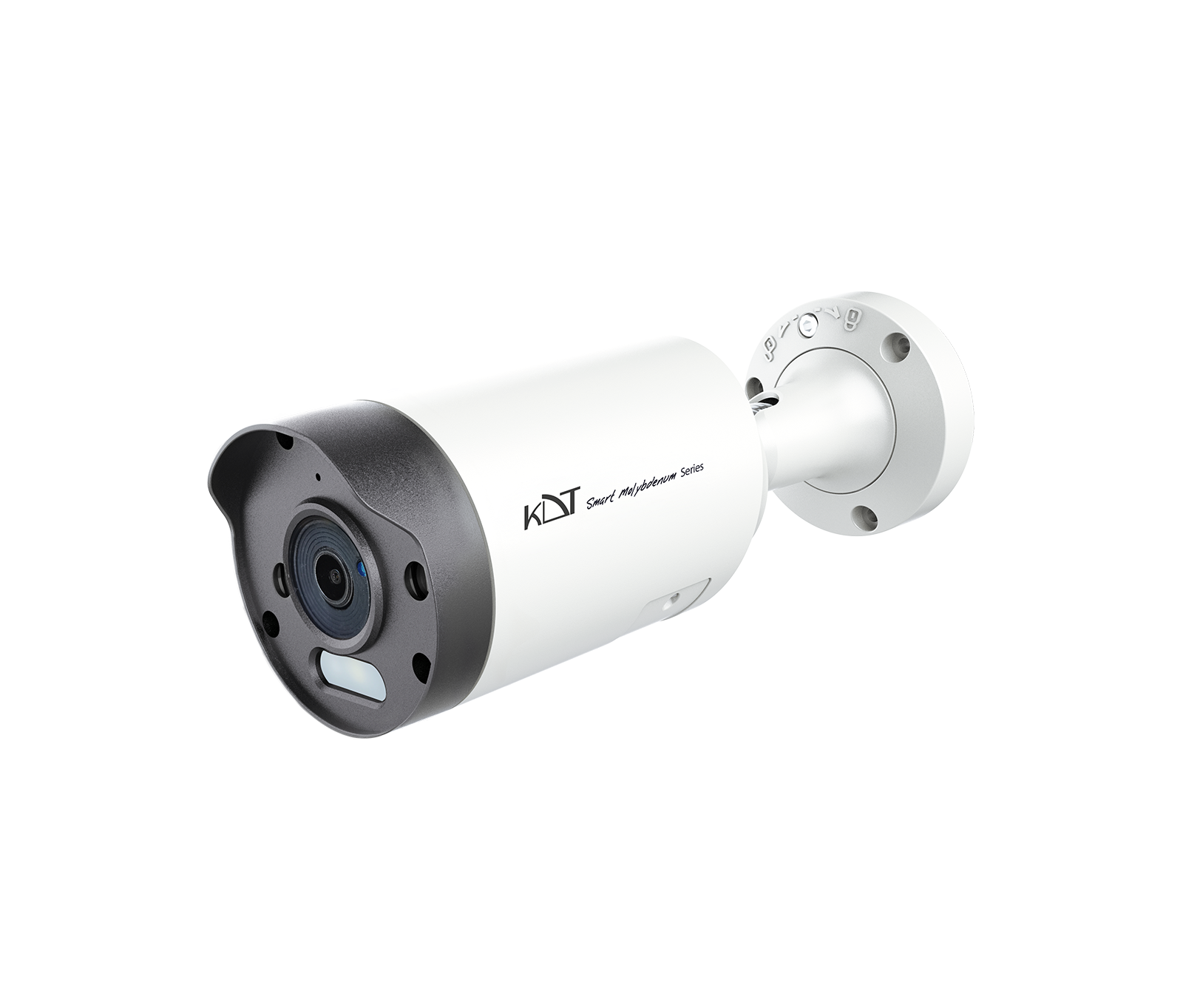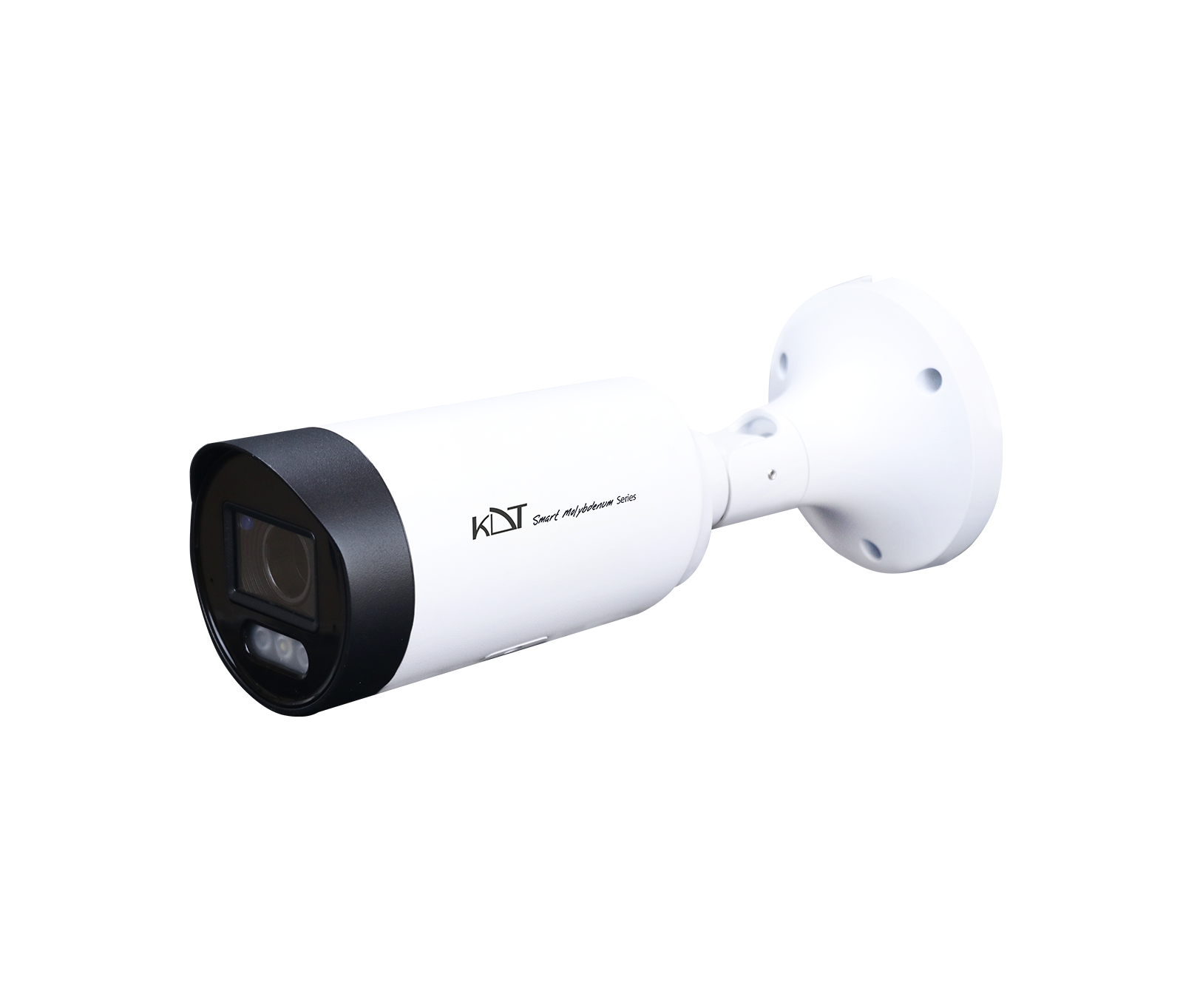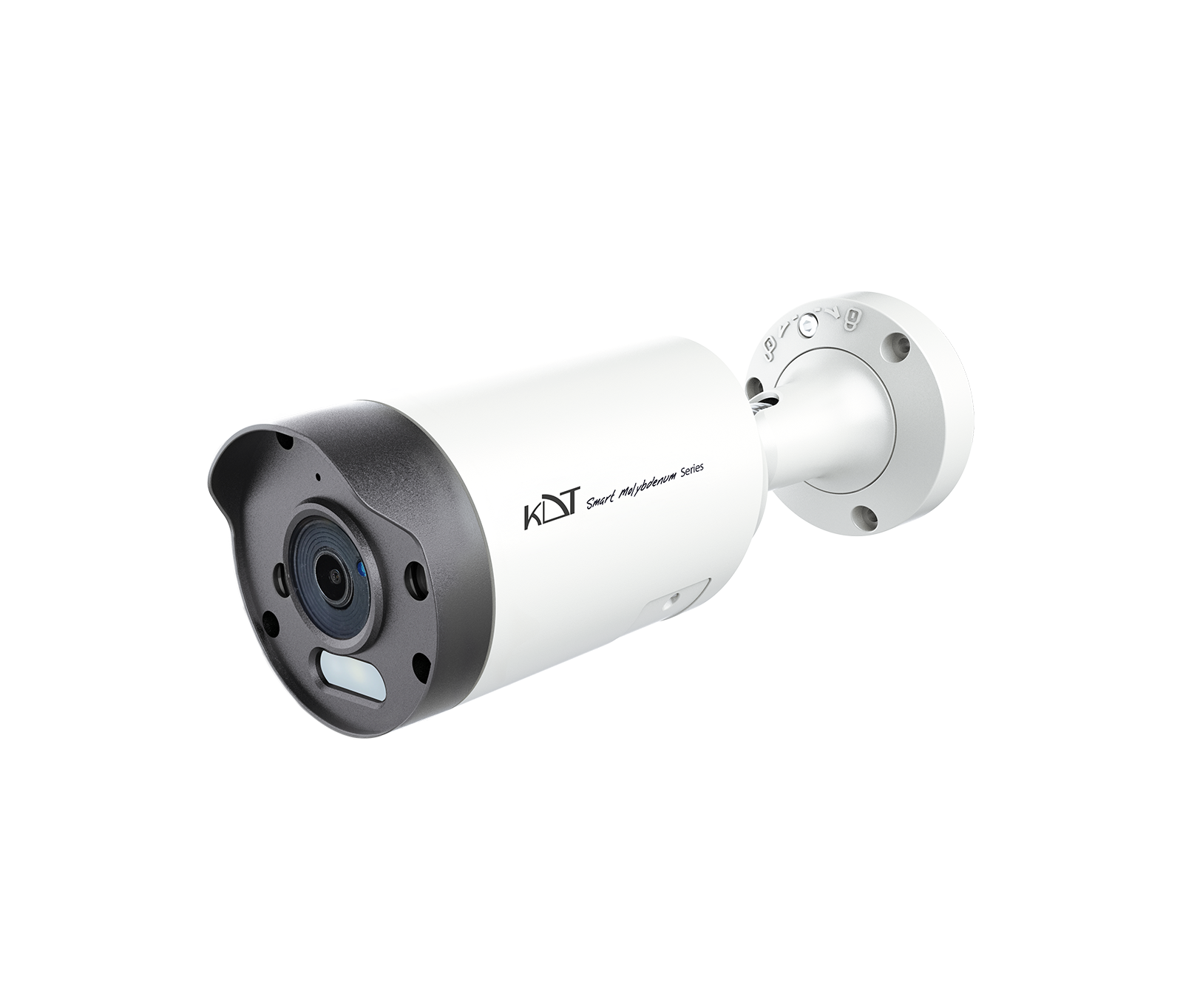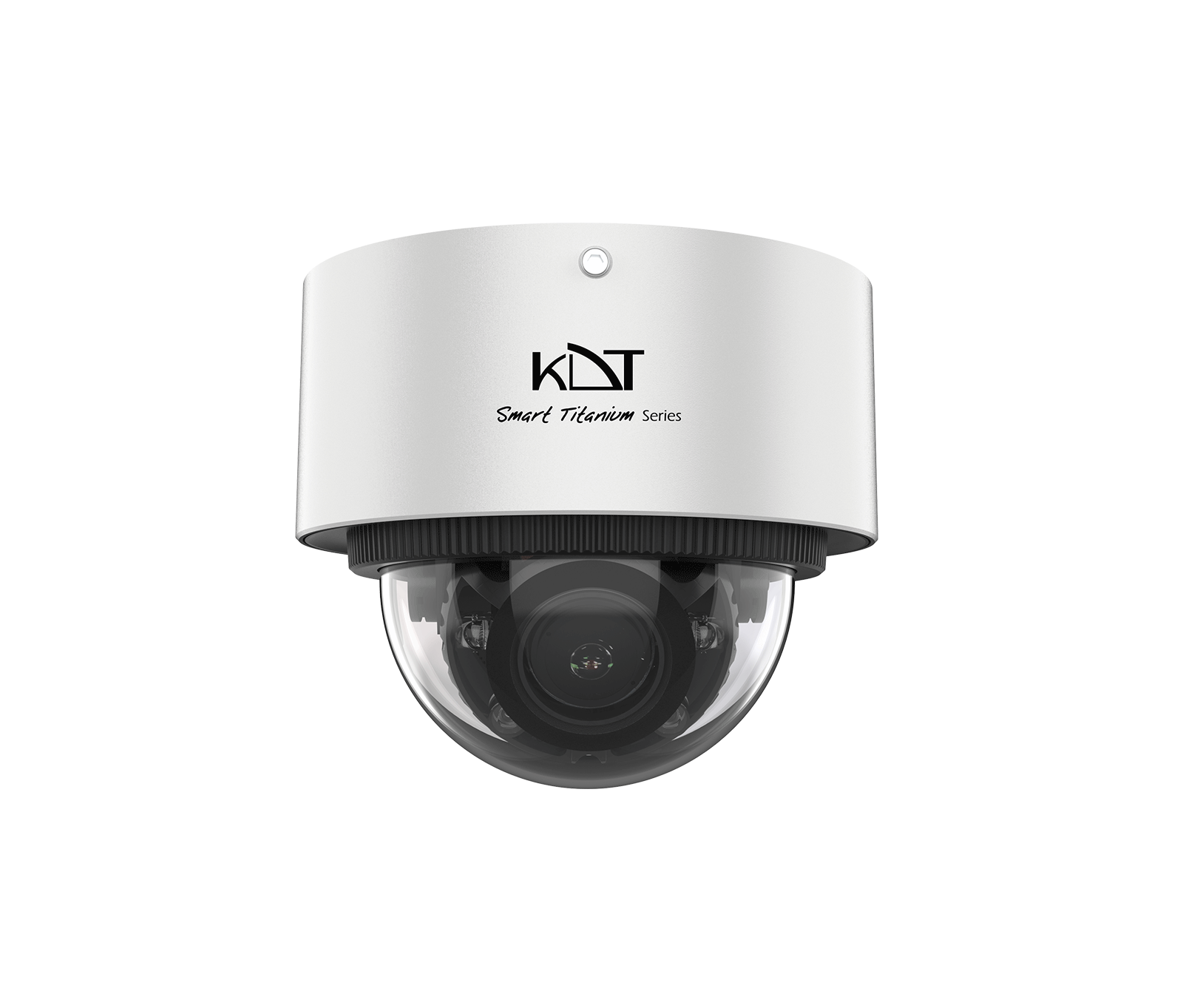
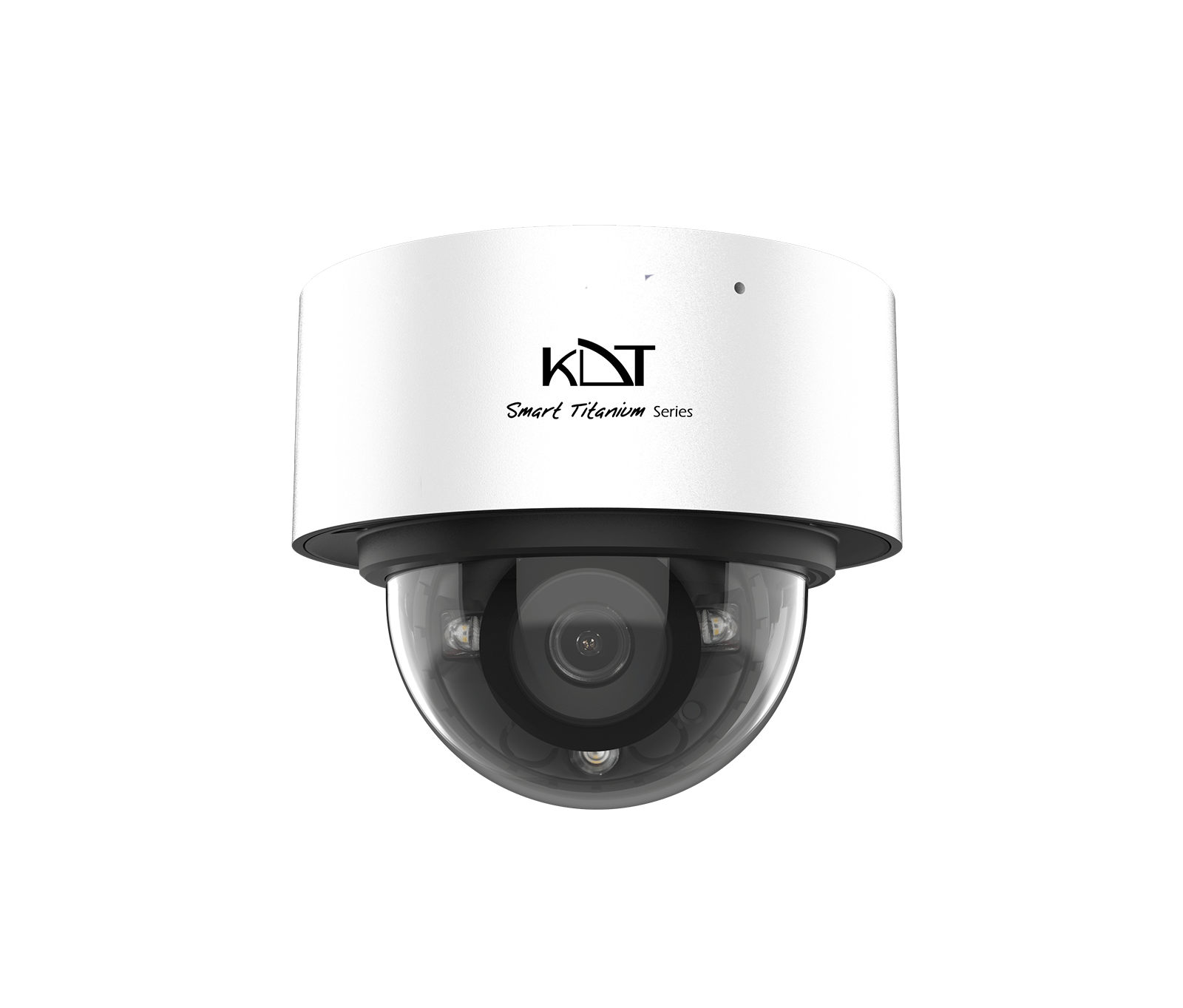
With its sleek design and sturdy construction, the KI-D15SM50F-i30TSMU IP dome camera from the advanced Smart Molybdenum series is ideal for ceiling mounting in indoor and semi-outdoor spaces. Its 5 MP resolution captures scene detail in very high quality.
-
 Illumination
Dual Light
Illumination
Dual Light
-
 Function
Microphone
Function
Microphone
-
 Video Compression
Ultra H.265
Video Compression
Ultra H.265
Overview
With its sleek design and sturdy construction, the KI-D15SM50F-i30TSMU IP dome camera from the advanced Smart Molybdenum series is ideal for ceiling mounting in indoor and semi-outdoor spaces. Its 5 MP resolution captures scene detail in very high quality. Advanced Smart Dual Light night vision with a 30 to 40 m range keeps image quality from dropping at any hour of the day or night, and 12 intelligent video analytics (VCA) functions enable precise event monitoring. With a rugged IP67- and IK10-rated housing, it is a reliable, professional choice for shops, offices and residential complexes.
Camera
- Image Sensor
- 5MP Progressive scan Cmos Sensor (1/2.7”)
- CPU
- Dual-Core ARM Cortex
- Resolution
- 3072*1728 (5MP)
- IR Range
- Up to 40 m
- Warm Light Range
- Up to 20 m
- Day/
Night Filter - IR cut filter with auto switch
- Min. Illumination
-
Color: 0.001 lux
(AGC on) -B/ W: 0.0 Lux (IR on)(Warm Light On) - Night Vision
- Dual Light Technology
Picture Adjust
- Picture Function
-
2D/
3D DNR, BLC, Defog, HLC, ROI, Rotate - WDR
- 120dB, DWDR
- Shutter Speed
- Auto Manual (1/3 ~ 1/100,000)
- Image Parameter Control
- Off On Timing (Adjust 0~255)
- D/
N Control - Auto, Color off, Color on, Timing
- S/
N - > 56dB
- Image Parameter
- Anti Flicker, Brightness, Contrast, Hue, Image Style, Saturation, Sharpness
Functions
- Recording
- ANR, CMS, FTP, NAS, NVR, SD Card, VMS
- Record Type
- Manual, Motion Detection, Schedule, Smart Detection
- Alarm Triggers
- All Intelligent Functions
- Event Action
- Buzzer, Email, Pop up, PTZ, Recrding, Show Message, Snapshot
- Event
- Smart Motion Detection Video Shelter
- Intelligent Functions
- Area Intrusion Audio exception Detection Audio Exceptions Blurred Detection Crowd Density Monitorring Face Detection Fast Moving Line Crossing Region Entrance Region Exiting Scene Change Detection Smart People Counting
General
- Protection Rating
- 6KV Surge Protection, IK10, IP67
- Power Supply
- DC12V ± 10%
- PoE Supply
- IEEE802.3af - Max 8.5 Watt
- Web Language
- English, Persian
- Dimensions
- 110*91.8 mm
- Weight
- 852g
- Operating Humidity
- 95% or less (non-condensing)
- Operating Temperature
-
-30°C ~ +
60°C
Lens
- Lens Type
- Fixed
- Focal Length
- 3.6 mm @F1.6
- Angle of View
- D-FOV: 110°, H-FOV: 92°, V-FOV: 47°
DORI Distance
- DORI
- Detect:59m Observe: 24m Recognize: 12m Identify: 5.9m
Video/Audio
- Video Compression
- H.264+, H.265+, MJPEG
- Audio Compression
- ACC, G.711a, G.711u, G.726, PCM
- Frame Rate (60 Hz)
- 30fps@ 2MP, 30fps@ 4MP, 30fps@ 5MP
- Transmission Stream
- Triple Stream
- Video Bit Rate
- 11 Kbps~10 Mbps
Network
- Protocols
-
Bonjur, DDNS, DHCP, DNS, FTP, HTTP, HTTPS, ICMP, IGMP, Multicast, NAT, NTP, P2P, RTCP, RTMP, RTP, RTSP, SMTP, SNMP, TCP/
IPv4, TCP/ IPv6, UDP, UPnP, UPnP-TM - Compatibility
- API CGI ONVIF (Profile S, G, T) SDK
- Streaming Method
- Multicast, Unicast
- Web Viewer
- Chrome, Edge, Firefox, IE
- Smart Device
- Android Phone, Android Tablet, iOS
Interfaces
- Network
- 1 RJ45 (10M / 100M) Ethernet Port
- External Audio
- Audio in, Audio Out
- Internal Audio
- Internal Mic
- Alarm
- Alarm In, Alarm Out
- Power
- DC In, PoE LAN
- Reset Button
- Yes (Optional)
- Memory Slot
-
Yes - Micro SD/
SDHC/ SDXC Slot (256 Gb Max) (ANR Support)
Guarantee
- Product Guarantee
- 5 Years Gold Guarantee
- MTBF
- 100K hrs min. MIL-HDBK-217F (25°)
- Certificates
- CFR, CN, EN, FCC
Compare products
Compare this product with similar products
Please wait
Frequently asked questions
Questions about this product
Why does operating temperature matter for CCTV cameras?
High temperatures can shorten component life and reduce the product's stability. Good ventilation and staying within the specified temperature range are important.
Do CCTV cameras need a UPS?
If a power outage would interrupt the service or cause data loss, putting sensitive equipment on a UPS can be worthwhile.
Can several CCTV cameras be used on the same network?
Yes. With a properly designed addressing scheme, network capacity, VLANs and management resources, multiple devices can be deployed within a standard architecture.
How do VLANs help with CCTV cameras?
VLANs can separate the traffic of different services and improve management, security and broadcast control. However, they must be designed correctly and configured on the equipment at both ends.
What is SNMP used for in managing CCTV cameras?
SNMP allows monitoring systems to collect management information such as interface status, resource usage and certain health indicators.
Frequently asked questions: CCTV Cameras
Answers to common questions about this product line, from the KDT Help Center.
Why does my CCTV camera drop its connection from time to time?
Common causes include unstable power, an unreliable cable or link, heavy load, incorrect settings and firmware issues. Reviewing the event log and testing step by step will help you pinpoint the cause.
Does after-sales service for CCTV cameras continue after the warranty expires?
As long as a product can still be supported technically and its technology has not become obsolete, we can continue to provide repairs and spare parts after the warranty expires.
Do CCTV cameras need an internet connection?
Not necessarily for basic operation. Some management or remote-access features may require internet access, but local operation can work independently.
Does KDT offer advice on choosing CCTV cameras?
Yes. We offer expert consultation to assess your project's needs, select the equipment and design the solution. Getting this advice before you buy can help you avoid making the wrong choice.
Where should I start when choosing the right CCTV cameras?
Start by defining the intended use, the number of devices, the installation environment, the capacity required and your plans for future expansion. Then choose the model and technical specifications based on what the project actually needs.
Didn’t find your answer?
Warranty
5-Year Gold Warranty
This product comes with the official KDT warranty. Check your device’s warranty status with its serial number.
Check warranty