
CPU & GPU Capabilities
- CPU
- Quad-Core ARM Cortex
- IP Channel Input
- (Up to 12 MP Supported) 32CH x 4K@30fps
Recording
- Video Resolution
- 1080P, 12MP, 2CIF, 3MP, 4CIF, 4MP, 5MP, 720P, 8MP, CIF, DCIF, QCIF, VGA
- Input Bandwidth
- 256 Mbps
- Record Mode
- Alarm, Event, Manual, Schedule, Smart Event
- Failover
-
N+
1 Hot Spare - Pre & Post Record
- Post 10~300 sec, Pre 1~30 sec
General
- Web Viewer
- Chrome, Edge, Firefox, IE
- Power Supply
- 200~240V AC, 50~60Hz
- Working Environment
-
-20°C ~ +
65°C / 10% ~ 90% RH (Non condensing) - Rackmount
- Yes 2 Unit
- Dimension (W×D×H)
- 440*452*90 mm
- Weight
- 7.3 Kg Without HDD
Hard Disk
- HDD
- 8 SATA
- Capacity
- Up To 14 TB For Each HDD
- RAID Support
- Mirror
- Group HDD
- Yes
Interfaces
- Network
-
2 x RJ45
(10/ 100/ 1000Mbps)+ LED Indicator
External Interface
- 4G Dongle / Wifi
- Supported
- USB Interface
- Front Panel: 2 × USB 2.0 Rear Panel: 1 × USB 3.0
- eSATA
- Supported
- Alarm In / Alarm Out
- 16/4
- Controller
- 2 x RS-485 Interface
Guarantee
- Power Consumption
- ≤30 W Without Hard Disk
- Product Guarantee
- 3 Years Platinum Guarantee
- MTBF
- 100,000 hrs min. MIL-HDBK-217F (25°)
Guarantee
- Product Guarantee
- 3 Years Platinum Guarantee
Video/Audio
- HDMI Output
- 1CH Full HD (1920 × 1080) 2CH / 1CH 4K (3840 × 2160)
- VGA Output
- 1CH x Full HD (1920 × 1080)
- Audio Input/ Output
- 1CH Input, 2CH Output
- Video Compression
-
H.264+
(Ultra H.264) H.265+ (Ultra H.265) Smart Event Codec - Audio Compression
- G.711a, G.711u
Playback & Backup
- Sync Playback
- 16CH (Up to 4K@30fps)
- Search Mode
- Alarm Input, All Smart Function, Motion, Time & Date
- Playback Mode
- ANR Support, Event, Label, Normal, Picture Playback, Smart Playback, Time Division
- Backup Mode
- Network, USB Device
Network & Monitoring
- Protocols
-
DDNS, DHCP, FTP, HTTP, HTTPS, ICMP, Multi Cast, NAT, NTP, P2P, RTSP, SNMP, TCP/
IP V4, TCP/ IP V6, UDP, UPnP - Compatibility
- API CGI ONVIF (Profile S, G, T) SDK
- Output Bandwidth
- 256 Mbps
- User
- 32 Users
- Streaming Method
- Multicast, Unicast
- Windows Software
-
Unlimited KDT CMS/
VMS
Smart Function
- Intelligent Functions
- Area Intrusion Audio Exception Detection Blurred Detection Car Shape Detection Face Detection Fast Moving Human Detection Line Crossing Loitering Detection Motion Detection Object Missing Parking Detection People Counting People Gathering Detection Region Entrance Region Exiting Scene Change Detection Unattended Objects Video Shelter
产品对比
将本产品与同类产品进行对比
请稍候
常见问题
与本产品相关的问题
网络存储设备需要定期维护吗?
需要。定期检查连接、软件状态、设备健康状况、温度和错误日志,可以预防突发故障。
如何更快地排查网络存储设备故障?
先准确记录问题现象,明确问题发生的时间和触发条件,然后逐步检查供电、连接、配置和日志。
申请网络存储设备技术支持时,需要提供哪些信息?
提供以下信息会非常有帮助:准确型号、序列号(如有)、固件版本、问题描述、问题开始出现的时间、指示灯状态或错误提示,以及相关图片或日志。
大型项目中的网络存储系统需要专门设计吗?
需要。大型项目应从容量、冗余、管理、安全、供电和未来扩展等方面进行整体设计。
为什么要做好网络存储系统的文档记录?
图纸、地址信息、配置、端口号和维修记录等资料,能让故障排查和日后扩展更快、成本更低。
常见问题:网络存储
来自KDT帮助中心的该类产品常见问题解答。
要选对网络存储设备,应该从哪里入手?
首先明确应用场景、设备数量、安装环境、所需容量和未来的扩展需求,然后再根据项目的实际需要确定型号和技术规格。
选择网络存储设备时,最需要关注哪些技术规格?
视项目而定,最重要的规格包括容量、速度、兼容性、环境适应性、管理功能和可扩展性。仅凭某一项参数来选型,通常是不够的。
选购网络存储设备时,价格更低的型号就一定合适吗?
不一定。采购价格只是其中一个因素,还应综合考虑运行稳定性、功能、使用寿命、售后服务和维护成本。
如何确定网络存储系统所需的容量?
容量应根据设备数量、实际用量、使用时长和项目未来可能的增长来计算,最好再预留一定的余量。
网络存储设备以后还能升级吗?
在很多情况下,部分容量或设备是可以升级的,但具体取决于产品架构及其硬件限制,应在采购前确认清楚。
保修
相关产品
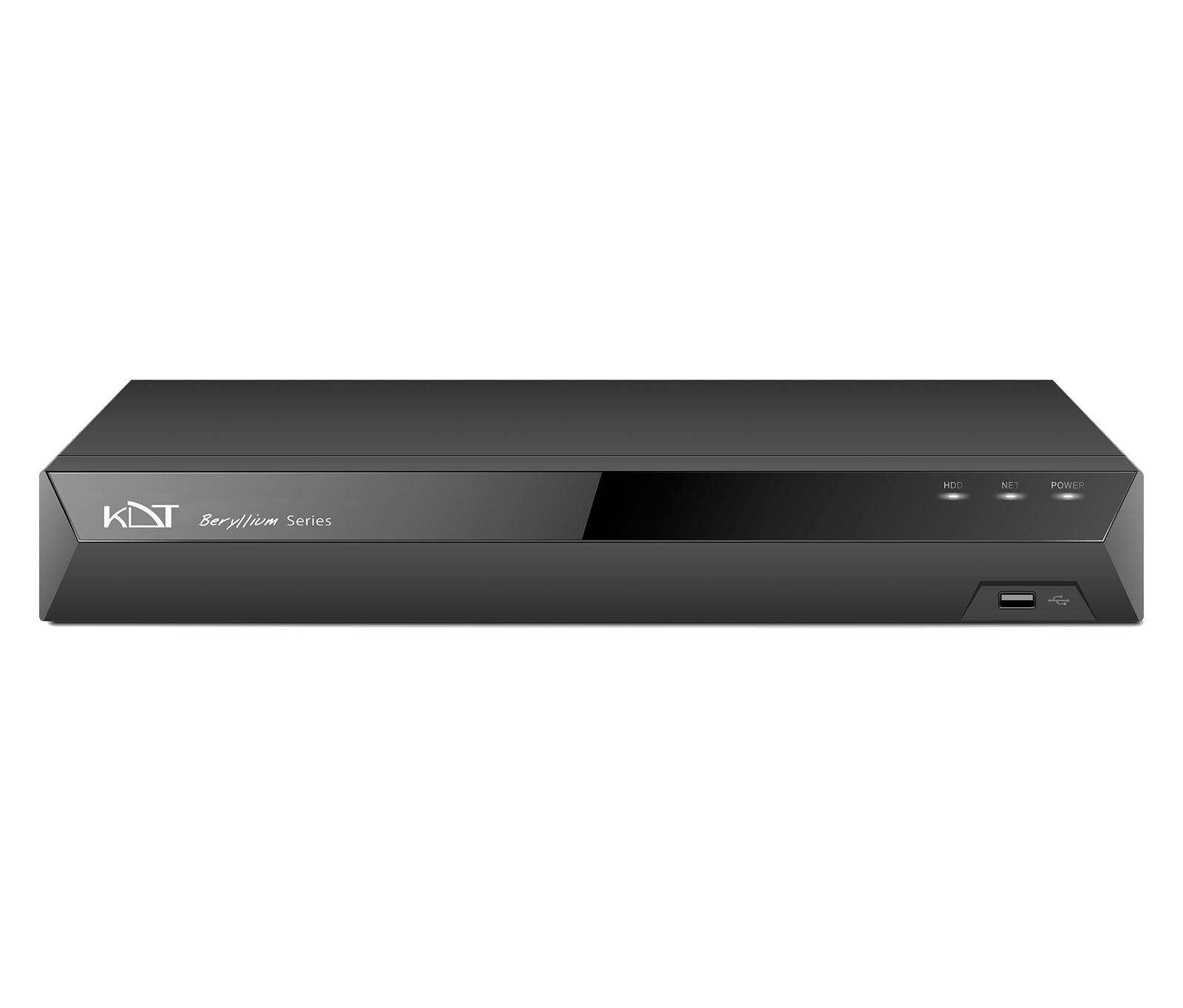 8路1盘位1U 4K网络硬盘录像机KN-0811BE
- 4路2盘位1U 4K网络硬盘录像机KN-0421BE
- 4路1盘位1U 4K网络硬盘录像机KN-0411BE
- 8路2盘位1U 4K网络硬盘录像机KN-0821BE
- 16路2盘位1U 4K网络硬盘录像机KN-1621BE
- 16路2盘位1U 4K网络硬盘录像机KN-1621B
- 16路4盘位2U 4K网络硬盘录像机KN-1642B
- 32路2盘位1U 4K网络硬盘录像机KN-3221B
- 32路2盘位1U 4K网络硬盘录像机KN-3221BS
- 32路4盘位2U 4K网络硬盘录像机KN-3242B
- 32路8盘位2U 4K网络硬盘录像机KN-3282BS
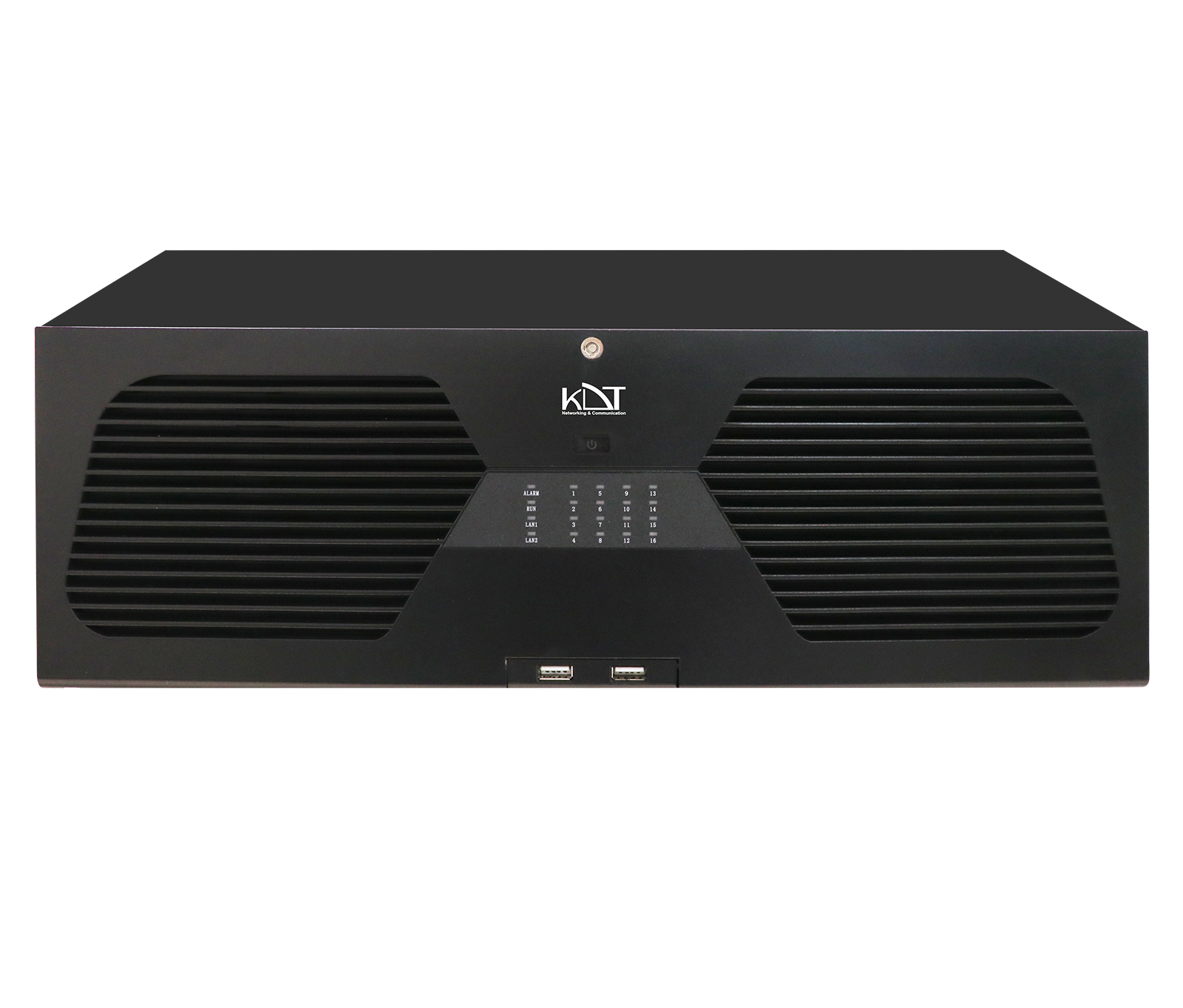 64路16盘位热插拔4U 4K网络硬盘录像机KN-64164BHRW