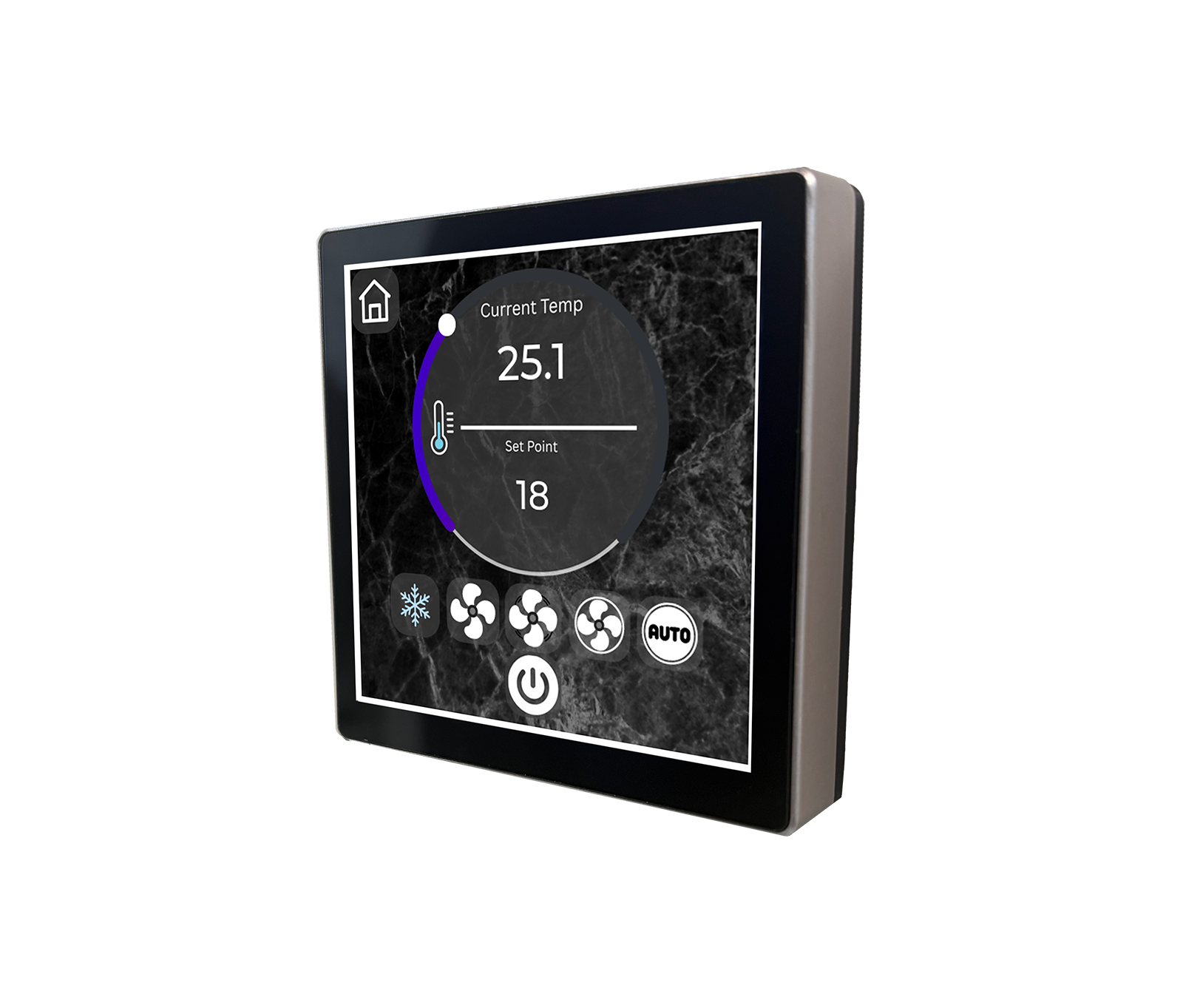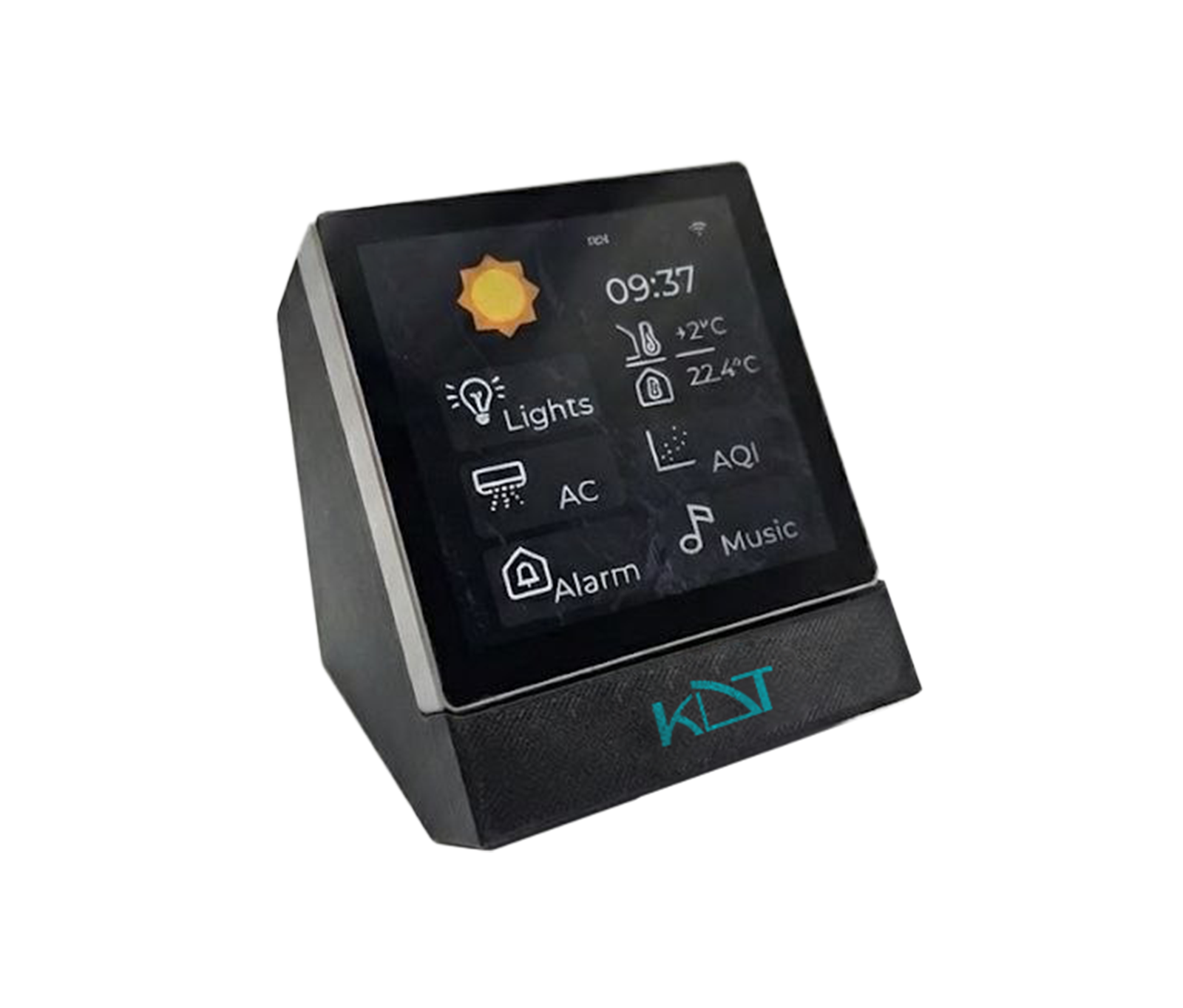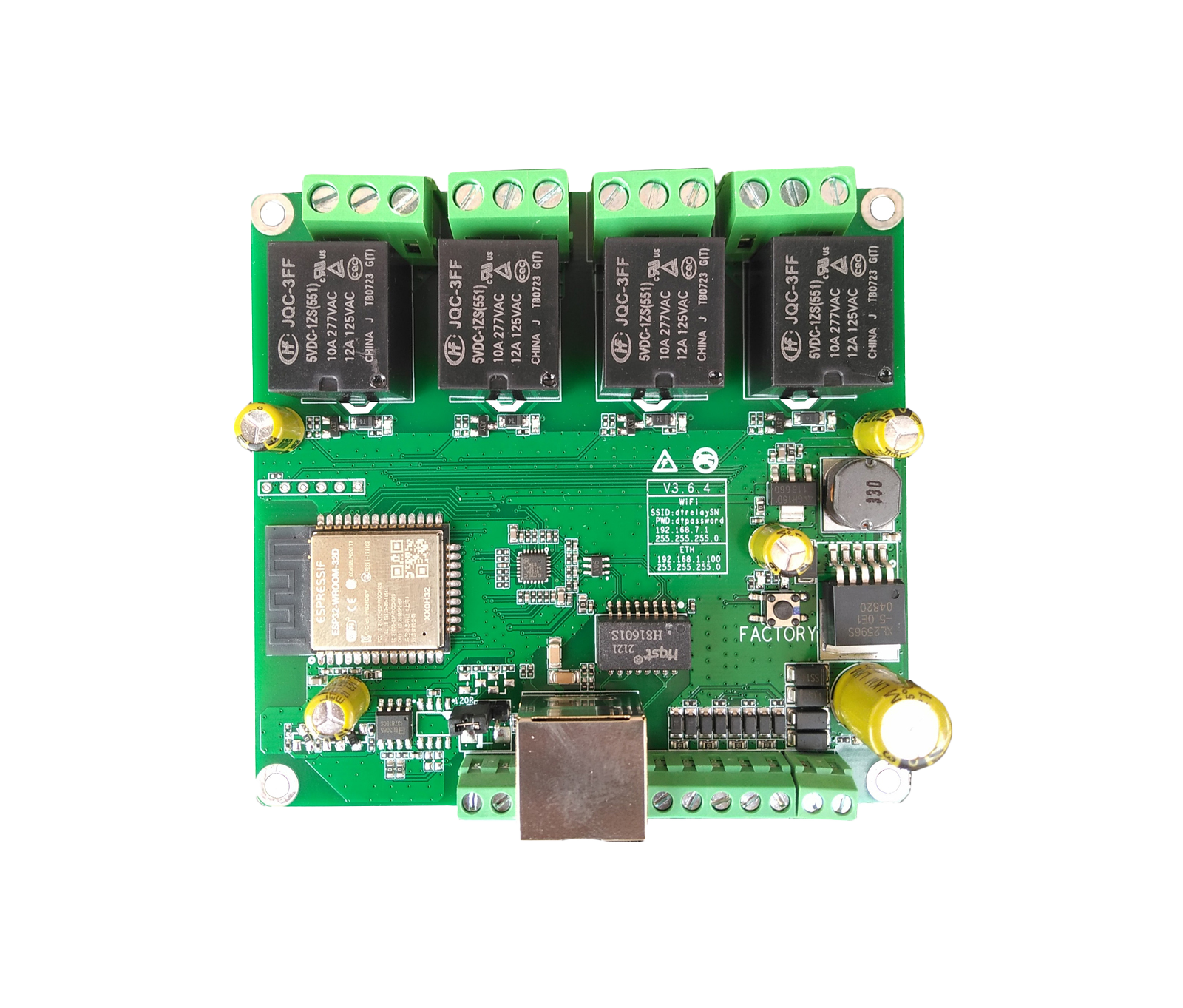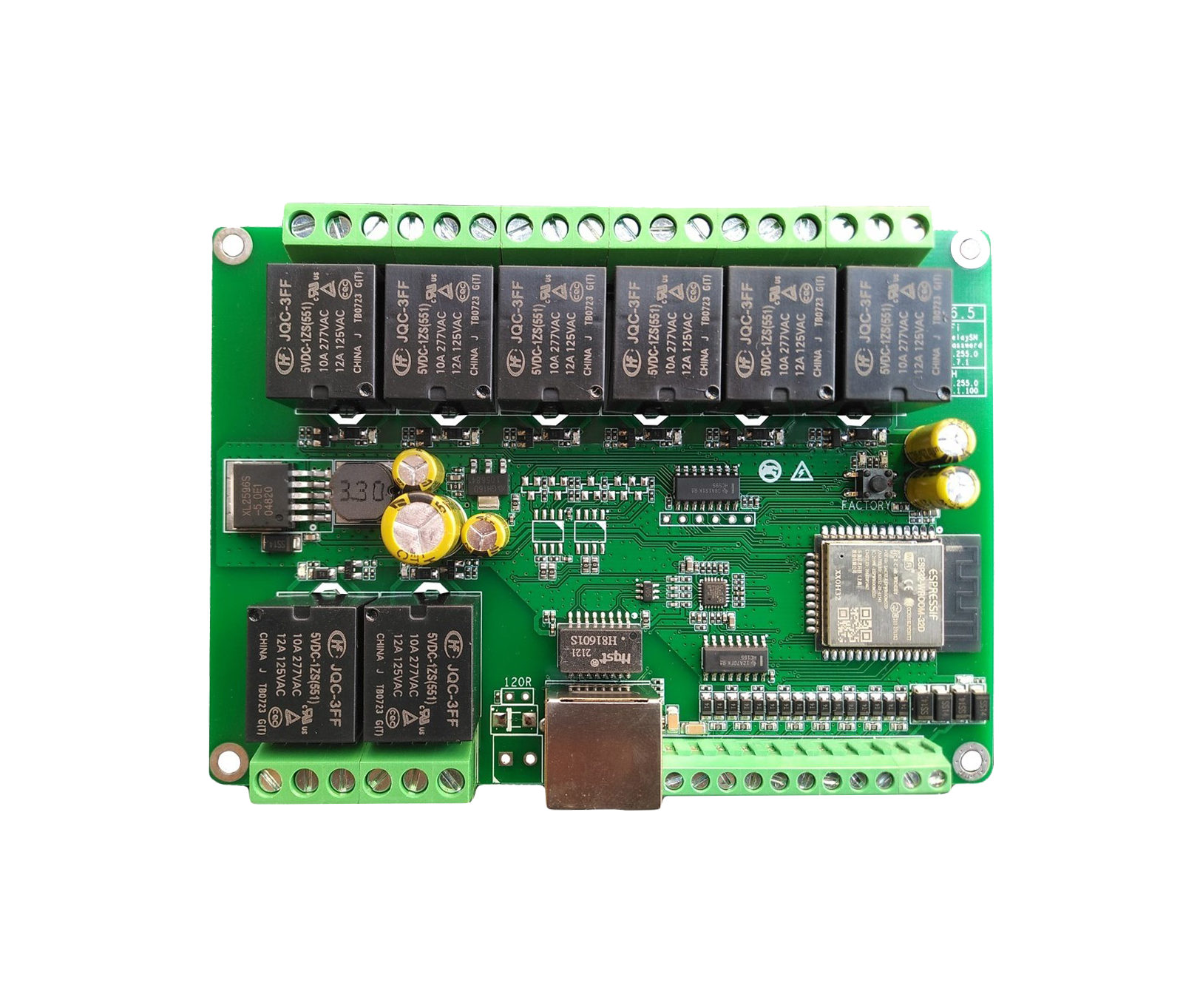
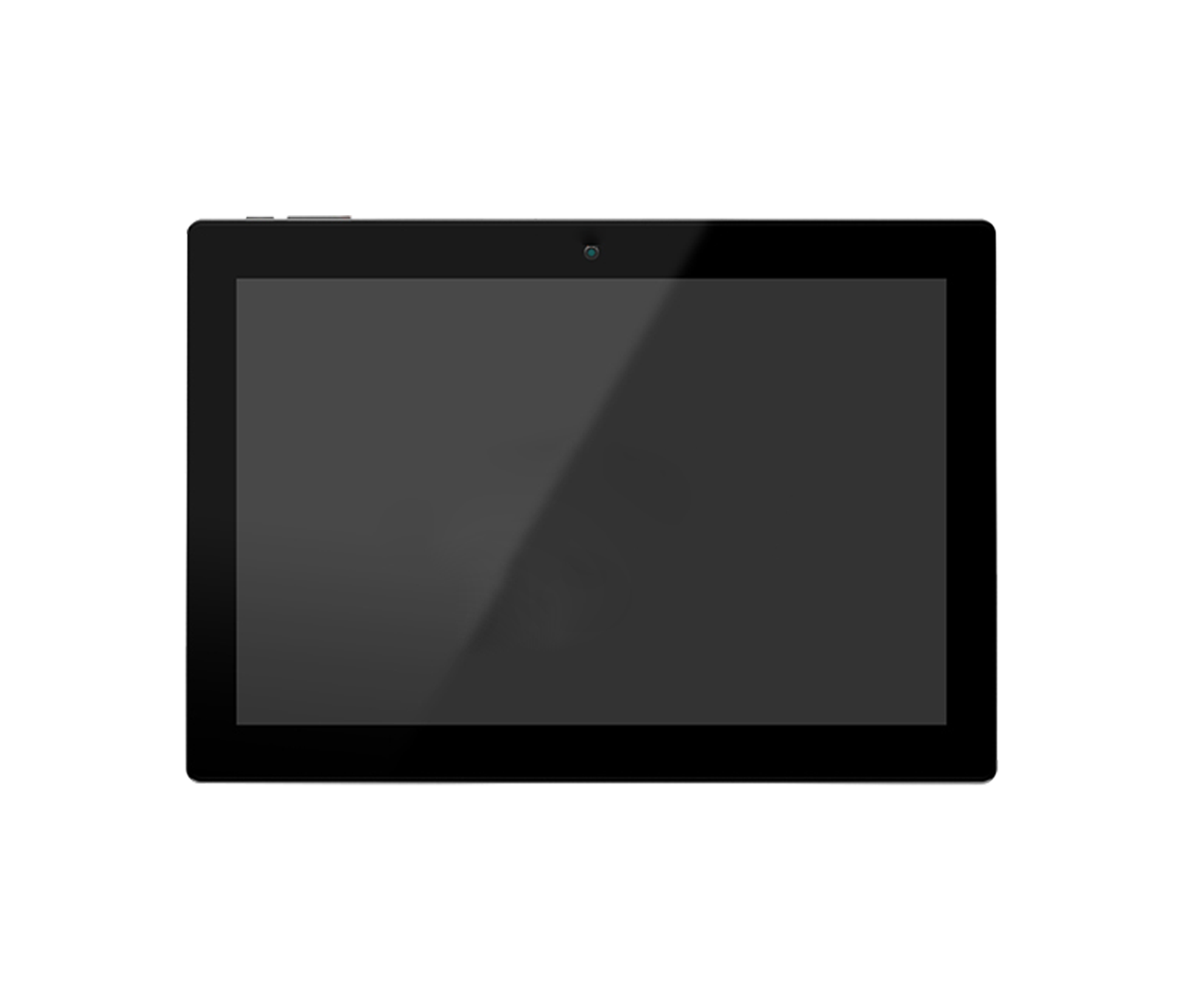
The KD-SC10-PW wall-mounted network server from the Iridium series is a powerful management console with a 10.1-inch touchscreen, built for integrated control of smart home systems and audio equipment.
-
 Wireless
WiFi
Wireless
WiFi
-
 Power
POE
Power
POE
-
 Protocol
SIP
Protocol
SIP
Overview
The KD-SC10-PW wall-mounted network server from the Iridium series is a powerful management console with a 10.1-inch touchscreen, built for integrated control of smart home systems and audio equipment. With a quad-core processor, the Debian 11 operating system, and PoE support, it can manage up to 500 IP speakers and make two-way SIP calls. Bluetooth 5.2, Wi-Fi connectivity, and multicast music playback without a separate server make it an ideal central hub for building automation.
System
- CPU
- Quad Core Cortex
- RAM
- 2GB
- Internal Memory
- 16 GB
- Opration System
- Debian 11
- Touch Screen
- 10-Point Capacitive Touch
Network
- Wifi
-
802.11b/
g/ n - Ethernet
-
100M/
1000M, RJ45 - Bluetooth
- Bluetooth 5.2
Media Play
- Video Format
- H.264, MPEG
- Audio Format
-
MP3/
WMA/ AAC etc. - Photo
- JPEG
General
- Power Supply
- IEEE802.3at / DC 12 V 1A
- Language
- Arabic, English, Persian
- Weight
- 950 g
- Mounting
-
Wall Mount / Desktop
(Optional) - Operating Humidity
- Humidity 70% or less (non-condensing)
- Operating Temp
-
-30°C ~ +
60°C - Dimension & Impedance
- 247*173*37 mm
- Material, Color
- ABS White / Black
Guarantee
- Product Guarantee
- 2 Years Silver Guarantee
- MTBF
- 100K hrs min. MIL-HDBK-217F (25°)
- Certificates
- CN, EN, FCC
Display
- Panel
- 10.1 Inch LCD IPS Panel
- Resolution
- 1280*800
- Contrast Ratio
- 800
- Luminance
-
250 cd/
m2 - Aspect Ratio
- 16:10
Interface
- Card Slot
- up to 32GB
- USB
- Yes
- HDMI
-
N/
A - Power Jack
- DC Power Input
- Earphone
- 3.5mm Earphone With Microphone
- Serial Port
- Yes
- RJ45
-
100M/
1000M RJ45(PoE Function, Optional) - Microphone
- Yes
- Speaker
- 2*1W
Software Specifications
- Software Feature
- Ability to Add SIP Phone Groups on KDT SIP Server Dedicated space for storing music files on the console via USB flash drive Displaying Temperature and CPU load for each Speaker High-quality Music Playback through Multicast without the need for a server Identifying Connected and Disconnected Speakers in the network Individual Volume Control for each Speaker Making Calls over RTP without the need for a SIP server with dedicated numbers Monitoring KDT Speakers in the network and giving commands to them Playing Music on SIP Calls Resetting and muting each connected Speaker when needed Simultaneous Playback of Music and Internal Microphone on SIP Calls SIP Calling Capability
Downloads
Documentation
-
KD-SC10-PW
Compare products
Compare this product with similar products
Please wait
Frequently asked questions: Smart Home
Answers to common questions about this product line, from the KDT Help Center.
Can smart home systems be integrated with other equipment?
If a common protocol, API, SDK or standard is available, integration can be explored. The details need to be confirmed for the exact models involved.
Where should I start when choosing the right smart home system?
Start by defining the intended use, the number of devices, the installation environment, the capacity required and your plans for future expansion. Then choose the model and technical specifications based on what the project actually needs.
Which technical specifications matter most for smart home systems?
Depending on the project, the most important specifications are capacity, speed, compatibility, environmental ratings, management features and scalability. Basing your choice on a single figure is usually not enough.
Is a cheaper smart home system model always the right choice?
No. The purchase price is only one factor. You also need to consider reliability, features, service life, after-sales service and maintenance costs.
How do I work out how much capacity a smart home system needs?
Base the calculation on the number of devices, actual usage, how long the system will be in use and how much the project is likely to grow. It is also wise to keep some capacity in reserve.
Didn’t find your answer?